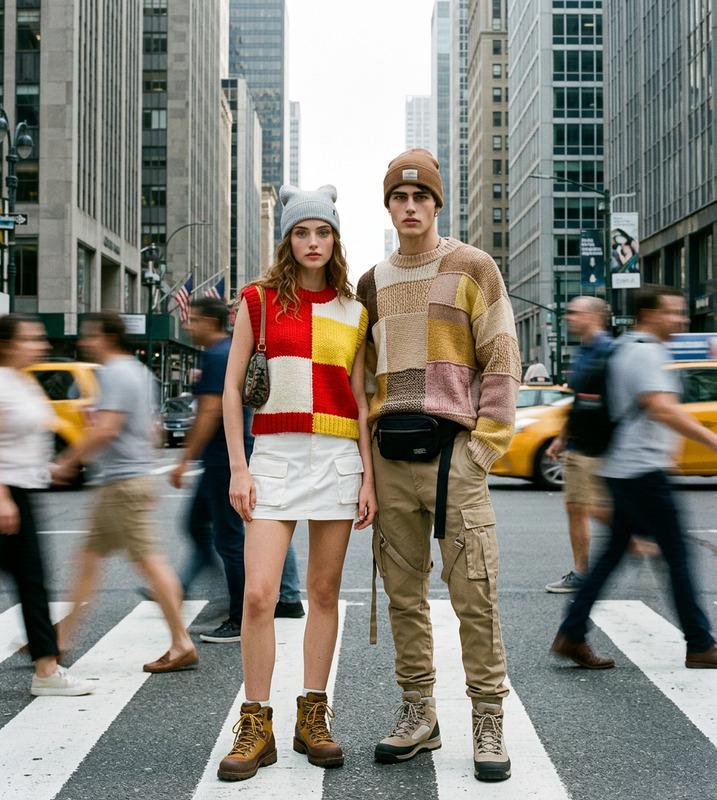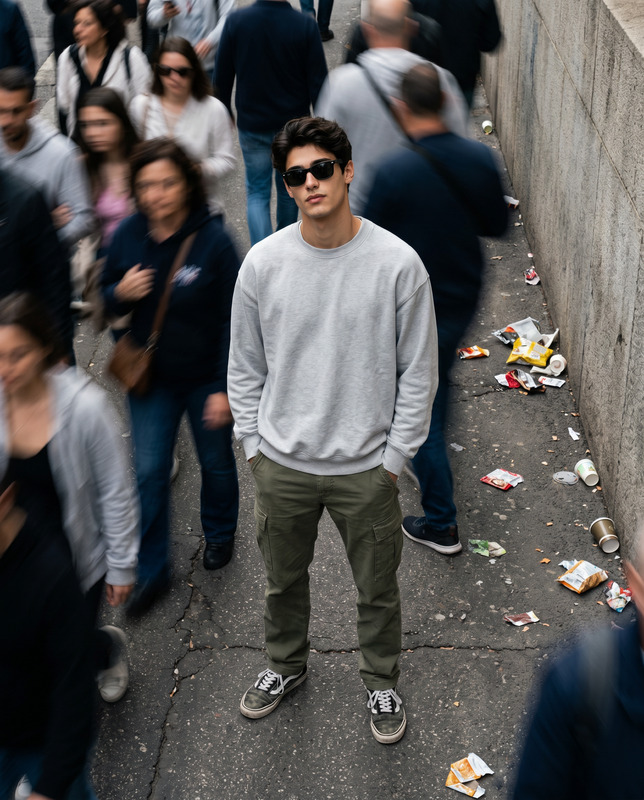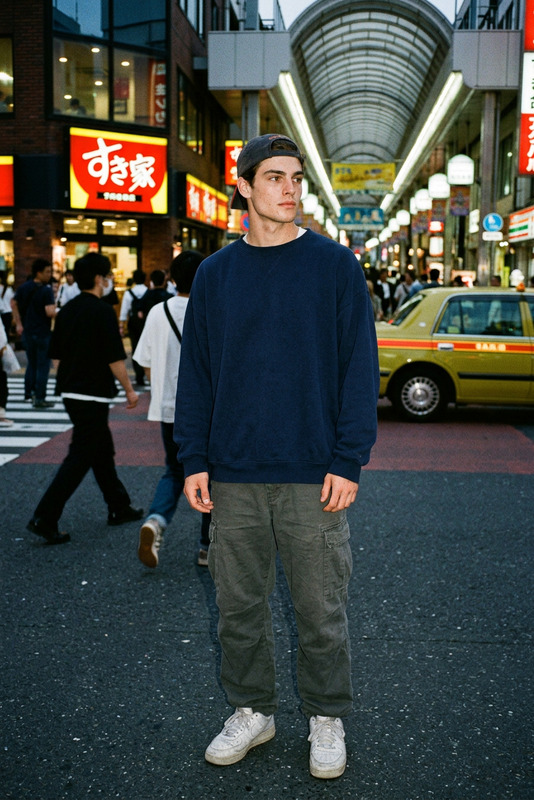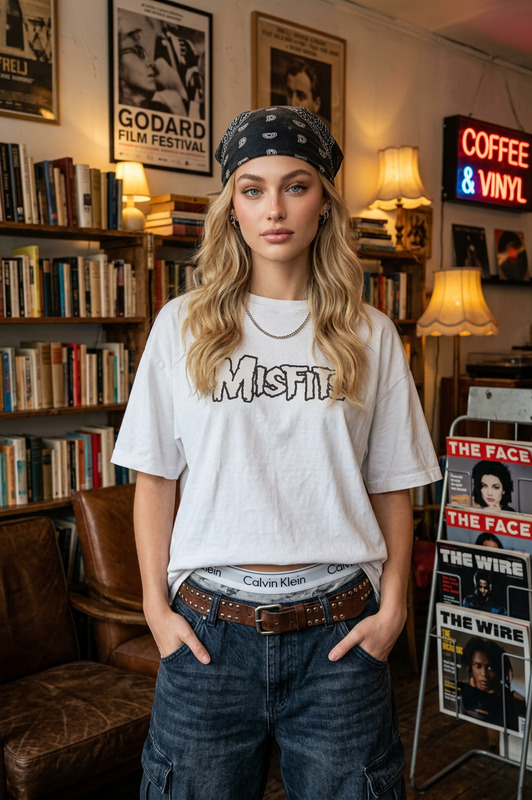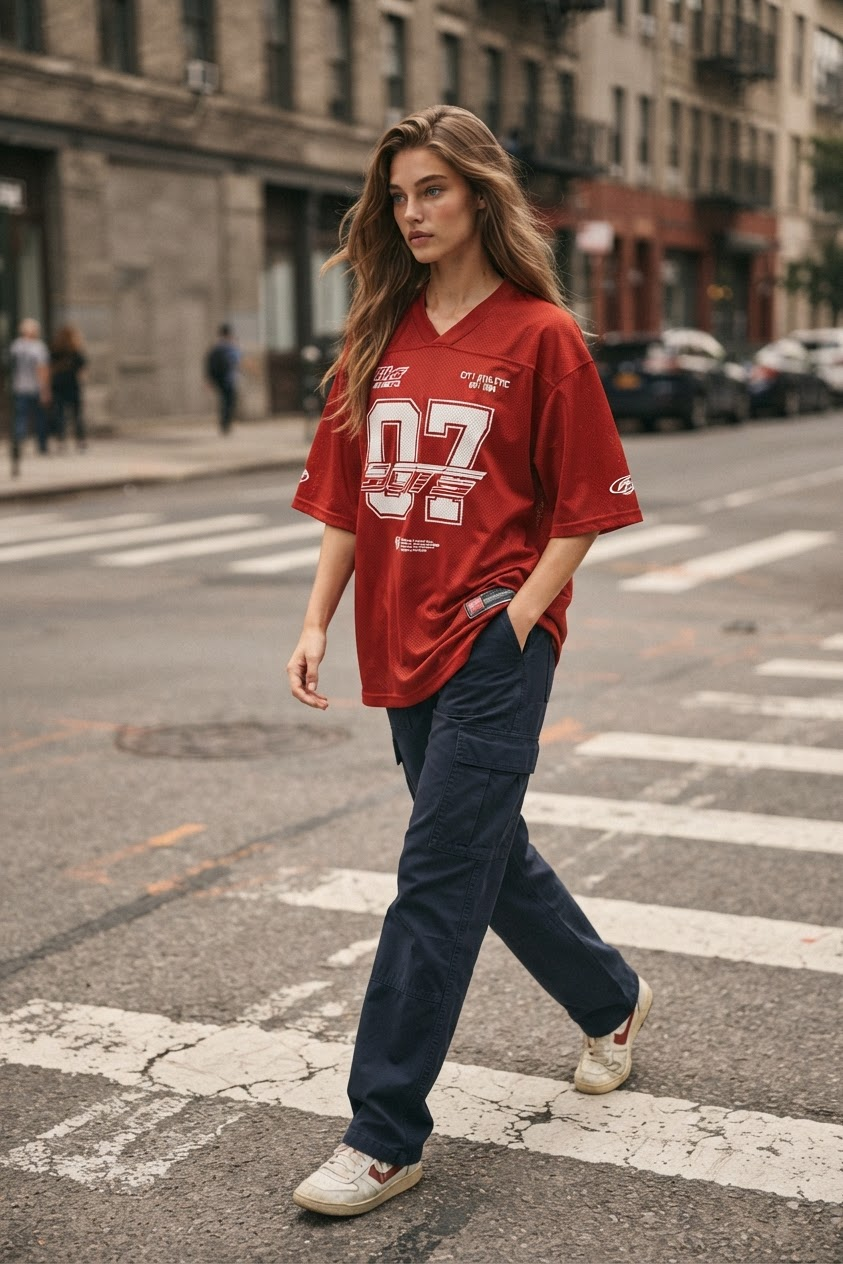
Urban Crosswalk Streetwear Portrait
- Model
- Nano Banana 2 Lite
- Image
- 843 × 1264 px
Prompt
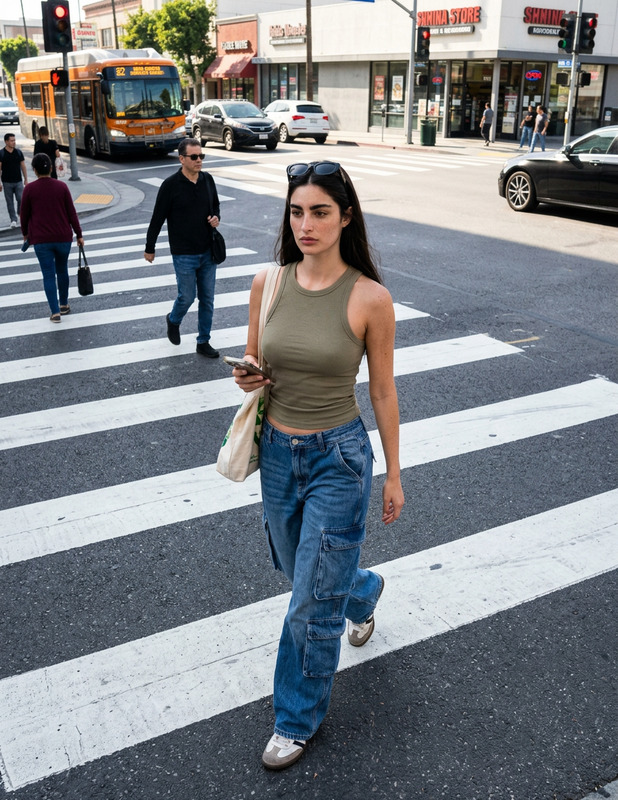
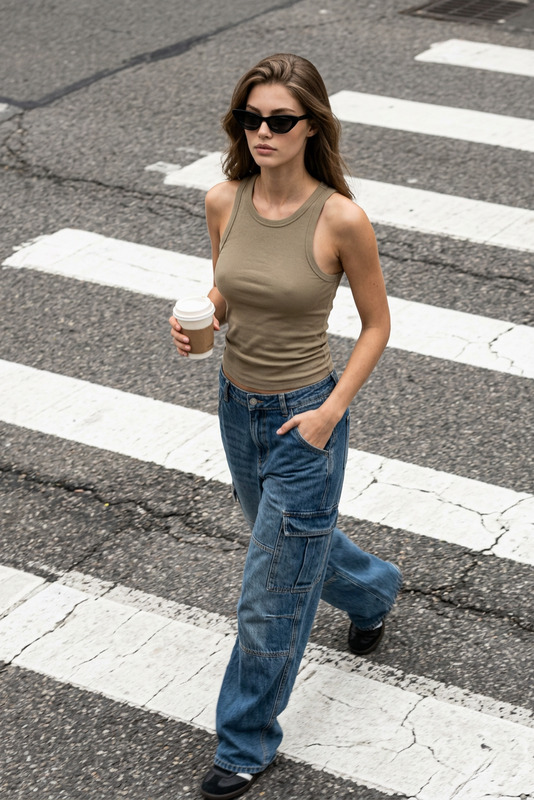
A high-angle medium shot of the subject walking naturally across a city street with large painted crosswalk lines clearly visible on the asphalt. The subject wears a loose-fitting red sports jersey with bold white typography and the number “07” on the front, featuring layered graphic details, small logo elements, and streetwear-inspired text placement. The jersey has realistic fabric texture, natural folds, and relaxed oversized proportions. The subject pairs it with dark navy cargo pants made from sturdy utility fabric, showing realistic seams, pockets, and subtle material texture. The composition captures a candid urban moment with the subject moving through the frame, creating a sense of motion and quiet introspection. The camera angle is slightly elevated, giving a documentary street photography perspective while maintaining a natural, unposed feeling. The subject’s posture is relaxed, with realistic walking movement and authentic body proportions. Natural diffused daylight illuminates the scene, creating soft shadows and subtle highlights on the skin and clothing, suggesting a mid-morning or late-afternoon atmosphere. The urban environment features a warm gray and muted red color palette, with textured asphalt, faded street markings, and understated city surroundings. The overall mood is casual, contemporary, and street-style focused. Use realistic photography characteristics: shallow depth of field, natural lens perspective, authentic fabric details, visible asphalt texture, soft cinematic color grading, documentary streetwear photography aesthetic. Color palette inspired by muted urban tones: warm beige-gray, charcoal, deep navy, faded red, and earthy brown accents (#beb3ad, #161508, #aea69f, #938a81, #9f9890, #cec0ba, #5d1d0c, #3f1506, #85786e, #872c16, #904e30). Ultra-realistic, high-resolution, natural lighting, premium street fashion editorial style.
Any aspect ratio
Overview
Capture the essence of urban streetwear fashion with the Urban Crosswalk Streetwear Portrait template. This AI Image Editor template allows you to create high-angle, realistic portraits set in a bustling cityscape. The visually striking composition emphasizes bold text and fabric textures, painting a picture of modern street fashion with a documentary twist.
What It Does
This template offers a powerful tool for creating high-resolution portraits that reflect the essence of contemporary street fashion. It utilizes realistic photography characteristics such as shallow depth of field, natural lighting, and a documentary streetwear photography aesthetic. With a focus on fabric detail and authentic city settings, the images created will have a soft cinematic color grading, enhancing the casual and introspective mood you aim to convey.
Who It's For
Designed for photographers and fashion enthusiasts, this template is a perfect fit for professionals in the streetwear industry, fashion bloggers, and content creators aiming to showcase realistic and engaging urban portraits. Whether you're promoting a new line or building a digital mood board, this template caters to those who appreciate the finer details in texture and urban settings.
Summary
The Urban Crosswalk Streetwear Portrait template is your go-to solution for crafting editorial-style images that capture the heart of urban street fashion. Emphasizing real-world settings and striking composition, this tool is equipped to elevate your photography projects, blending fashion storytelling with an authentic city vibe.
Explore other options with AI Image Editor, compare styles with the AI Photo Relighting tool, or see how it contrasts with street fashion using our AI Background Changer.
How To Use
Choose Your Template

Customize Your Inputs

Generate and Download

Use Cases
Fashion Editorials
- Street-style fashion shoots
- Seasonal clothing line launches
- Editorial spreads
Social Media Campaigns
- Instagram stories and reels
- Facebook ads
- Tiktok videos
Website Content
- Product listings and showcases
- Blog posts and visual articles
Mood Boards
- Fashion mood boards for design teams
- Trend forecasting presentations
Best Practices
Focus on Realism
Utilize the template's capability to highlight fabric textures and authentic city environments, ensuring each element looks hyper-realistic.Emphasize Motion
Capture the subject's natural movement. Use the prompts to mimic real-world dynamics and motion in your images.Color Palette Consistency
Stick to the suggested earthy and muted urban tones to maintain a cohesive look throughout your collection. Consider exploring other templates for varied inspiration in color grading, like the AI Photo Relighting tool.