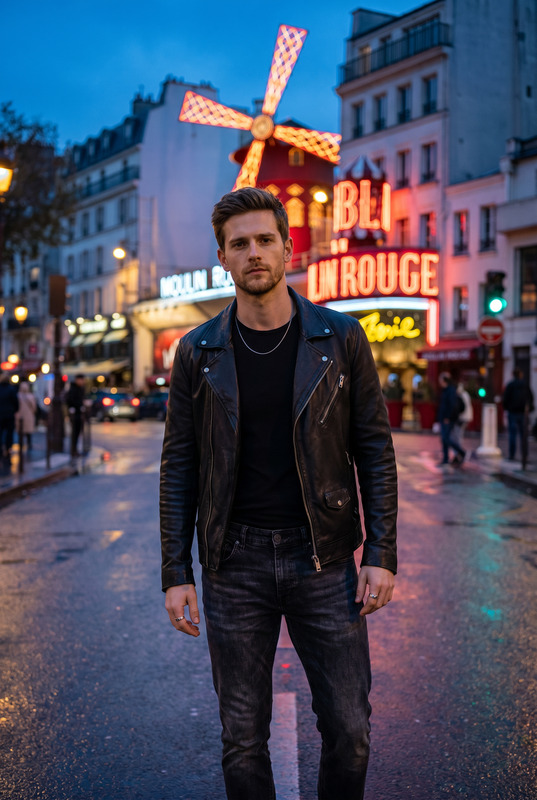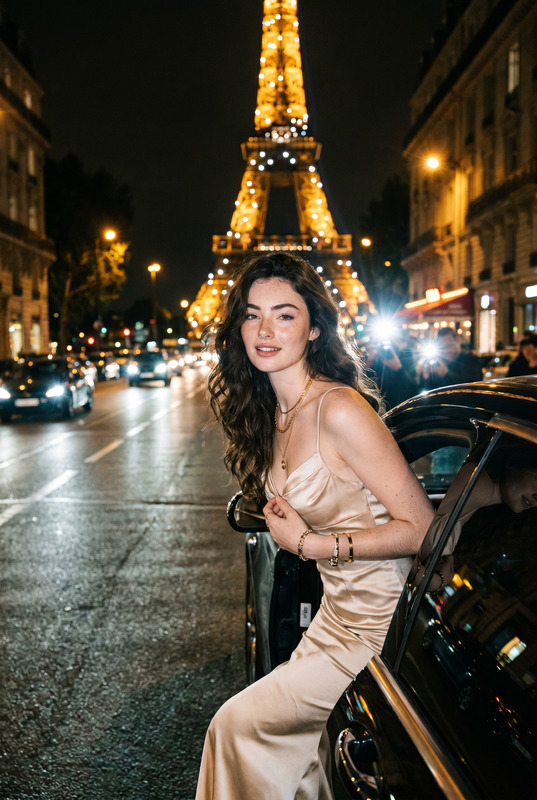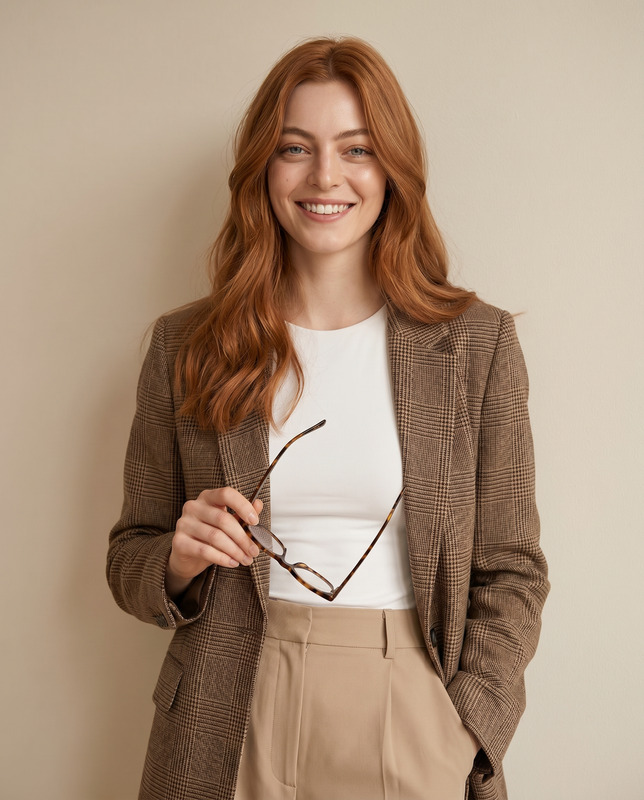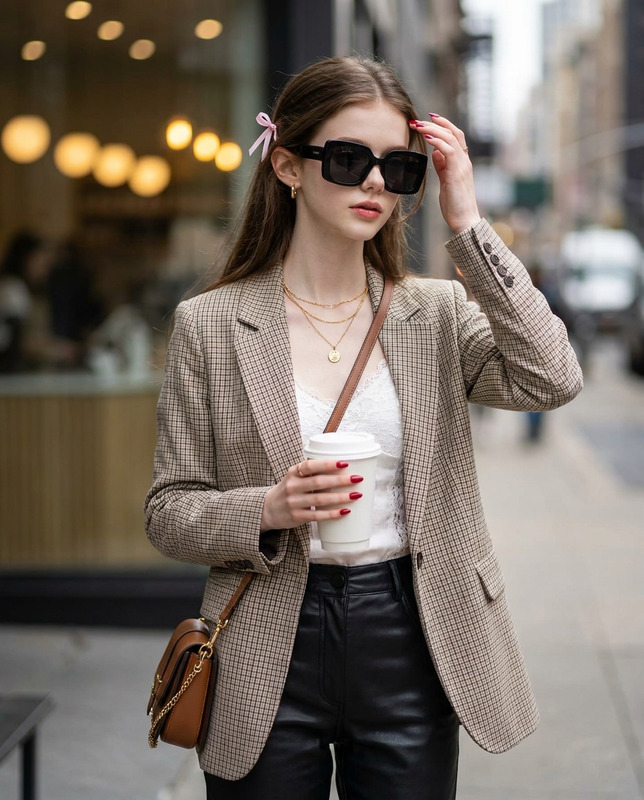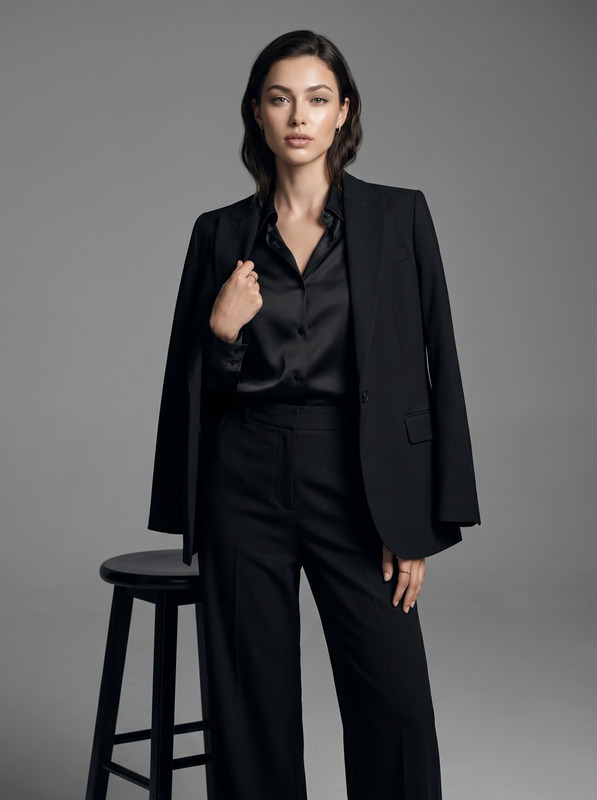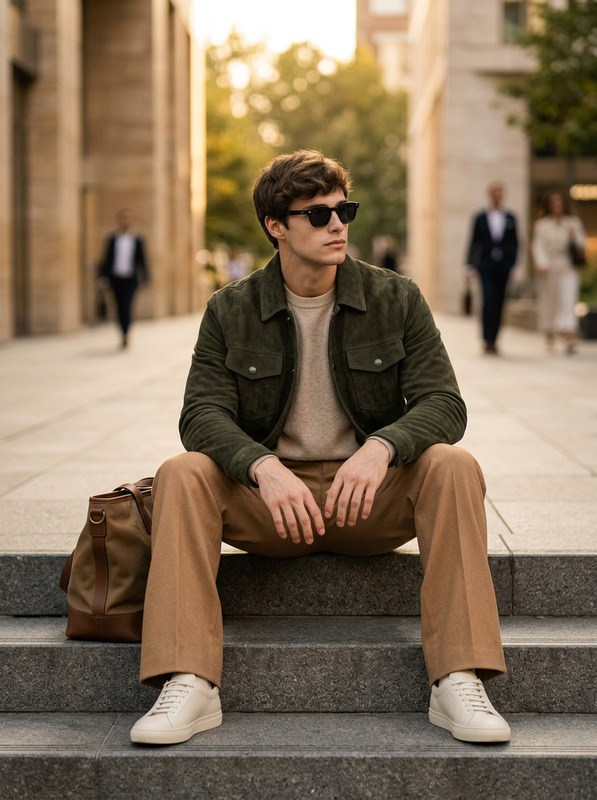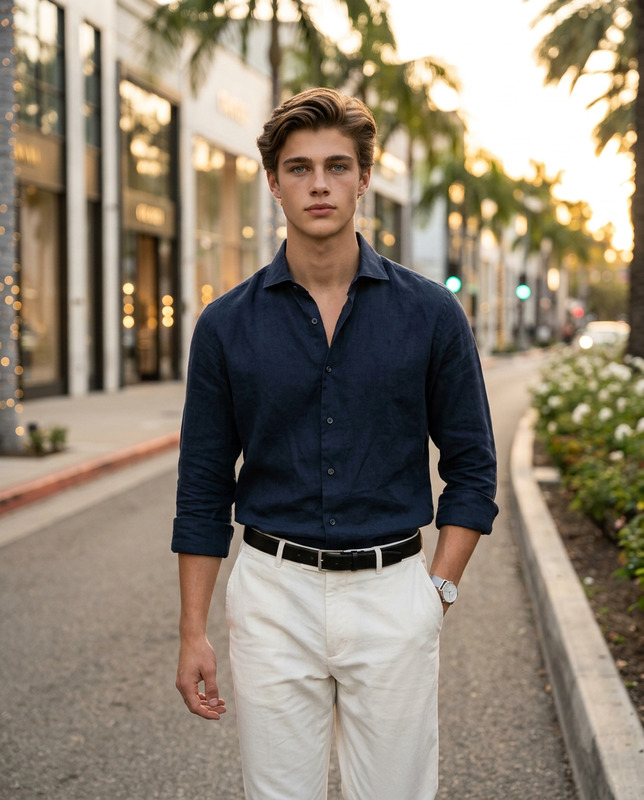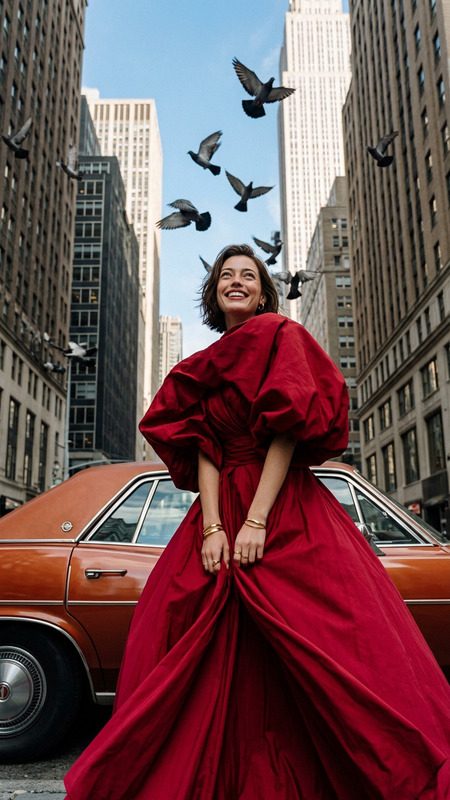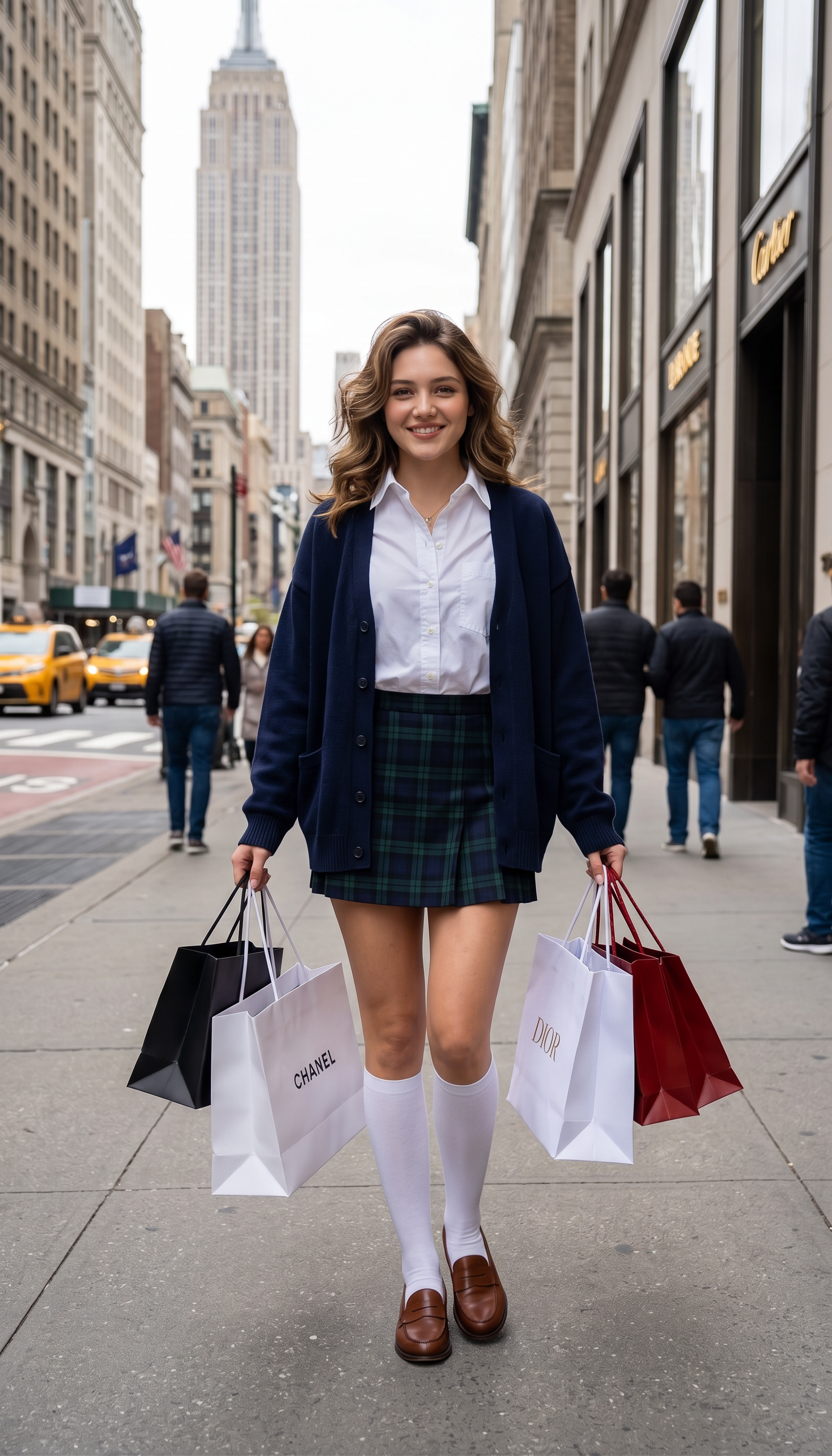
Downtown Cool
- Model
- Nano Banana 2
- Image
- 1568 × 2744 px
Prompt
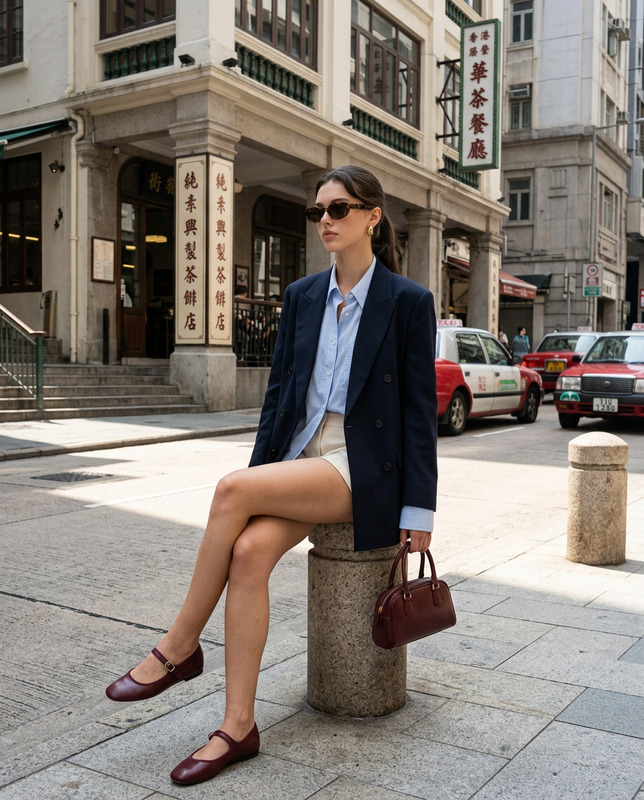
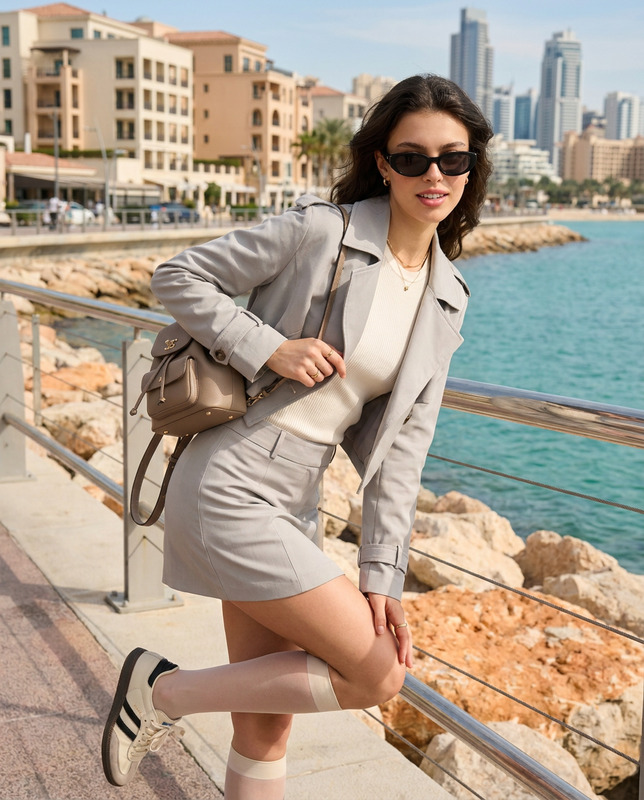
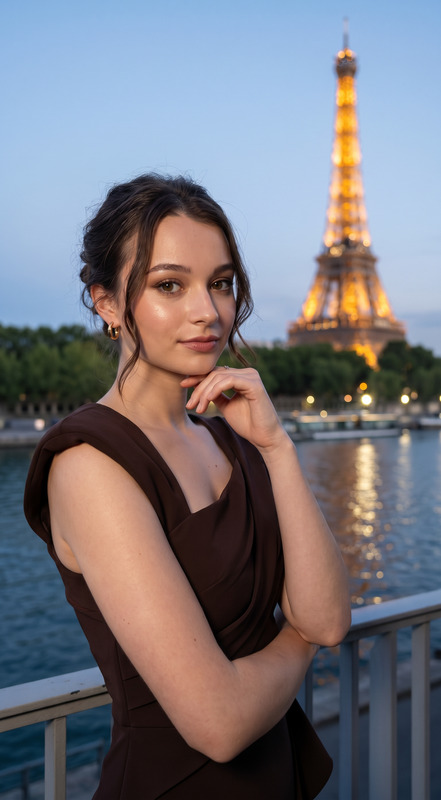
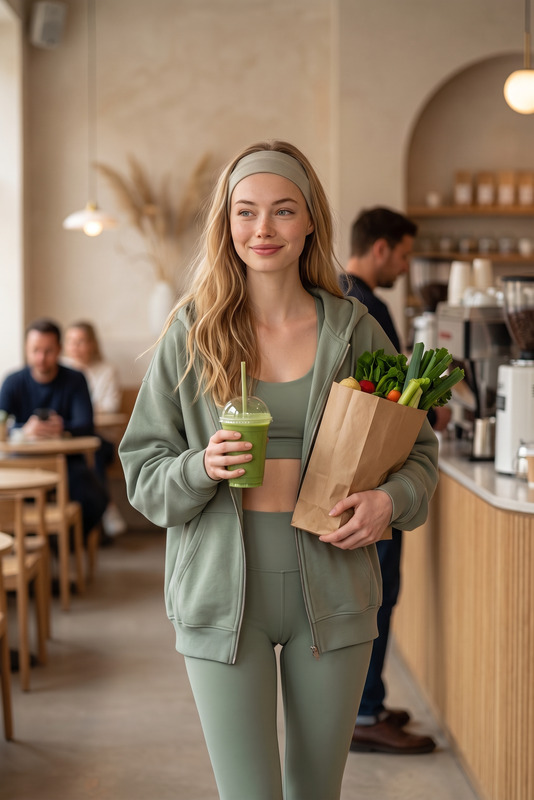
Transform the uploaded face-edited portrait into a cinematic luxury city shopping lifestyle editorial on a busy New York street. The person is walking confidently down the sidewalk while holding multiple premium shopping bags, wearing an oversized navy cardigan layered over a crisp white shirt, a plaid mini skirt, knee-high white socks, and classic brown loafers. Soft voluminous hair, glowing natural skin, playful confident expression, effortless preppy fashion aesthetic. Realistic urban background with blurred pedestrians, storefronts, and city details, cinematic shallow depth of field, ultra realistic skin texture, luxury street style campaign vibe, Vogue-inspired editorial photography, modern old-money aesthetic, premium cinematic color grading, candid fashion week atmosphere, stylish feminine energy, luxury shopping day mood. Transform the uploaded face-edited portrait into a cinematic luxury city shopping lifestyle editorial on a busy New York street. The person is walking confidently down the sidewalk while holding multiple premium shopping bags, wearing an oversized navy cardigan layered over a crisp white shirt, a plaid mini skirt, knee-high white socks, and classic brown loafers. Soft voluminous hair, glowing natural skin, playful confident expression, effortless preppy fashion aesthetic. Realistic urban background with blurred pedestrians, storefronts, and city details, cinematic shallow depth of field, ultra realistic skin texture, luxury street style campaign vibe, Vogue-inspired editorial photography, modern old-money aesthetic, premium cinematic color grading, candid fashion week atmosphere, shot on 85mm lens, stylish feminine energy, luxury shopping day mood.
Any aspect ratio
Overview
The Downtown Cool template offers a unique blend of cinematic luxury and urban street style, designed for the AI Image Editor using the cutting-edge nano-banana-2 model. With this template, transform your face-edited portraits into striking editorial visuals that convey a premium city shopping vibe on bustling New York streets.
What It Does
This template focuses on turning ordinary portraits into luxurious lifestyle photoshoots. It captures the essence of high-fashion street photography with ultra-realistic details and premium color grading reminiscent of fashion magazines like Vogue. Expect a depiction of confidence, style, and modern urban elegance.
Who It's For
Ideal for fashion enthusiasts, photographers, and social media influencers aiming to create content that resonates with urban luxury and preppy fashion. It is an excellent fit for those looking to produce marketing materials that echo the feel of a professional, high-end advertising campaign.
Summary
The Downtown Cool template is your gateway to creating luxurious, lifestyle-oriented imagery with an urban twist. Designed for seamless integration with our AI Image Editor, it elevates your visual content with ease, ensuring each edit captures the vibrant, bustling vibe of city life.
How to Use
Choose Template

Customize Inputs

Generate and Download

Use Cases
Fashion Influencer Content
- Instagram posts
- Brand collaborations
- Fashion blog visuals
Marketing Campaigns
- E-commerce banners
- Digital ad creatives
- Lookbooks
Editorial Photography
- Magazine covers
- Editorial spreads
- Portfolio development
Best Practices
Select High-Quality Images
For the best results, use high-resolution portraits to ensure details in the edit are crisp and clear.Pay Attention to Clothing Details
Ensure attire in the initial photograph closely matches the template’s specified wardrobe for consistency.Experiment with Lighting
Adjust the lighting settings to enhance the cinematic feel; leveraging shadows can add depth and drama.