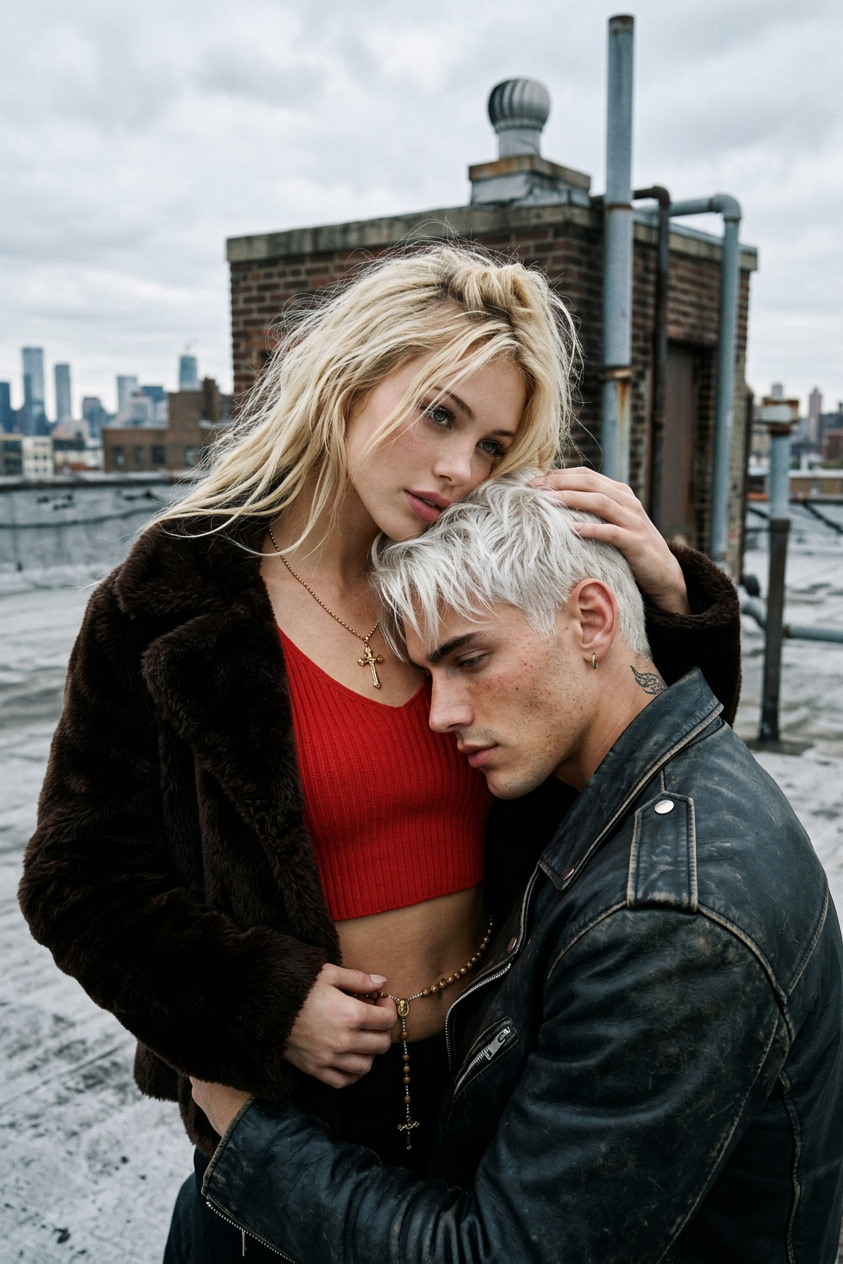
Urban Rooftop Editorial
ai-image-editor
Any aspect ratio
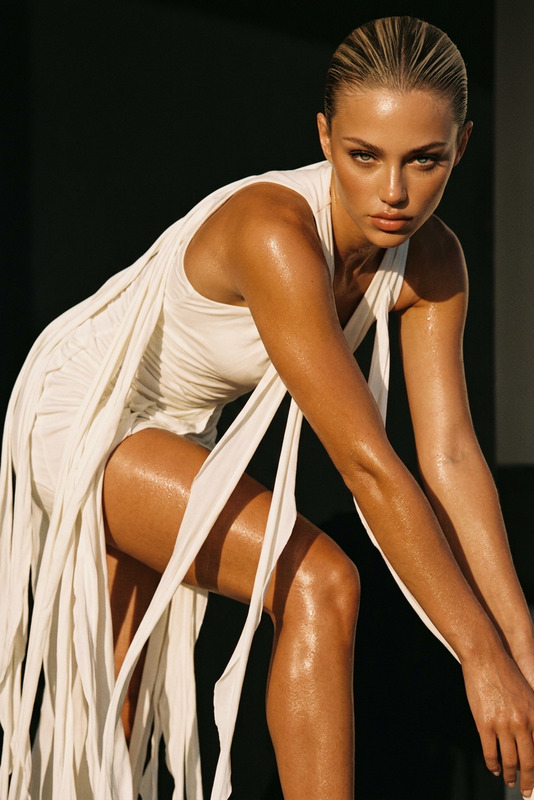
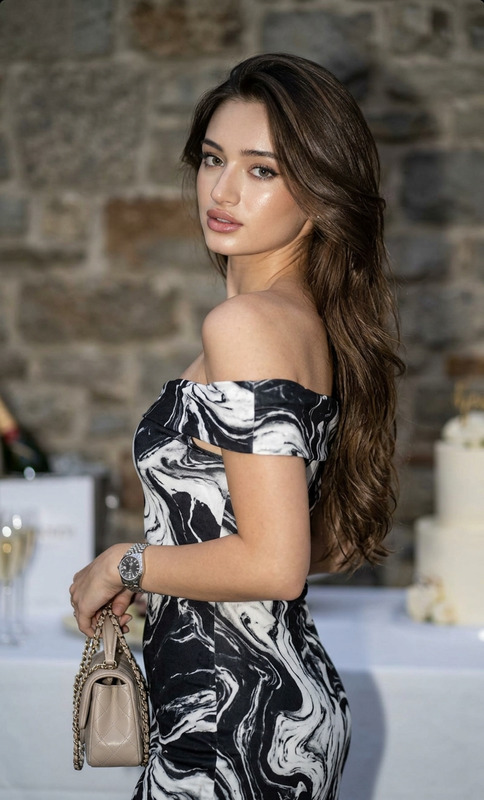
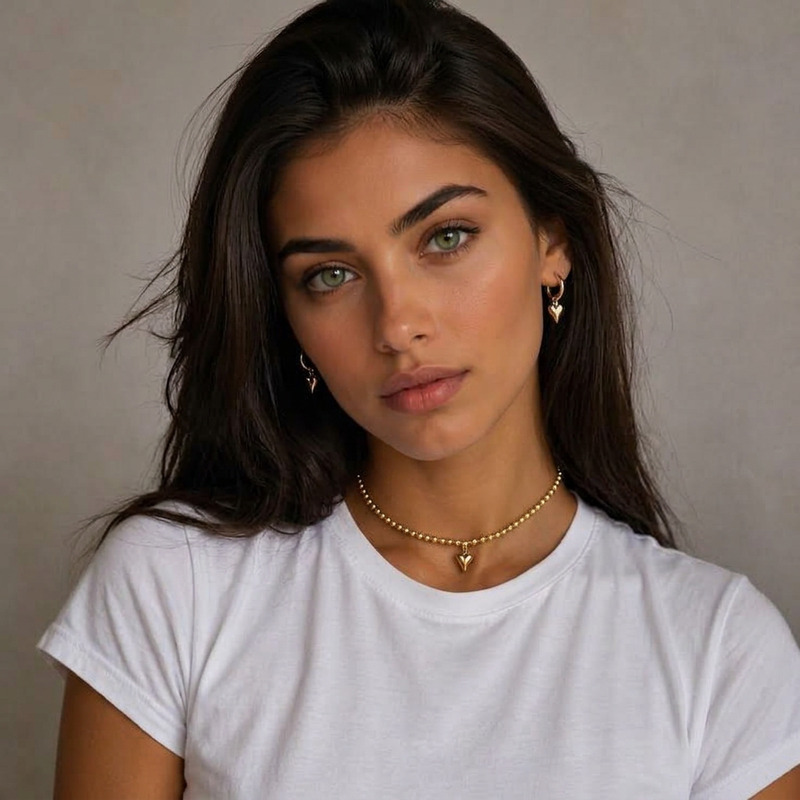
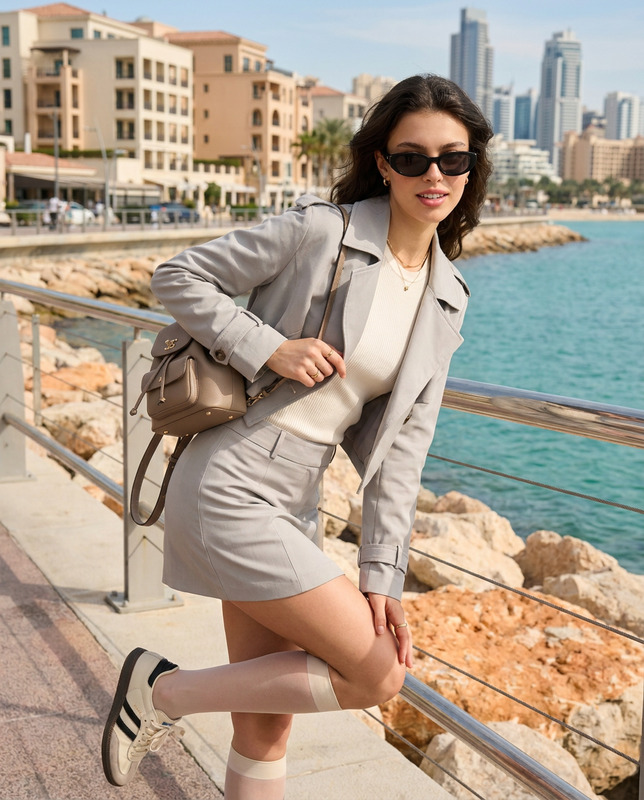
Generate a high-fashion editorial portrait of two young models on a raw urban rooftop setting, captured from a low-angle perspective that emphasizes closeness, vulnerability, and cinematic intimacy; the subjects are shown in an emotional embrace, styled in a mix of vintage and street-inspired clothing, with one wearing a red ribbed crop top layered under a faux fur jacket, accessorized with a golden cross necklace and a loosely hanging rosary belt, while the other wears a worn leather jacket and rests their head gently against the other’s exposed stomach; the composition focuses on natural body language and emotional tension without exaggeration, set against an overcast sky that provides soft, diffused lighting, preserving realistic skin tones while maintaining the gritty texture of the city backdrop; the aesthetic evokes early 2000s analog photography with muted color grading, visible film grain, and a subtle cinematic mood, blending fashion-forward styling with raw, unfiltered urban atmosphere.
AI Image Editor Template: Turn Any Photo Into High-Impact Visuals in Minutes
Use this template to rapidly transform, enhance, or fix any image with AI—without needing Photoshop or design skills. Perfect for marketers, founders, creators, and product teams who need professional visuals on tight deadlines.
This template is built on the AI Image Editor, so you can edit directly or remix it into your own custom workflow.
What You Can Do With This Template
Use this template as a starting point to:
Clean up and enhance photos
- Remove unwanted objects or people
→ Try: AI Remover or Remove Object From Photo - Erase logos or text for reuse
→ See: Watermark Remover - Unblur and sharpen low-quality images
→ Use: Unblur Image and AI Image Upscaler
- Remove unwanted objects or people
Change backgrounds and environments
- Swap busy or messy backgrounds for clean studio-style scenes
→ Use: Image Background Remover and AI Background Generator - Place products or people into on-brand, AI-generated environments
- Create variants of the same shot for A/B testing
- Swap busy or messy backgrounds for clean studio-style scenes
Edit faces and people with precision
- Subtly retouch portraits and headshots
→ Explore: AI Headshot Generator, AI Face Editor, AI Face Generator - Experiment with different outfits and styles
→ See: AI Clothes Changer and AI Outfit Generator - Generate high-converting profile images for LinkedIn, portfolios, or founder pages
→ Also useful: AI Selfie Generator, Avatar Generator
- Subtly retouch portraits and headshots
Turn photos into branded assets
- Turn a base photo into:
- Social thumbnails → Thumbnail Maker
- Album, podcast, or playlist art → Album Cover Generator
- Book or report covers → Book Cover Generator
- Marketing visuals and ad creatives → AI Art Generator
- Turn a base photo into:
Create concept art, design explorations, or IP
- Convert a sketch/photo into stylized art (anime, manga, comic, fantasy, etc.)
→ Explore: - Build characters, mascots, and style guides
→ Try: AI Character Generator, Animated Characters Generator, Superhero Generator
- Convert a sketch/photo into stylized art (anime, manga, comic, fantasy, etc.)
How to Remix This Template in Magic Hour
You can treat this template as a “base layer” and branch it into your own specialized tools. A typical remix flow:
Start from a source image
- Upload a product shot, portrait, UI mock, gameplay screenshot, or reference photo.
- For AI-first workflows, you can generate your starting image via:
Edit directly with AI Image Editor
- Use the AI Image Editor to:
- Remove or add objects
- Replace backgrounds
- Refine faces, details, and lighting
- Clean artifacts from other AI models
- If you’re iterating on a brand look, keep a small “style library” of reference images and run them all through the same editing steps for consistency.
- Use the AI Image Editor to:
Chain into other Magic Hour tools (optional)
Once the base image is edited, you can send it into other products to turn static images into richer media:Image → Short video or animation
- Image-to-Video to add movement and camera motion
- AI GIF Generator for looping visuals
- AI Talking Photo to animate portraits
- AI Meme Generator for contextual social content
Image → Video template workflows
- Turn edited faces into dynamic content using:
Image → Identity and branding
- Logos and icons → AI Logo Generator, AI Icon Generator
- Brand characters → Full-Body Generator, AI Fashion Generator
Polish and upscale for production
- Upscale and restore for print, retina displays, or marketplaces using:
- Colorize archives or B/W assets via:
Who This Template Is For
This AI Image Editor template is designed for:
Marketers & growth teams
- Rapidly generate and test creative variants
- Localize or personalize visuals without a design bottleneck
- Clean UGC or partner assets for campaigns
Founders & product builders
- Generate pitch deck visuals, landing page hero images, and app store assets
- Create placeholder imagery, mockups, or concept art while design resources are limited
- Update visuals quickly as your product or brand evolves
Content creators & agencies
- Standardize client visuals with replicable, AI-powered editing flows
- Build re-usable “house styles” (e.g., YouTube thumbnails, podcast art, campaign templates)
- Batch-fix and repurpose existing asset libraries
Developers & technical teams
- Use Magic Hour as a visual layer on top of internal tools or generative pipelines
- Clean and align outputs from other models before they go into production
- Create synthetic datasets (e.g., face variations, outfits, backgrounds) using AI Face Generator, Gender Swap, AI Clothes Changer
Practical Use Cases and Patterns
Here are some concrete workflows that smart teams often build on top of an AI Image Editor–style template:
High-conversion founder & team pages
- Generate or refine headshots via AI Headshot Generator
- Edit backgrounds and lighting with AI Image Editor
- Maintain consistent framing and style across the entire team
E-commerce product upgrades
- Remove distracting backgrounds → Image Background Remover
- Place products in lifestyle scenes → AI Background Generator
- Upscale for marketplace standards → AI Image Upscaler
Social content + shorts pipeline
- Start from a single product or brand photo
- Edit and stylize with AI Image Editor
- Turn into short clips or GIFs via Image-to-Video and AI GIF Generator
- Add subtitles to generated videos with Auto Subtitle Generator
IP & worldbuilding for games and fiction
- Generate characters and worlds via:
- Refine, unify, and iterate using the AI Image Editor template
- Create visual bibles, promo art, and UI frames from the same pipeline
Niche and experimental workflows
- Concept tattoos → AI Tattoo Generator
- Optical illusions → Optical Illusion Generator
- Photo-to-illustration or sketch → Photo to Sketch, AI Illustration Generator
From Static Images to Full AI Media Stacks
Once your images are dialed in, you can extend this template into a full-stack AI content system:
Add voice and motion
- Animate characters or faces with AI Talking Photo
- Generate voiceovers using AI Voice Generator or clone your own voice with AI Voice Cloner
- Change voices in existing media via AI Voice Changer
Compose full videos
- Turn scripts into video with Text-to-Video
- Refine, restyle, or localize existing videos using Video-to-Video Templates
- Scale quality with Video Upscaler
Bridge online/offline experiences
- Generate scannable visuals with AI QR Code Generator
- Use edited images as entry points to interactive or AR experiences
How to Get the Most Out of This Template
- Treat it as a reusable editing layer: Run new images through the same template so your brand stays visually consistent.
- Use it in combination with generation tools like AI Image Generator and AI Art Generator to go from idea → image → polished asset in one environment.
- For teams, define a simple internal playbook: which tools to use when, and what “done” looks like for each asset type (thumbnails, product photos, headshots, etc.).
Use this AI Image Editor–based template as your base, then remix it into your own tailored workflow—whether you’re shipping campaigns, product launches, content calendars, or entire visual IP universes on top of Magic Hour.