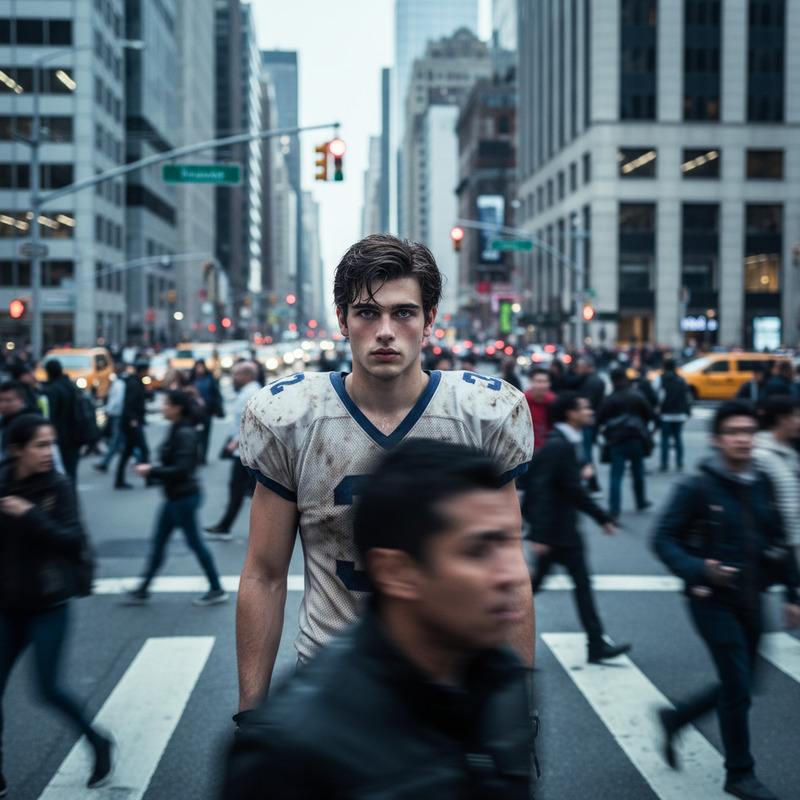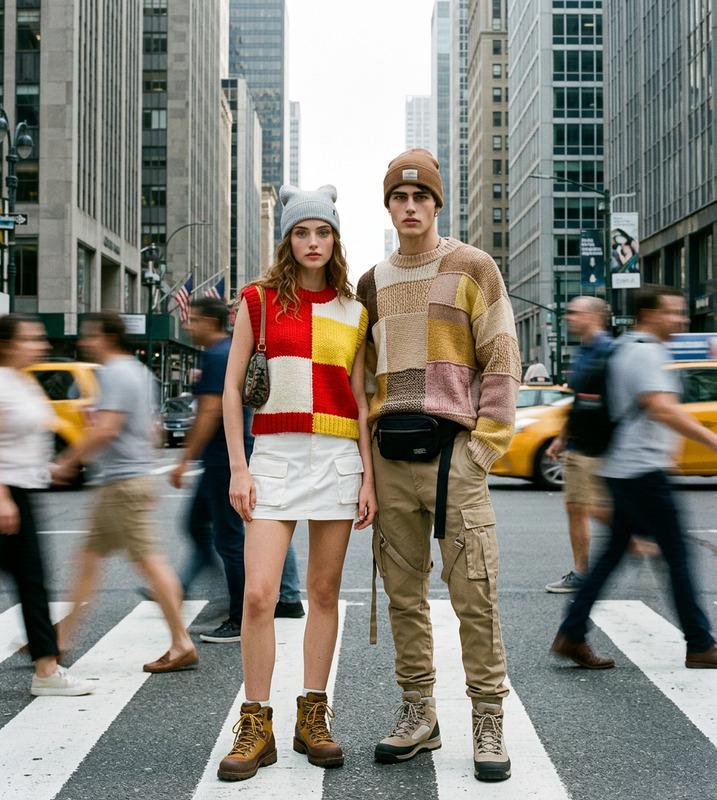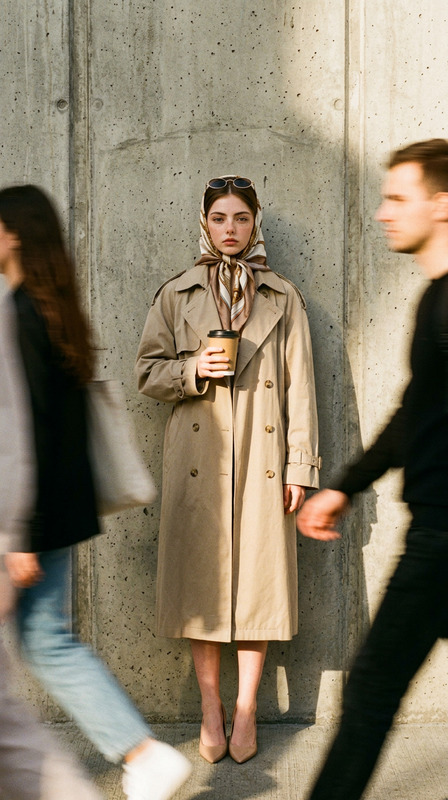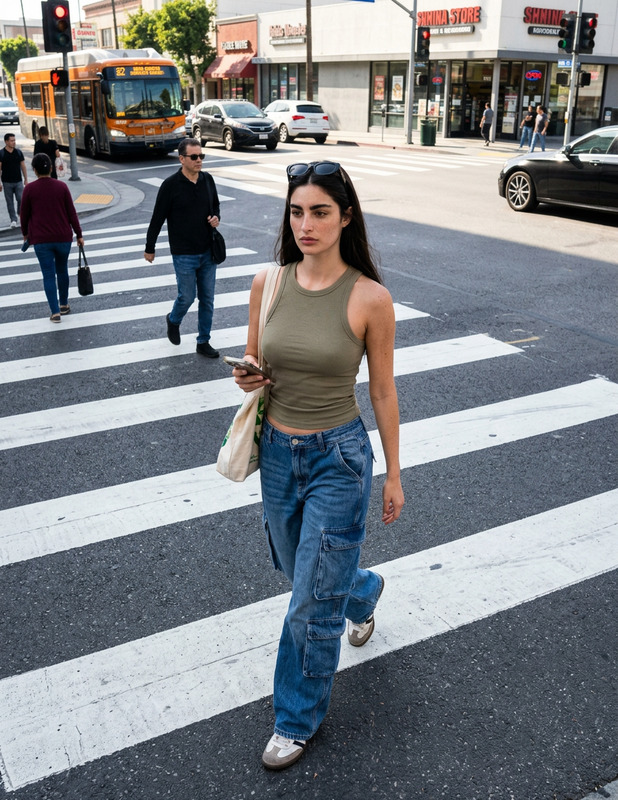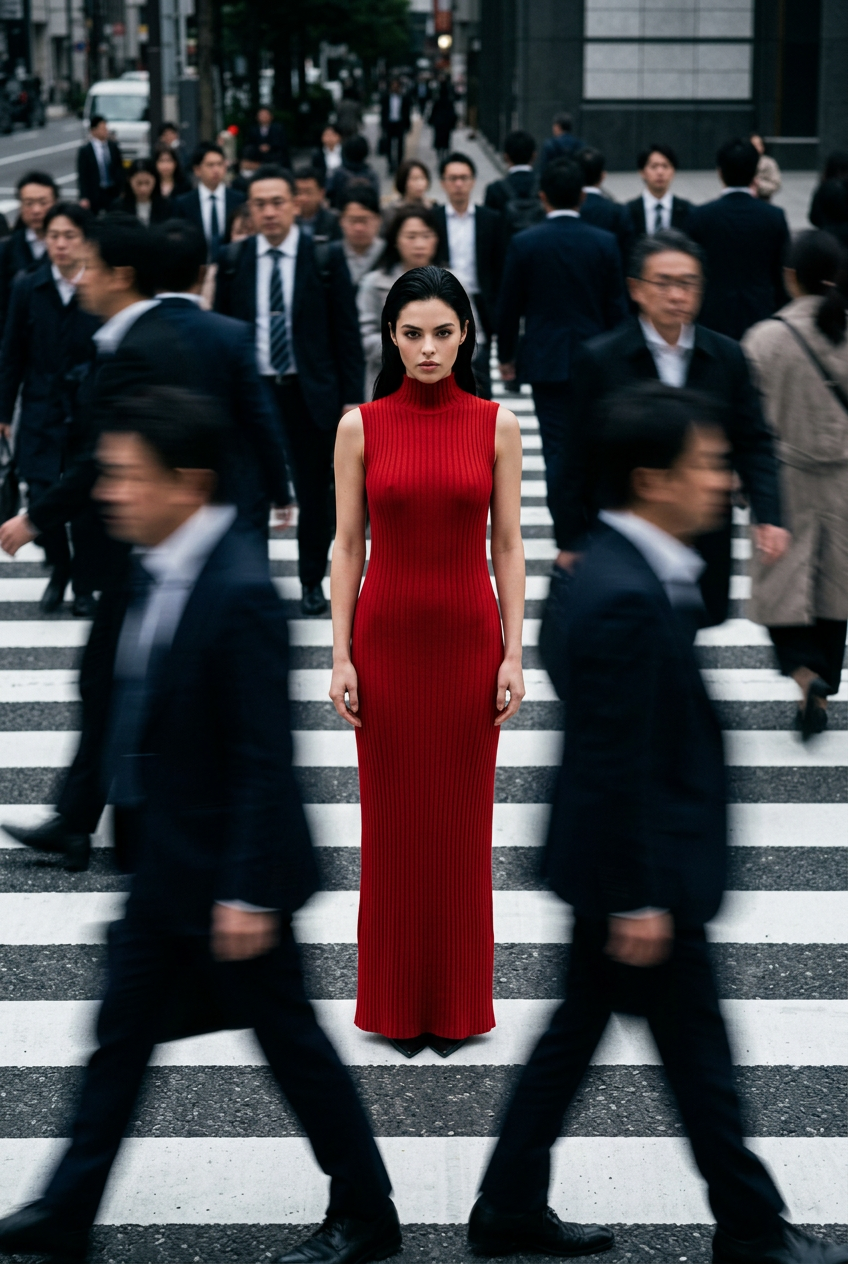
Foggy Crowded Crosswalk
- Model
- Nano Banana 2
- Image
- 848 × 1264 px
Prompt
Cinematic fashion editorial photograph, stunning tall model standing perfectly still in the center of a busy zebra crossing, wearing elegant sleeveless high-neck long red ribbed knit maxi dress, sharp focus on her poised elegant face and body, intense direct gaze at camera, slicked-back hair, surrounded by heavily motion-blurred crowd of people in dark suits and coats rushing past in all directions, strong sense of isolation and contrast, dynamic panning effect, blurred urban pedestrians creating ghostly streaks, moody overcast city lighting, cool gray tones with vibrant red pop, high contrast, shallow depth of field, photorealistic ultra-detailed 8K, dramatic atmospheric haze, high fashion minimalist mood, street style editorial, shot on 35mm film, cinematic composition from slightly low angle --ar 2:3 --stylize 350 --v 6 --q 2
Any aspect ratio
Overview
The "Foggy Crowded Crosswalk" template in the AI Image Editor collection harnesses the power of the nano-banana-2 model to create stunning visual narratives. Craft an image that tells the story of isolation amidst chaos, perfect for fashion editorials or urban photography projects.
What It Does
This template transforms any mundane street scene into a dramatic fashion editorial. It captures your subject with breathtaking clarity and elegance, strategically blurring the surrounding crowd to highlight the model's poised presence. The dynamic panning effect combined with a photorealistic touch enhances the cinematic feel.
Who It's For
Ideal for photographers, fashion brands, and creative directors who require striking visuals with a juxtaposition of static elegance and chaotic movement. It's also suitable for anyone aiming to create video style transfers or mood boards that communicate a high-fashion urban vibe.
Summary
Explore the power of AI-driven image editing with the "Foggy Crowded Crosswalk" template. Create images that stand out in profile picture generators or upscale them using the AI Image Upscaler for publication-quality results. Whether for personal or commercial projects, this tool delivers impeccable and consistent results.
How To
Choose the Template

Customize Your Inputs

Generate the Image

Use Cases
Fashion Editorials
- Highlight apparel and designs
- Provide a narrative context for collections
Urban Photography
- Introduce cinematic compositions
- Capture the dynamics of urban life
Advertising Campaigns
- Generate high-contrast visuals
- Employ strong focal points
Best Practices
Focus on Composition
Adjust the model's position in the frame to emphasize the balance between isolation and surrounding chaos.Leverage Lighting
Utilize the overcast city lighting to add drama. Consider adding shadows or highlights to enhance mood.Optimize for Output
After generating the image, use the AI Image Upscaler for larger formats or higher print quality.