Phantom Rider – Gothic Monochrome
- Model
- Nano Banana 2
- Image
- 768 × 1366 px
Prompt
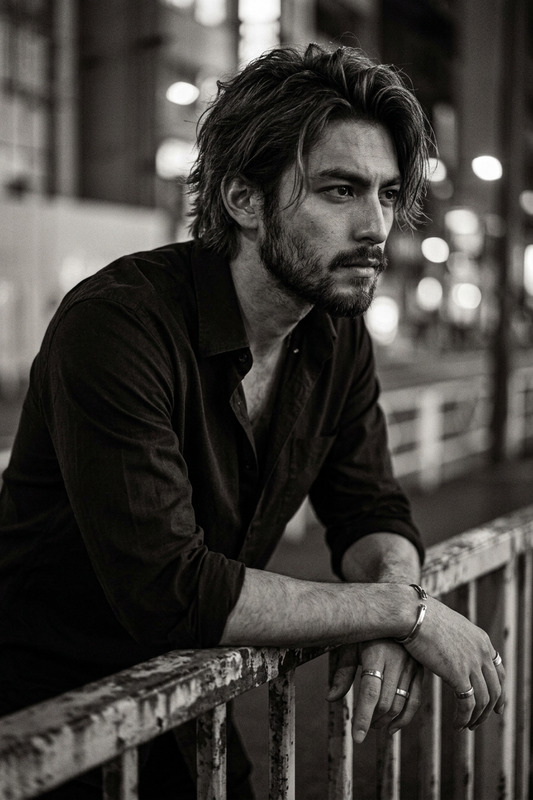
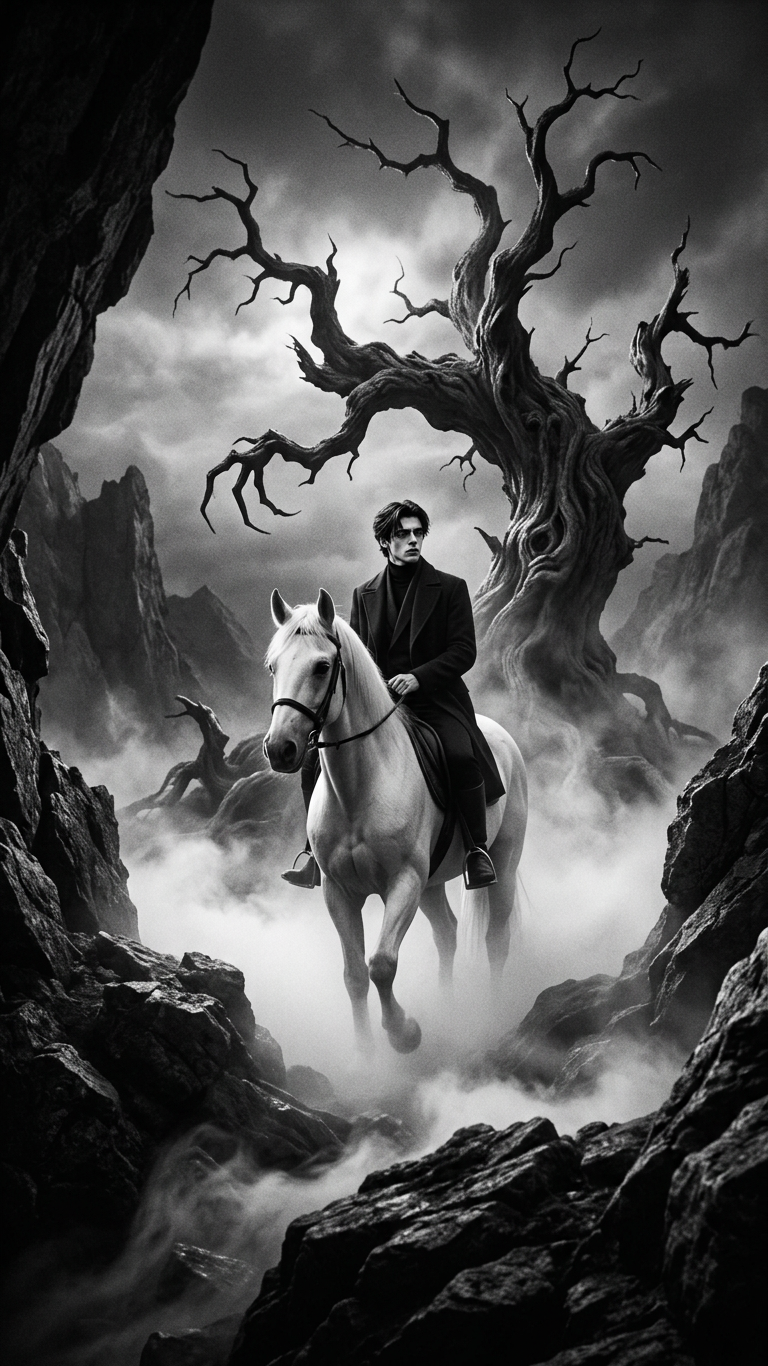
Cinematic monochrome film still in high-contrast black and white, featuring a subject riding a white horse through dense ground mist. The scene is set in a dark gothic landscape with a gnarled, twisted dead tree in the background and rugged rocky terrain framing the composition. Dramatic chiaroscuro lighting creates deep shadows and striking highlights, with ethereal volumetric fog adding a haunting, eerie atmosphere. Shot in a wide-angle perspective with a vintage 35mm film aesthetic, visible grain, sharp textures on rocks, and soft diffusion in the mist. German Expressionism influence with a dark fantasy tone.
Any aspect ratio
Overview
The Phantom Rider – Gothic Monochrome template offers an immersive experience in AI-driven visual storytelling. This AI Image Editor template transforms your visuals into cinematic film stills, capturing the haunting essence of gothic landscapes. Utilizing the power of the nano-banana-2 model, this template brings your monochrome visions to life with detail and drama.
What It Does
By leveraging the Phantom Rider template, users can create high-contrast black and white images featuring striking elements—such as a figure riding through misty, gothic terrain. The template emphasizes dramatic lighting effects, textures, and a vintage 35mm film aesthetic. This is perfect for projects needing a dark fantasy tone or an impressive visual style inspired by German Expressionism.
Who It's For
This template is ideal for creatives working in film, photography, and digital storytelling. Artists looking to convey a gothic or dark fantasy ambiance in their narratives will find this template invaluable. It's also suited for those producing content for video style transfers, where atmospheric stills enhance the storytelling.
Summary
The Phantom Rider – Gothic Monochrome template is a tool for dramatic transformation in imagery, tailored for those who desire striking, story-driven visuals. Designed to work seamlessly with other tools like the Image-to-Video converter, it expands creative possibilities for compelling content creation.
How-To
Choose Your Template

Customize Your Scene

Generate Your Image

Use Cases
Atmospheric Film Stills
- German Expressionism aesthetics
- Striking chiaroscuro lighting
- Texture-rich compositions
Gothic Visual Novels
- Dark fantasy narratives
- Character-driven visuals
- Enhanced narrative immersion
Artistic Drama Posters
- High-contrast visuals
- Vintage film feel
- Expressive lighting effects
Best Practices
Focus on Lighting
Utilize strong chiaroscuro lighting to emphasize contrasts between light and shadow, enhancing the eerie atmosphere.Experiment With Fog Density
Adjust the volumetric fog settings to achieve the desired level of mystery and depth in your scene.Incorporate Texture Contrast
Ensure the texture contrast is set to highlight the rugged terrain and details in your images for greater impact.