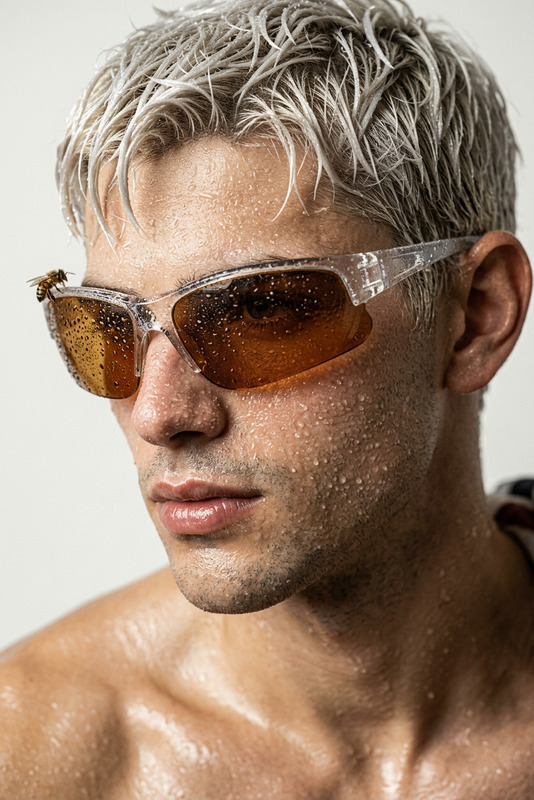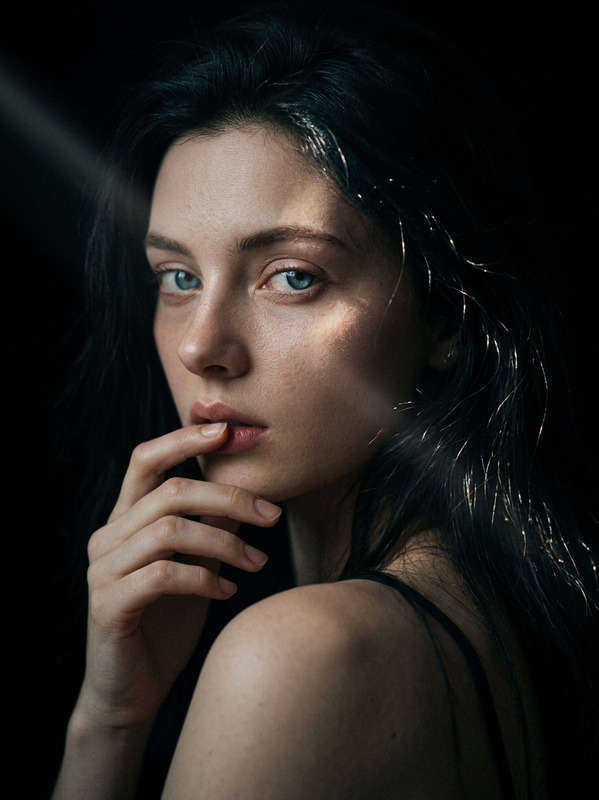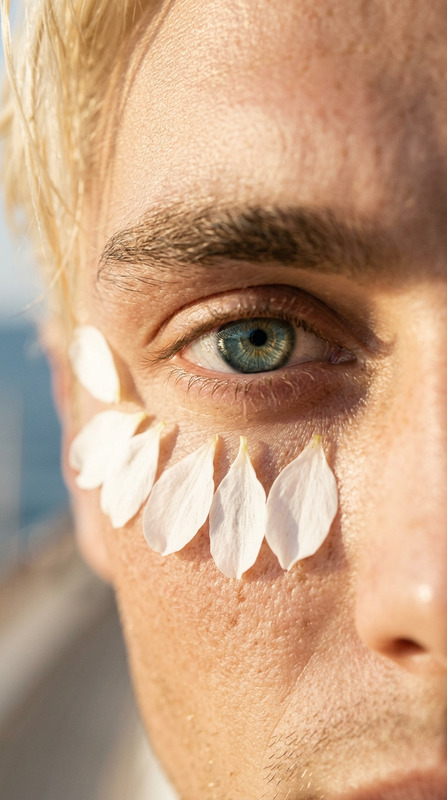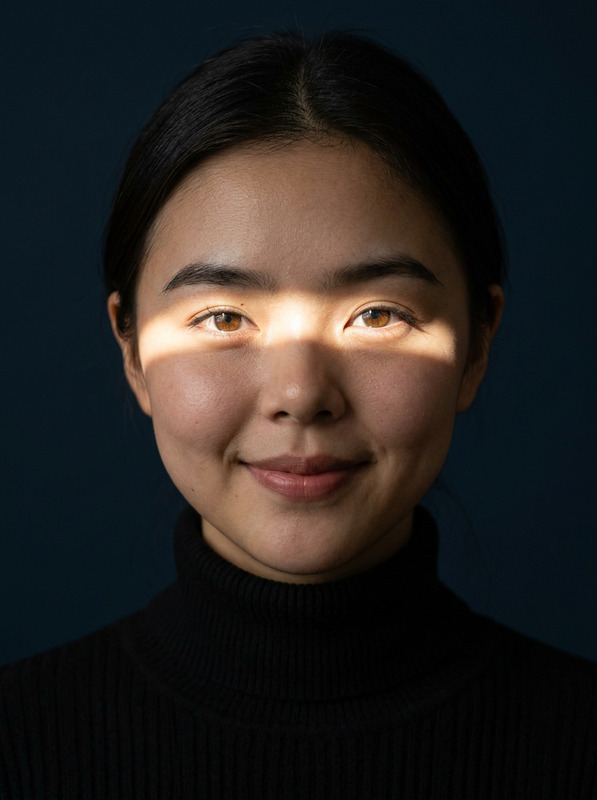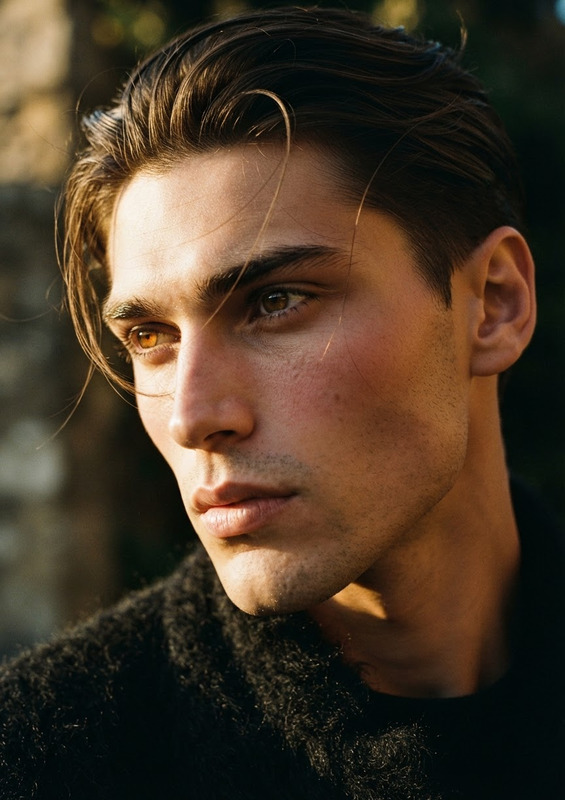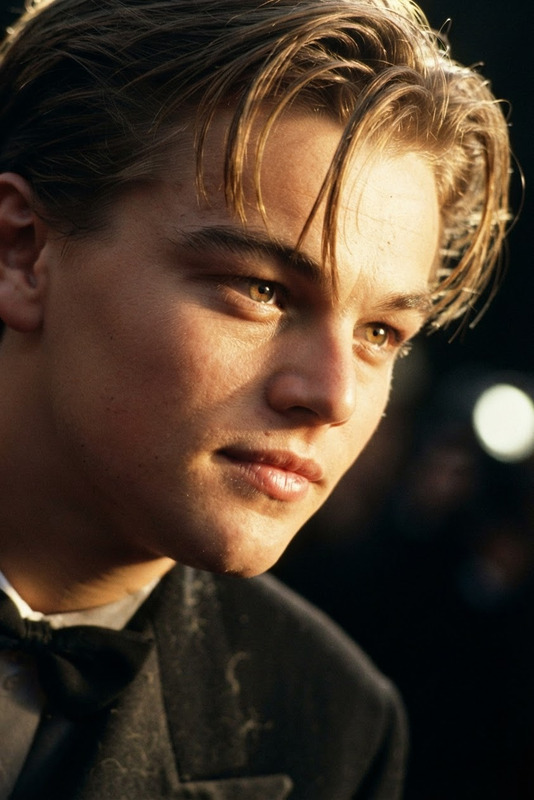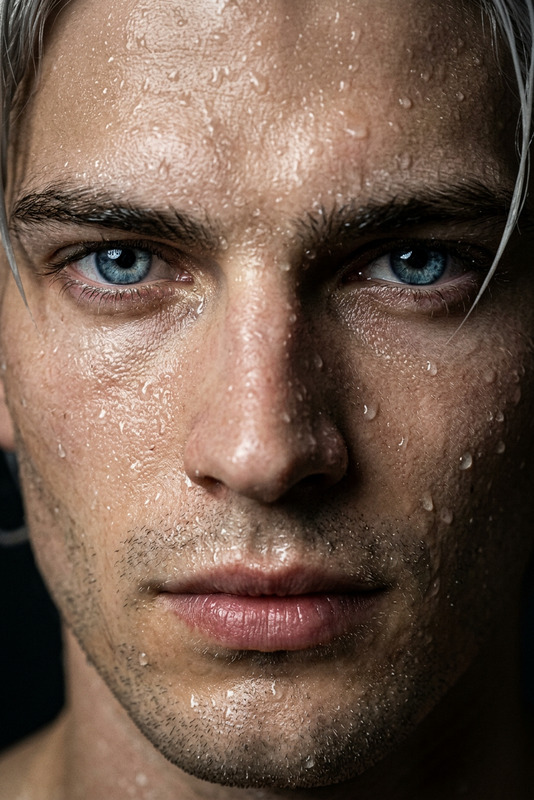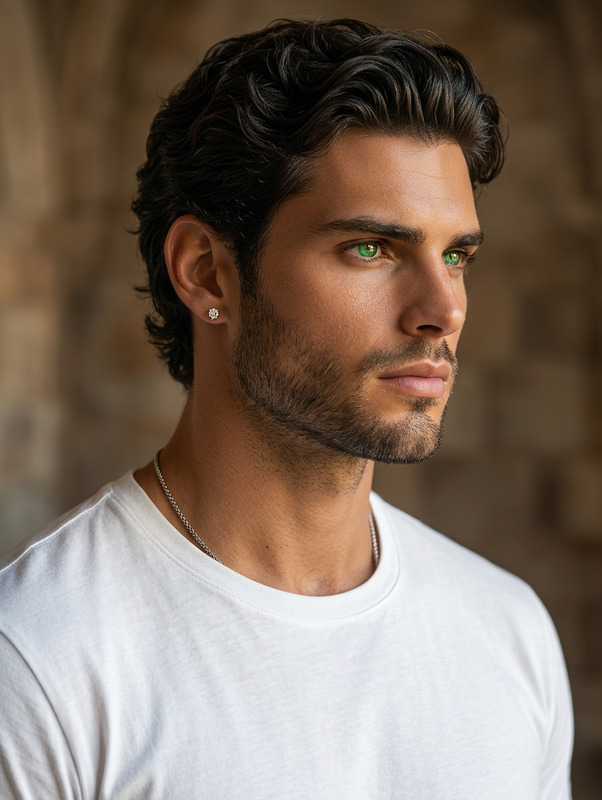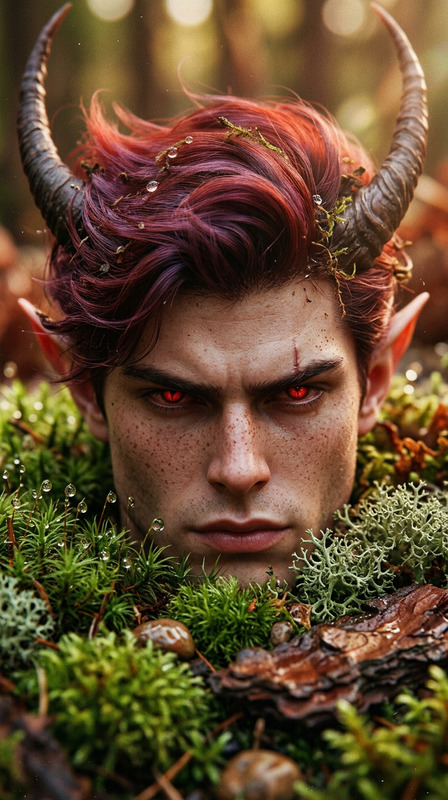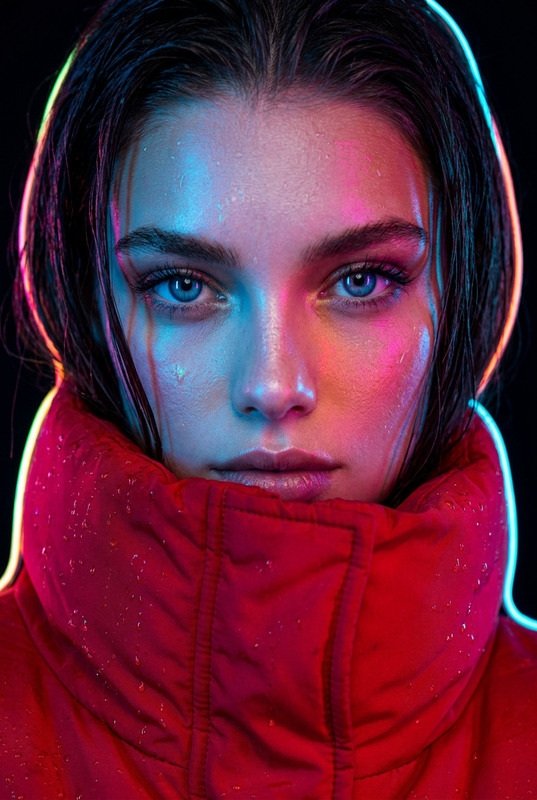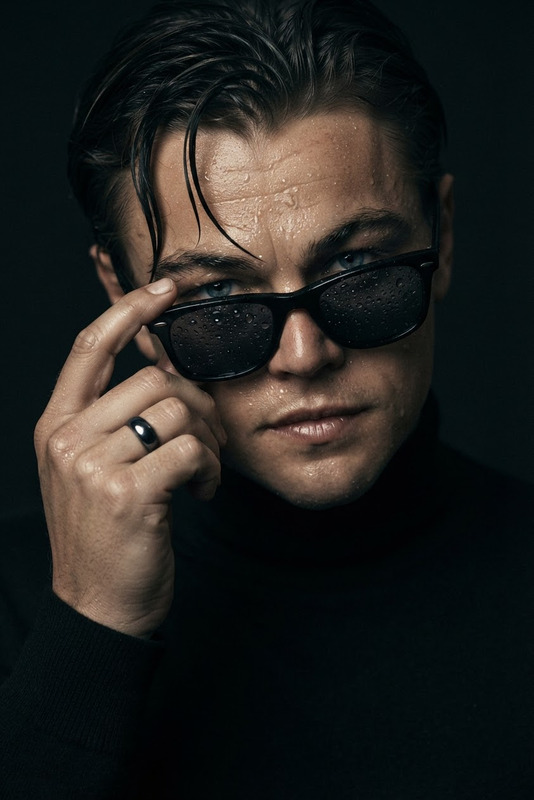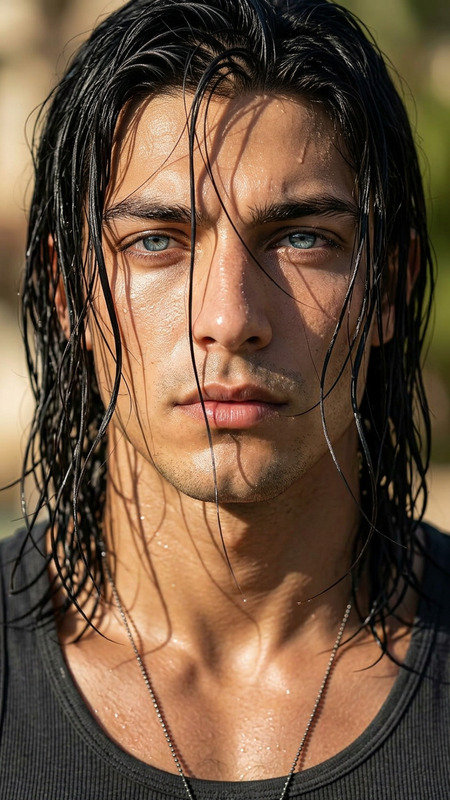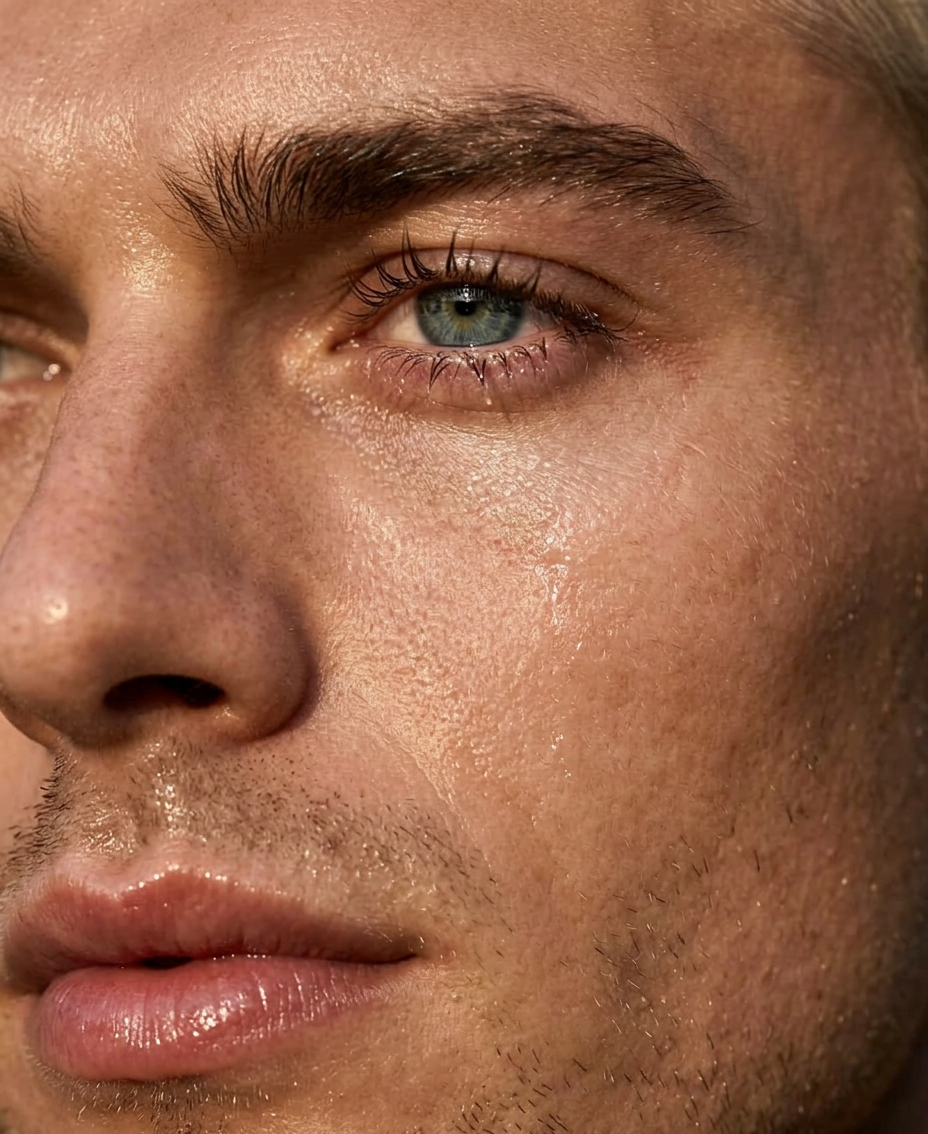
Wet Macro Left Face
- Model
- Nano Banana 2
- Image
- 928 × 1134 px
Prompt
Hyper-realistic 8K macro close-up capturing only the left side of the subject’s face, strictly preserving all facial features from the reference image. Thick defined eyebrow, long wet lashes, moist full slightly parted lips, visible pores and natural skin microtexture with realistic wet reflections. Eye in sharp focus with crisp catchlight, extremely shallow depth of field. Golden hour lighting with soft side light, gold reflector accents, cinematic soft contrast with deep shadows, Hasselblad H6D-400c, 100mm f/2.2 lens, ultra-detailed editorial portrait.
Any aspect ratio
Overview
The Wet Macro Left Face template in the AI Image Editor suite allows artists and creators to craft hyper-realistic, 8K macro portraits. Designed with precision, it captures the intricate details of the subject's left facial profile, enhancing every feature with unparalleled clarity.
What It Does
This template uses cutting-edge AI to generate ultra-detailed editorial portraits that highlight every detail of the subject’s face. By focusing on the left side, it ensures that elements like textures, moisture, and lighting are depicted with authenticity. The model nano-banana-2 delivers realistic wet reflections and a cinematic look styled with golden hour lighting.
Who It's For
Photographers, digital artists, and creative professionals who specialize in high-impact imagery will find this template invaluable. It's perfect for projects requiring editorial portraits, marketing visuals, or any scenario demanding precise and dramatic facial close-ups.
Summary
The Wet Macro Left Face template transforms the way creators develop macro photography by leveraging AI technology. It brings to the forefront not just the visual details, but the emotion and depth behind each facial feature. To explore more about our editing capabilities, visit the AI Image Editor product page.
How To
Choose the Template

Customize Your Inputs

Generate Your Image

Use Cases
Professional Photography
Digital Art Creation
Advertising
Fashion Editorials
Best Practices
Use High-Quality Reference Images
To achieve the best results, use high-resolution images that capture every detail of the subject’s face.Adjust Lighting Prompt Wisely
Leverage the prompt adjustments to mimic the golden hour lighting for that rich glow and reflective highlights.Check AI Image Editor Parameters
Fine-tune the AI settings in the AI Image Editor for sharper details and realistic textures.