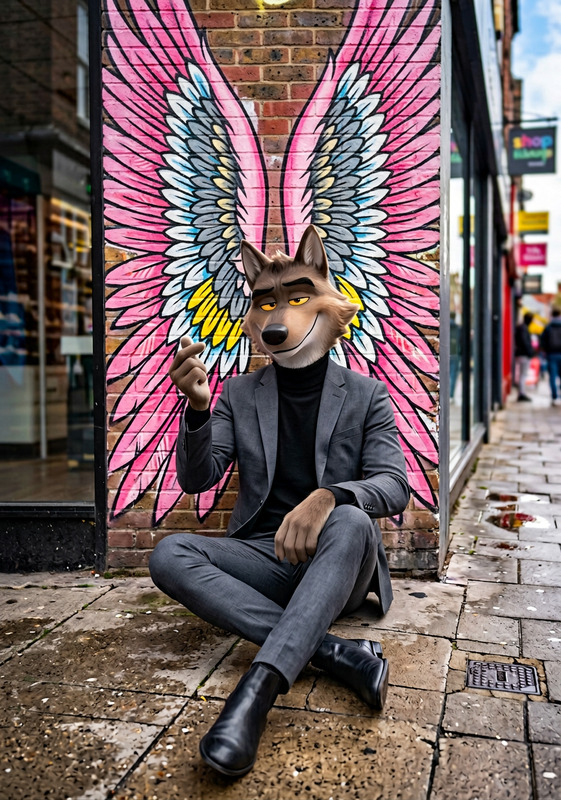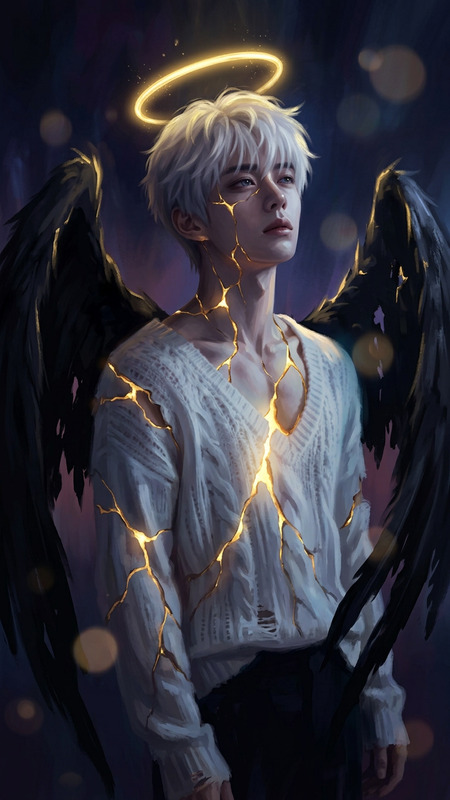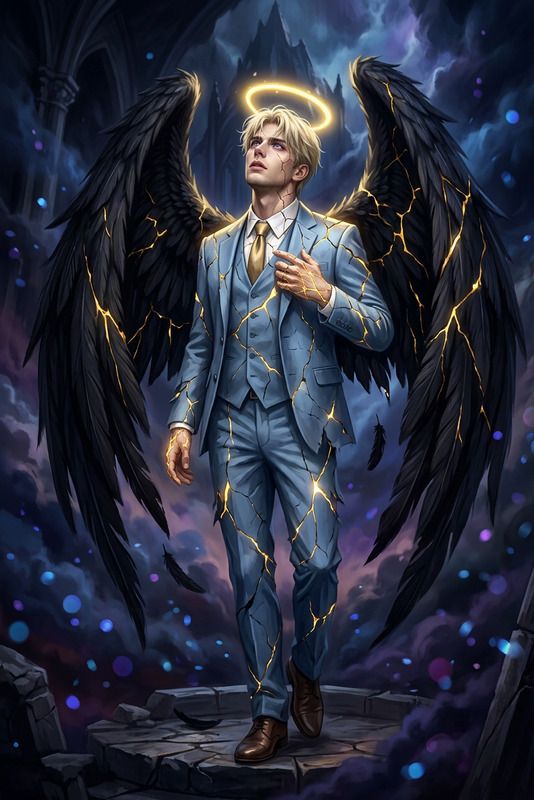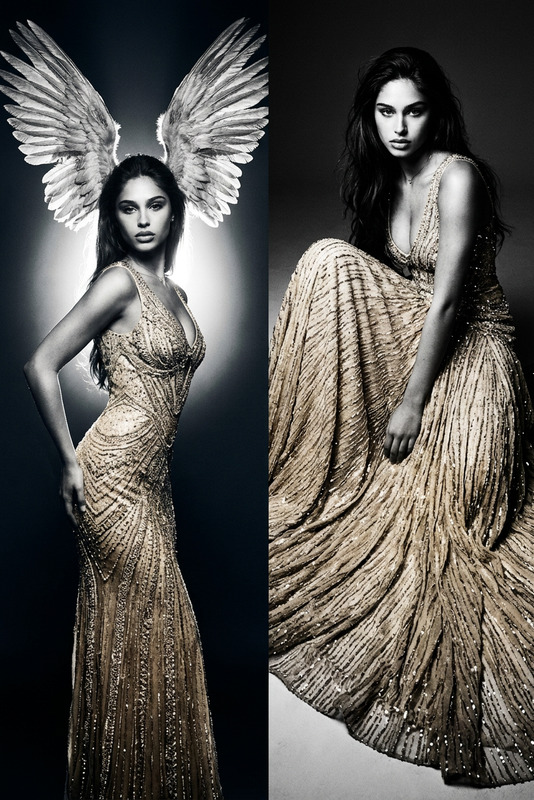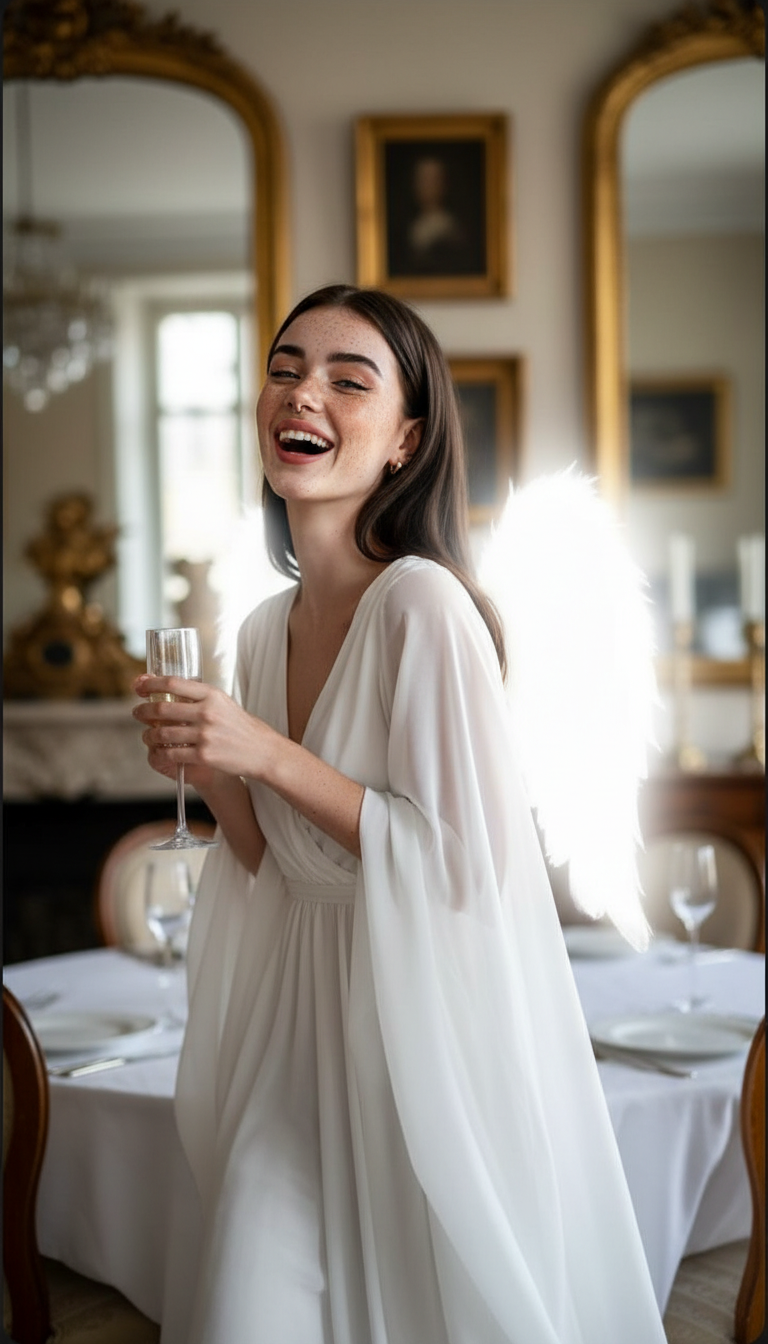
Angel costume
- Model
- Nano Banana
- Image
- 768 × 1344 px
Prompt
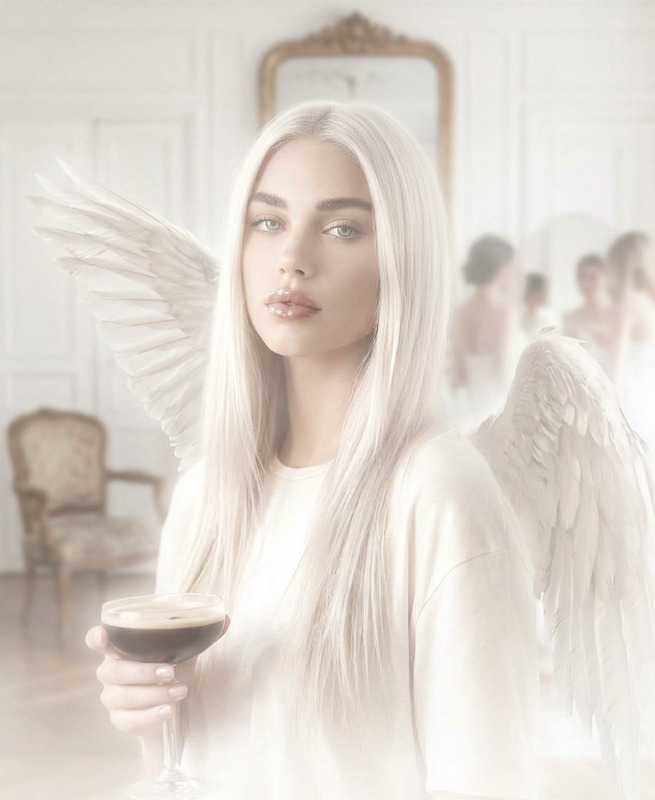
A candid medium close-up of a subject in a softly blurred Parisian apartment dining room. Small angel wings glow intensely, losing feather detail in overexposure. The subject wears a flowing white angelic dress with soft, sheer fabric and delicate draping. Sharp cheekbones and icy blue eyes remain softly visible as the subject laughs, holding a champagne glass. Vintage mirrors and gold-framed art blur into warm ambient light. Off-center composition with slight tilt, the glowing figure dissolving into a hazy, dreamlike interior with diffused, ghostlike lighting.
Any aspect ratio
Overview
Transform your images into ethereal masterpieces with the Angel Costume template, specifically designed for the AI Image Editor. This template leverages the power of the nano-banana model to create dreamlike visuals that captivate and inspire. Whether you're designing for a Halloween theme or crafting a fantasy narrative, this template adds a magical touch to your imagery.
What It Does
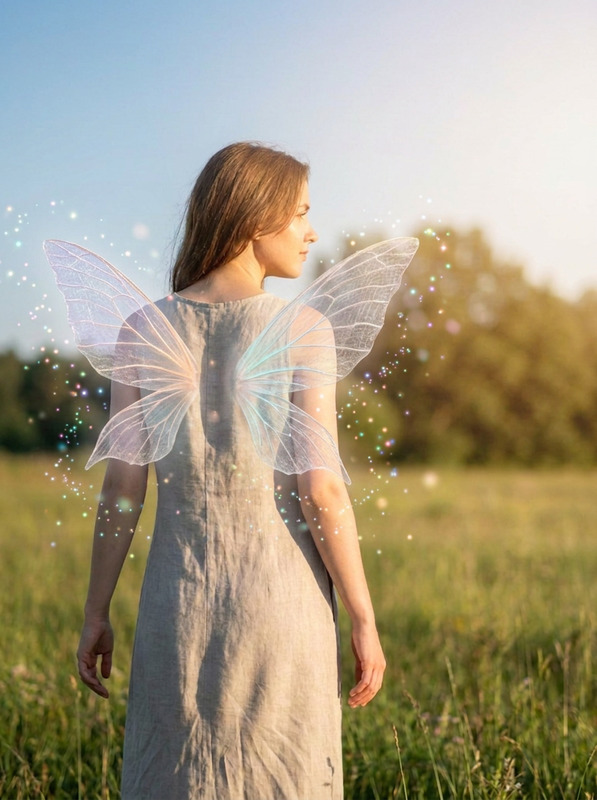
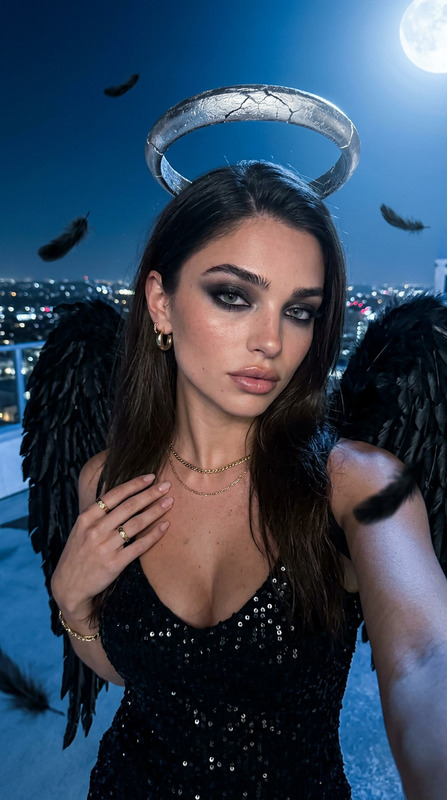
The Angel Costume template instills a celestial vibe into your photos. It generates a medium close-up of your subject in a Parisian apartment setting, featuring soft and blurred backdrops with warm ambient lighting. The depiction of glowing angel wings and a flowing angelic dress enhances the subject's features, creating an enchanting atmosphere that is perfect for any scene requiring an ethereal quality.
Who It's For
This template is ideal for creators, photographers, and filmmakers looking to add a unique, angelic aesthetic to their projects. It's particularly suited for those working in the fantasy genre or those preparing visual content for events like Halloween. With the AI Image Editor, users can easily incorporate this angelic theme into their work.
Summary
Enhance your images with divine elegance using the Angel Costume template in the AI Image Editor. Its ability to produce soft, glowing visuals with an ethereal touch makes it a must-have for any creative professional dealing with fantasy or thematic designs. Explore the endless possibilities of artistic expression with this mesmerizing template.
How To
Choose the Template

Customize Your Scene

Generate the Image

Use Cases
Fantasy Storytelling
- Fantasy novels
- Art installations
- Graphic novels
Event Promotions
- Halloween events
- Themed parties
- Festivals
Social Media Content
- Instagram visuals
- Pinterest mood boards
- Facebook event pages
Best Practices
Focus on Details
Ensure the details in the soft fabrics and wing glows are adjusted to achieve the desired effect by tweaking brightness and exposure.Highlight the Subject
Use an off-center composition to emphasize the subject’s facial features and make the scene more dynamic.Incorporate Warm Lighting
Maintain the warm, diffused lighting to keep the dreamlike quality of the scene intact.