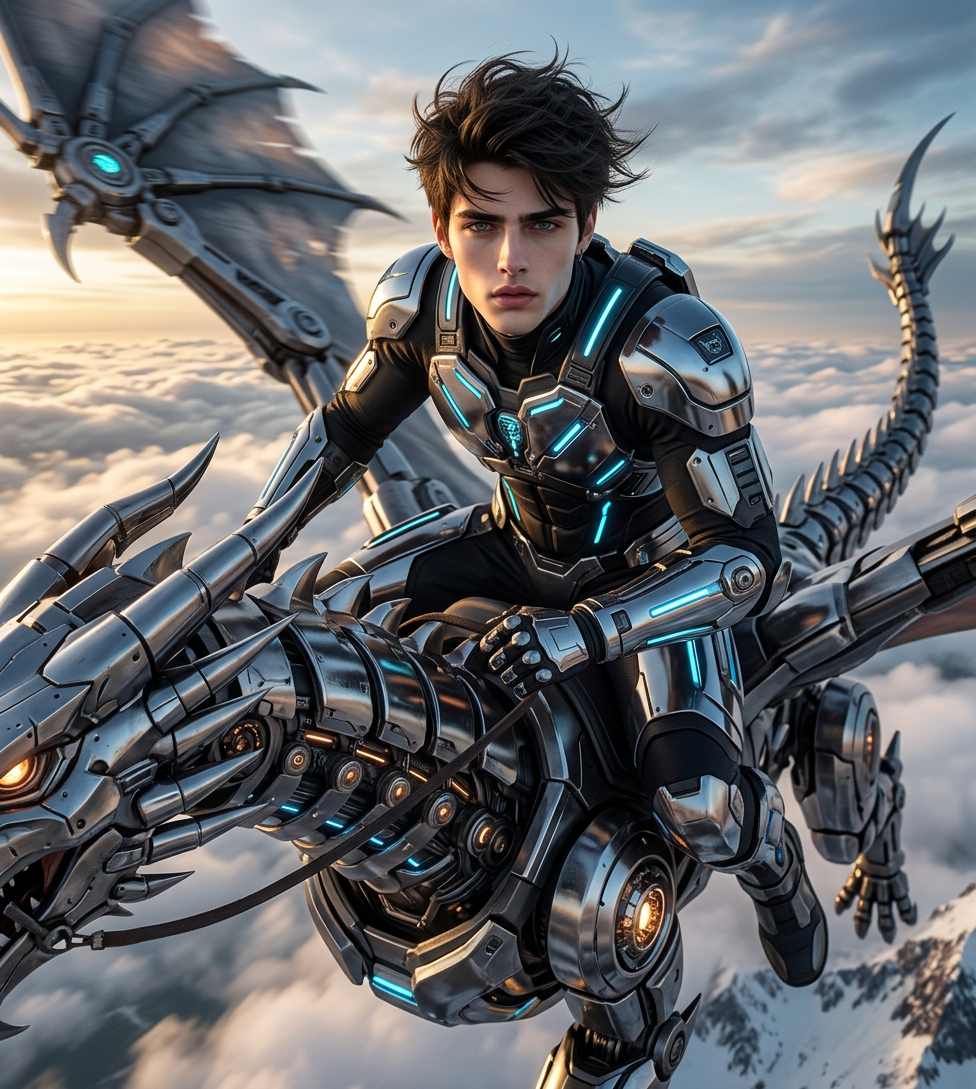
Skyforge Ascendant
- Model
- Nano Banana 2
- Image
- 976 × 1089 px
Prompt
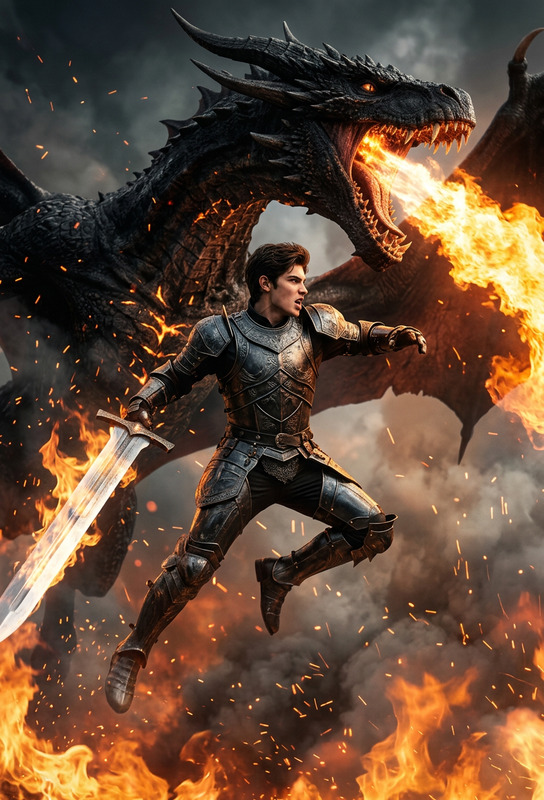
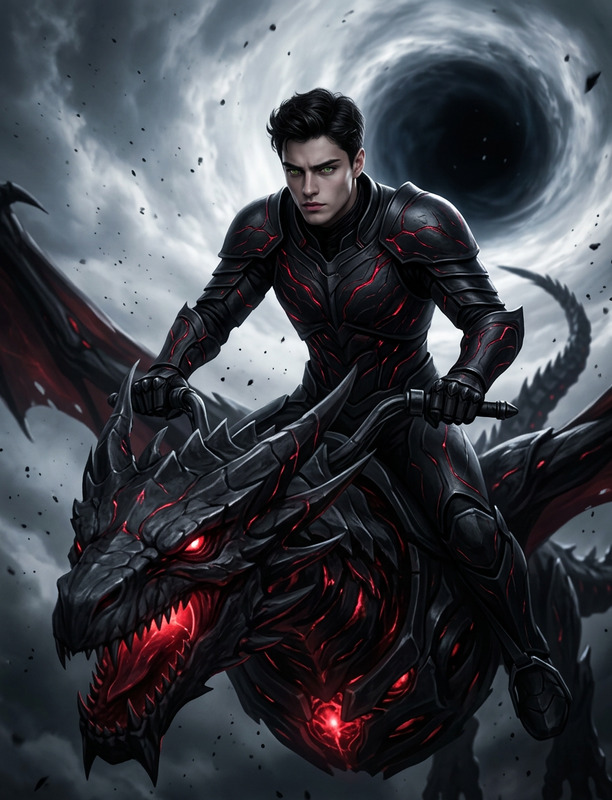
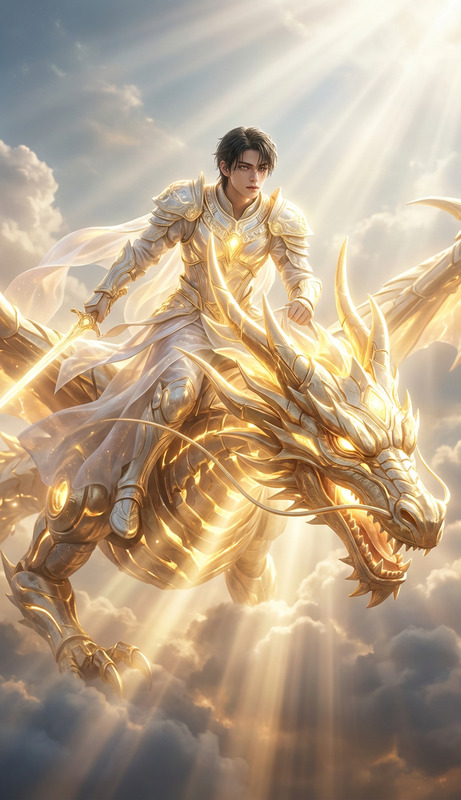
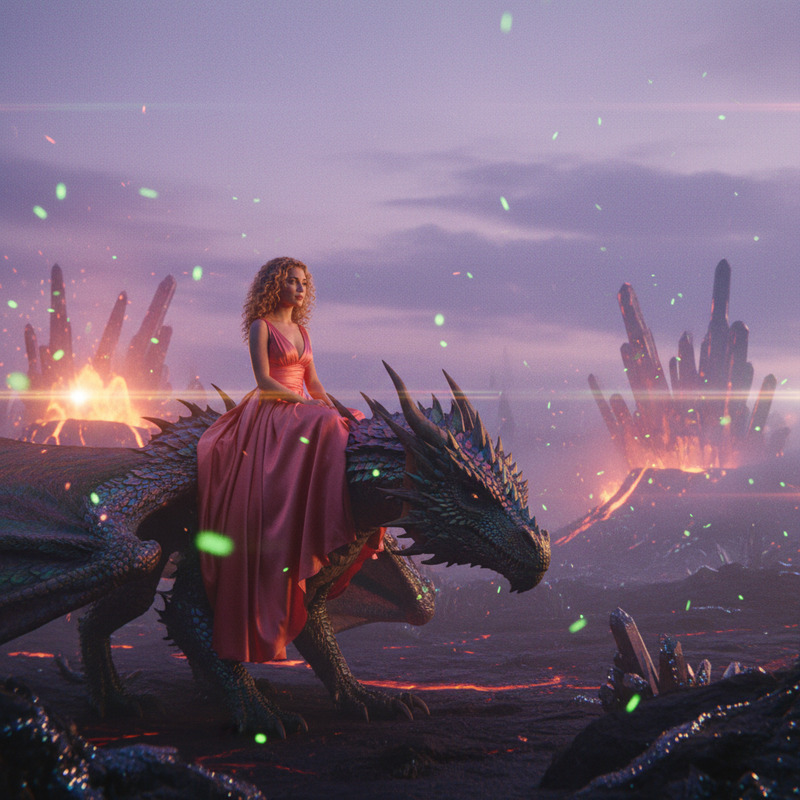
Hyper-realistic 8K DSLR photoshoot of the subject from the reference image flying through the sky while riding a massive futuristic mechanical dragon. The subject must remain identical to the reference (same face, expression, pose consistency, skin tone, hair, and identity). The subject wears a high-fashion cyber warrior outfit with sleek armored layers, matte black and chrome accents, subtle neon blue energy lines, and flowing fabric elements reacting to wind. The mechanical dragon is highly detailed with glowing core elements, articulated metal scales, and steam/energy vents, soaring through a dramatic cinematic sky above dense cloud layers at golden hour. Ultra-real lighting, volumetric clouds, realistic wind interaction, dynamic motion blur, shallow depth of field, and extremely detailed textures for both subject and environment, creating an epic, powerful, and futuristic heroic atmosphere.
Any aspect ratio
Overview
The Skyforge Ascendant template offers an advanced solution for creators looking to produce hyper-realistic images with a touch of futuristic fantasy. Harnessing the power of the nano-banana-2 model, it transforms your subjects into epic cyber warriors riding mechanical dragons across cinematic skies.
What It Does
This template allows you to transform a simple reference image into a highly detailed and dynamic composition. With features like ultra-real lighting, volumetric clouds, and detailed textures, it leverages the capabilities of the AI Image Editor to create scenes bursting with motion and atmospheric drama.
Who It's For
Designed for digital artists and creators in need of futuristic themes, the Skyforge Ascendant template caters to individuals seeking to integrate hyper-realism with imaginative concepts in their digital art projects. It's perfect for those who appreciate the fusion of technology and creativity.
Summary
Utilize the Skyforge Ascendant template to craft stunning AI-driven images with extraordinary detail and realism. Whether you're working on product demos or product launch videos, this tool enhances your creative toolkit by adding a unique narrative element.
How To
Choose the Skyforge Ascendant Template

Customize Your Scene

Generate Your Image

Use Cases
Fantasy Art Creation
- Enhance RPG game art
- Produce novel cover images
- Create visual storyboards
Promotional Media
- Create striking visuals for ad campaigns
- Produce dynamic banners for events
- Offer captivating social media visuals
Concept Art for Films
- Visualize characters and settings
- Design elements for pitch decks
- Develop storyboards for scenes
Best Practices
Ensure High-Quality Reference Images
Use high-resolution, well-lit images to achieve the best consistency and detail in your final image.Fine-Tune Details
Spend time adjusting specific elements like clothing textures and dragon details to best fit your project's needs.Preview Before Finalizing
Take advantage of preview features to catch any inconsistencies before finalizing your image.