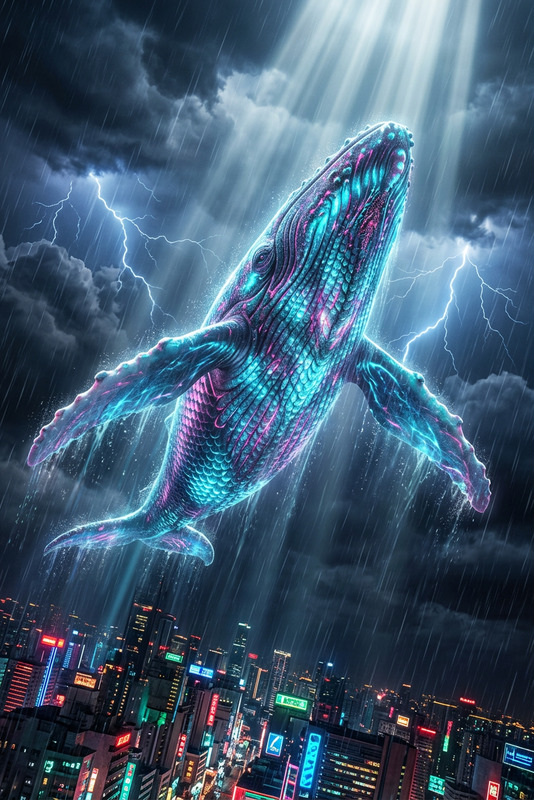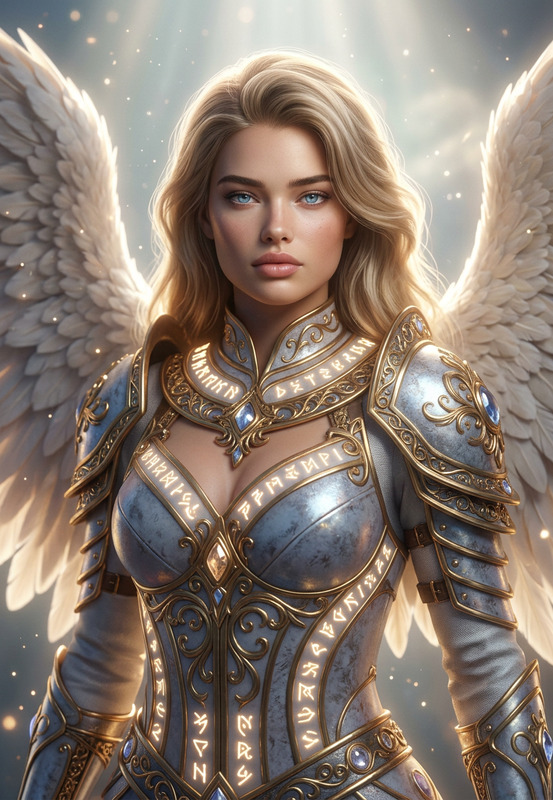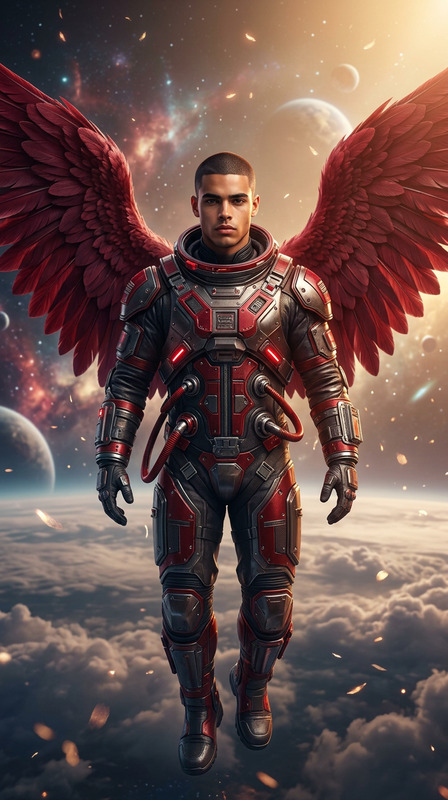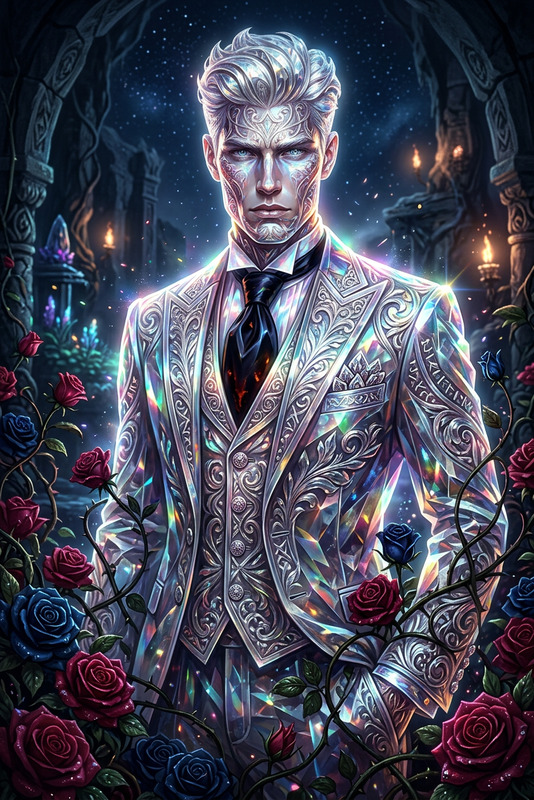
Celestial Sky Beast
- Model
- Nano Banana 2
- Image
- 896 × 1195 px
Prompt
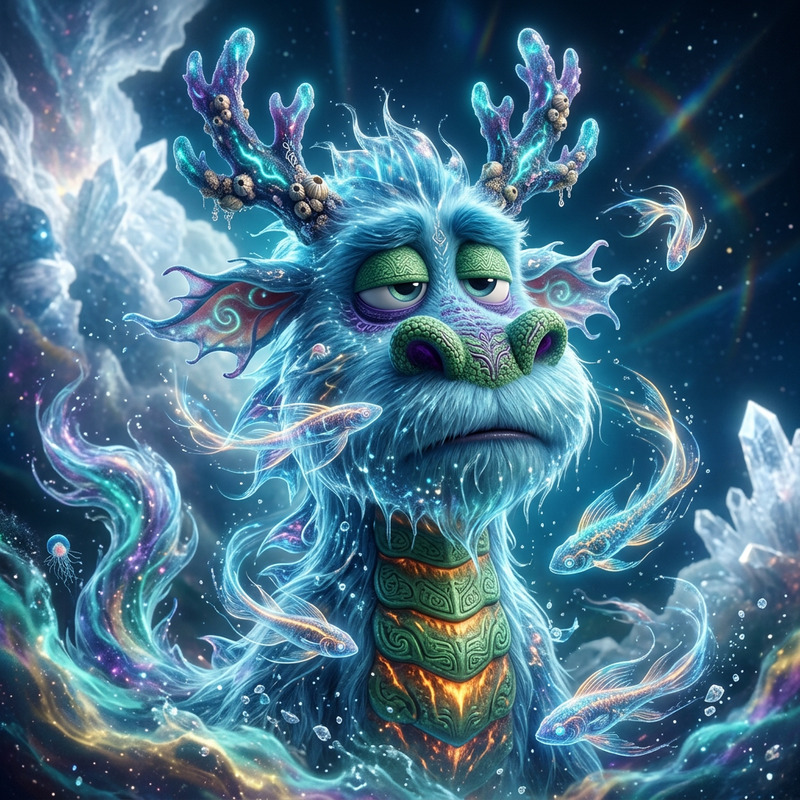
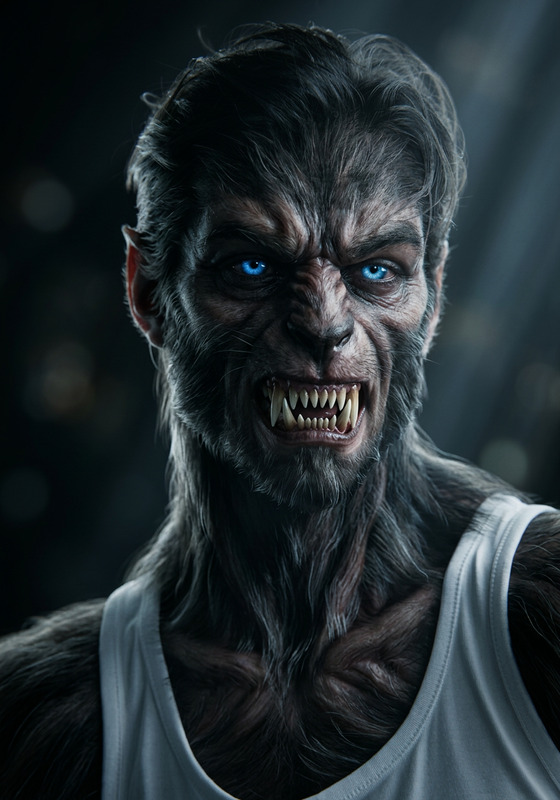
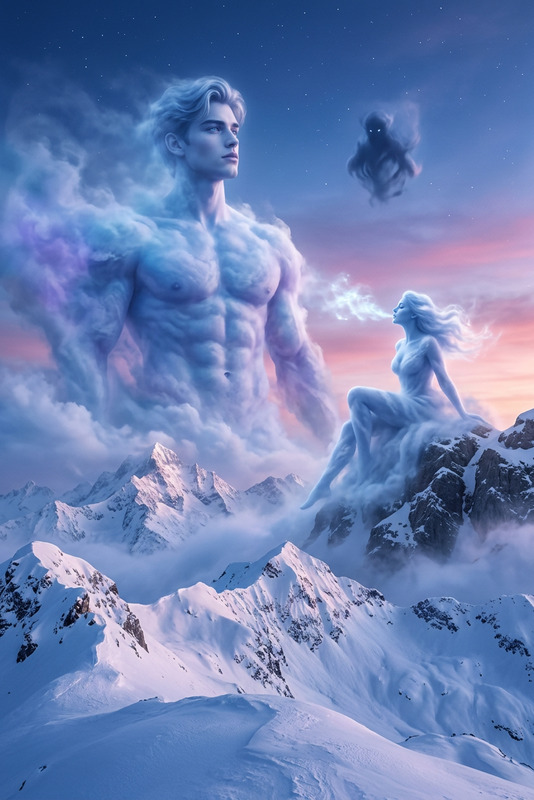
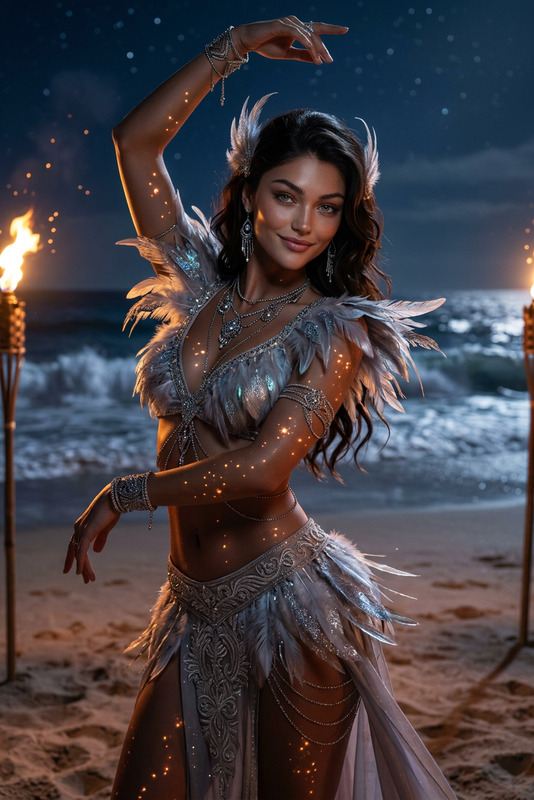
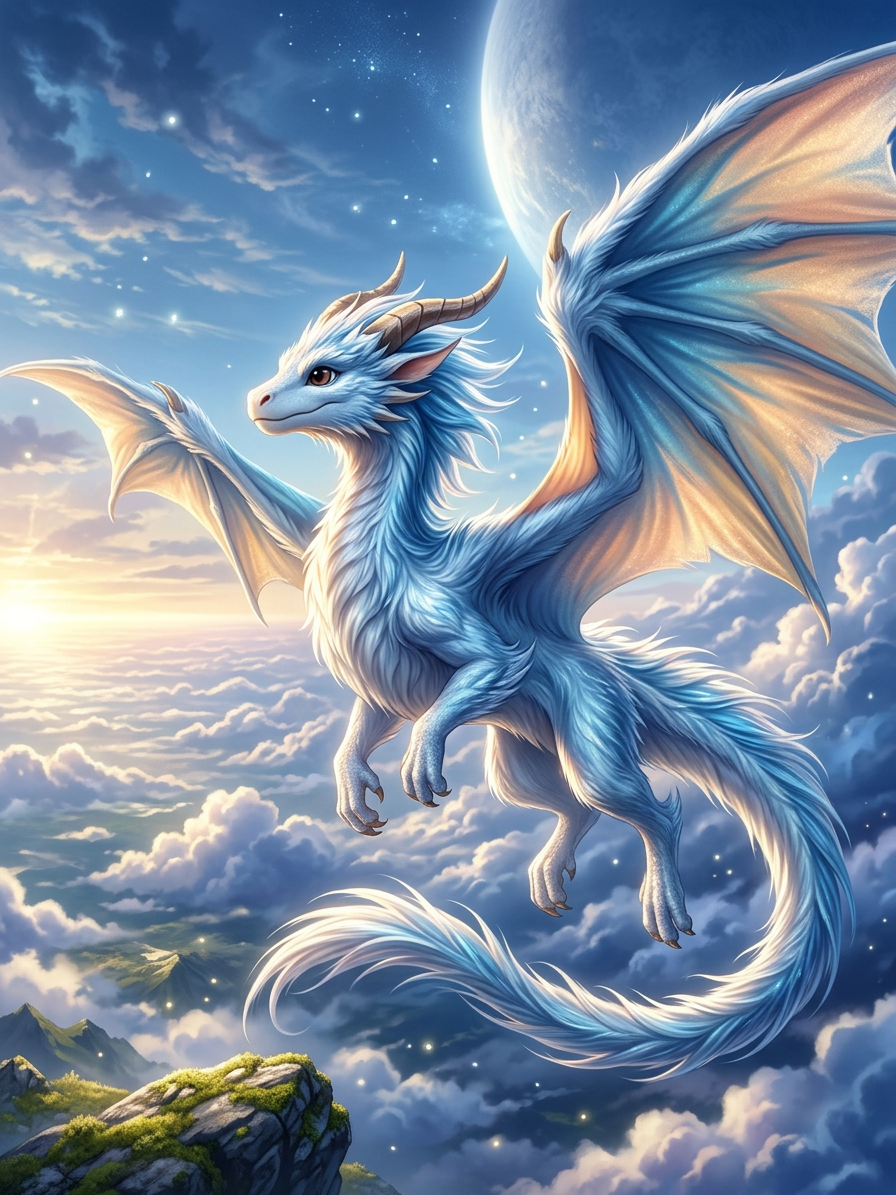
Subject transforms into a majestic sky creature soaring through a vast luminous sky. Flowing white and azure fur ripples like silk, highly detailed and shimmering. Cinematic lighting with dramatic highlights and shadows enhances hyper-realistic texture. Epic, emotional atmosphere with a grand sense of adventure. Ultra-detailed, high-resolution fantasy render, anime-inspired ambiance blending realism and fantasy.
Any aspect ratio
Overview
The "Celestial Sky Beast" template in our AI Image Editor line-up empowers creators to transform any subject into a magnificent sky creature. Using the cutting-edge nano-banana-2 model, this template captures a blend of fantasy and realism with high-resolution detail.
What It Does
This template morphs subjects into majestic sky creatures, wrapped in flowing white and azure fur, under cinematic lighting. The transformation is ultra-detailed, capturing dramatic highlights and shadows to amplify the creature's epic and emotional ambiance.
With this tool, artists can produce visually striking fantasy images that seamlessly marry anime-inspired styles with hyper-realistic texture.
Who It's For
The "Celestial Sky Beast" template is ideal for digital artists, fantasy illustrators, and content creators looking to elevate their visuals. It's particularly beneficial for those in the gaming and film industries who wish to produce awe-inspiring promotional materials and concept art without extensive manual work.
Additionally, social media marketers can use this tool to captivate followers with unique and engaging content, fitting seamlessly alongside AI Gif Generator for a full suite of creative assets.
Summary
Incredibly versatile and visually stunning, the "Celestial Sky Beast" template leverages the power of AI to create high-impact imagery. Perfect for artists seeking to explore new creative realms or enhance their portfolios with fantasy-themed pieces. Pair it with other tools such as the Image to Video for dynamic presentations.
How-To Steps
Choose

Customize

Generate

Use Cases
Fantasy Concept Art
- Game development
- Film concept art
- Graphic novels
Social Media Campaigns
- Instagram posts
- Facebook ads
- Twitter banners
Promotional Materials
- Event posters
- Product packaging
- Ad campaigns
Best Practices
Refine Lighting Effects
Leverage the cinematic lighting options within the template to create dramatic effects. Experiment with highlights and shadows for a realistic touch.Focus on Textures
Spend time detailing the sky creature's fur to enhance realism. Utilize the high-resolution capabilities of the template to achieve intricate textures.Integrate with Video
Combine the generated images with video using tools like Video to Video for dynamic visual narratives.