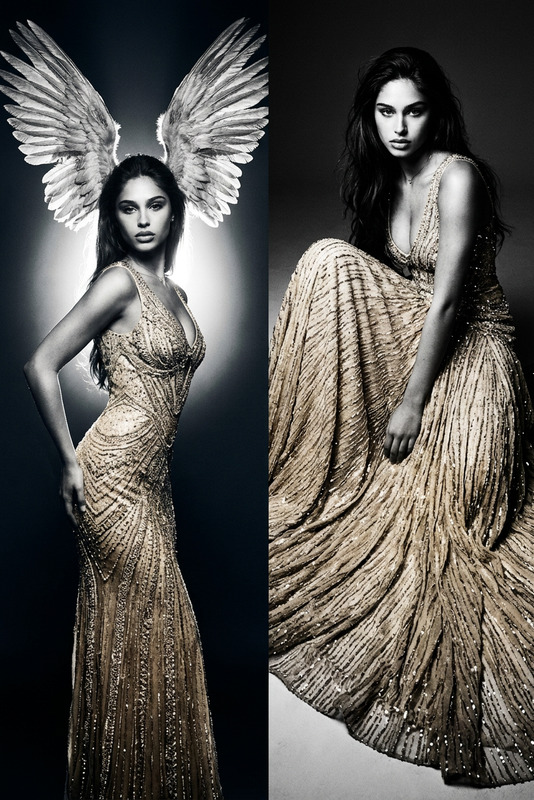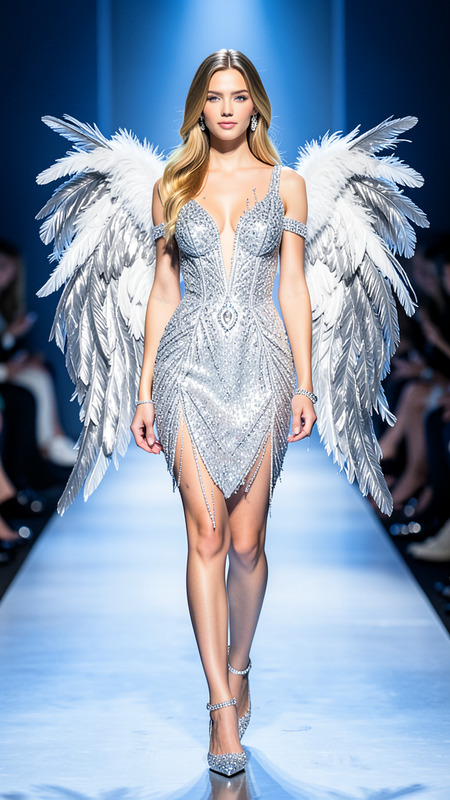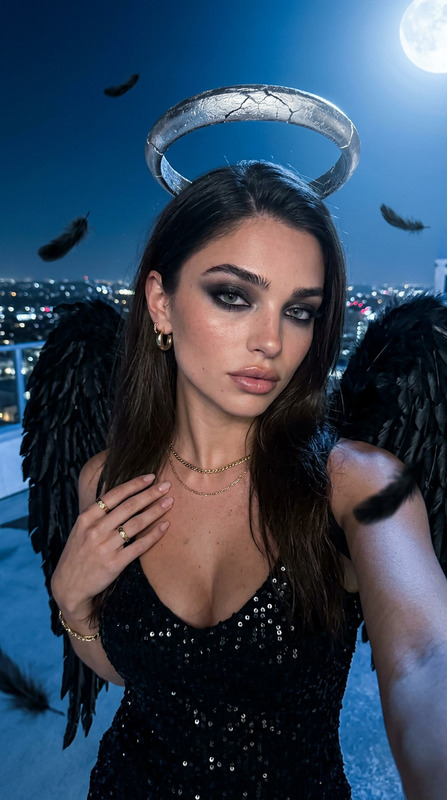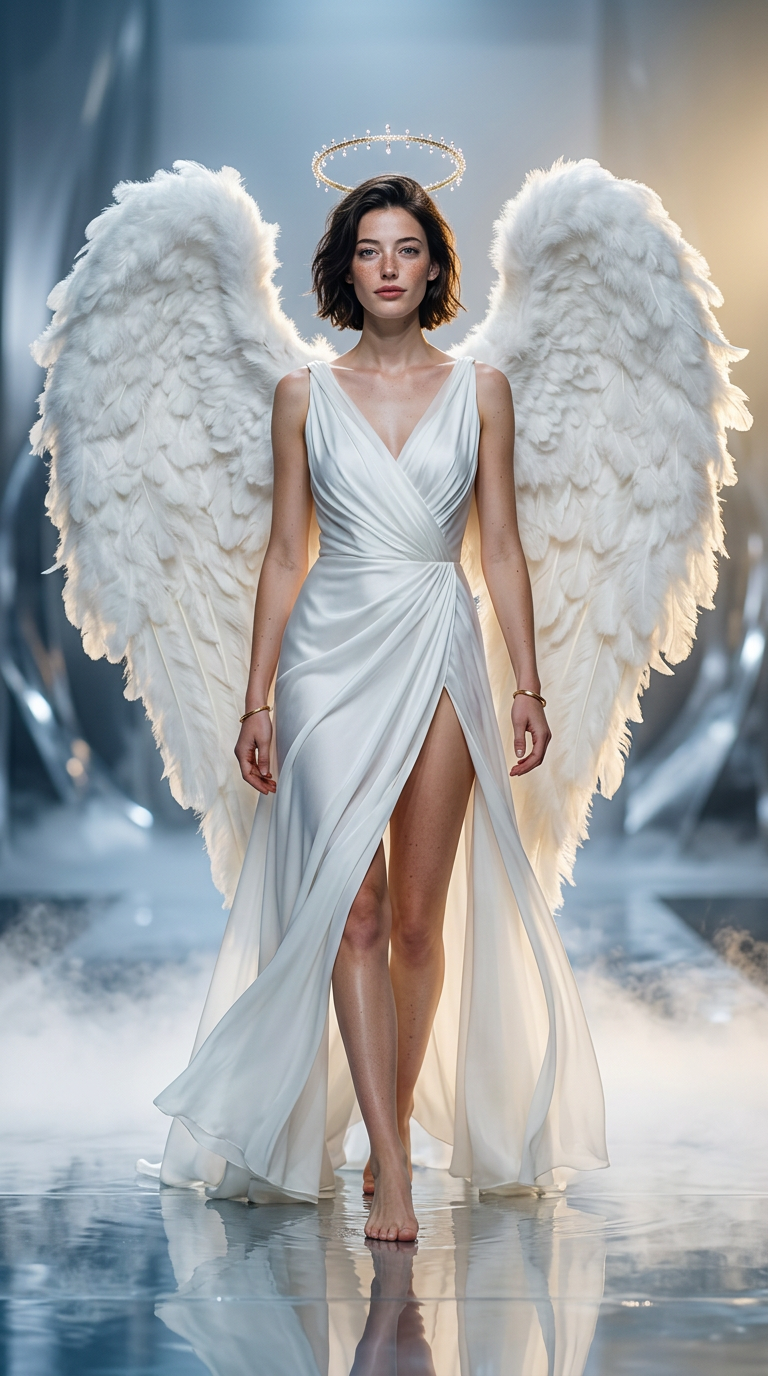
Angel Wings Runway
- Model
- Nano Banana 2
- Image
- 768 × 1376 px
Prompt
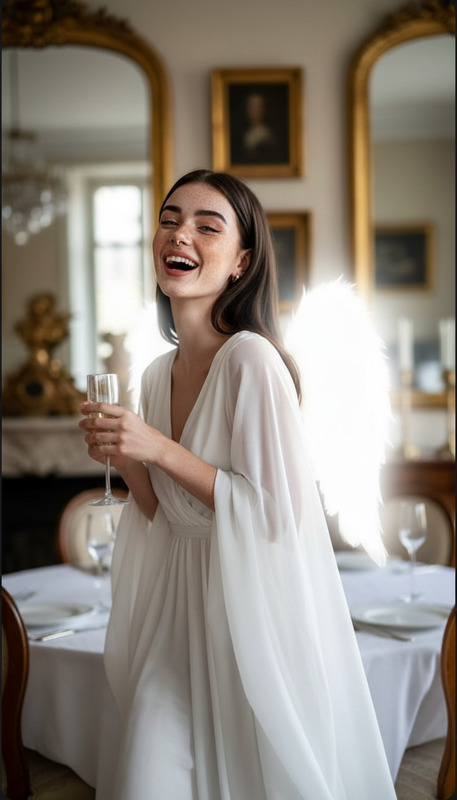
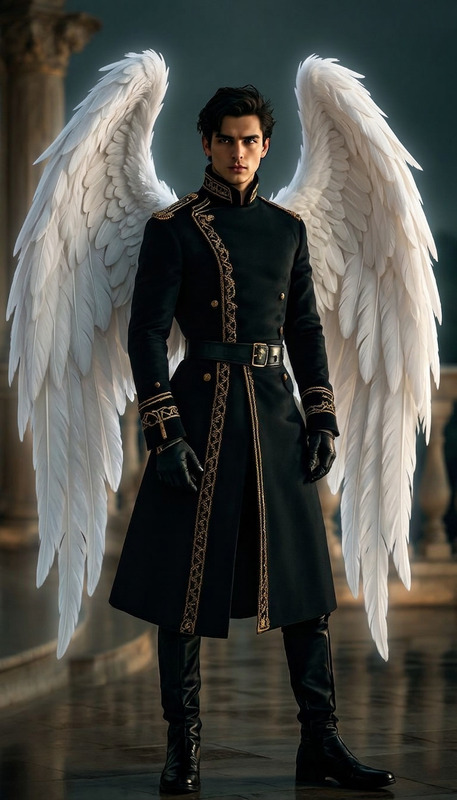
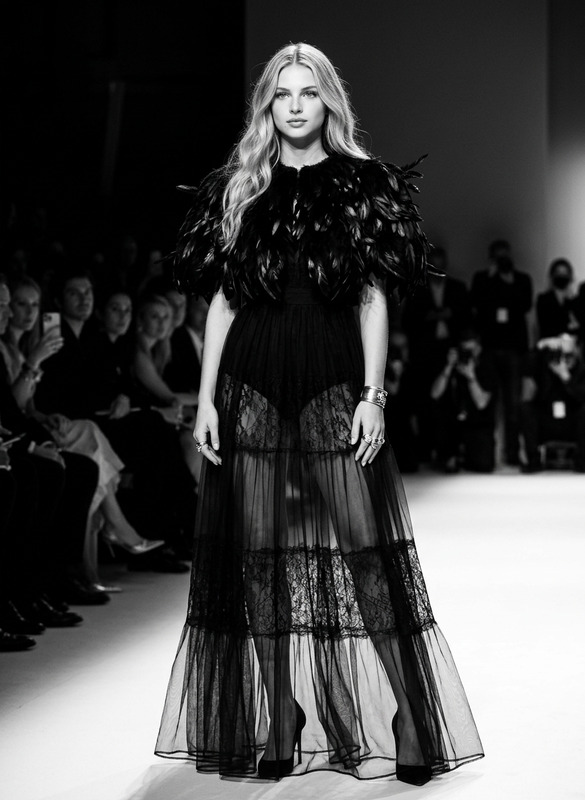
Use the reference image to generate a similar high-fashion angel runway portrait. Keep the full-body angle, front-facing walk, and centered symmetry. Add massive fluffy white angel wings, a luminous halo above the head, a white silk and chiffon dress with a high slit, and bare feet walking on a reflective wet stage. Add smoke effects near the floor, glossy reflections, soft golden highlights, and cool blue-white fill light. Make it look like a luxury fashion campaign, photorealistic, elegant, powerful, cinematic studio lighting, 9:16.
Any aspect ratio
Overview
The Angel Wings Runway template is a specialized tool within our AI Image Editor suite, designed to deliver high-fashion, cinematic images with an ethereal twist. Harnessing the power of the nano-banana-2 model, this template transforms reference images into striking runway portraits that epitomize elegance and sophistication.
What It Does
This template elevates photo manipulation by adding angelic elements to high-fashion model images. It incorporates massive fluffy white wings, a luminous halo, and a dynamic silk dress, all set against a wet stage that reflects soft golden highlights and blue-white fill lighting. The result is a photorealistic image that looks fresh out of a luxury fashion campaign.
Who It's For
Ideal for fashion designers, photographers, and digital artists, this template offers a way to create stunning visual narratives with minimal effort. It's perfect for marketing campaigns, editorial spreads, and digital showcases, allowing users to craft engaging images that captivate audiences.
Summary
The Angel Wings Runway template provides a perfect blend of AI Image Editor capabilities with advanced features of the AI Profile Picture Generator. By using this template, creators can produce cinematic-quality images that are both elegant and powerful, fitting for diverse high-end fashion applications.
How to Use
Choose Your Template

Customize Your Inputs

Generate and Download

Use Cases
High-Fashion Campaigns
- Add angelic elements to model photography
- Enhance the visual impact with cinematic lighting
Editorial Magazine Features
- Generate photorealistic, captivating images
- Tailor the mood with different lighting and reflection settings
Digital Art Projects
- Produce unique, high-concept fashion artworks
- Experiment with angelic motifs and dramatic settings
Best Practices
Optimal Image Selection
Use high-resolution images to maximize the detail and overall quality of the output. This is crucial when adding intricate details like fabric textures and light reflections.Prompt Adjustments
Customize the default prompt to align with specific campaign needs, whether emphasizing the smoke effects or highlighting the halo lighting.Consistent Theme Application
Ensure the theme remains consistent by having elements like wing size and dress design complement each other, preserving the elegant and powerful tone throughout.