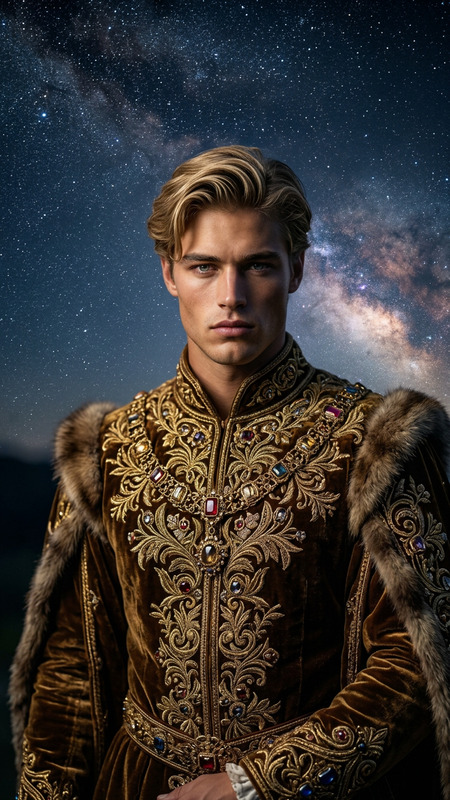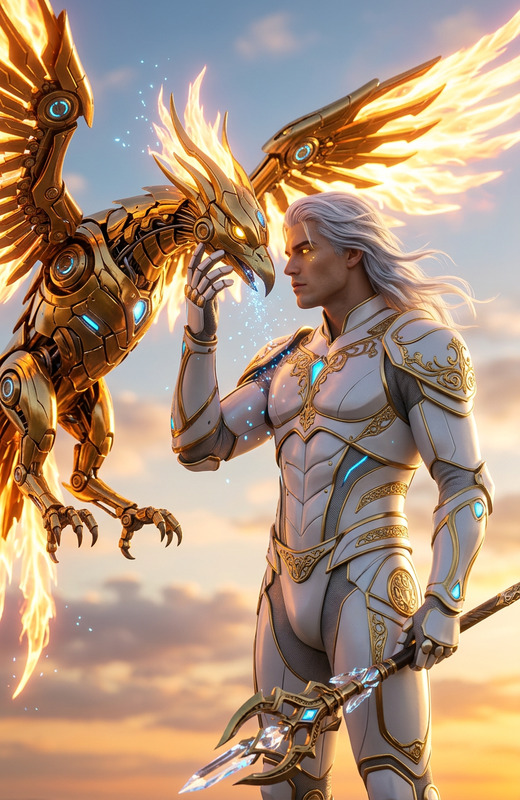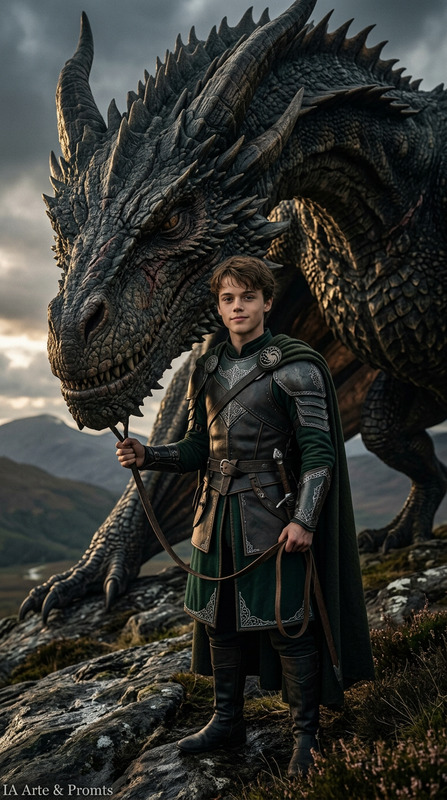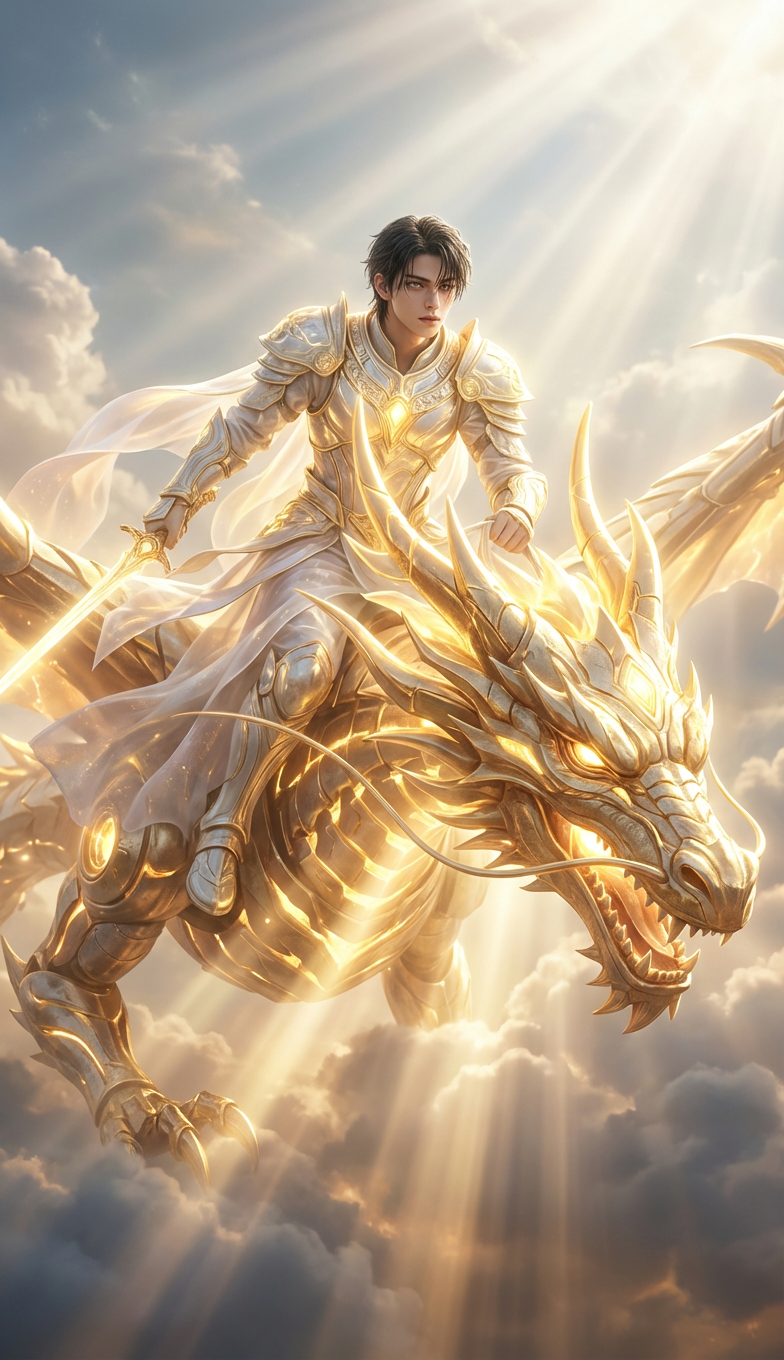
Solar God Dragon Rider

Solar God Dragon Rider

ai-image-editor

1 clip
12 uses

Any aspect ratio

Prompt

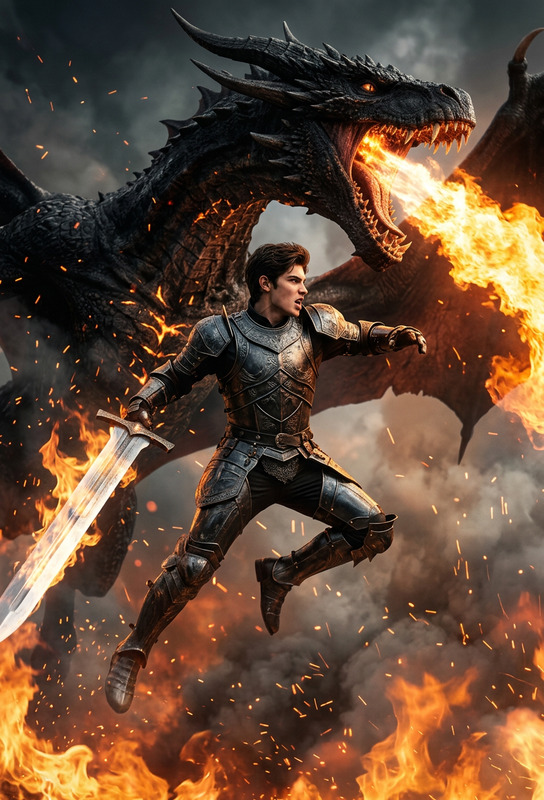
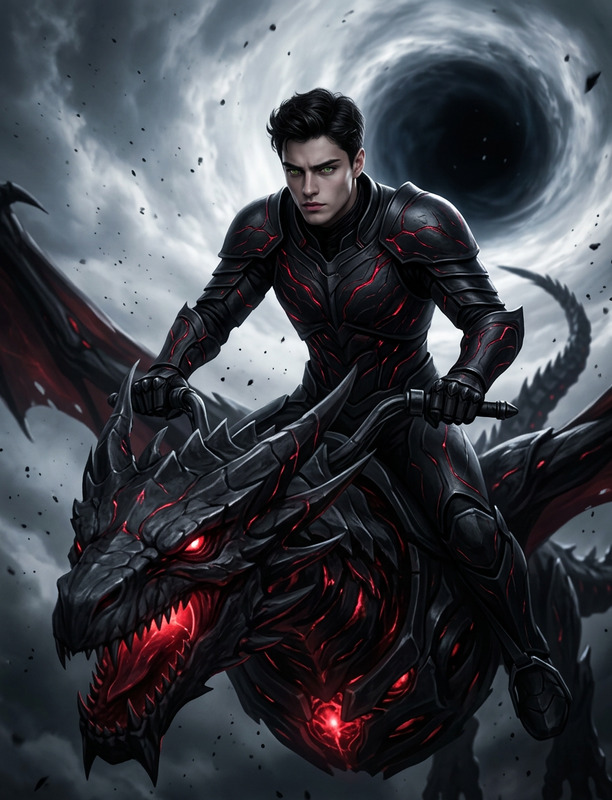
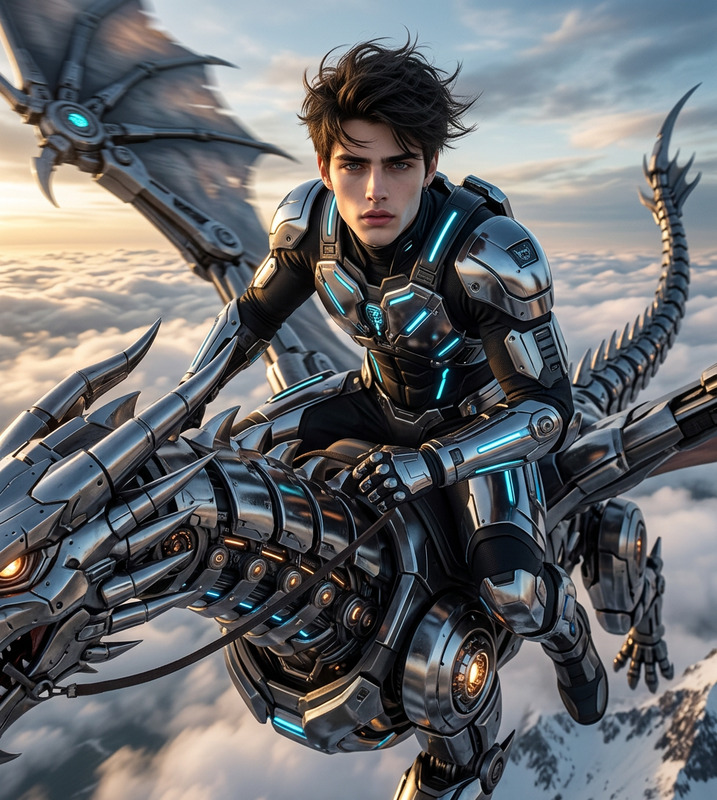
Hyper-realistic 8K DSLR photoshoot of the subject riding a radiant mechanical dragon infused with solar energy. The subject remains identical, now styled with luminous golden-white armor, flowing ethereal fabrics. The dragon glows like a miniature sun, emitting radiant light beams through clouds. Sky filled with divine light rays, heavenly atmosphere, soft volumetric glow, ultra-real lighting, majestic and god-tier cinematic composition.

AI Image Editor Portrait Cleanup Template

Use this AI Image Editor–powered template to clean up, enhance, and restyle portraits in a few clicks. It’s ideal for creators, founders, marketers, and product teams who need high-quality images fast—without opening Photoshop or hiring a retoucher.


What this template does

This template is built on the AI Image Editor and is optimized for:

  • Skin cleanup: Subtle blemish reduction, evening out tones, and light retouching
  • Lighting and contrast: More flattering highlights and shadows without over-editing
  • Background cleanup: Removing distractions and simplifying backgrounds
  • Minor facial corrections: Straightening glasses, adjusting hair edges, refining details
  • Social- and brand-ready exports: Portraits that look consistent across your site, pitch deck, or campaign

You keep full control over the final look—this isn’t a beauty filter that makes people unrecognizable. It’s designed for professional, realistic enhancements.


How to remix this template in Magic Hour

You can create your own version of this template directly inside Magic Hour by starting from any image and then saving your edits as a reusable workflow.

  1. Open AI Image Editor
    Go to the AI Image Editor and upload a portrait (headshot, selfie, product founder photo, or team member shot).

  2. Define your “cleanup” pattern

    • Use text instructions to describe your desired result (e.g., “light skin retouching, remove background clutter, keep natural texture”).
    • Apply object-level edits to remove or tweak specific elements using the AI Remover or Remove Object from Photo tools.
    • If needed, restore sharpness with Unblur Image or upscale with AI Image Upscaler.
  3. Lock in your style

    • Once you like the before/after, repeat the same type of edit on a few different test images to make sure it generalizes.
    • Save this as your go-to editing pattern so you can apply it across future uploads like a “template.”
  4. Apply to new portraits at scale

    • Run new founder photos, customer spotlights, or profile shots through your saved pattern.
    • Use AI Headshot Generator or AI Selfie Generator to create new base photos, then clean them with your template for consistency.

This “remix” approach lets you turn one-off edits into a repeatable, shareable workflow your whole team can use.


Who this is for

  • Startup founders & teams
    Clean, consistent profile photos for pitch decks, landing pages, and LinkedIn—without scheduling a studio shoot.

  • Marketers & growth teams
    Quickly standardize influencer shots, UGC, or testimonial photos so they match your brand’s visual standard.

  • Creators & solopreneurs
    Upgrade thumbnails, course pages, and sales funnels with sharp, professional portraits.

  • Product & UX teams
    Generate polished avatars and profile images for product screenshots, onboarding flows, and case studies.


Example workflows using this template

You can chain this template with other Magic Hour tools to build more advanced pipelines:

  1. Polished founder intro video

  2. Consistent team headshots from mixed sources

    • Clean each team photo with this template in the AI Image Editor.
    • For older or low-res images, restore with Old Photo Restoration and Photo Colorizer.
    • Upscale the final set with AI Image Upscaler.
    • Use them in your “Team” page, investor updates, and press kits.
  3. Social content + memes based on portraits


Extending the template into other formats

Once you like how your portraits look, you can reuse that style in video, avatars, and creative campaigns:


Related templates and tools to combine with this

If you like this AI Image Editor template, you can pair it with:

  • Face Swap & character content

  • Lip-sync and talking content

  • Video-to-video & stylization

    • Apply consistent visual style to videos using Video-to-Video.
    • Start from a cleaned-up frame in AI Image Editor, then match that look across an entire video sequence.

Best practices for high-quality portrait edits

To get the most out of this template and the AI Image Editor:

  • Start with the best available input

  • Stay realistic for professional use

    • Keep retouching subtle when using portraits for LinkedIn, resumes, or investor decks. Over-editing can reduce trust.
    • Consider using the AI Headshot Generator if you need a consistent, camera-ready look across many people.
  • Use background control strategically

    • If you plan to composite portraits into product shots or landing pages, first clean them with this template, then remove or modify backgrounds with the Image Background Remover or Watermark Remover when permitted.
  • Think system, not one-off edits

    • Once you find a look that fits your brand, treat it as a “portrait system.” Save it, document it, and reuse it across: pitch decks, team pages, marketing campaigns, and product UI.

How this template differs from generic filters

Unlike quick mobile filters, this AI Image Editor template is:


Getting started

  1. Open the AI Image Editor.
  2. Upload a portrait you want to enhance.
  3. Apply cleanup, background, and detail edits until you like the result.
  4. Save this workflow as your own remix of the template and reuse it across your brand assets.

Use this template as the base layer of your visual system: clean, consistent portraits you can confidently reuse in products, decks, campaigns, and content—then extend them with the rest of the Magic Hour ecosystem.

More Like This

Insufficient credits