Celestial Orbit Seraph

Celestial Orbit Seraph

ai-image-editor

1 clip
6 uses

Any aspect ratio

Prompt

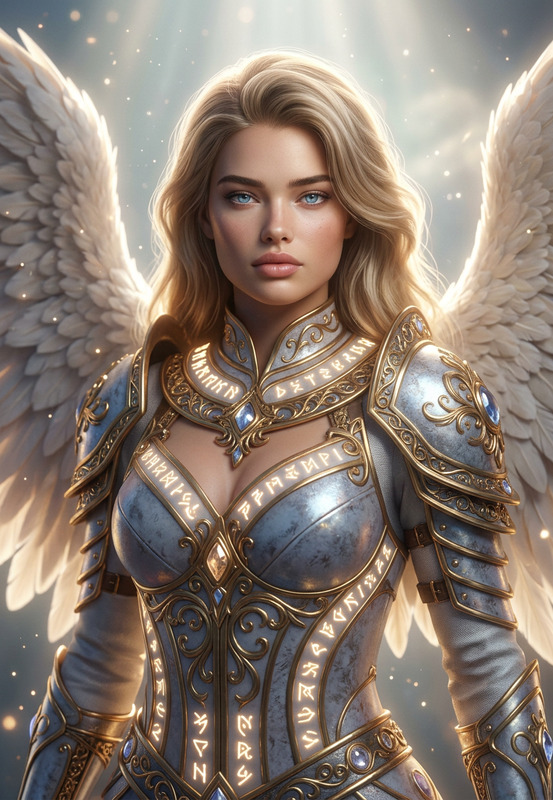
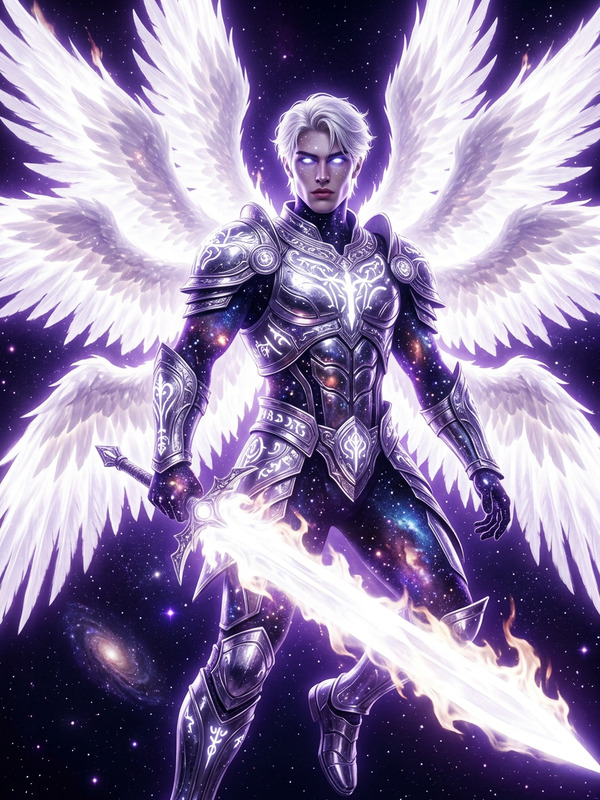
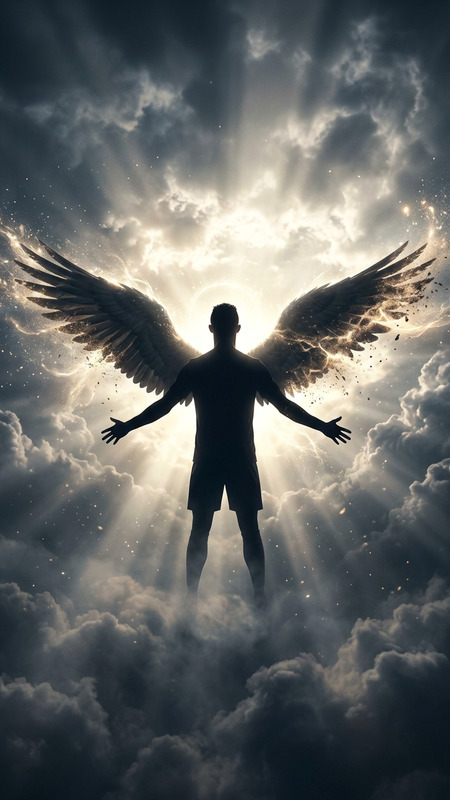
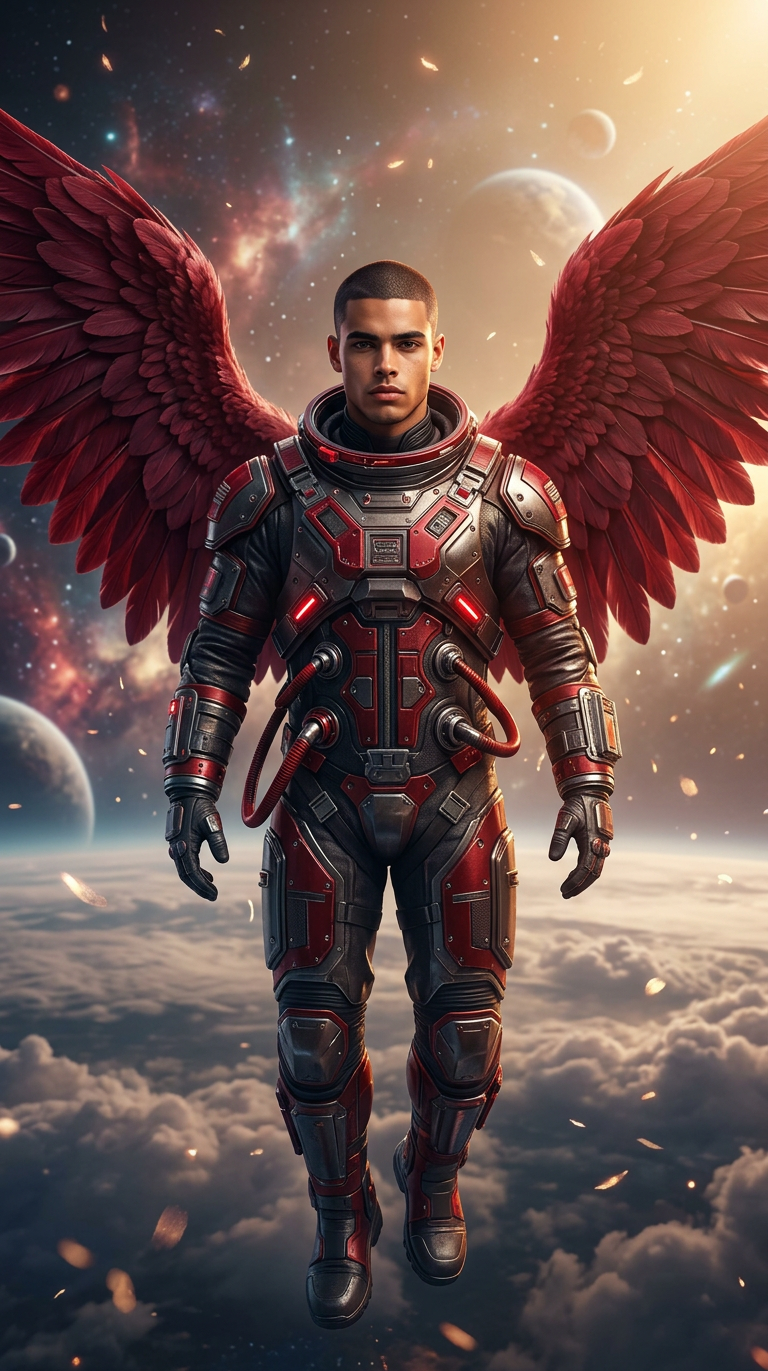
Red Heavenly angelic portrait of the subject with majestic red Wings in an intricately designed spacesuit, floating above clouds against a celestial. Warm golden light, ultra-detailed 8K photorealism, cinematic lighting with deep contrast, ethereal particles, serene yet majestic atmosphere.

Transform any photo into a clean, high-converting landing page mockup in minutes with this Magic Hour AI template. Built on the powerful AI Image Editor, this template is ideal for founders, marketers, designers, and product teams who need realistic product shots and web UI visuals without a full design sprint.

Use it to:

  • Turn rough product screenshots into polished landing page hero images
  • Visualize new product concepts before design and engineering commit
  • Generate multiple layout and style variations for A/B testing
  • Create on-brand visuals for pitch decks, product launches, and ads

What this template does

This template uses Magic Hour’s AI Image Editor to:

  • Clean up and enhance your original image (screenshots, app UIs, product photos)
  • Replace or simplify backgrounds into modern, conversion-focused layouts
  • Add realistic UI elements (cards, buttons, containers, mock browser frames)
  • Refine colors, contrast, and lighting to match a professional landing page style

You get:

  • A landing-page-style image that still looks like your product
  • A reusable visual asset for marketing sites, decks, and social
  • A starting point you can quickly remix and iterate on in Magic Hour

How to remix this template in Magic Hour

You can recreate or customize this template in a few minutes:

  1. Open AI Image Editor
    Go to the AI Image Editor.

  2. Upload your base image
    Use:

    • A product screenshot (web or mobile)
    • An app dashboard or chart
    • A photo of your device, hardware, or physical product
  3. Define the landing page look you want
    In your edit prompt, clearly describe:

    • Layout: “clean SaaS landing page hero,” “product-focused marketing page,” “minimal startup landing page”
    • Style: “modern,” “flat design,” “soft gradients,” “neumorphism,” “dark mode”
    • Elements: “centered hero section,” “headline area above,” “CTA buttons,” “subtle background shapes”
    • Brand feel: B2B, consumer app, fintech, developer tool, AI product, e‑commerce, etc.
  4. Run the edit and refine

    • Generate an initial version
    • If something’s off, run another pass and adjust your prompt (e.g., “simpler background,” “more whitespace,” “smaller UI card,” “no text on buttons”).
    • Keep iterating until the layout feels like a real landing page you’d actually use.
  5. Create alternate versions for testing
    Duplicate the image and:

    • Try different background treatments (gradients, abstract shapes, blurred office, solid color)
    • Shift the composition (left-aligned hero, right-aligned UI, centered product)
    • Emphasize different features (focus on charts, avatars, messaging UI, etc.)

Because Magic Hour’s AI Image Editor is non-destructive, you can keep your original asset intact and maintain full control over each iteration.


Best practices for high-converting landing page visuals

When using this template (or remixing it) for real products, consider:

  • Clarity over decoration
    Avoid overly busy backgrounds or visual noise. Let your product be the focal point. This template is tuned for simple, conversion-focused design.

  • Consistent visual hierarchy
    Ensure there’s a clear “hero” region (where a headline and main CTA would sit) and a focal product image. Keep supporting elements more subtle.

  • Realistic proportions
    Ask the AI to keep your UI close to real-world sizes and proportions so it doesn’t look fake or misleading.

  • Brand alignment
    Mention brand characteristics in your prompt (e.g., “enterprise-grade, trustworthy, clean,” or “playful, vibrant, consumer app”) to steer colors and composition.

  • Adaptability across formats
    Generate variants that work for:

    • Website hero sections
    • Slide decks and pitch presentations
    • Social ads or announcement posts
    • App store or Product Hunt images

Advanced remix ideas for creators and builders

Once you have a strong landing page mockup, you can chain it with other Magic Hour tools:


Who this template is for

This template is optimized for:

  • Startup founders & PMs

    • Quickly visualize product ideas before design resources are available
    • Build investor-friendly and customer-ready mockups for pitches and landing pages
  • Marketers & growth teams

    • Produce new landing visuals for experiments without waiting on design
    • Generate multiple concepts for paid campaigns and social launches
  • Designers & agencies

    • Use as a rapid ideation tool for layout exploration and client proposals
    • Turn wireframes or rough app screenshots into polished concept art
  • Developers & indie makers

    • Ship professional-looking product pages even without design expertise
    • Iterate visually alongside your build process

How this template works under the hood

This template leverages core capabilities of Magic Hour’s AI Image Editor:

  • Context-aware editing
    The model understands UI elements, screens, devices, and background structures, allowing it to build landing-page-style compositions while preserving key parts of your original image.

  • Style and layout synthesis
    Given your base image and text instructions, it synthesizes new backgrounds, layout frames (such as browser windows or device frames), and supporting shapes that resemble modern product marketing sites.

  • Non-destructive transformations
    The editor modifies composition, lighting, and style while keeping your core content recognizable—critical for real product imagery and brand trust.

You don’t need design or AI expertise to use it: clear, concise language about layout, style, and brand tone is usually enough to get strong results.


Related Magic Hour tools worth exploring

To build a full, AI-powered visual stack around your landing page, consider:

  • AI Image Editor – the foundation for this template; edit any image with natural language
  • AI Image Generator – generate new visuals from scratch to match your landing page aesthetic
  • AI GIF Generator – create looping hero animations or micro-interaction demos
  • Text-to-Video – script and generate explainer-style clips from text plus your visuals
  • AI Talking Photo – animate founder or spokesperson photos for landing or demo videos
  • AI Voice Generator and AI Voice Cloner – add professional narration for product videos built from your landing assets
  • Video Upscaler – ensure any exported motion assets look sharp on high‑resolution displays

How to adapt this template to your use case

You can remix this template into variants that fit different product categories:

  • SaaS & B2B tools

    • Focus on dashboards, metrics, and collaboration UI
    • Ask for “clean, enterprise SaaS landing page with minimal background and clear hero area”
  • AI products and developer tools

    • Use code editors, terminals, or node graphs as focal points
    • Describe a “developer-focused landing page with dark theme and subtle gradients”
  • Consumer apps & marketplaces

    • Emphasize mobile screens, cards, and lifestyle imagery
    • Prompt for “modern consumer app landing page, bold colors, large product screenshot in center”
  • E‑commerce & DTC

    • Combine product photography with clean layout frames
    • Mention “shop-like hero, product image centered with simple supporting UI around it”

Each of these can be achieved by uploading your own assets into the AI Image Editor and describing the layout and brand feel you want.


Use this template as a reliable starting point, then remix it freely in Magic Hour. With a single product screenshot or mockup, you can generate a full suite of landing-page-ready visuals, variations for testing, and motion assets that scale with your launch and growth efforts.

More Like This

Insufficient credits