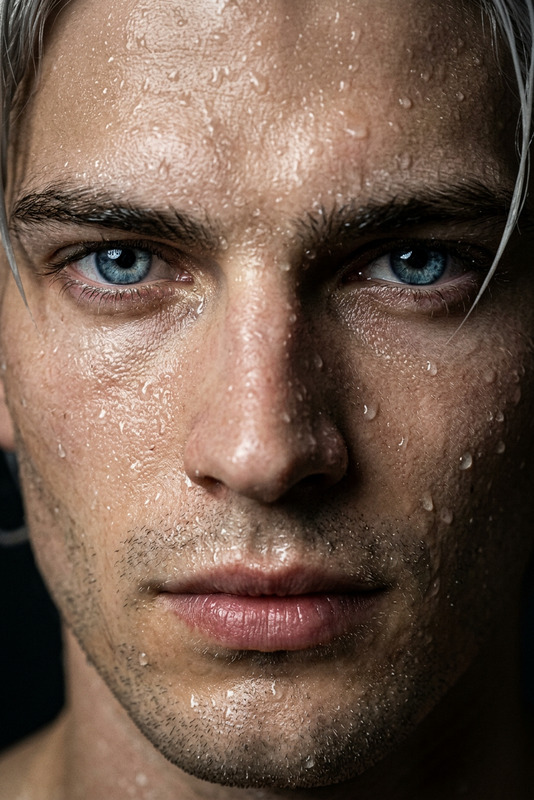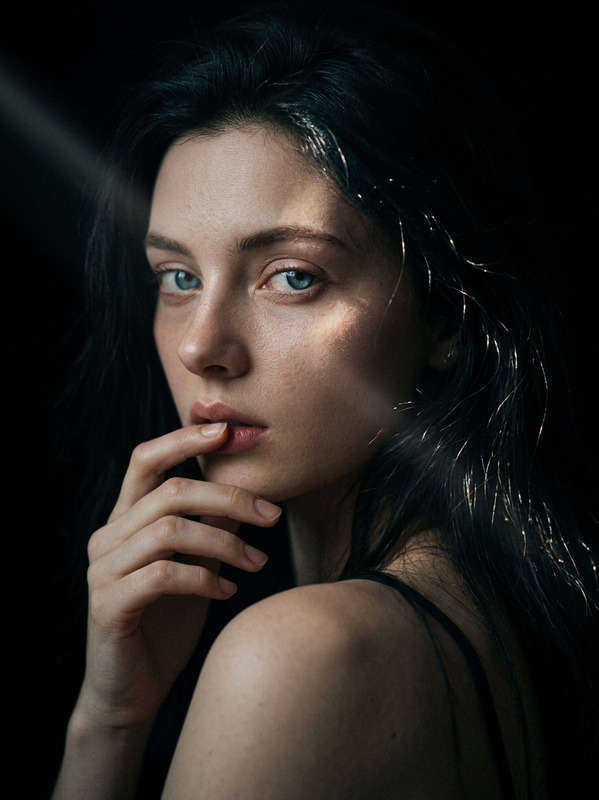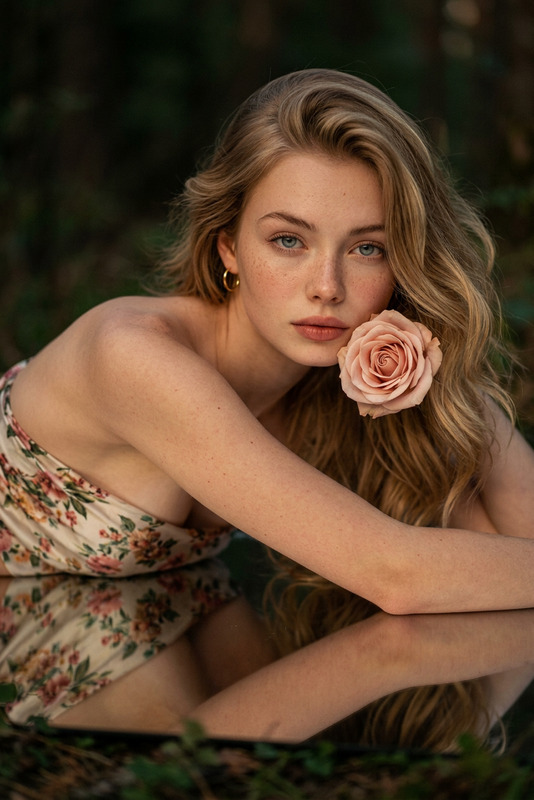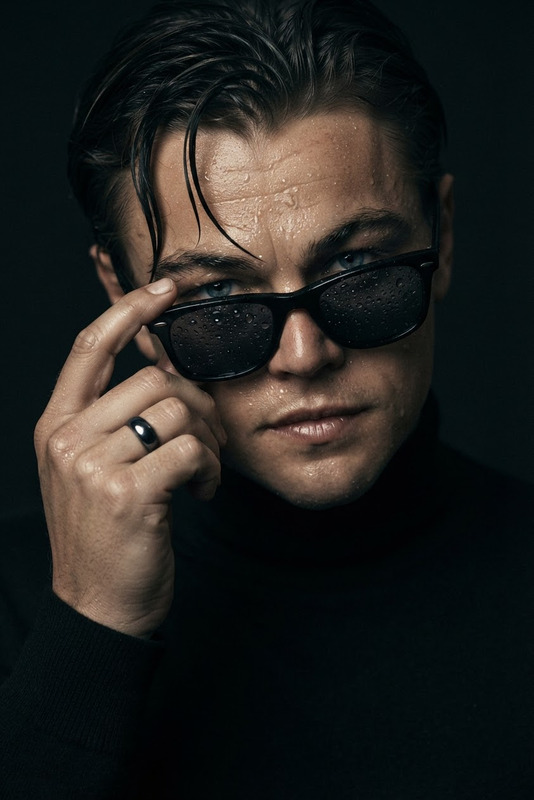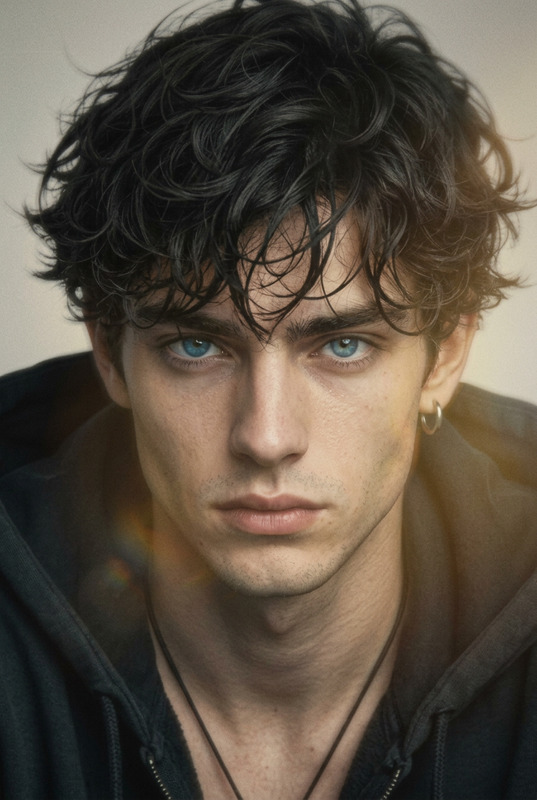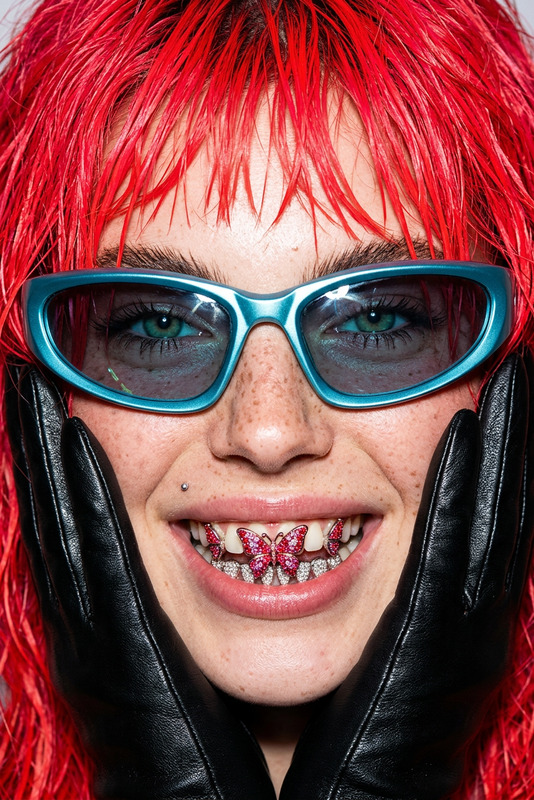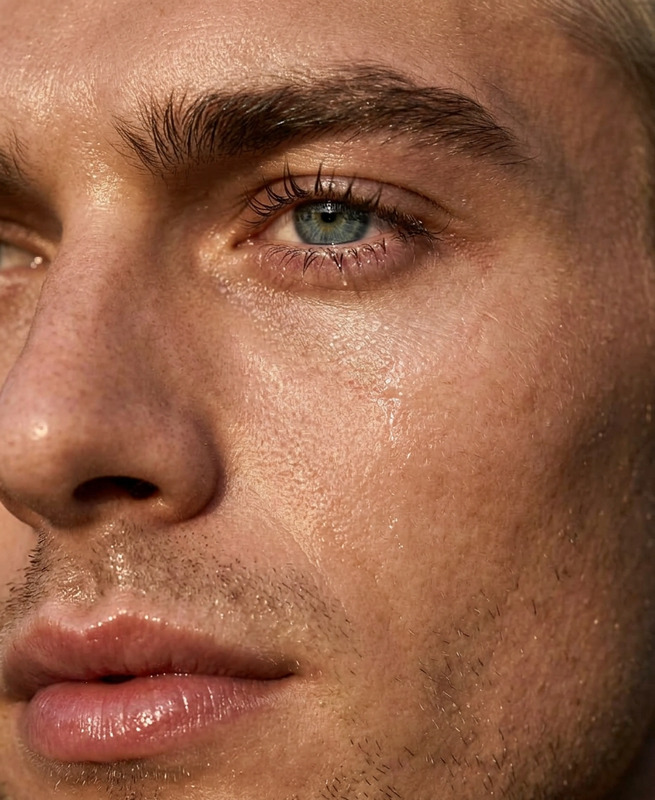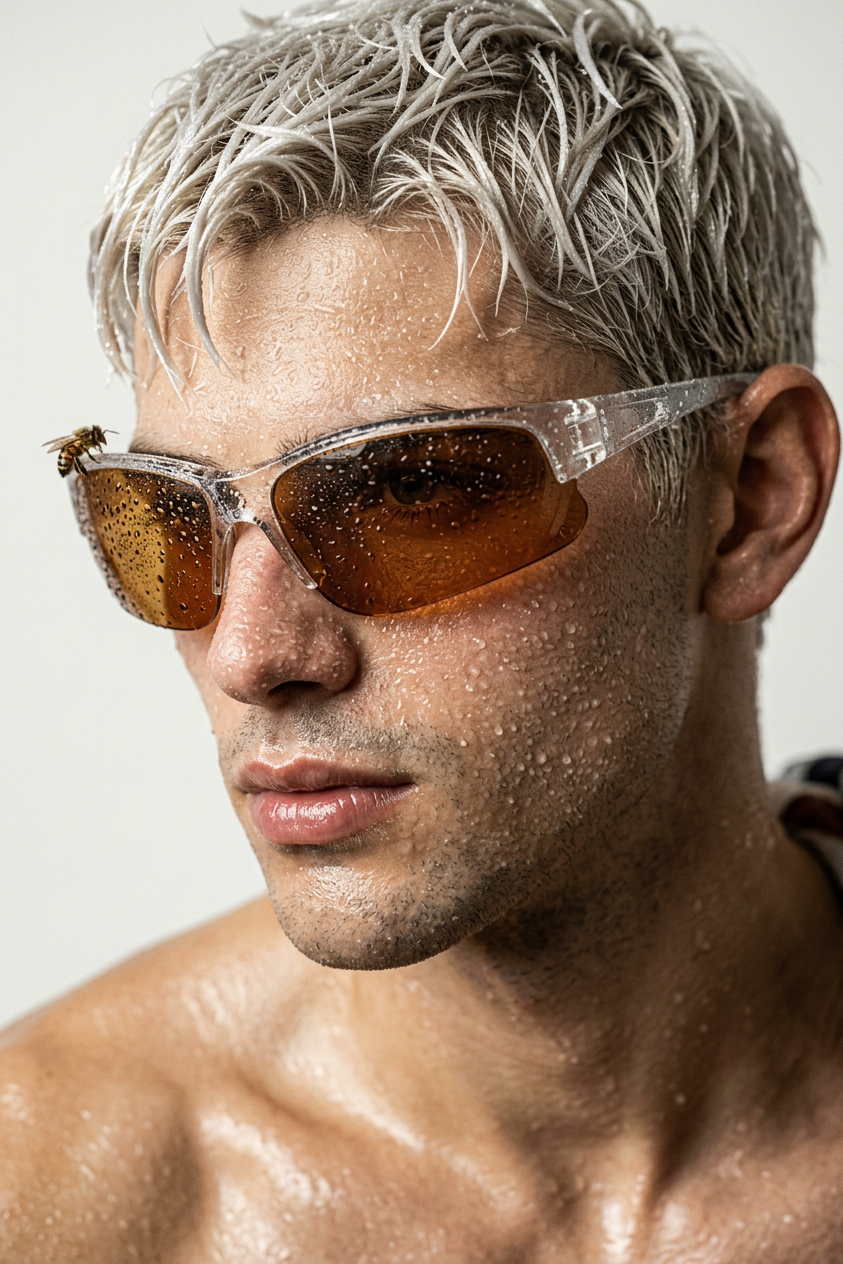
Amber Dew Tactical Portrait
- Model
- Nano Banana 2
- Image
- 843 × 1264 px
Prompt
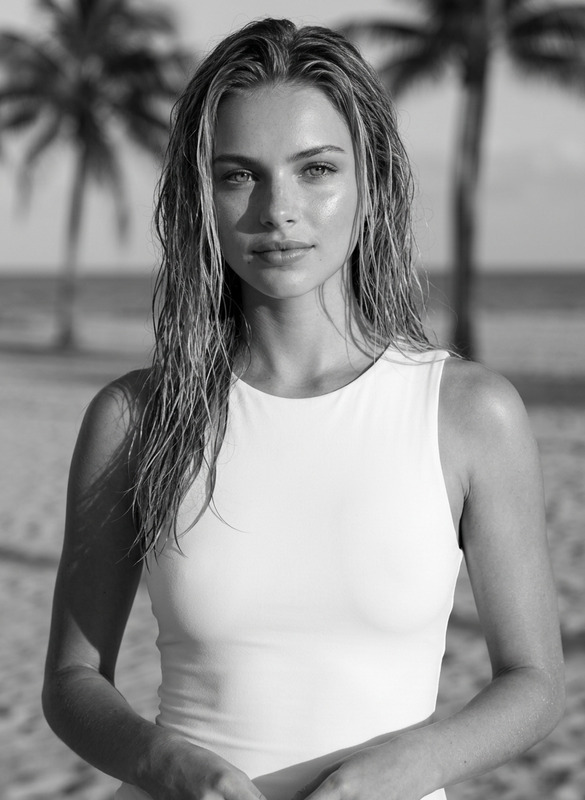
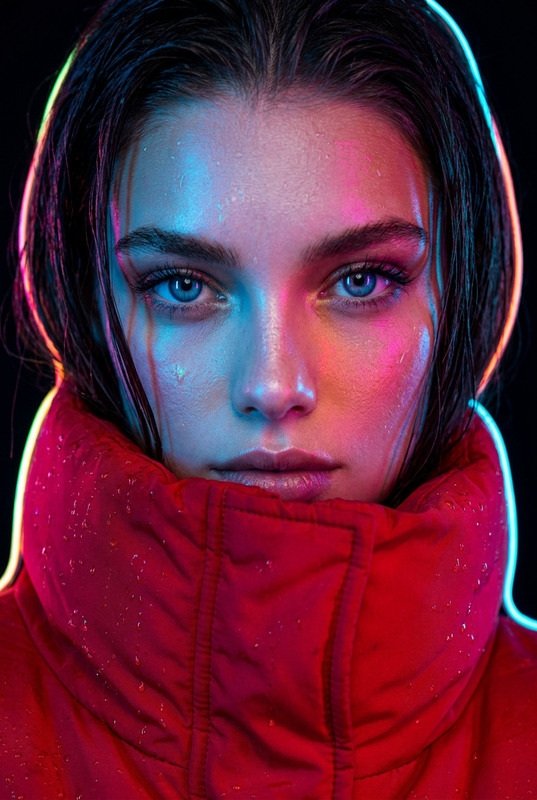
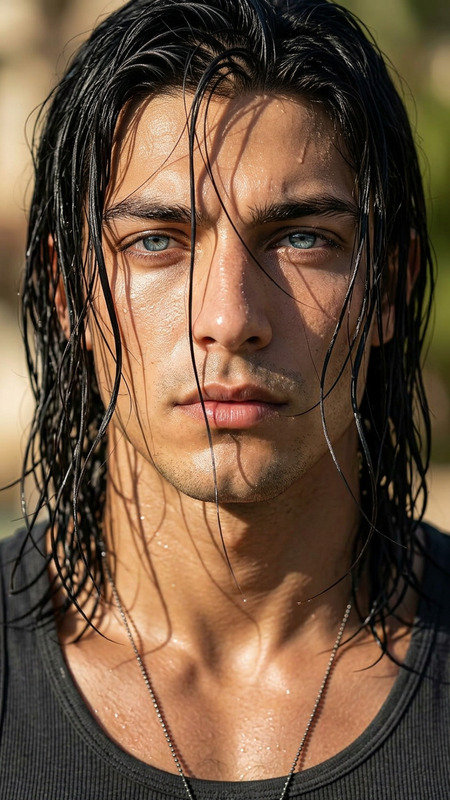
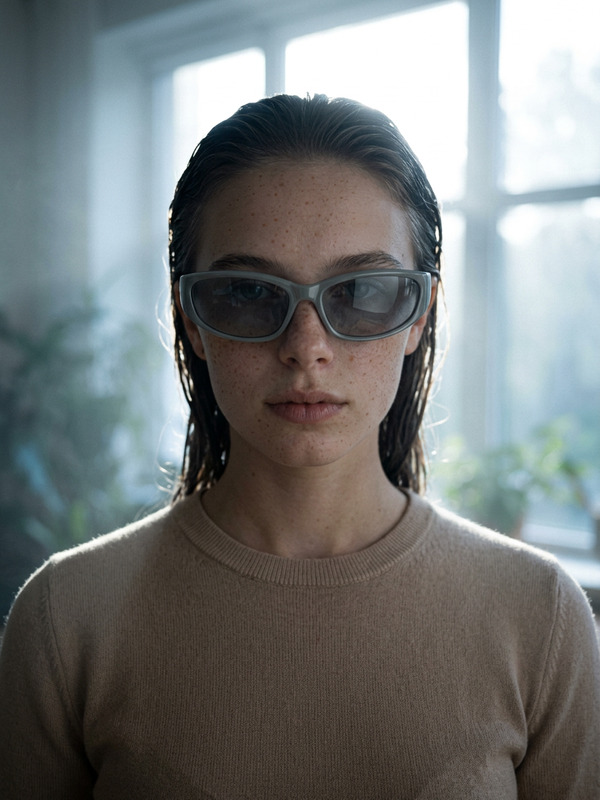
Extreme macro close-up of a model in three-quarter profile against a matte off-white studio background, bleached platinum short textured hair soaked in wet-look gel, face covered in hyper-detailed micro water droplets, visible pores and skin texture, intense expression. Wearing clear polycarbonate wrap-around sunglasses with deep amber translucent lenses, surface covered in condensation, a tiny realistic bee with dew perched on the upper lens corner. Bare wet shoulders visible, natural glossy lips. Diffused daylight from upper left mixed with sharp studio strobe for high contrast, cinematic lighting, ray-tracing reflections, shallow depth of field, ultra detailed textures, film grain, high-end editorial, 4K
Any aspect ratio
Overview
The Amber Dew Tactical Portrait is an AI-powered template designed within our AI Image Editor. Leveraging the capabilities of the nano-banana-2 model, this template creates extreme macro close-ups with exquisite detail. It combines cinematic lighting and ultra-detailed textures to produce high-end editorial portraits.
What It Does
This template provides the tools to craft portraits featuring hyper-detailed elements such as micro water droplets and realistic bee accents on glasses. It expertly blends diffused daylight with studio strobe lighting for a high-contrast, cinematic look. It is part of the suite available in the AI Image Editor, allowing users to produce 4K images with film grain and ray-traced reflections.
Who It's For
The template is ideal for professional photographers and editors looking for a way to create striking and editorial-quality portraits. It is also suitable for hobbyists who want to explore advanced portrait editing techniques. Those interested in detailed texture and sophisticated lighting effects will find this template particularly beneficial. Incorporate it into your workflow along with tools like the AI Photo Relighting to further enhance your images.
Summary
The Amber Dew Tactical Portrait template is a robust solution within the AI Image Editor for producing captivating imagery with nano-level detail. It is tailored for those who aim to achieve high-end editorial results, serving as a comprehensive tool for detailed image crafting and cinematic enhancement.
How to Use
Choose the Template

Customize Your Inputs

Generate Your Portrait

Use Cases
Editorial Photo Shoots
- High-end fashion magazines
- Beauty editorials
Advertising Campaigns
- Fragrance ads
- Accessory campaigns
Portfolio Development
- Photography showcases
- Portfolio updates
Best Practices
Highlight Texture
Focus on achieving the perfect balance of natural skin texture and artificial lighting to maintain realism.Experiment with Lighting
Try different lighting configurations within the template to see how they affect and enhance the image.Refine Details
Take advantage of tools like AI Profile Picture Generator to fine-tune facial features and compositions.