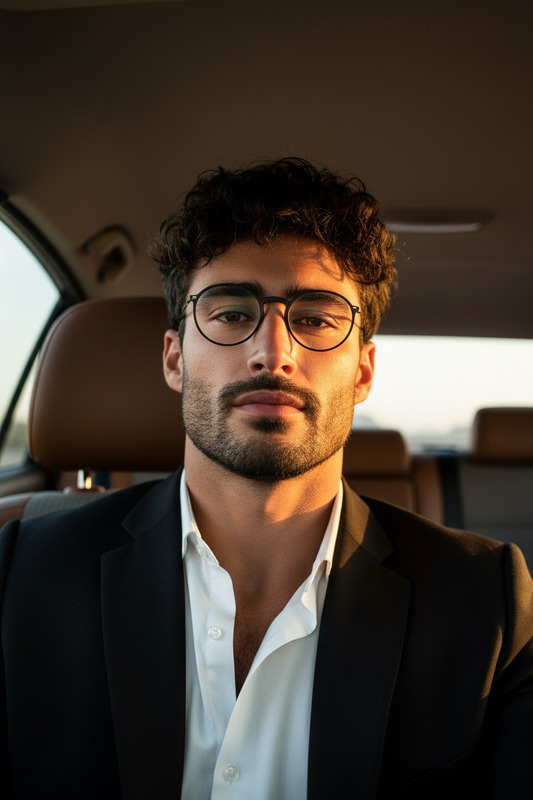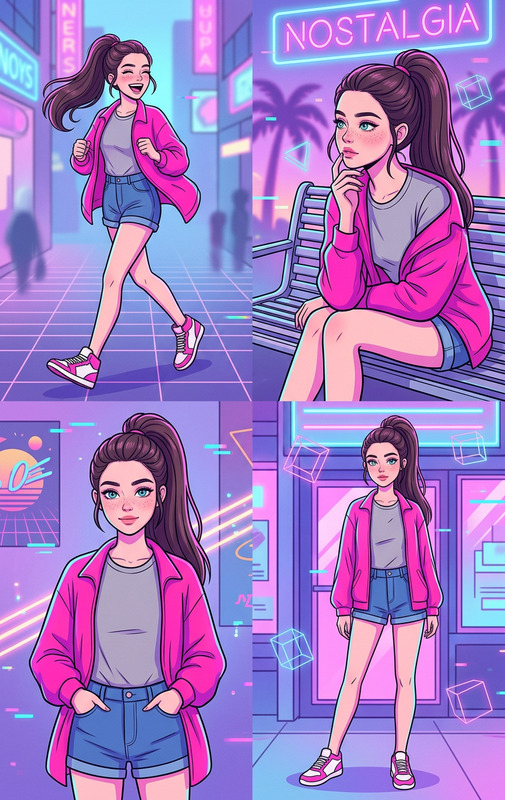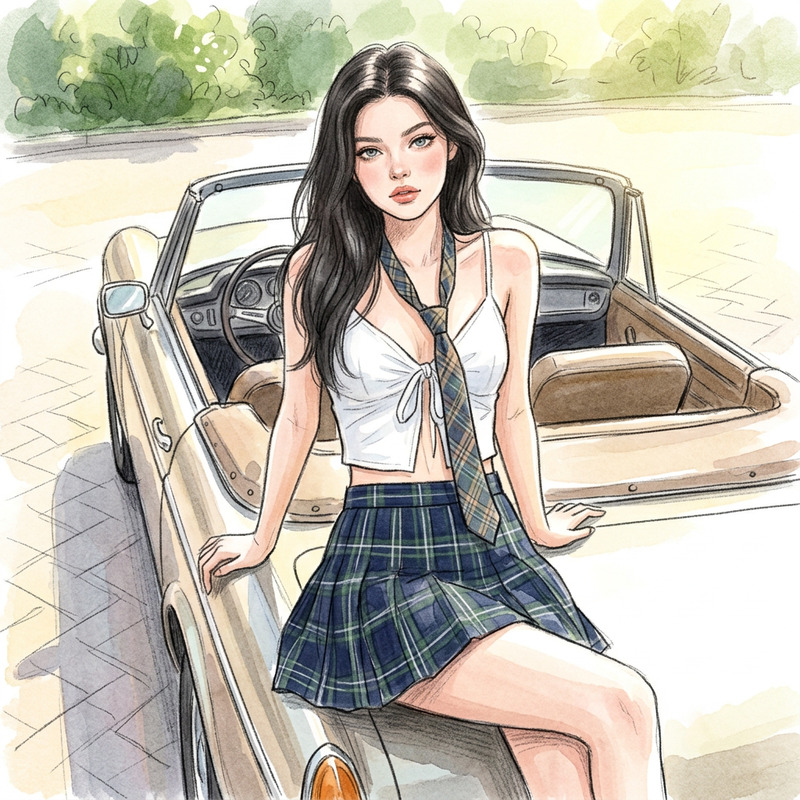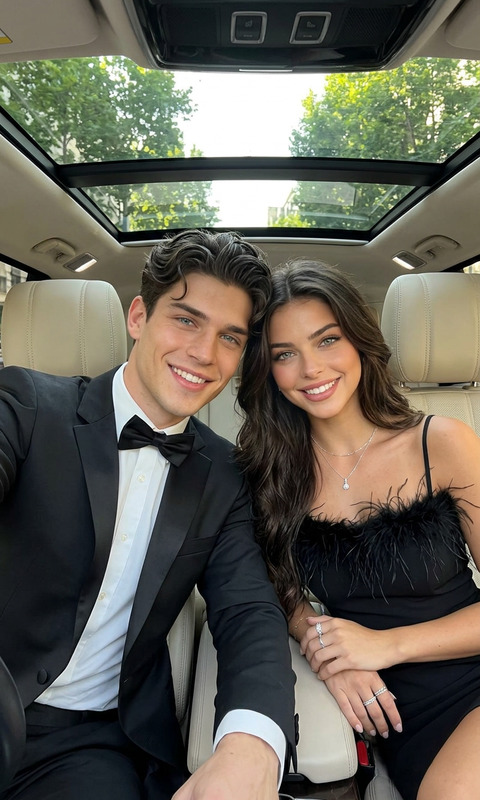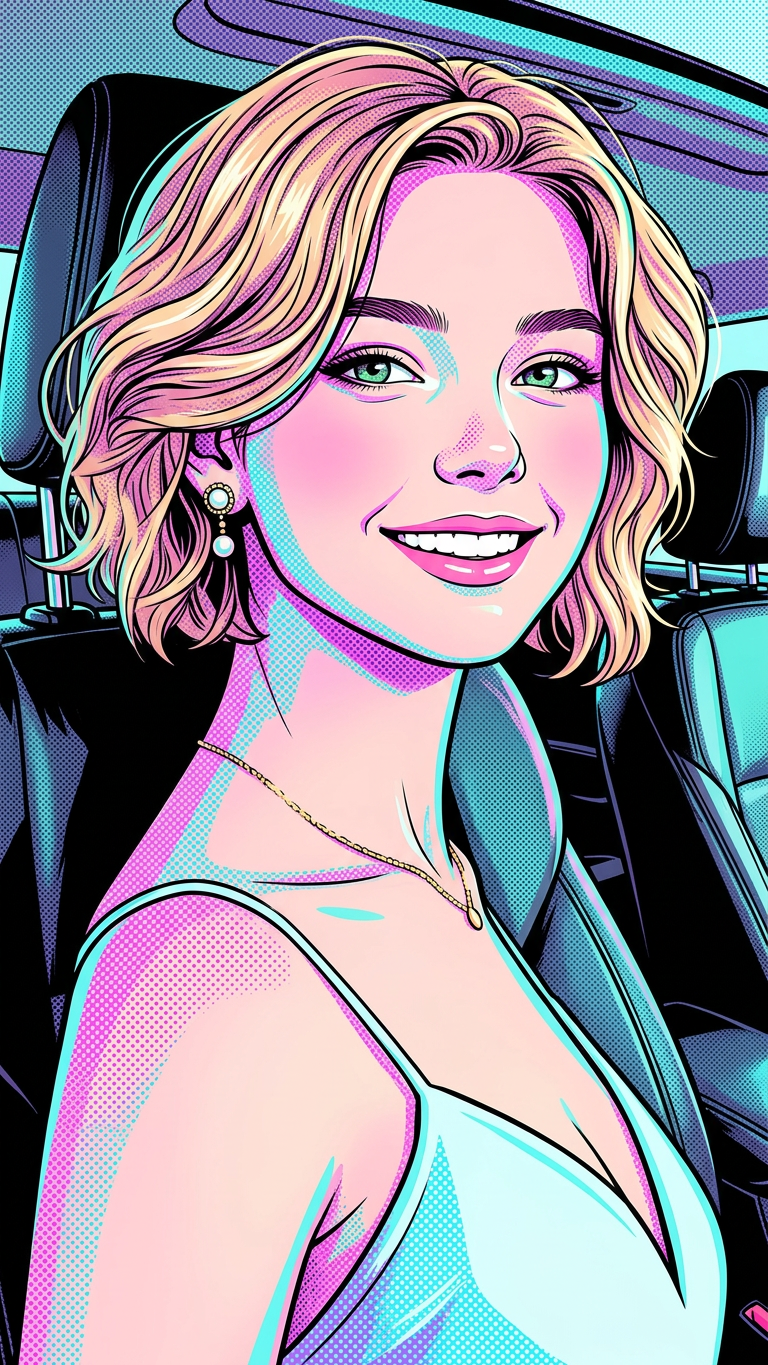
Pop Vaporwave Car
- Model
- Nano Banana 2
- Image
- 768 × 1365 px
Prompt
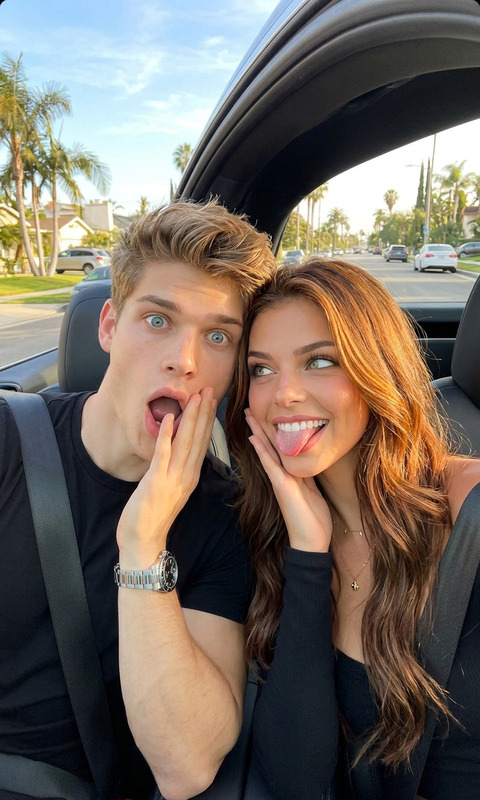
A close-up selfie portrait of a young adult subject smiling brightly, seated inside the front seat of a car with black leather headrest and seat visible behind. Head slightly tilted to the right, facing camera. Natural daylight entering through car windows, soft even illumination, cheerful bright mood. Wearing a necklace hanging around the neck, falling straight down. Pop Art + Andy Warhol-inspired halftone texture combined with vaporwave cartoon style, neon retro color palette (pink, purple, cyan). Eye-level selfie perspective, close-up head and torso, subject sharp with softly blurred background. Clean, vibrant, high-detail stylized illustration aesthetic.
Any aspect ratio
Overview
Dive into the world of vibrant retro aesthetics with the Pop Vaporwave Car template. This AI Image Editor tool uses the nano-banana-2 model to transform your selfies into stunning pop art with a vaporwave twist. Embrace the neon retro color palette and create high-detail stylized illustrations for your projects.
What It Does
This template allows you to convert ordinary car selfies into works of art that feature a unique fusion of pop art and vaporwave styles. The AI Image Editor applies a halftone texture reminiscent of Andy Warhol's works, combined with a neon color scheme, making your images pop with vibrant, cheerful energy.
Who It's For
Ideal for graphic designers, social media influencers, or any creative professional looking to add a distinct pop art flair to their visuals. Whether you're crafting thumbnails for YouTube, sprucing up an Instagram feed with a retro look, or enhancing mood boards, this tool offers a unique visual impact.
Summary
The Pop Vaporwave Car template offers a straightforward way to produce eye-catching, retro-styled illustrations. By leveraging the AI Multi-Angle Generator and complementary tools like the AI Image Generator, you can broaden the creative possibilities of your visual projects with minimal effort.
How-To
Follow these steps to use the Pop Vaporwave Car template and create eye-catching images.
Choose the Template

Customize Your Inputs

Generate and Download

Use Cases
Social Media Thumbnails
- YouTube channels
- Instagram posts
- E-commerce listings
Retro Marketing Campaigns
- Flyers and brochures
- Online ads and banners
Event Promotions
- Concerts and art shows
- Special online events
Best Practices
Focus on Lighting
Ensure your original photos have natural daylight to match the template's lighting for optimal results.Experiment with Angles
Try different selfie angles to create more dynamic visuals.Leverage Additional Tools
Use tools like the Photo Colorizer to further enhance color vibrancy in your final image.