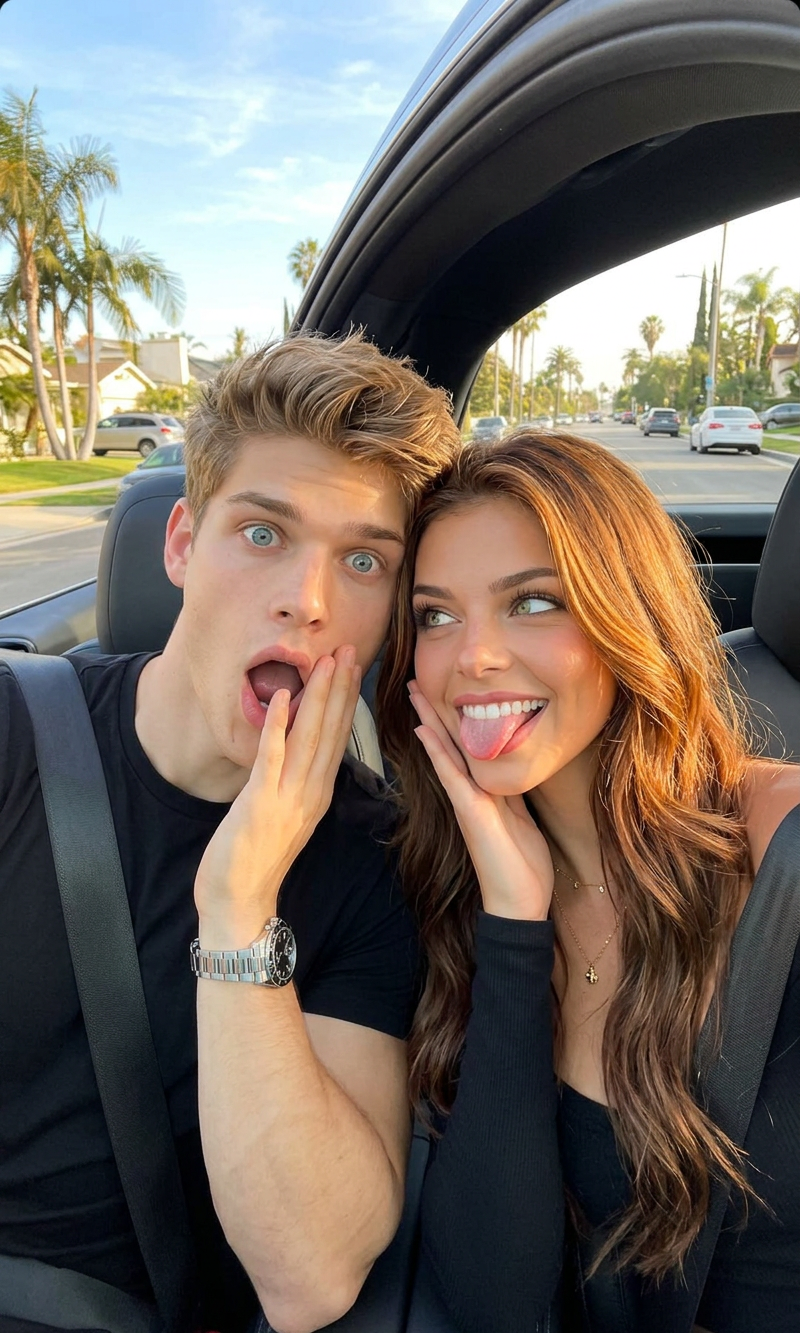
No Filter
- Model
- Nano Banana 2
- Image
- 800 × 1333 px
Prompt
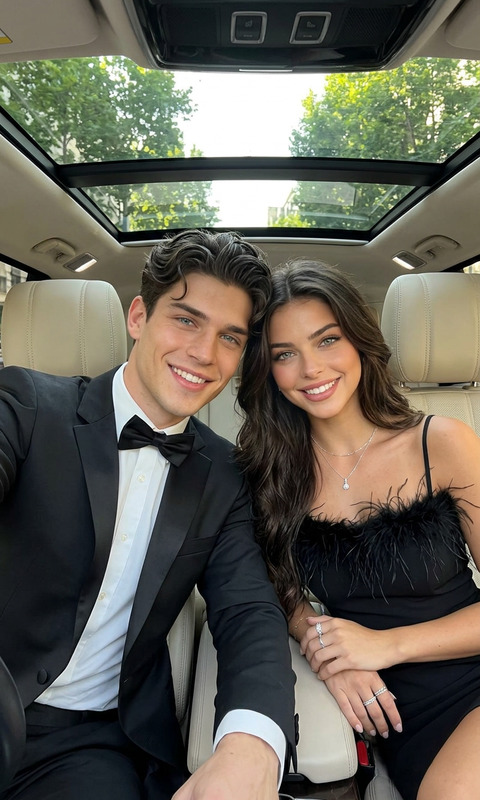
A close-up selfie photograph taken from a front-passenger angle inside a modern car with a panoramic sunroof, capturing a playful, attractive couple making funny faces. The woman, a beautiful woman with voluminous curly afro hair and bangs, smiles mischievously while playfully sticking her tongue out, wearing a brown top and blue jeans with her hand on the steering wheel. The man beside her, a handsome Caucasian man with stylized sandy blond hair, has a wide-eyed, open-mouthed expression of surprise, wearing a navy blue knit polo shirt. They are strapped into black leather car seats with seatbelts on, against a bright daytime background visible through the glass roof showing palm trees and the distant skyscrapers of Los Angeles.
Any aspect ratio
Overview
The "No Filter" template is designed for those who want to capture and enhance the authenticity of their moments. Leveraging advanced AI capabilities of the AI Image Editor, this template utilizes the nano-banana-2 model to provide subtle edits while maintaining the natural appearance of your images. Perfect for selfies or couple photos, its goal is to present you at your best without the artificial sheen of traditional filters.
What It Does
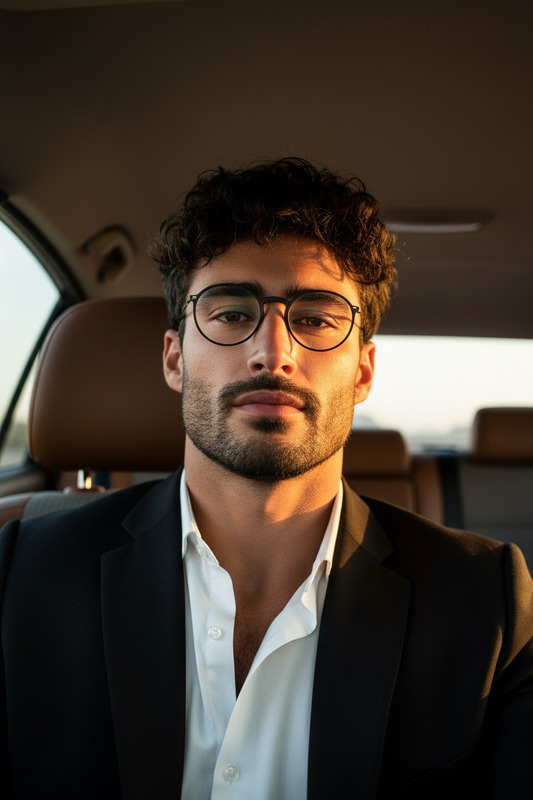
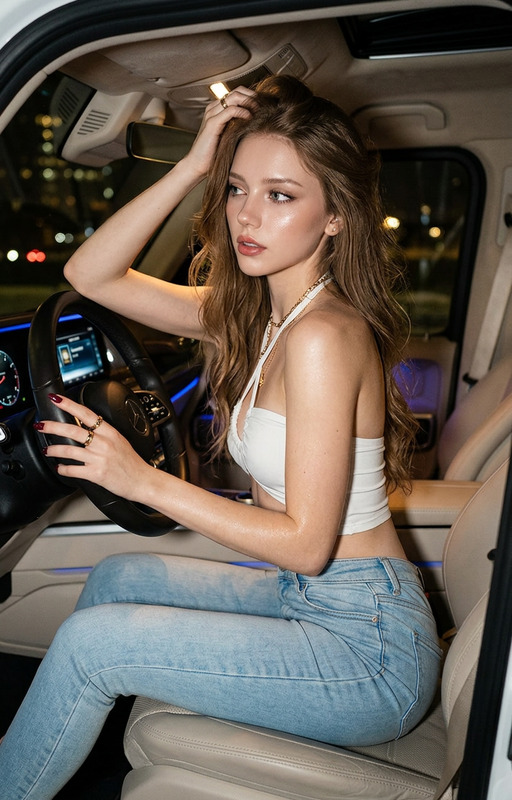
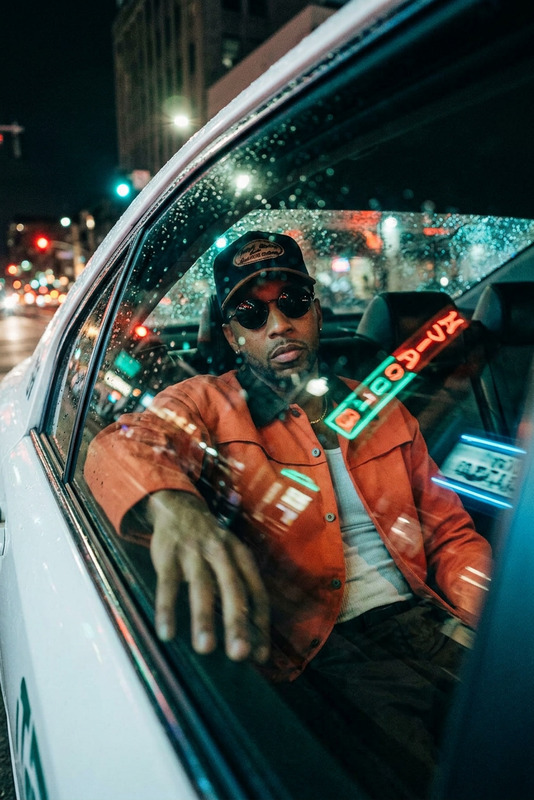
"No Filter" offers a refined approach to image editing by enhancing photos with a natural look. It works on close-up selfies taken inside vehicles, capturing playful and candid expressions while enhancing lighting and color accuracy. By removing distortions typically caused by vehicle lighting and plasticity in traditional edits, AI Image Editor's capabilities ensure your photos look genuine and expressive.
Who It's For
This template suits anyone seeking to refine their photographs with a touch of elegance while preserving authenticity. It's ideal for photographers, social media enthusiasts, and couples wanting to share natural, heartfelt moments without heavy stylization. Photographers and influencers will appreciate the realistic enhancements it brings to their creative portfolios.
Summary
With "No Filter," experience the best of AI-powered image editing that preserves genuine aesthetics. Capture spontaneous and lively moments luxuriously by utilizing the Gender Swap or experimenting with different styles with the AI Image Editor. "No Filter" ensures that creativity meets authenticity, providing you with images that resonate with real emotions.
How to Use the Template
Choose the Template

Customize Your Photo

Generate Your Image

Use Cases
Social Media Content
- Capture natural moments
- Enhance without over-editing
Couple's Photography
- Natural smiles and expressions
- Background enhancements
Photography Portfolios
- Maintain real aesthetics
- Highlight unique features
Car Selfies
- Adjust according to natural light
- Focus on bright backgrounds
Best Practices
Capture in Daylight
For best results, take your photos in natural daylight, allowing the model to enhance the camera's natural responses to light and shadow.Center Your Subjects
Ensure the photo centers the subjects well, especially if close-up, to avoid needing strong edits that alter the authenticity.Minimal Adjustments
Maintain minimal adjustments in settings to preserve the natural look intended by the template.