Ready to Go
- Model
- Nano Banana 2
- Image
- 800 × 1333 px
Prompt
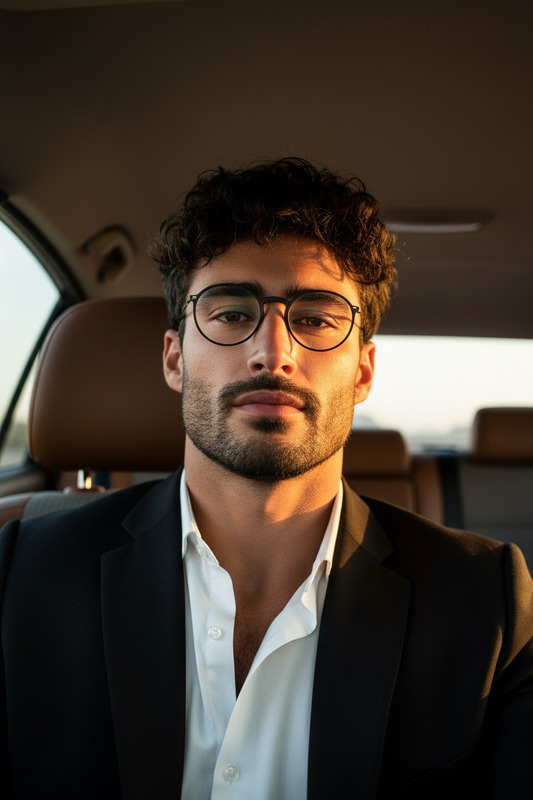
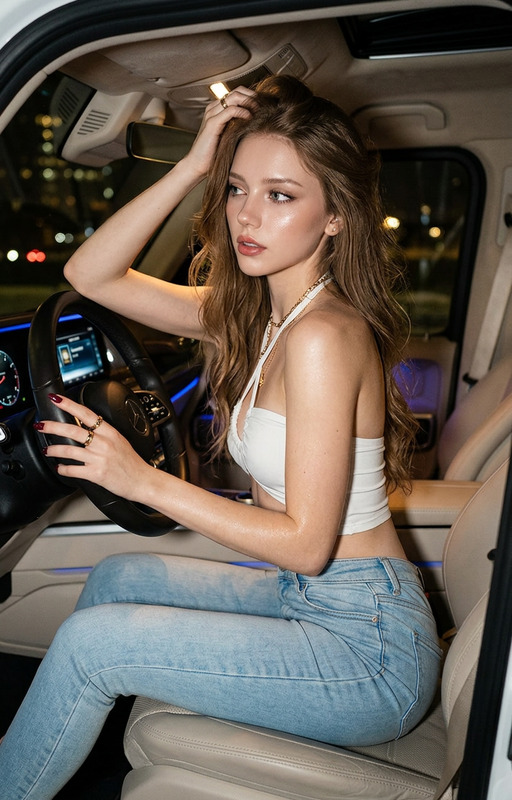
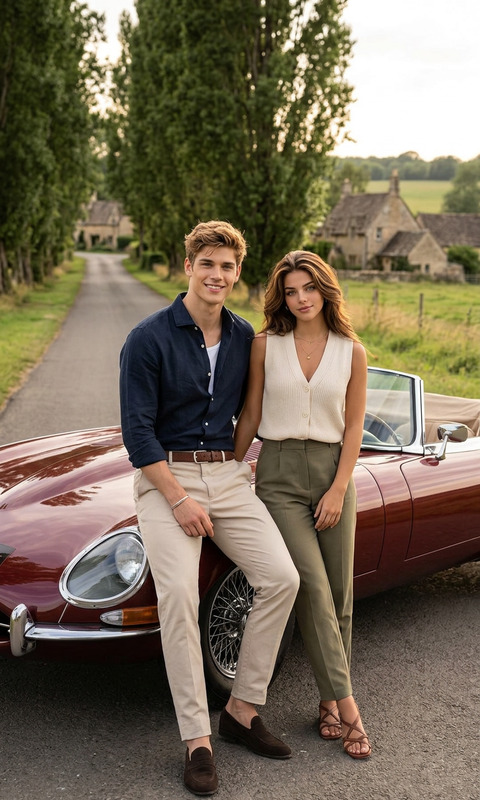
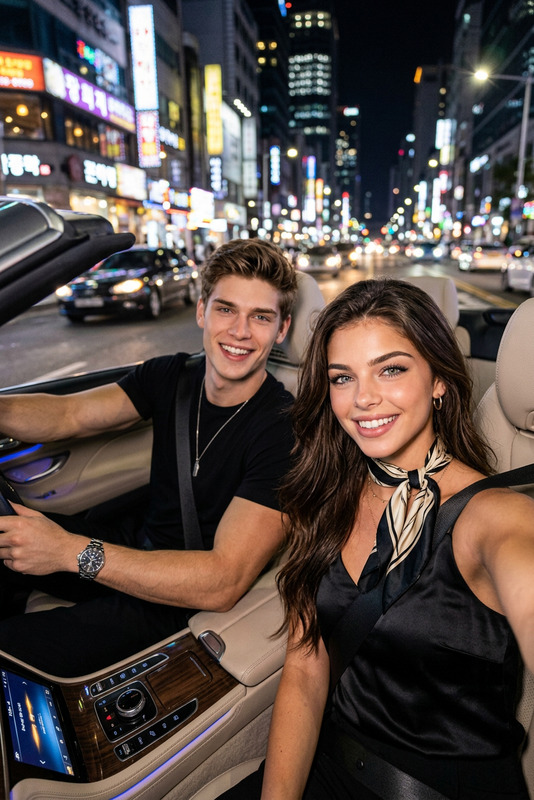
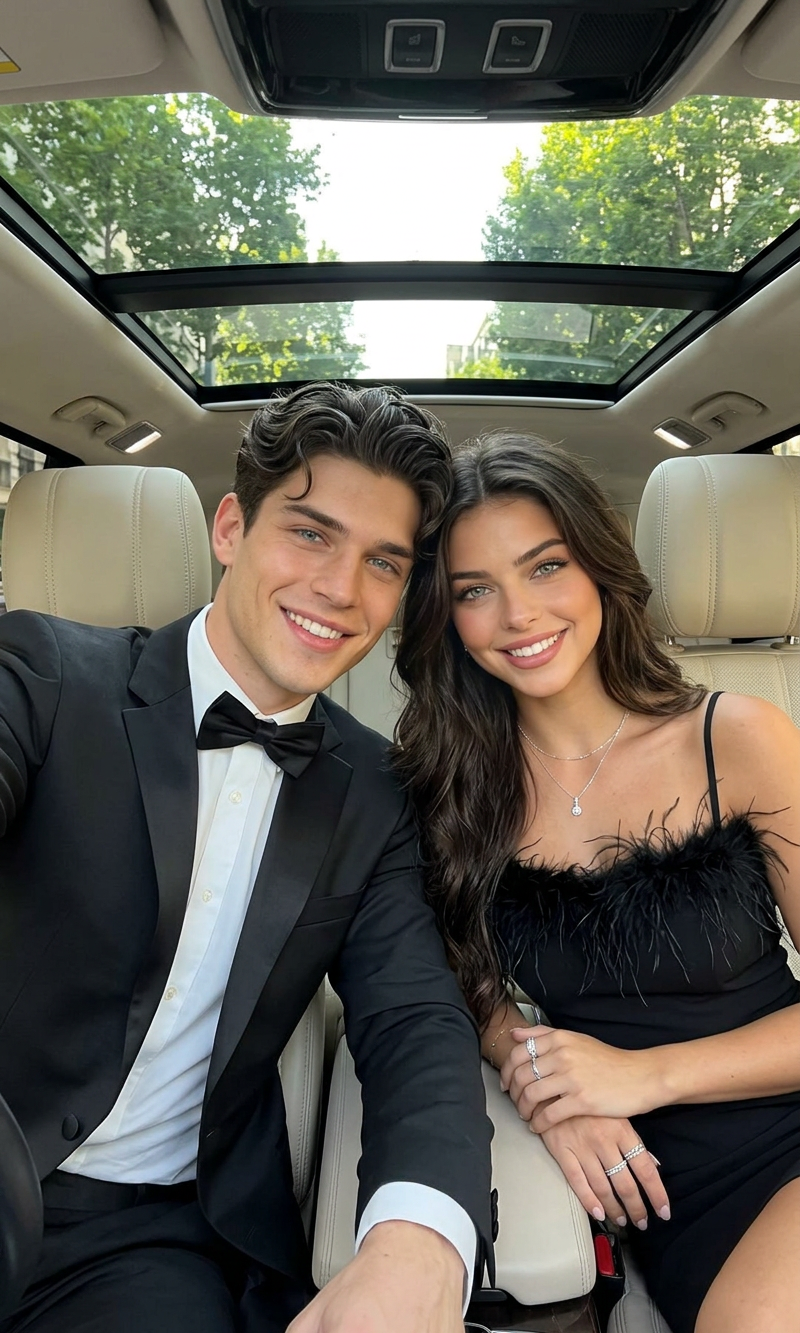
A close-up selfie photograph taken from a high angle inside a luxury car with a panoramic sunroof, capturing an attractive, elegant couple smiling for the camera. The man, with stylized dark wavy hair and a brilliant smile, holds a smartphone up to take the photo while wearing a classic black tuxedo, white dress shirt, and a black bow tie. The woman beside him, with shoulder-length dark wavy hair and striking light eyes, smiles serenely while wearing a sophisticated black cocktail dress with a feathered trim along the neckline, complemented by a delicate silver pendant necklace and multiple silver rings. They are seated in beige leather car seats, with the blurred view of green city trees visible through the sunroof under bright, daytime light.
Any aspect ratio
Overview
The "Ready to Go" template in Magic Hour offers an immersive experience by utilizing the AI Image Editor with the nano-banana-2 model. Ideal for creating elegant, high-quality images directly from descriptive prompts, this template is a must-have for anyone looking to enhance their digital content portfolio with captivating visuals.
What It Does
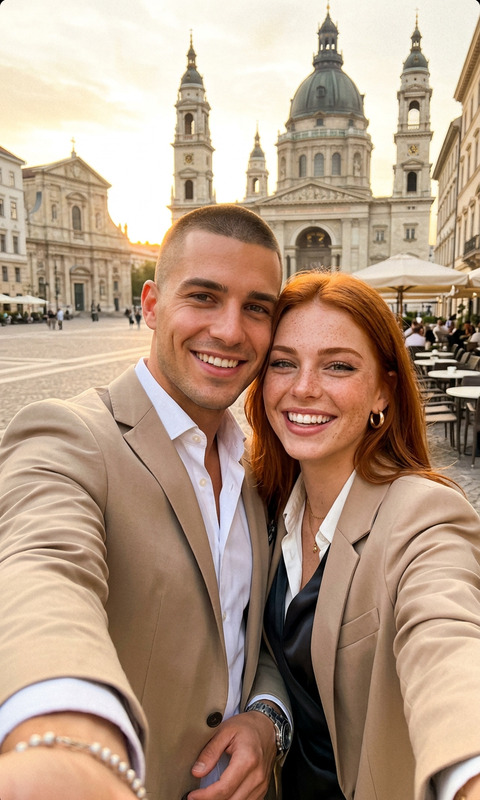
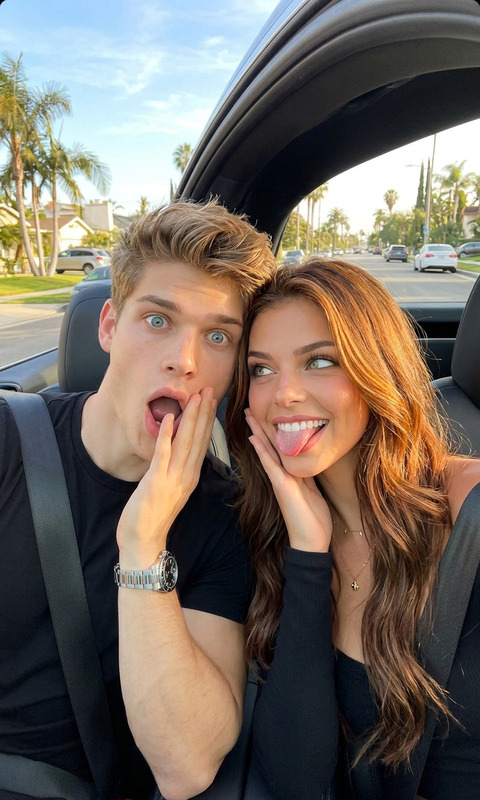
This template transforms simple prompts into detailed, stylish imagery suitable for various digital content needs. It generates a high-angle selfie of an elegant couple inside a luxurious car setting, perfect for those who work in content creation or visual storytelling. Built into Magic Hour's suite of tools, it enhances images to portray sophistication and style.
Who It's For
"Ready to Go" is perfect for content creators, advertisers, and brands aiming to convey luxury and elegance through visual media. Social media influencers and marketers can use this tool to craft compelling narratives around personal and brand stories. It's also beneficial for those specializing in lifestyle and fashion content, looking for a polished finish.
Summary
Experience the ease of high-end visual creation with this template, particularly when paired with other tools like the AI GIF Generator and the AI Image Generator. Tailor-made for creating luxurious and engaging visuals, it stands out by delivering professional-grade images effortlessly.
How-to
Choose the Template

Customize Your Image

Generate Your Image

Use Cases
Social Media Campaigns
- Instagram posts
- Facebook ads
- Twitter campaigns
Advertising Material
- Banner ads
- Video thumbnails
Personal Branding
- Profile pictures
- Story highlights
Best Practices
Focus on Detail
Pay attention to the specifics in your prompts to ensure the image accurately reflects what you envision.Consistency is Key
Maintain visual consistency across different platforms by using the same aesthetic style.Pair with Text
Complement visuals with engaging text to tell a fuller story, especially in ads and social media posts.