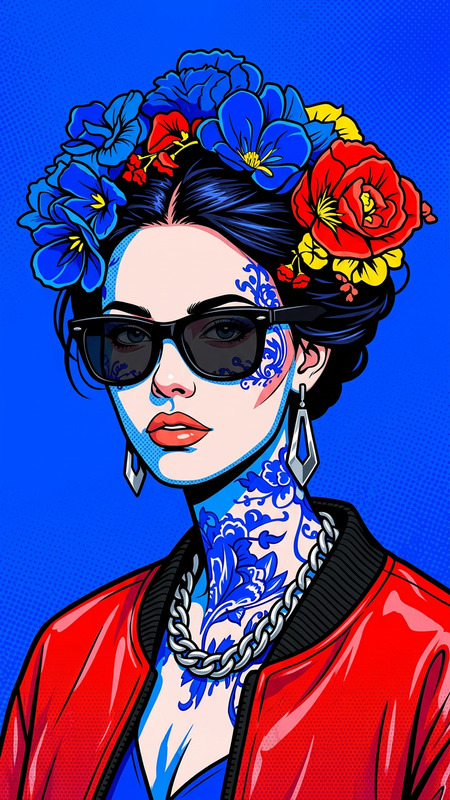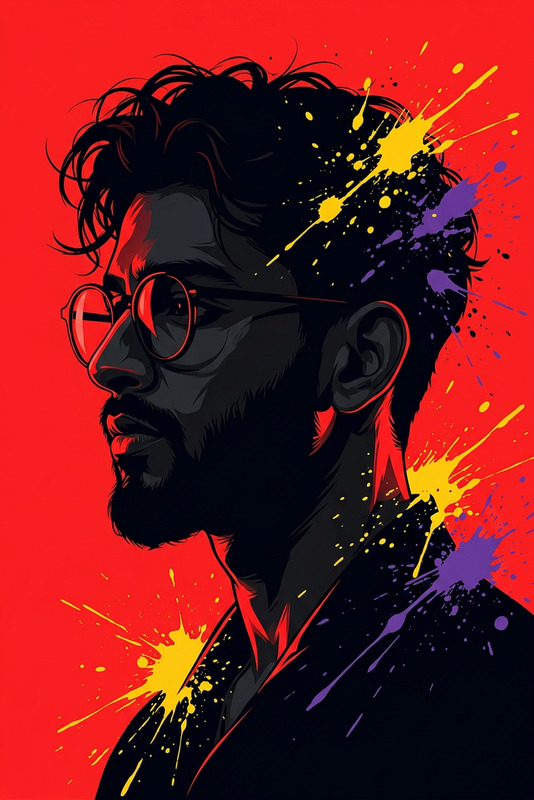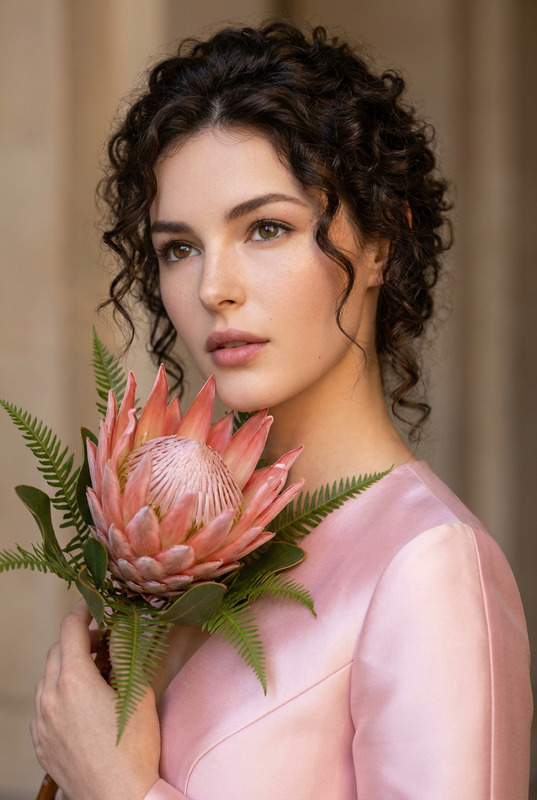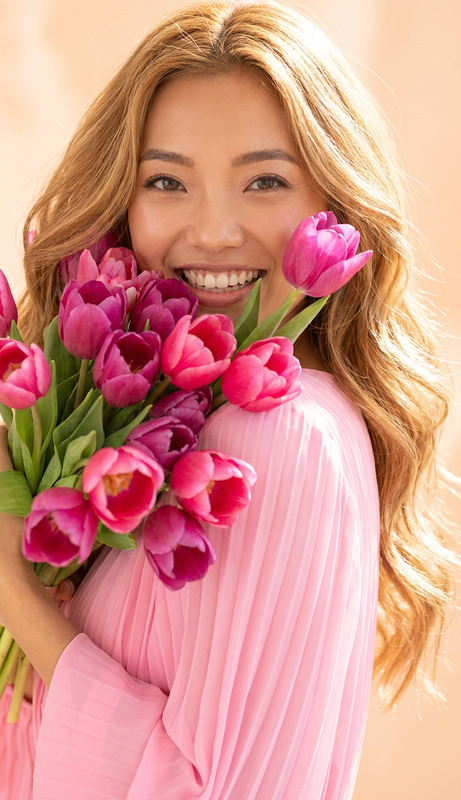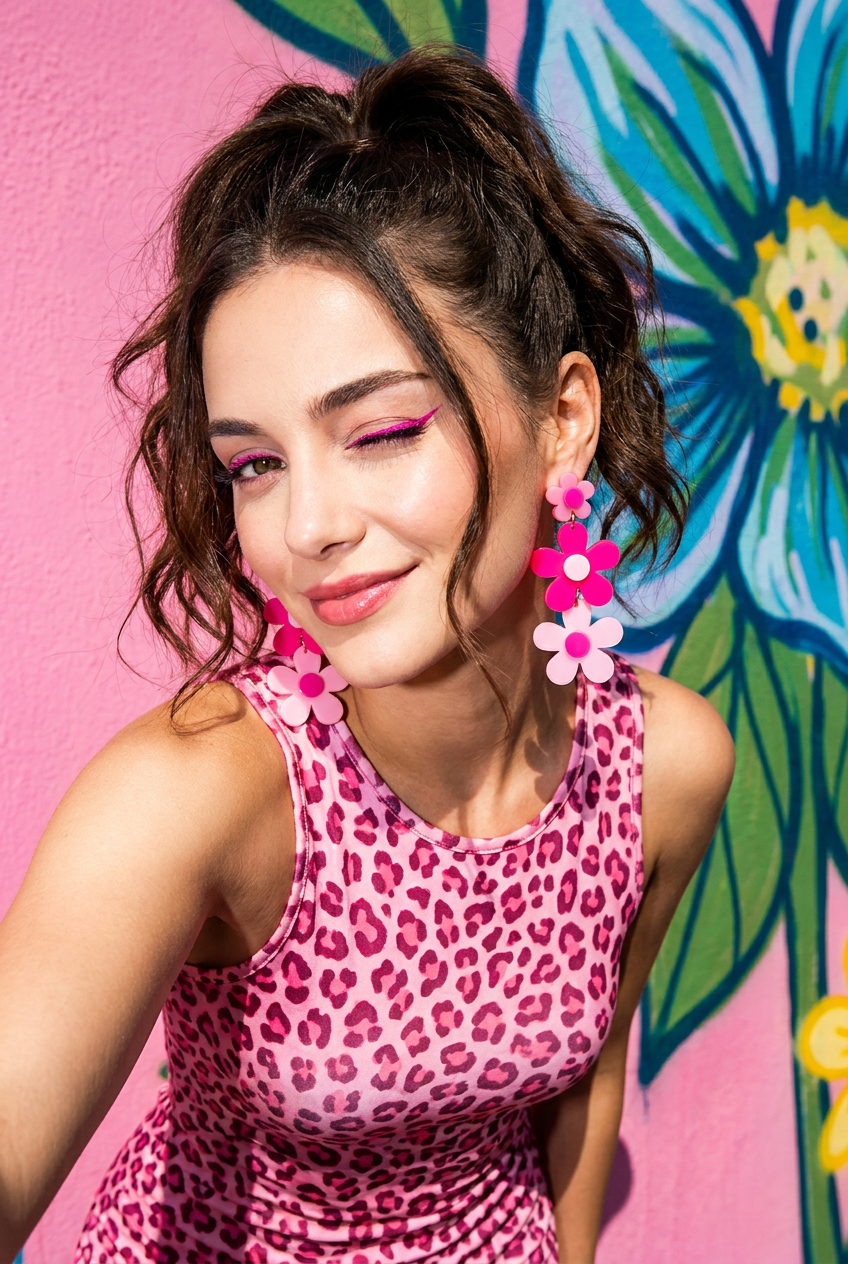
Pop Art Wink
- Model
- Nano Banana Pro
- Image
- 848 × 1264 px
Prompt
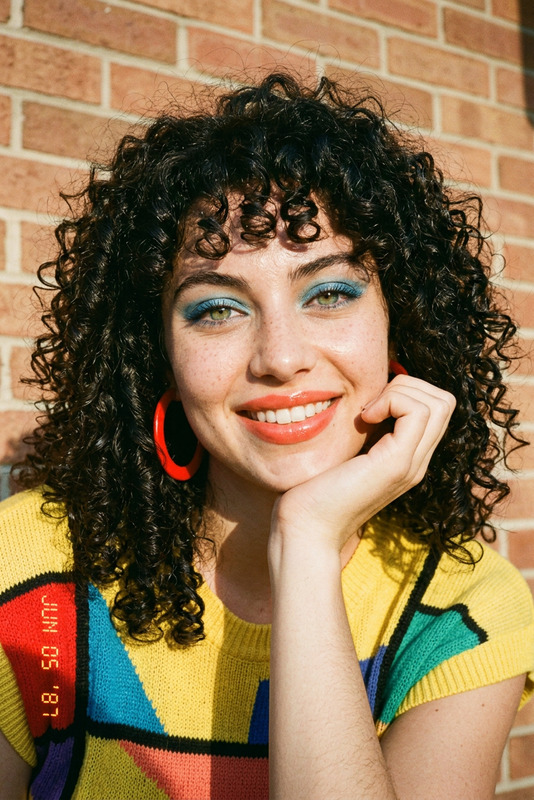
A playful, close-up shot of the woman, with her long, dark brown hair in a fun, textured high ponytail. Her makeup is playful and modern, featuring a pop of bright fuchsia eyeliner and a sheer pink lip tint. She is winking playfully at the camera, her expression is full of charm and personality. She wears a form-fitting, sleeveless pink leopard print dress. Her jewelry is vibrant and quirky: a set of oversized, chunky acrylic flower-shaped earrings in various shades of hot and pale pink. The lighting is harsh and direct, creating deep shadows and high contrast, reminiscent of a pop-art photo shoot. The background is a simple, brightly-colored pink wall and a large, abstract floral street mural, creating a fun and energetic backdrop. The angle is a tight close-up, capturing all the vibrant details.
Any aspect ratio
Overview
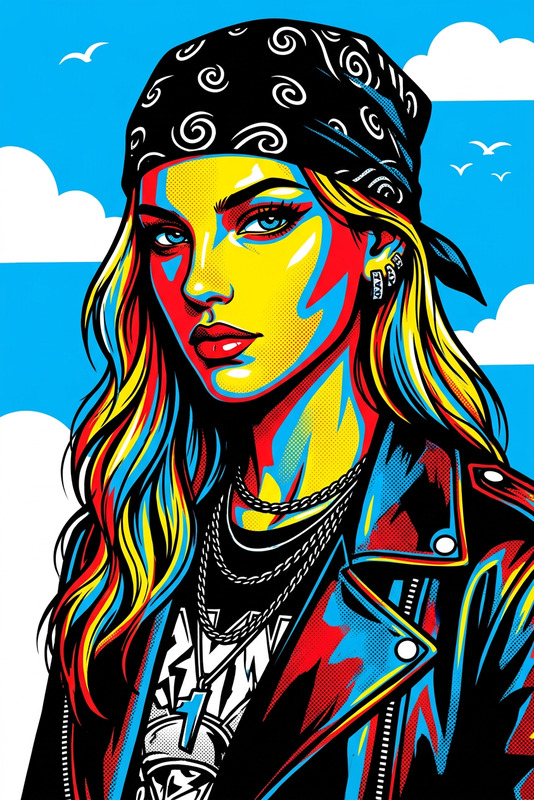
Transform your photos into vibrant pop art creations with the Pop Art Wink template. Utilizing the advanced capabilities of the AI Image Editor, this template allows you to bring a bold and playful touch to your images. Whether you're enhancing a portrait or designing graphic art, Pop Art Wink will inject a boost of personality into any project.
What It Does
The Pop Art Wink template meticulously crafts a fun and energetic look, inspired by classic pop art. By utilizing the AI Image Editor framework powered by the nano-banana-pro model, it adeptly modifies lighting, color, and contrast to create a bold and vivid image.
Who It's For
This template is ideal for graphic designers, social media managers, and anyone seeking to add a pop-art flair to their images. It's also a great choice for photographers looking to expand their creative toolkit with unique visual effects that captivate and engage audiences.
Summary
The Pop Art Wink template is your go-to solution for eye-catching visuals that pop. With its user-friendly interface, anyone can turn regular photos into works of art, making it a must-have in the digital toolkit of creatives everywhere. Explore more capabilities with our Text to Video and AI Talking Photo products for a full suite of creative tools.
How To
Choose Template

Customize Inputs

Generate Image

Use Cases
Social Media Content
- Bright, bold visuals
- Consistent style across posts
Marketing Materials
- Vibrant colors
- High-impact graphics
Portfolio Building
- Artistic expression
- Memorable imagery
Best Practices
Utilize Strong Contrasts
Highlight the pop-art feel by using high contrast settings to differentiate shadows and highlights.Experiment with Angles
Try different angles in your original photos to see how they transform in the template.Incorporate Accessories
Think about how quirky accessories featured in the prompt description can enhance your image's story.