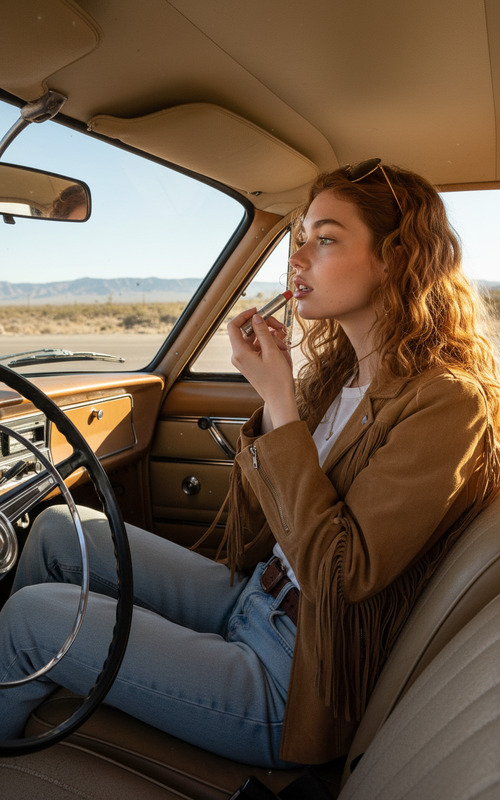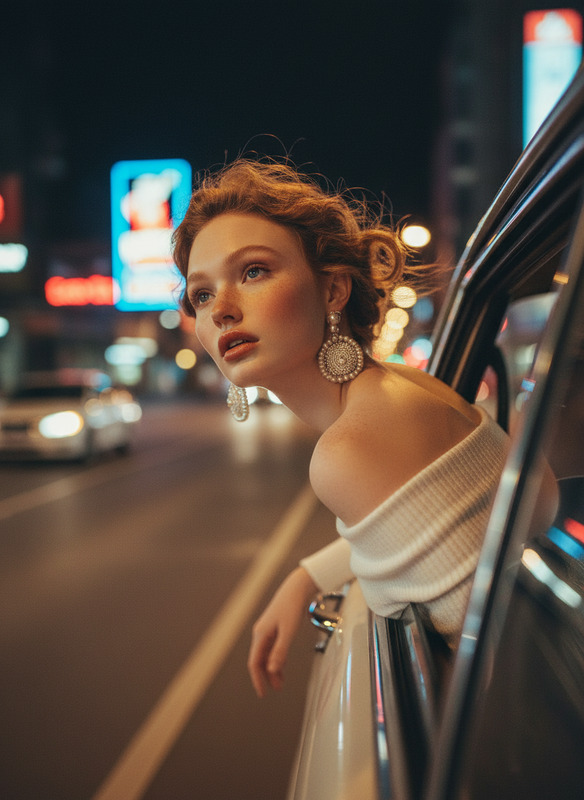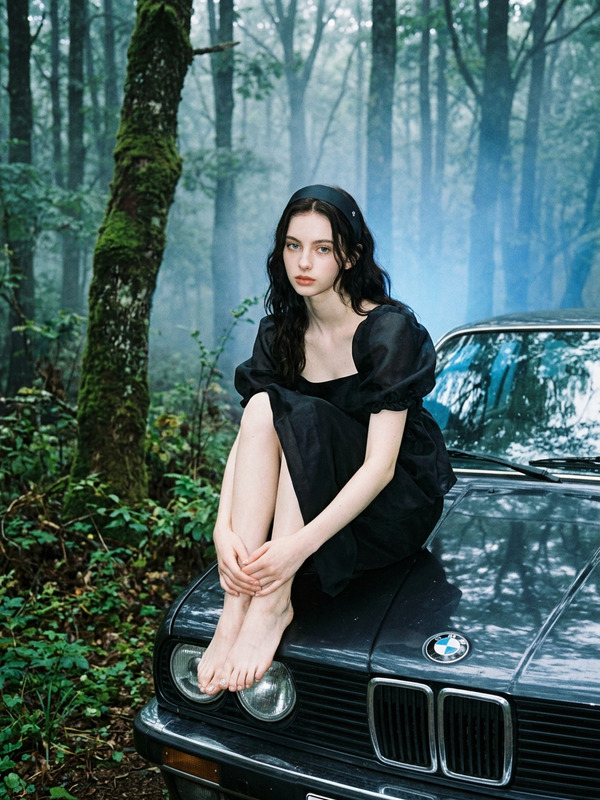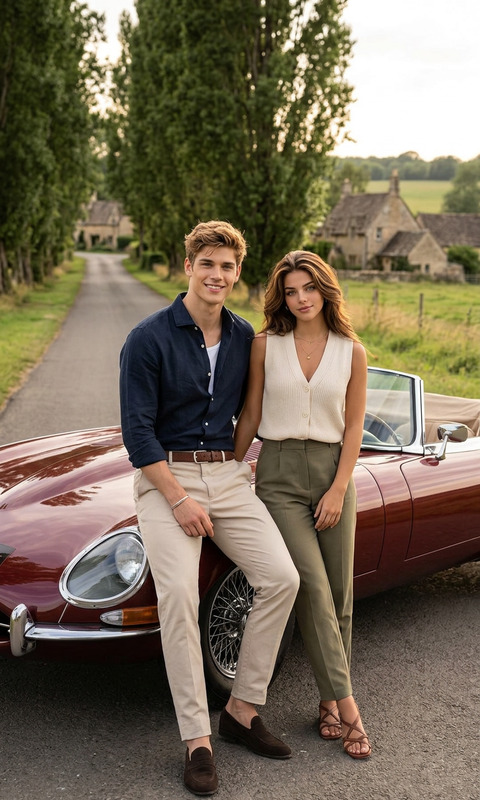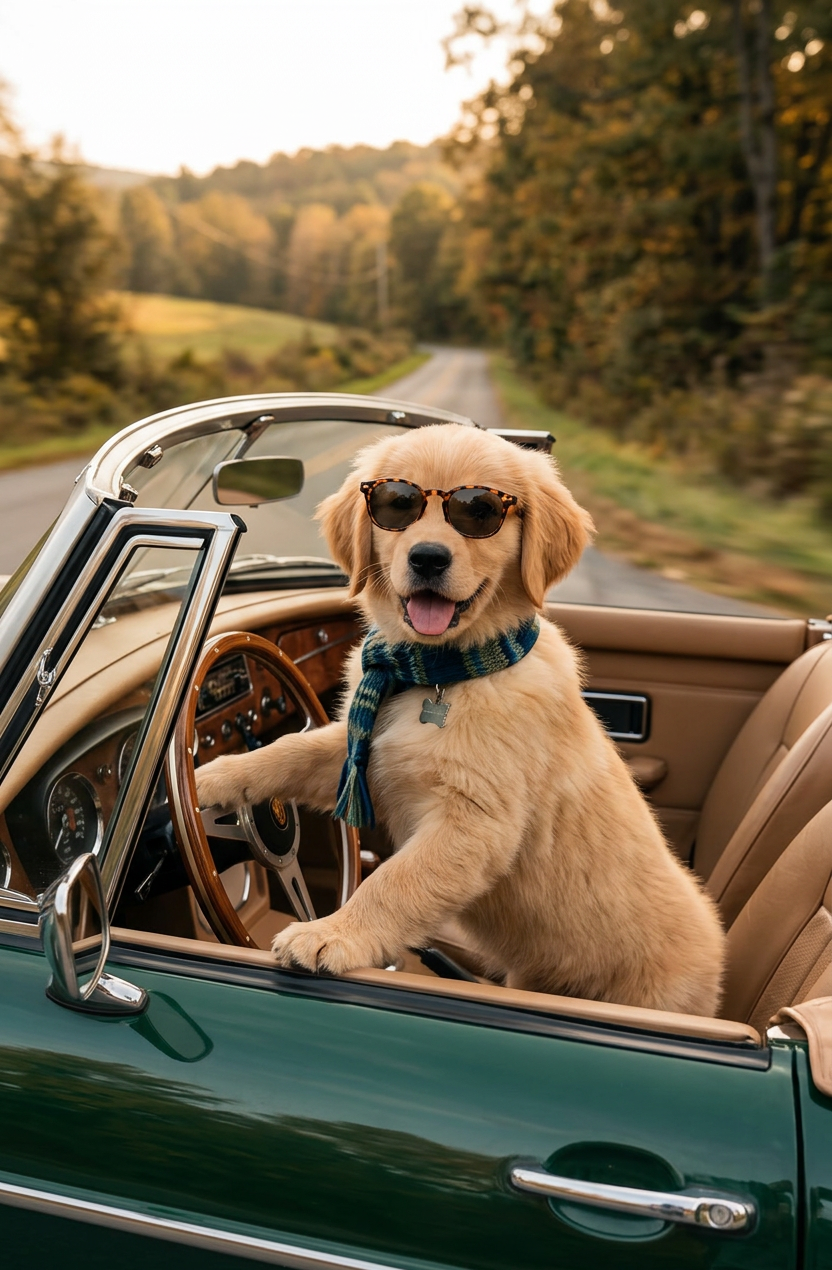
Drive Mode
- Model
- Nano Banana 2
- Image
- 832 × 1270 px
Prompt
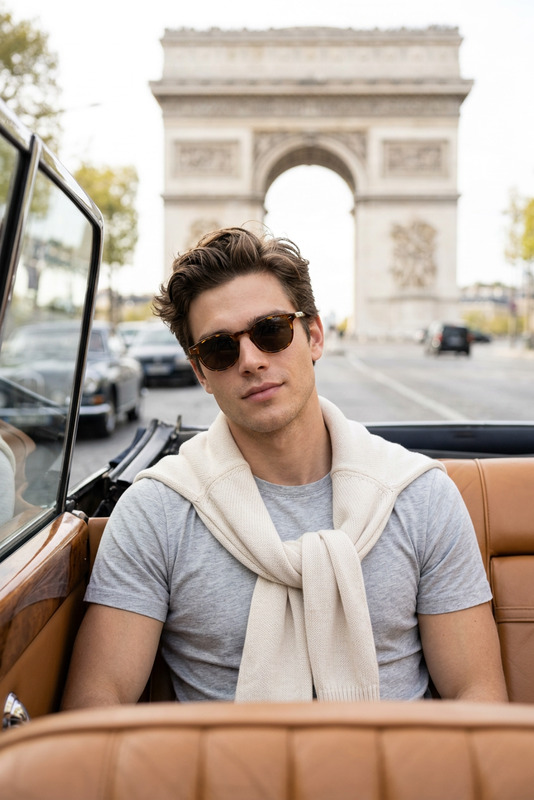
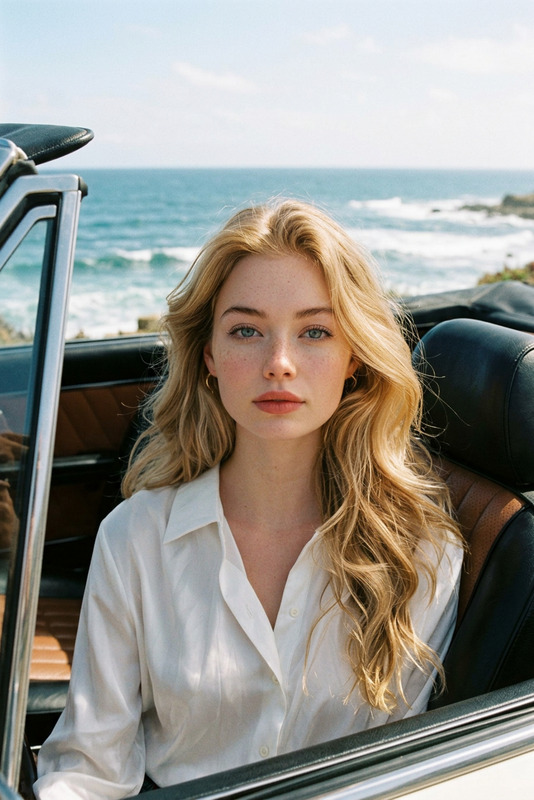
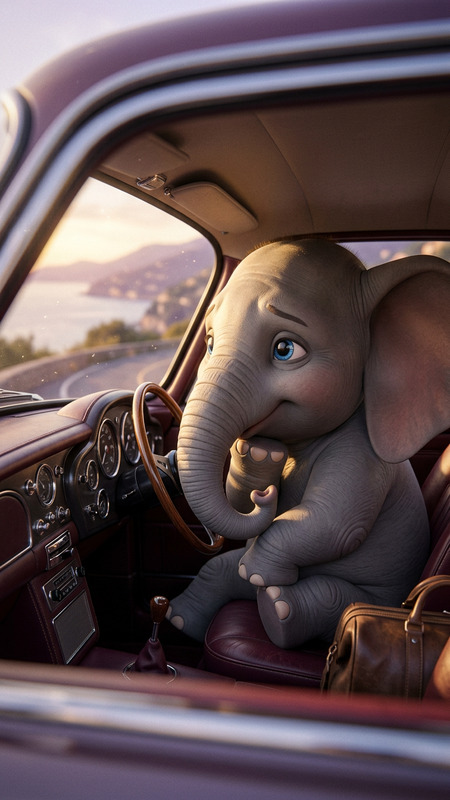
A cinematic, whimsical photograph of a subject as a stylish driver inside a vintage British green convertible car. The subject is sitting upright, holding the wooden steering wheel. It is wearing a cozy, textured knit striped sweater in mustard yellow, navy, and forest green, tortoiseshell sunglasses, and a matching striped scarf blowing dramatically in the wind. The car has a classic wooden dashboard and tan leather seats. The scene is set on a quiet country road surrounded by soft, blurred green trees and fields. Warm autumnal sunlight, shallow depth of field, nostalgic and cozy travel mood.
Any aspect ratio
Overview
The Drive Mode template is designed for those looking to evoke a nostalgic and cinematic story through imagery. Using the capabilities of the AI Image Editor and the precision of the nano-banana-2 model, you can transform your photos into whimsical scenes.
What It Does
This template allows you to craft an image of a subject in a vintage convertible, enhanced with rich textures and dramatic lighting. It focuses on detailed fashion elements and creates a narrative setting on a country road bathed in autumn sunlight. This tool is perfect for creating a cinematic feel in your images.
Who It's For
The Drive Mode template is ideal for photographers, designers, and content creators aiming to add a whimsical touch to their projects. It's suitable for anyone interested in lifestyle or travel photography, and those who want to bring an artistic story-like quality to their images. Perfect for use in product launch videos or social media ads.
Summary
Drive Mode transforms your photos into cinematic, storytelling masterpieces. With an emphasis on style and ambiance, this template leverages AI to deliver a nostalgic and cozy visual experience. Integrating tools like the AI Clothes Changer can further customize clothing elements for an even more personalized touch.
How to Use
Choose the Drive Mode Template

Customize Your Image

Generate and Download

Use Cases
Lifestyle Photography
- Create immersive narratives
- Highlight fashion in context
Social Media Content
- Attract engagement with unique visuals
- Enhance brand storytelling
Marketing and Branding
- Incorporate in brand ads
- Use in brochures or digital marketing
Best Practices
Focus on Details
Ensure that the texture and lighting details are accurate to maintain the authenticity of the vintage theme.Experiment with Color
Try different color enhancements using the AI Image Editor for the knitwear and surroundings to achieve the desired mood.Use Appropriate Scenes
Choose background scenes that complement the vintage car and evoke a sense of nostalgia and coziness.