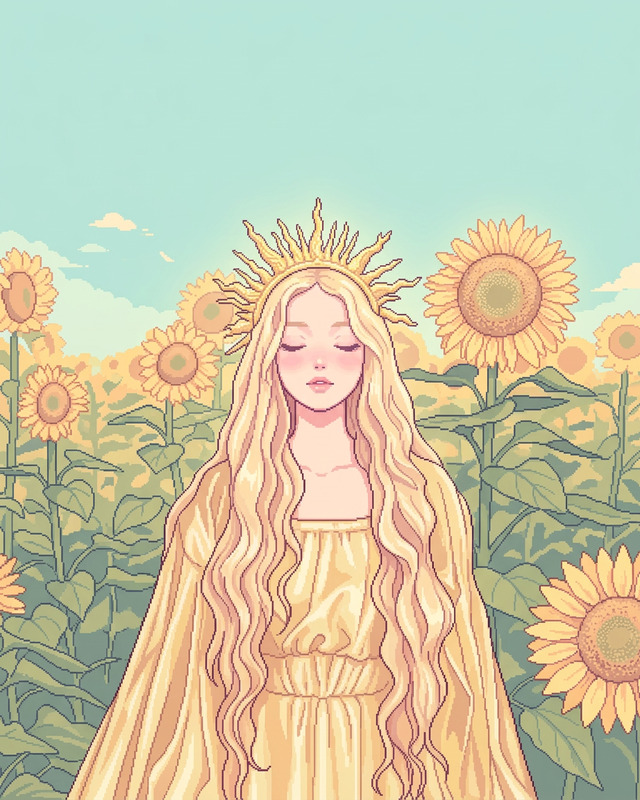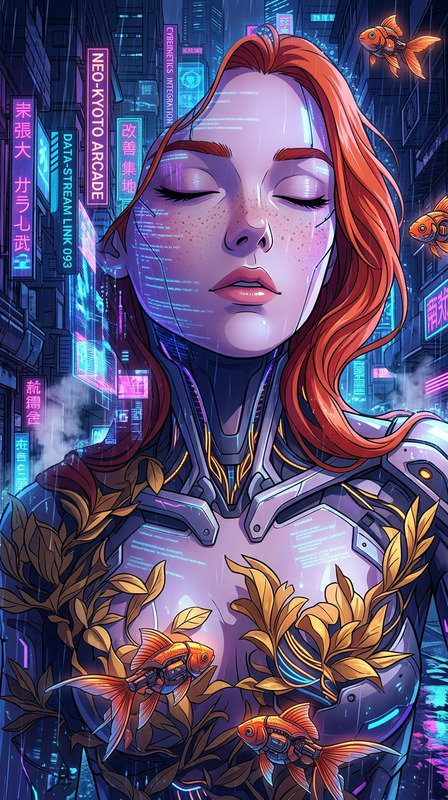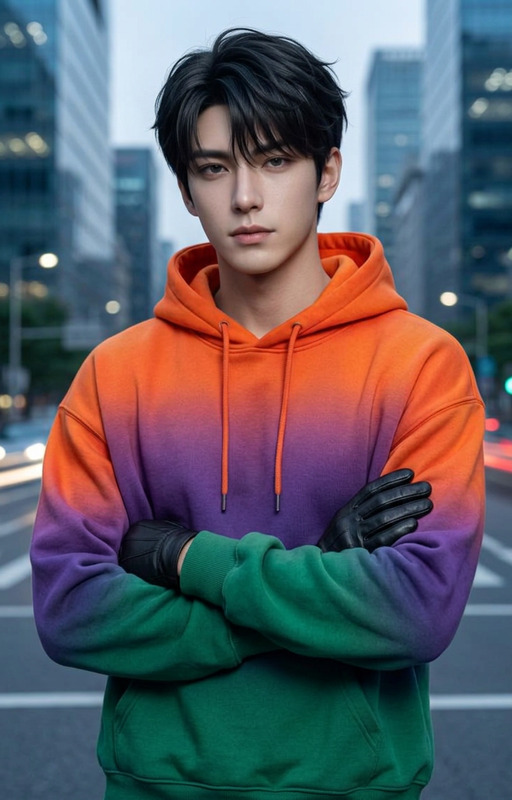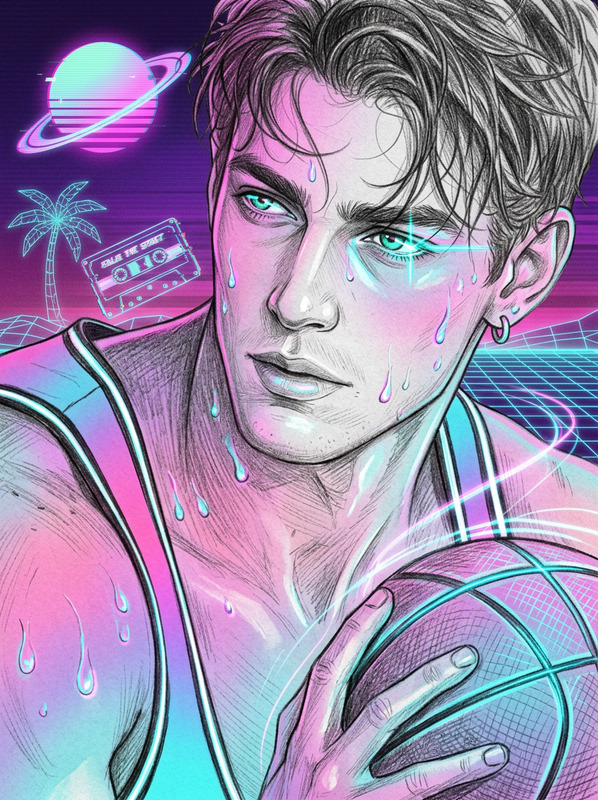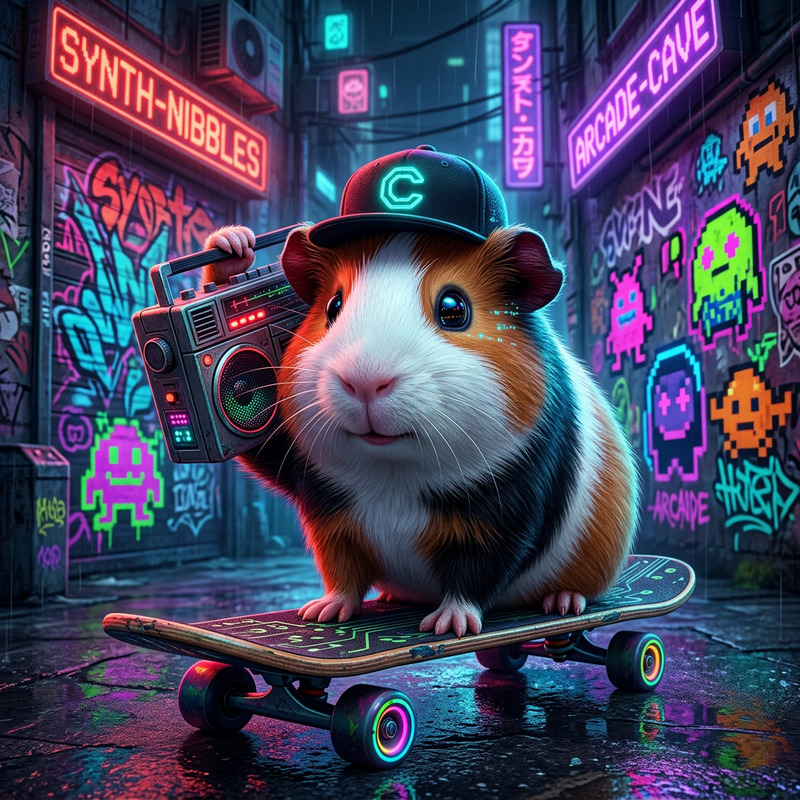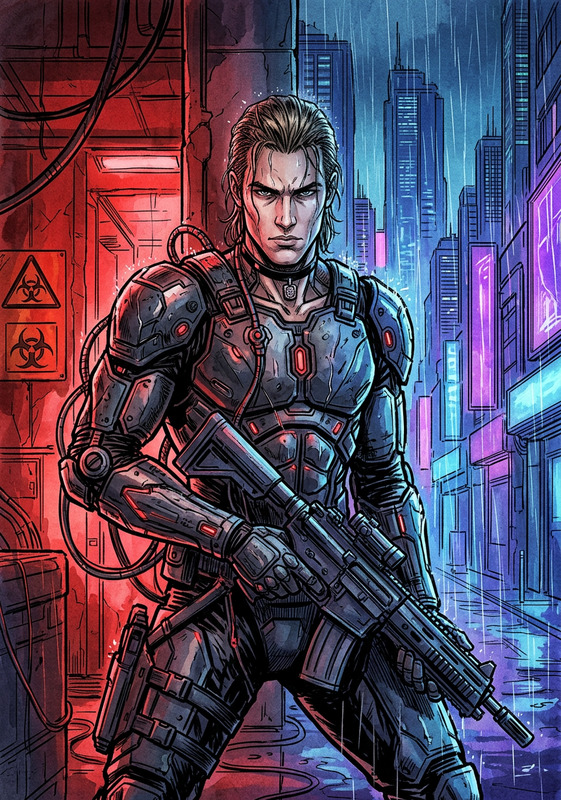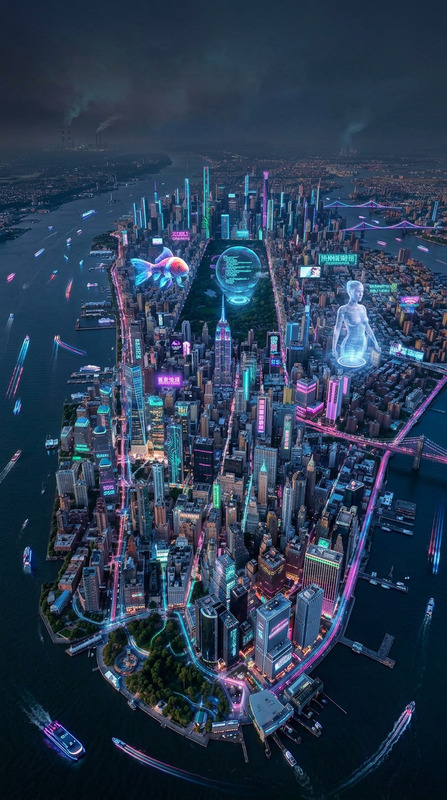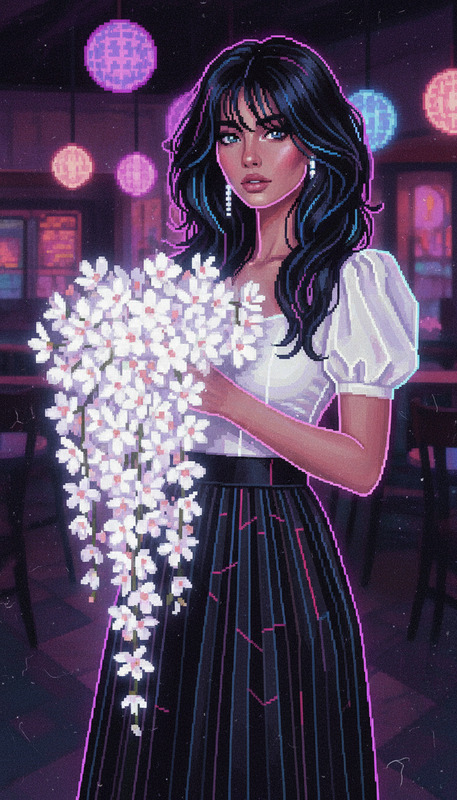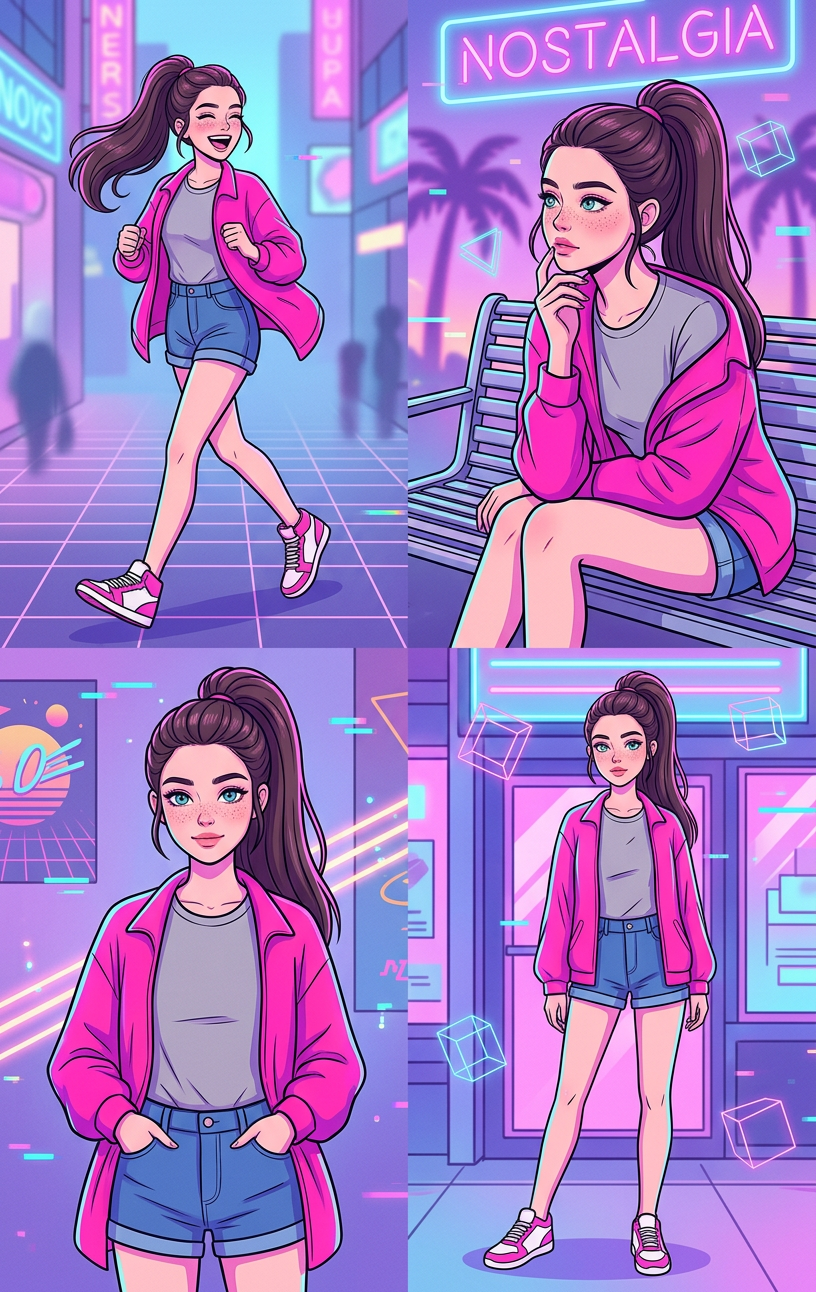
Vaporwave Street Grid – Neon Mood
- Model
- Nano Banana 2
- Image
- 816 × 1292 px
Prompt
A 4-grid layout showing four different illustrations of a subject with a high ponytail, wearing a grey t-shirt, an open pink jacket, blue denim shorts, and pink and white sneakers. The panels include: a full-body shot of the subject mid-stride, laughing; a candid seated pose on a bench, looking thoughtfully to the side with one hand near the chin; a relaxed medium shot; and a casual standing pose. Set in a stylized urban environment with soft blur elements. Vaporwave cartoon style with neon pink, purple, and blue tones, retro 80s aesthetic, glowing gradients, surreal lighting, grid patterns, and a nostalgic digital atmosphere.
Any aspect ratio
Overview
The Vaporwave Street Grid – Neon Mood template is a unique AI Image Editor experience that captures the essence of the 80s aesthetic through vivid, neon-infused images. Utilizing the AI Image Editor, this template allows you to create and customize images with a standout vaporwave style. This template is perfect for adding a vibrant, retro-futuristic touch to your projects.
What It Does
This AI Image Editor template uses the nano-banana-2 model to generate a 4-grid layout showcasing various poses of your subject. It incorporates a vaporwave cartoon style with neon pink, purple, and blue tones. The output features a stylized urban environment, surreal lighting, and glowing gradients, creating a nostalgic digital atmosphere. Perfect for anyone looking to infuse their images with a retro vibe.
Who It's For
This template is designed for digital artists, social media creators, and marketers looking to enhance their visuals with a nostalgic twist. If your project involves creating visually striking content for product launches or Instagram Reels, the Vaporwave Street Grid – Neon Mood template offers a creative and vibrant solution.
Summary
The Vaporwave Street Grid – Neon Mood template offers an artistic gateway to creating images grounded in the 80s vaporwave style, providing a variety of urban scene depictions. With customizable inputs and a range of image styles, it's an ideal choice for projects that require a digital retro aesthetic. Explore other tools like the AI Image Upscaler to further enhance your creations.
How to Use
Choose Your Template

Customize Your Inputs

Generate and Download

Use Cases
Social Media Content
- Instagram posts
- Facebook ads
Digital Wallpapers
- Phone backgrounds
- Desktop wallpapers
Event Promotions
- Concert flyers
- Party invitations
Best Practices
Select Complementary Colors
Choose images with colors that match or complement the neon palette for cohesive results.Maintain Proportions
Ensure that the subjects are positioned and proportioned as per the guidelines for optimal results.Experiment with Poses
Try different poses within the 4-grid layout to see which expressions and angles best convey your intended mood.