Smoking

Smoking

ai-image-editor

1 clip
11 uses

Any aspect ratio

Prompt

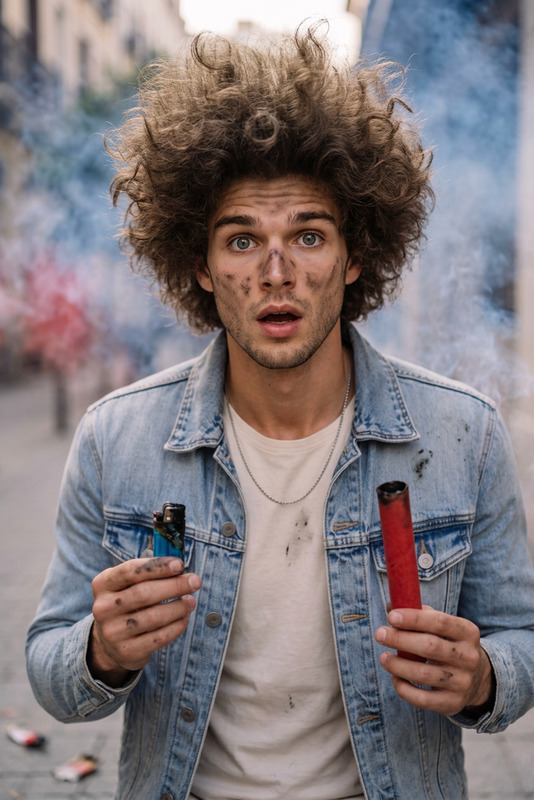
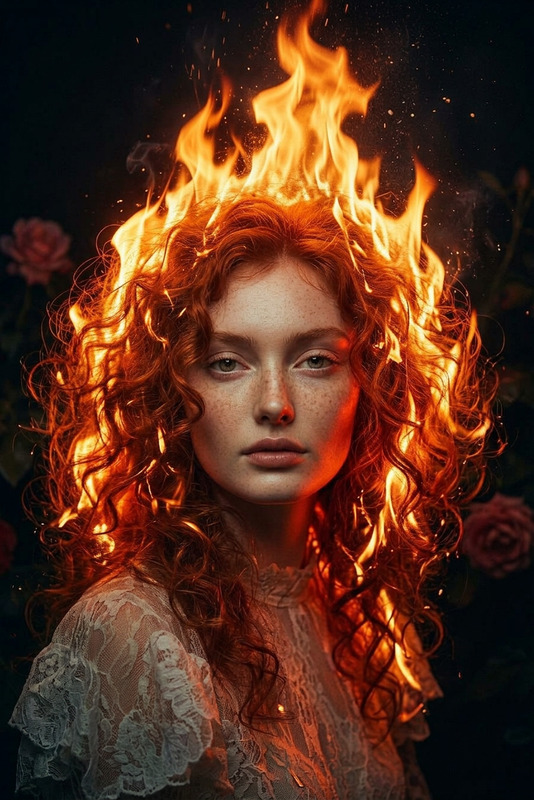
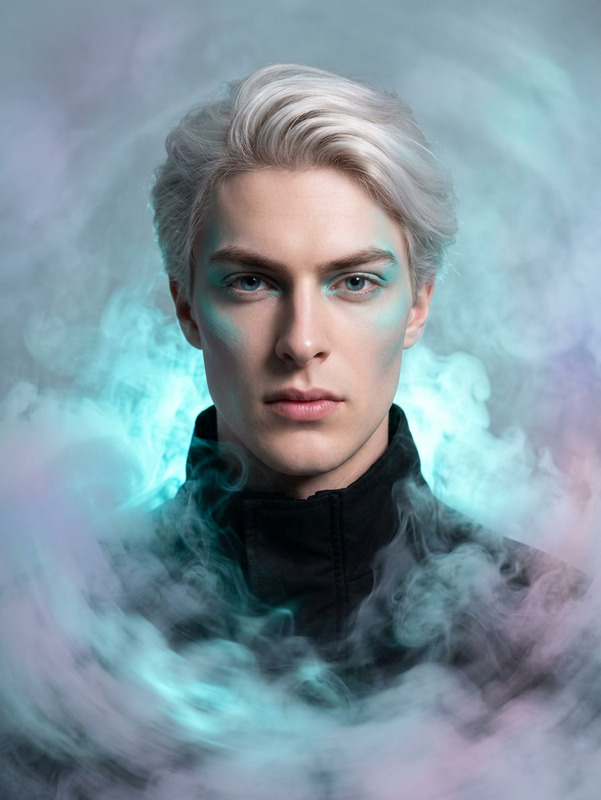
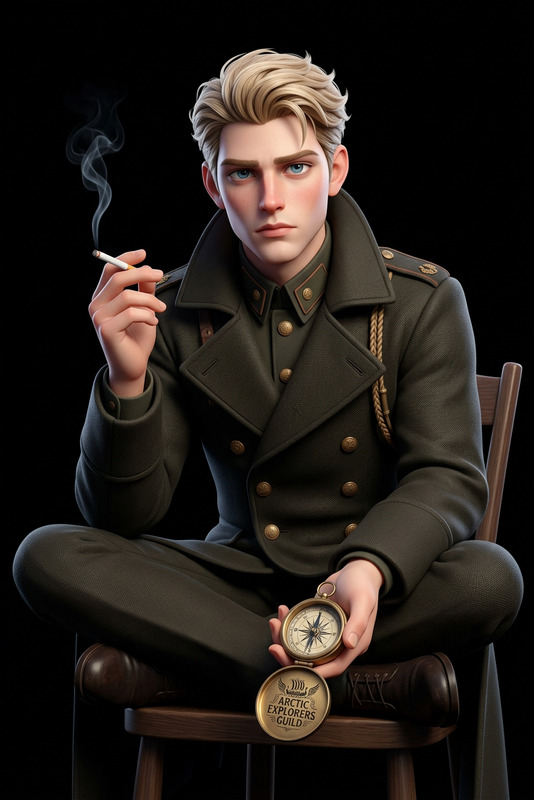
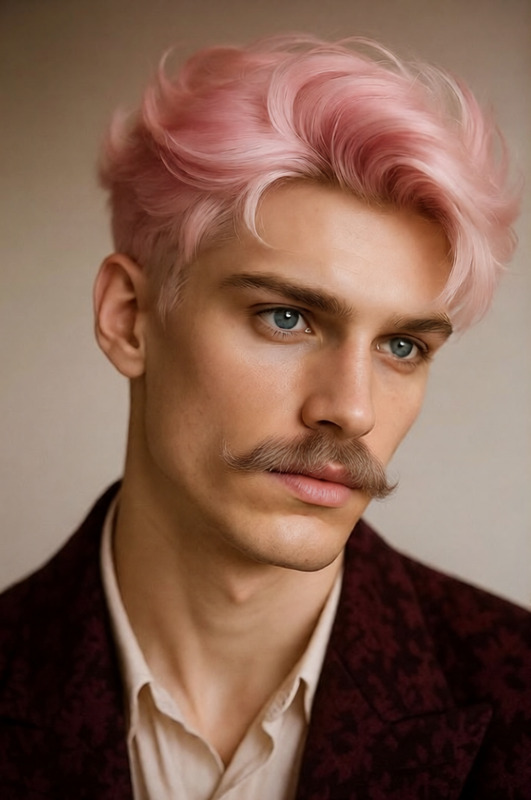
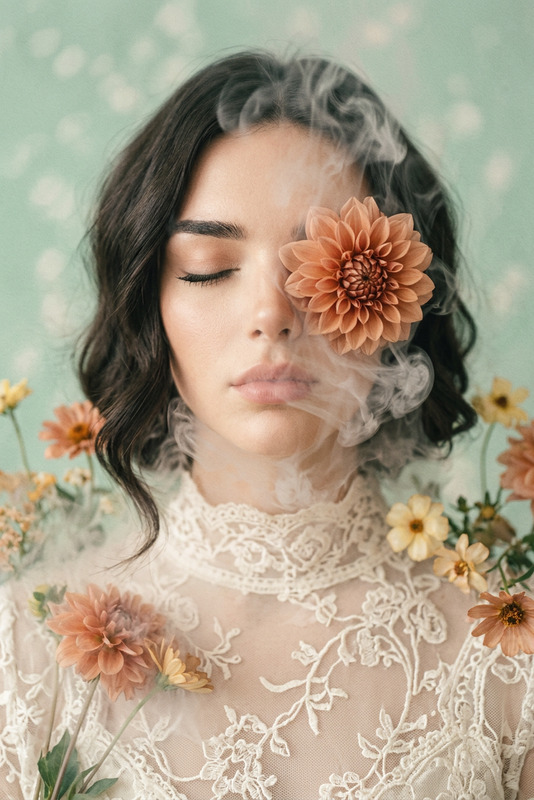
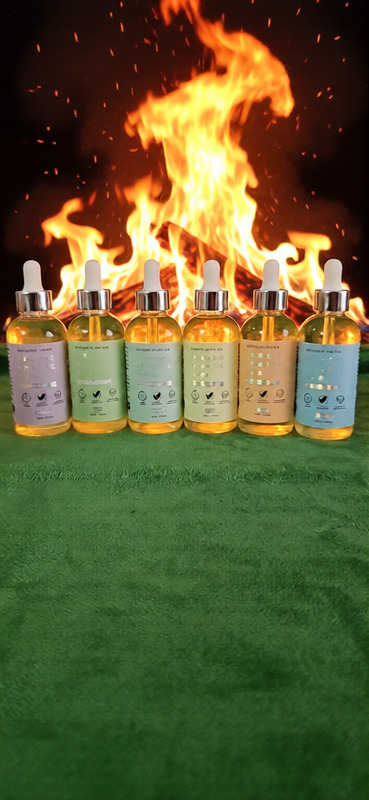
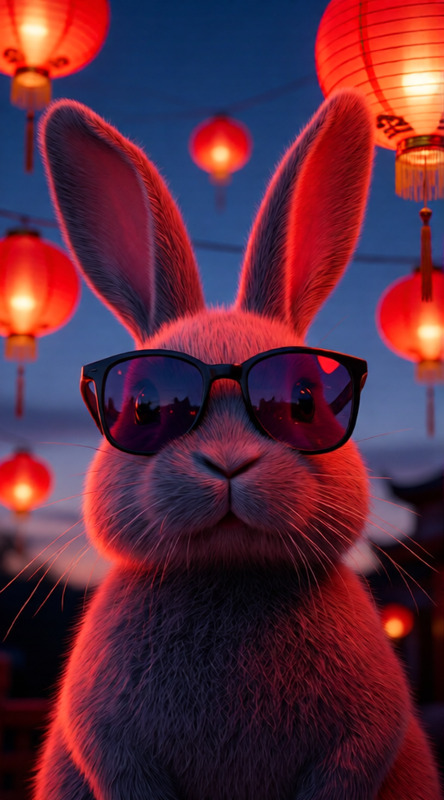
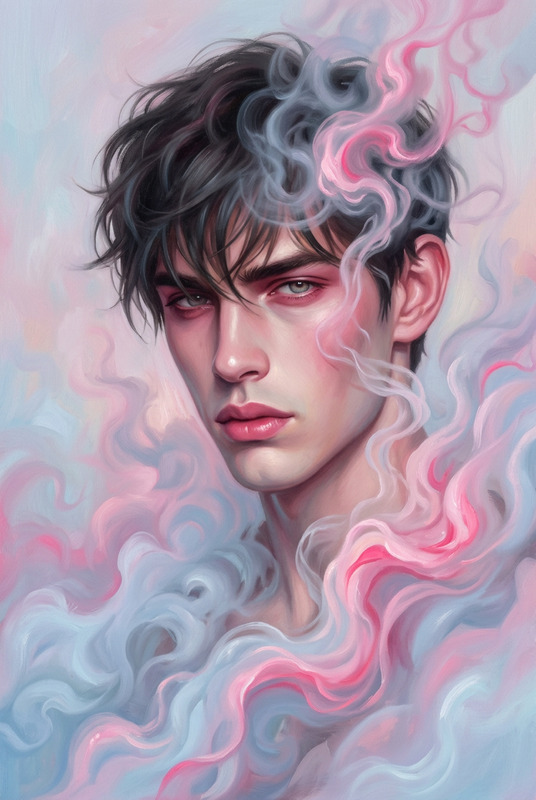
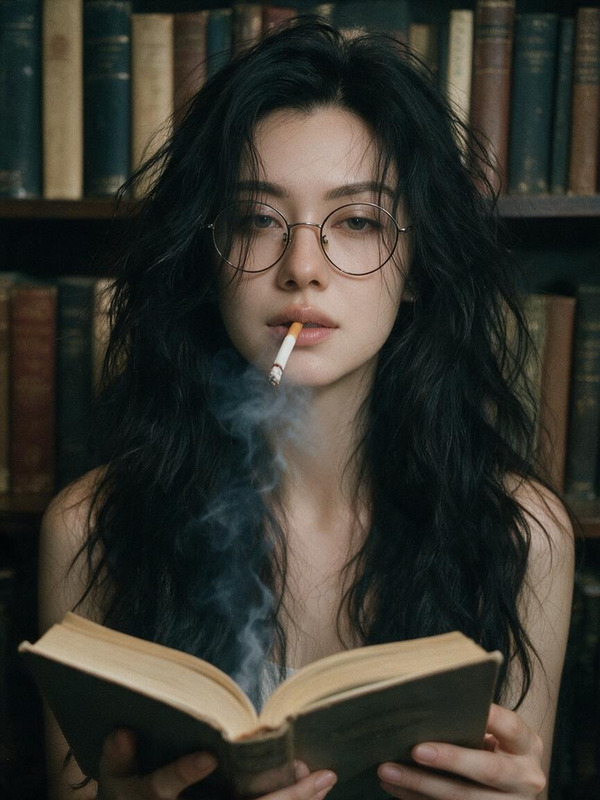
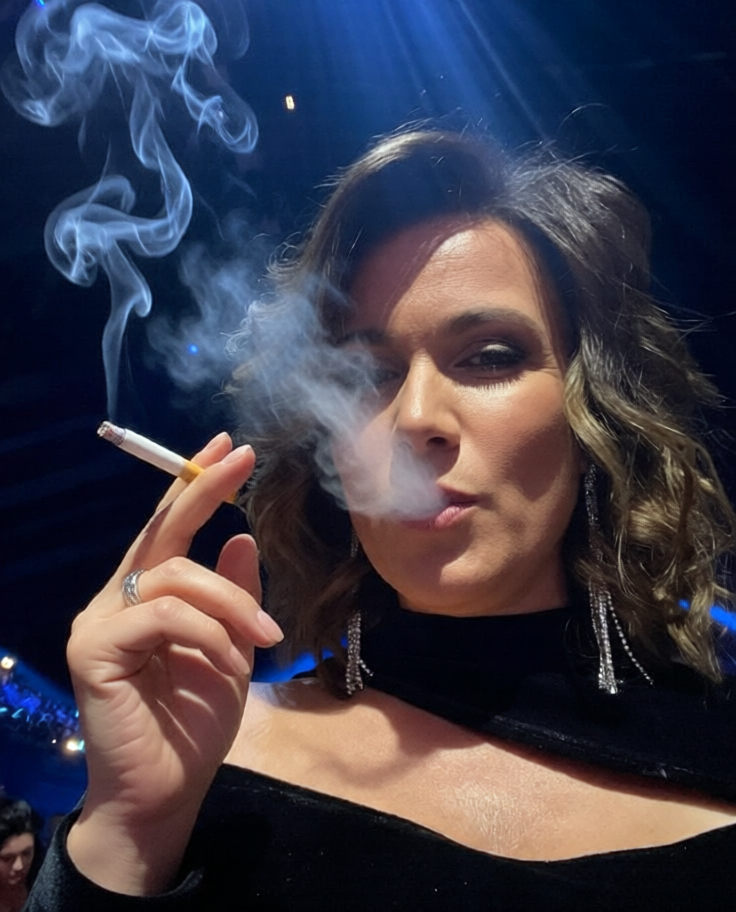
passionately smoking a wonderful cigarette for you

AI Image Editor Template: Smart Object Removal & Visual Cleanup

Use this template to quickly remove distractions, logos, text, people, or background objects from any image using Magic Hour’s AI Image Editor. It’s optimized for creators and teams who need production-ready visuals fast—social posts, ads, landing pages, client work, or product shots—without opening Photoshop or writing a single line of code.


What This Template Is For

This AI Image Editor template is designed for:

  • Removing unwanted objects (people in the background, clutter, props, random items)
  • Cleaning up social and marketing images (screenshots, product photos, UGC, ad creatives)
  • Fixing composition issues (cropping mistakes, distracting elements at the edges)
  • Preparing images for reuse (turn a busy photo into a clean asset you can repurpose)
  • Polishing brand visuals (remove old logos, text, or UI elements before reuse)

Because it’s built on Magic Hour’s AI inpainting and editing stack, the model fills the removed area with context-aware pixels that match the lighting, texture, and perspective of the original image.


How to Use This Template in Magic Hour

You can use this template as-is, or remix it into your own version inside Magic Hour. The basic workflow is:

  1. Open the AI Image Editor
    Go to the AI Image Editor.

  2. Upload your image
    Use a product shot, portrait, screenshot, social graphic, or any photo you want to clean up.

  3. Select the content to remove

    • Brush over the object, person, logo, watermark, or text you want gone
    • For more precise edits, zoom in and work in small sections
  4. Apply AI cleanup

    • Run the object removal to let the AI reconstruct the background
    • Review the output and, if needed, run it again on small details or leftover artifacts
  5. Download and reuse
    Export the cleaned image and use it in:

    • Landing pages
    • Paid ads and social campaigns
    • Pitch decks and investor updates
    • Creatives for A/B testing

You can duplicate this workflow and turn it into your own reusable “cleanup” template by saving it as a project in Magic Hour and reusing it across similar assets.


How to Remix This Template into Your Own Version

To build a custom version of this template for your team or workflow:

  • Create a standard editing pipeline
    Use this template as a base, then consistently:

    • Remove clutter
    • Clean text and logos
    • Normalize backgrounds
    • Upscale the final image for publishing
  • Combine with other Magic Hour tools
    For more advanced pipelines, chain this AI Image Editor template with:

  • Standardize for your brand or team

    • Keep a small set of “before → after” examples as references for what “approved” cleanups should look like
    • Save reference prompts or short notes inside your projects (e.g., “remove background clutter, keep product lighting realistic”)
    • Reuse this template as the first step for all new product shots, social creatives, or UGC assets

Example Use Cases

This template is particularly useful if you:

  • Run performance marketing

    • Clean noisy UGC before turning it into ads
    • Remove random backgrounds to focus attention on the offer or product
    • Prepare dozens of variants for A/B tests by swapping backgrounds and layouts after cleanup
  • Build and iterate landing pages

    • Remove distracting background elements from hero shots
    • Clean screenshot-based visuals (hide internal data, remove UI clutter)
    • Align visuals to your brand aesthetic before sending to design or dev
  • Create content at scale

    • For newsletters, LinkedIn carousels, and blog headers
    • Remove irrelevant people and signage from event or behind-the-scenes photos
    • Quickly reuse old images in new campaigns after removing dated branding
  • Work with product, fashion, and ecommerce images

    • Remove props and studio clutter from product shots
    • Clean floor, wrinkles, or background noise in model photography
    • Pair this with AI Outfit Generator or AI Fashion Generator to generate new looks from a single cleaned base image

Going Beyond Simple Cleanup

Once you have a clean, distraction-free base image from this template, you can push it further:


Related Magic Hour Templates & Tools

If you like this AI Image Editor template, you may also want to explore:

  • Templates with built-in flows:

    • Face Swap Video – swap faces in video content for campaigns, UGC, or concepts
    • Lip Sync – sync any face to any audio for talking clips and explainers
    • Video to Video – restyle existing footage into new visual directions
    • Animation – bring static designs to life for social and product storytelling
  • Core visual tools for creators and growth teams:


Why This Template Works Well for Teams

For busy creators, marketers, and product teams, this template helps you:

  • Reduce dependency on heavy design workflows
    Ship more iterations without waiting on complex manual edits.

  • Standardize visual hygiene across assets
    Every image that goes out is free of obvious distractions, sensitive data, or irrelevant background noise.

  • Get AI-friendly, remixable assets
    Clean, high-quality images work better as inputs for:

Use this AI Image Editor template as your default “first pass” whenever you need to turn a raw, messy image into a clean, reusable, on-brand asset—then remix it into your own repeatable pipeline inside Magic Hour.

More Like This

Insufficient credits