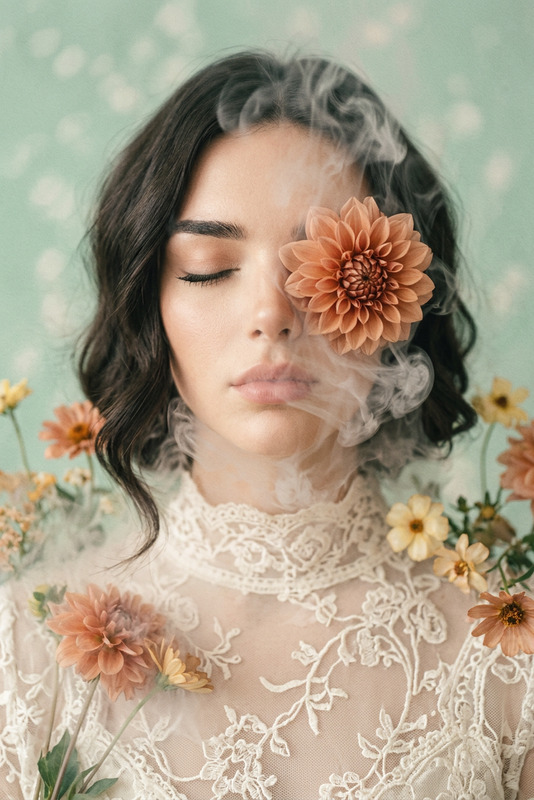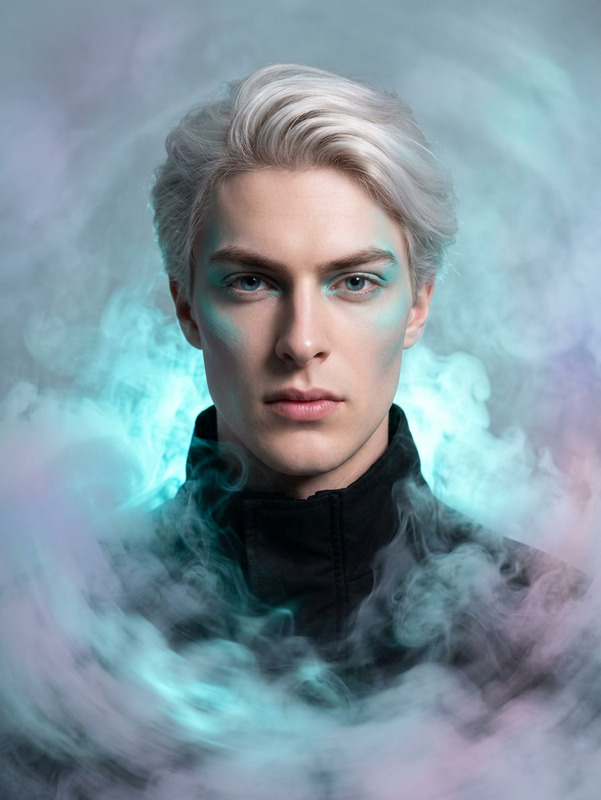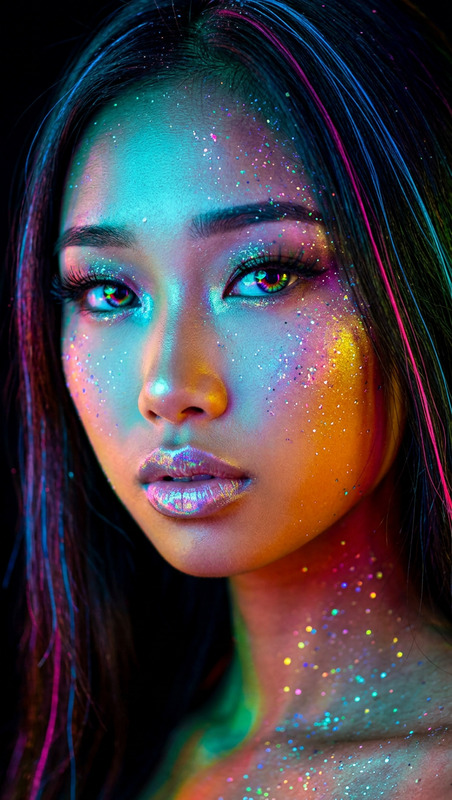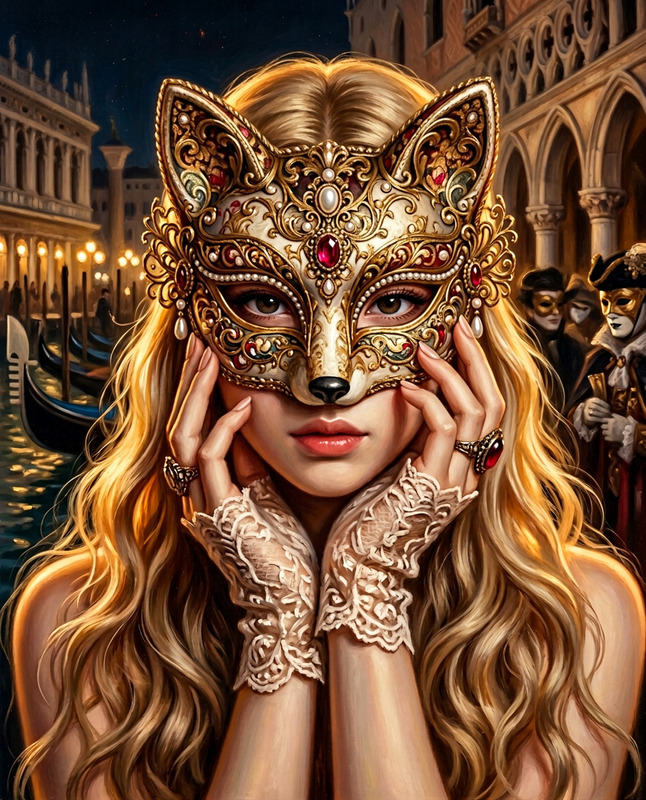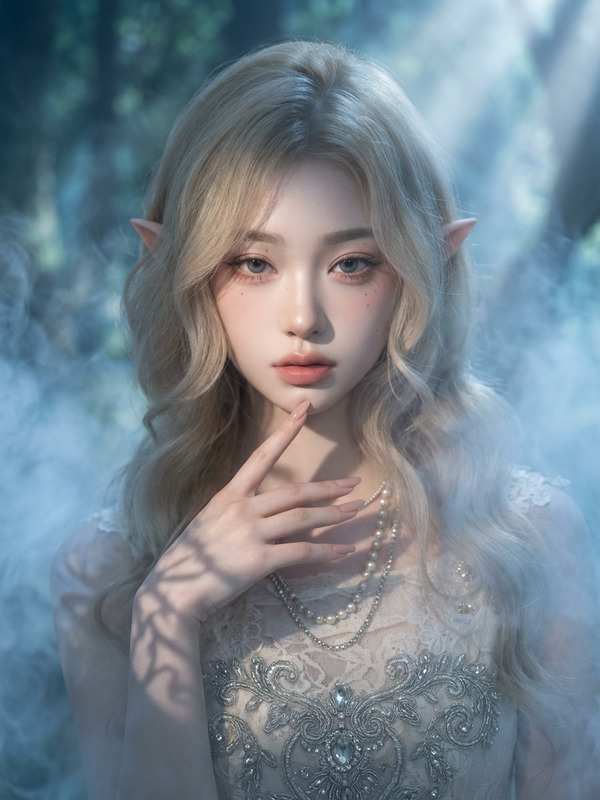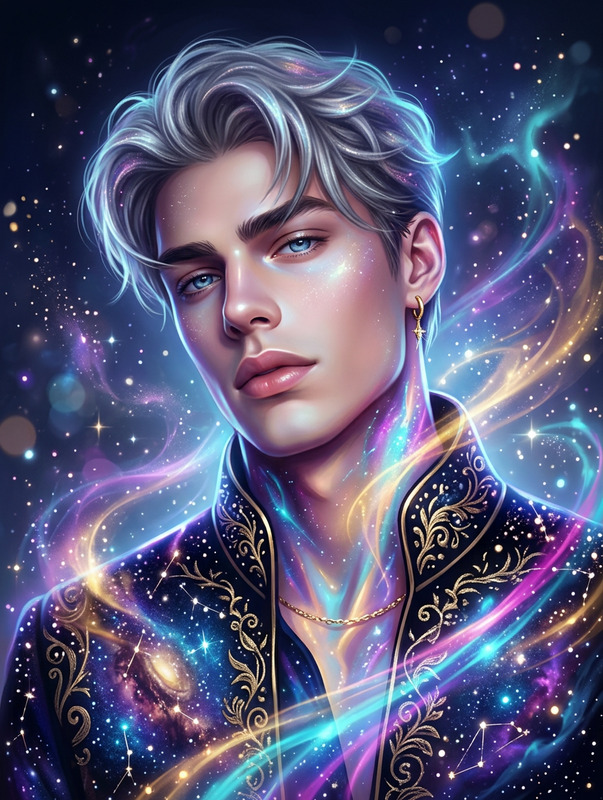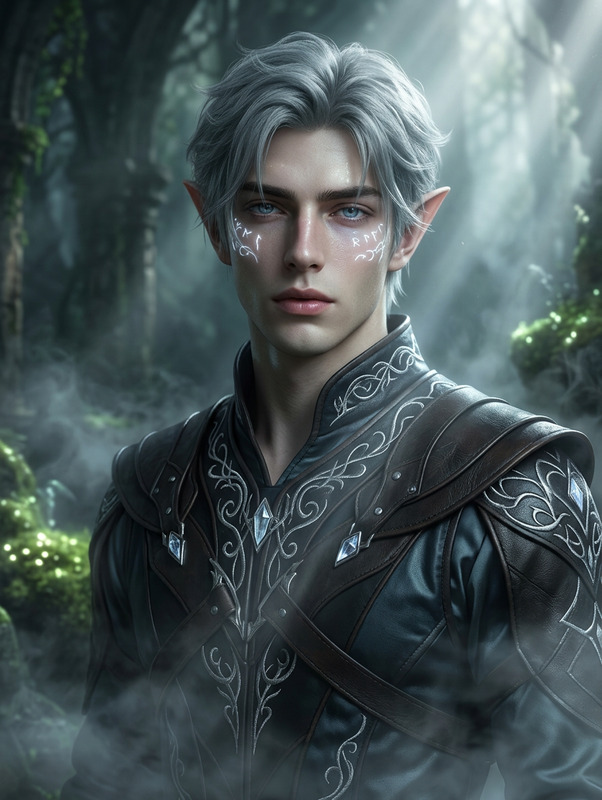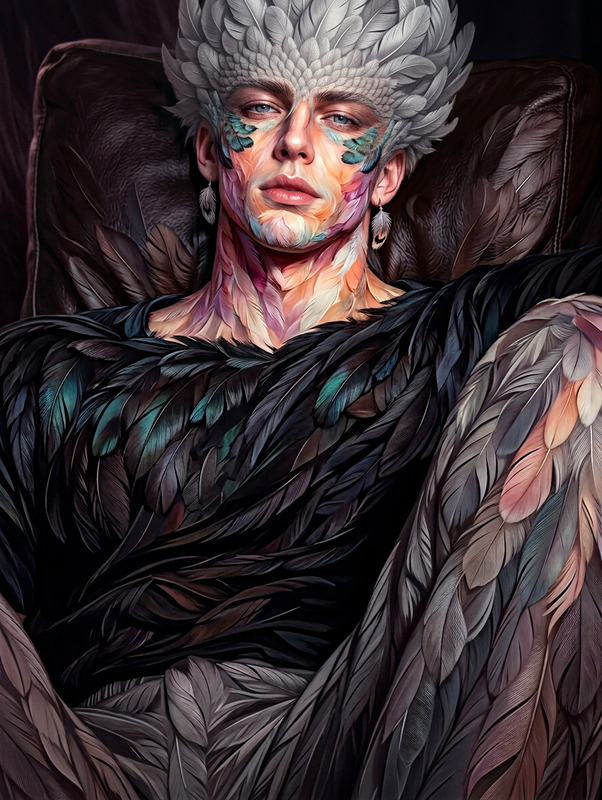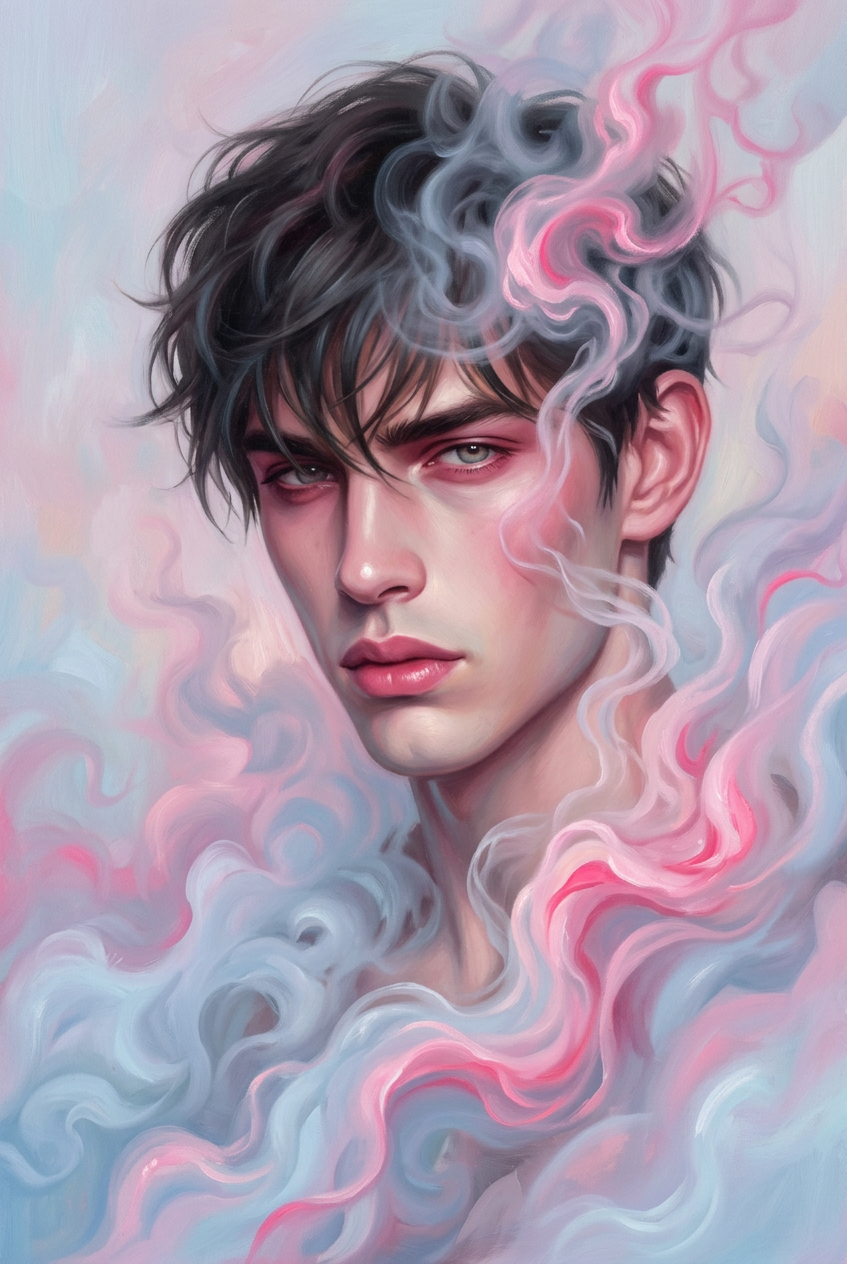
Ethereal Smoke Portrait
- Model
- Nano Banana 2
- Image
- 847 × 1264 px
Prompt
Generate a hyper-realistic artistic portrait of a subject surrounded by swirling clouds of smoke forming dynamic, fluid patterns with vivid pink highlights and soft pastel undertones; the subject’s features are enhanced with coordinated pink-toned makeup, creating a striking yet elegant visual harmony; the expression conveys allure and quiet intensity without exaggeration; the misty atmosphere adds depth and softness, partially veiling the figure and blending seamlessly into the composition; render the image in a modern oil painting style with smooth transitions, rich textures, and subtle brushwork, combining realism with contemporary artistic aesthetics to create an ethereal and visually captivating portrait.
Any aspect ratio
Overview
Transform your images into stunning ethereal smoke portraits using our AI Image Editor. This template utilizes the nano-banana-2 model to infuse your portraits with swirling clouds of vivid smoke, lending each creation a unique artistic flair. Ideal for anyone looking to enhance their digital art collection or make a visual statement on social media, this tool outputs modern portraits that captivate the imagination.
What It Does
This AI Image Editor template lets you craft hyper-realistic portraits surrounded by dynamically patterned smoke. With vivid pink highlights and soft pastel undertones, your images are transformed into modern masterpieces. The enhanced features and veiled effect create a sense of depth and allure, producing professional-grade visuals with a contemporary oil painting aesthetic.
Who It's For
This is perfect for artists, photographers, and social media influencers seeking to elevate their portraiture style. Whether you're designing for a personal project, a client, or your online portfolio, this template helps you stand out. Users of the AI Photo Relighting tool will find it complements their work beautifully by adding depth through the play of light and shadow.
Summary
With the Ethereal Smoke Portrait template, powered by the AI Image Editor, you can produce striking images that convey a quiet intensity and artistic elegance. By combining realism with abstract elements, this tool helps you seamlessly integrate modern styling with traditional artistic techniques, ensuring your digital creations captivate and inspire.
How to Create Ethereal Smoke Portraits
Choose Your Template

Customize Your Image

Generate Your Portrait

Use Cases
Social Media Content
- Profile pictures
- Promotional posts
- Artistic photography
Artistic Portfolios
- Gallery exhibits
- Online showcases
- Client samples
Marketing Materials
- Event promotions
- Brand advertisements
- Magazine features
Best Practices
Select High-Quality Images
For optimal results, choose portraits with clear lighting and high resolution to ensure details are preserved.Adjust Smoke Patterns
Experiment with smoke intensity and direction to create the desired mood and focus in your portraits.Coordinate Colors Thoughtfully
Blend makeup shades with the smoke's color scheme to maintain visual harmony while emphasizing the subject's features.