Golden Palace Princess Veil
- Model
- Nano Banana 2
- Image
- 896 × 1189 px
Prompt
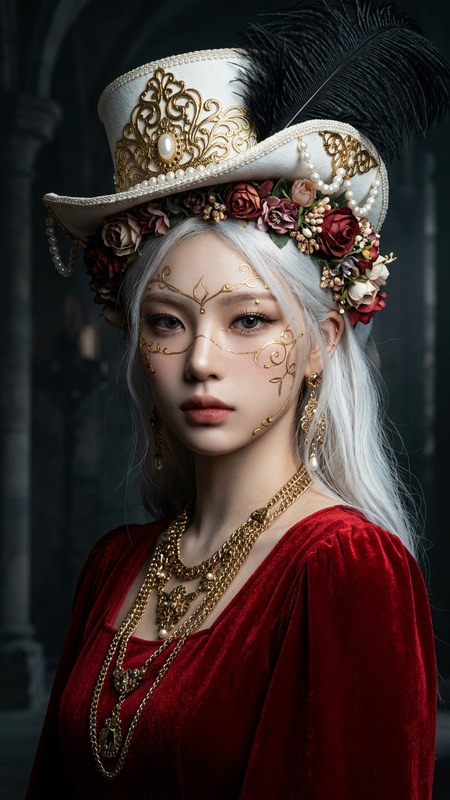
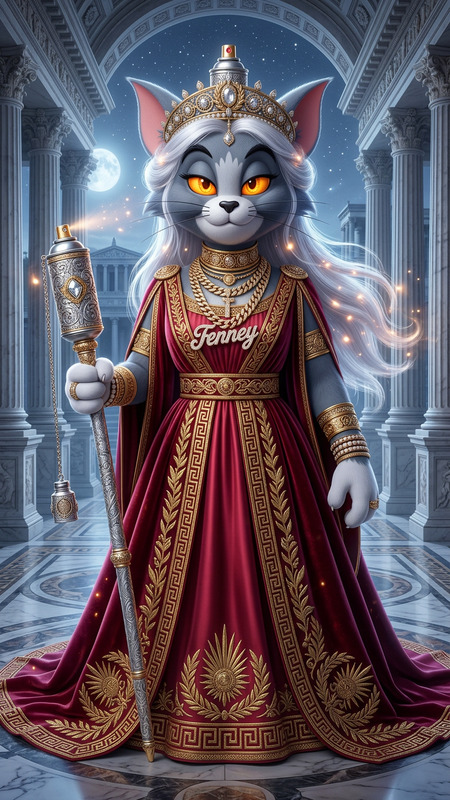
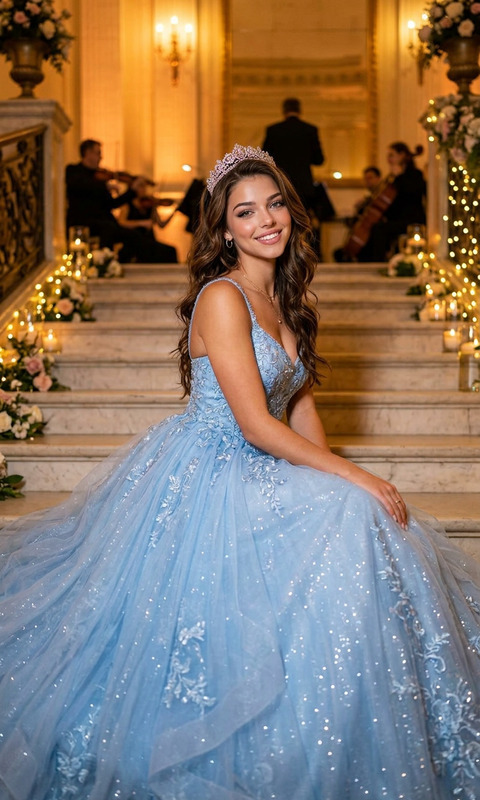
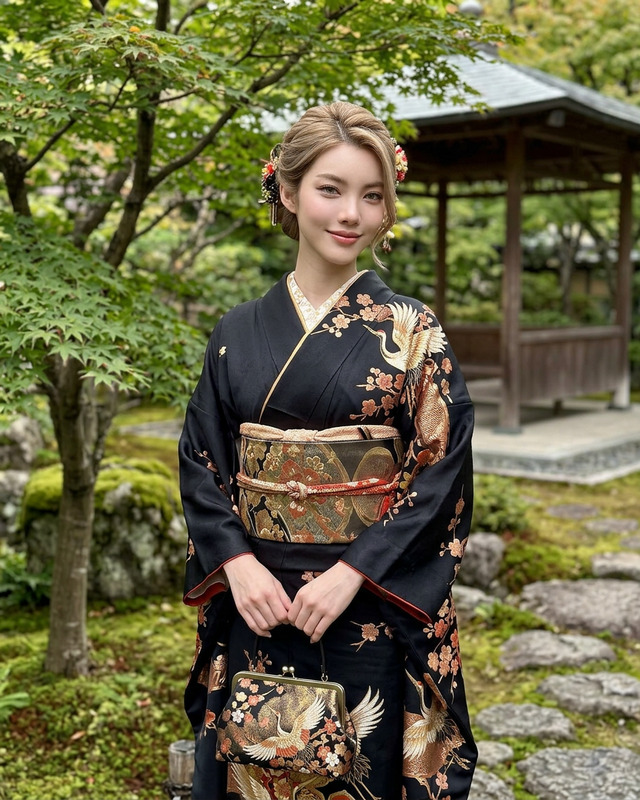
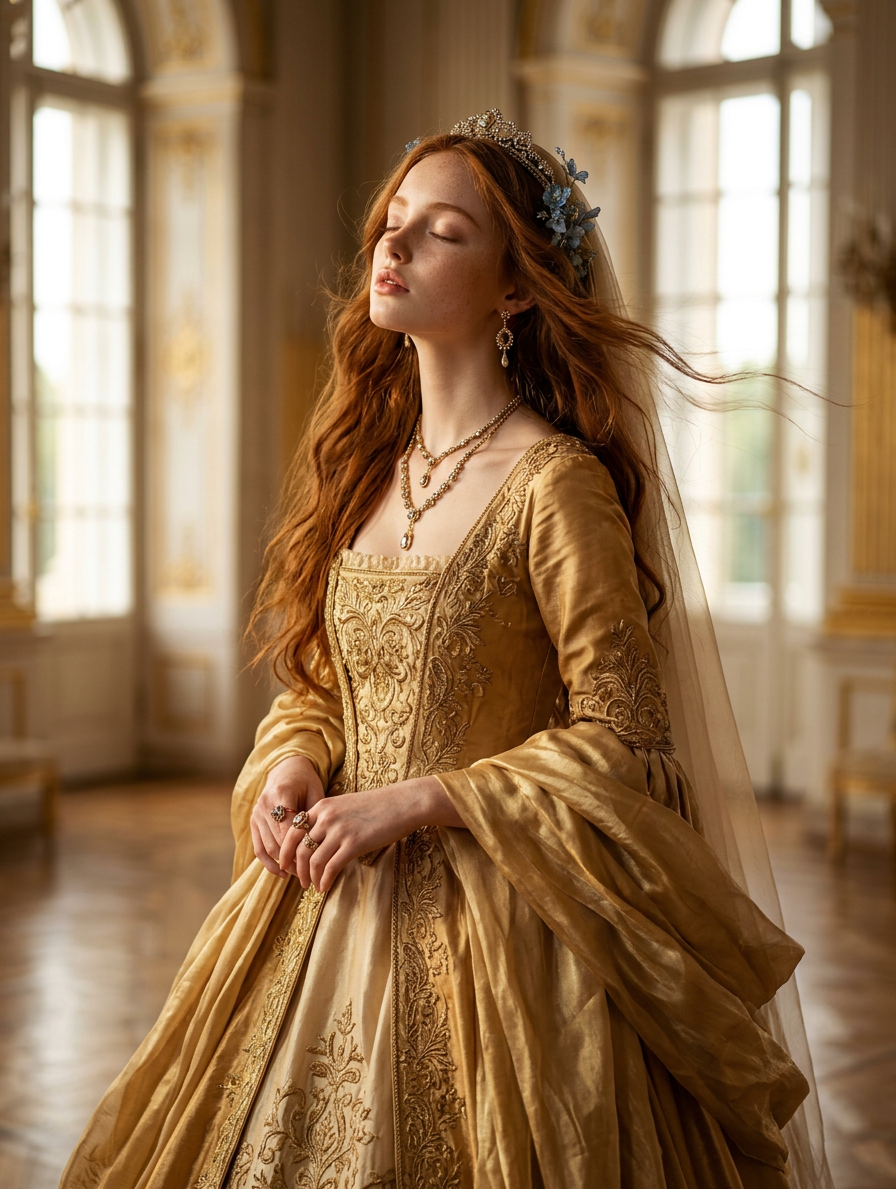
A photorealistic golden hour portrait of a regal princess with long reddish-brown hair swept back by the wind, adorned with a delicate blue floral accessory and a sheer veil. She looks upward with eyes closed, expression serene yet intense. The princess wears an ultra-luxurious flowing golden gown, richly detailed with intricate embroidery, layered silk, and shimmering textures, fully embellished with opulent jewelry—necklaces, earrings, tiara, and rings. She stands inside a grand palace with elegant architecture, ornate golden details, and soft natural light streaming through tall windows. Warm golden hour light bathes the scene, enhancing the richness of gold tones and creating a cinematic, dreamy, and majestic atmosphere. Ultra-detailed, photorealistic, high-end royal aesthetic.
Any aspect ratio
Overview
The Golden Palace Princess Veil template allows creators to craft stunning AI-generated images featuring a regal, photorealistic princess scene. This is ideal for enhancing the high-end appeal of narratives or adding a touch of majesty to visually-driven projects.
What It Does
Utilizing the powerful nano-banana-2 model, this tool breathes life into aristocratic and ethereal settings, rendering each detail with exceptional clarity and realism. From the princess's flowing golden gown to the opulent palace surroundings, the template ensures every element is ultra-detailed and visually engaging, suitable for grand storytelling.
Who It's For
This template is perfect for filmmakers, digital artists, and fantasy writers looking to visually enrich their content. It's especially useful for those working on royal-themed projects or anyone in need of a majestic scene to captivate their audience.
Summary
The Golden Palace Princess Veil template is a part of the AI Image Editor suite, providing versatile options for creating high-end royal visuals. Its intricate detailing makes it an excellent choice for any venture requiring a touch of regal elegance and cinematic quality.
How to Use
Choose the Template

Customize Your Scene

Generate Your Image

Use Cases
Fantasy Film Visuals
- Create engaging backdrops for fantasy sequences.
- Complement live-action footage with grandeur and detail.
Digital Art and Illustration
- Develop portfolio pieces with rich narratives.
- Offer commissioned artwork featuring unique fantasy scenes.
Interactive Storytelling
- Design in-game graphics for regal environments.
- Build storyboards with high-quality visuals.
Best Practices
Focus on Lighting
Ensure the warm, golden-hour lighting complements and enhances the majestic atmosphere of your scenes.Detail Orientation
Pay attention to the details, such as embroidery on the gown or palace ornamentations, to maintain the high-end aesthetic.Model Integration
Use the AI Image Generator to experiment with different visual styles and ensure cohesiveness across all your visual content.