Plushy Personage
- Model
- Qwen Edit
- Image
- 568 × 1024 px
Prompt
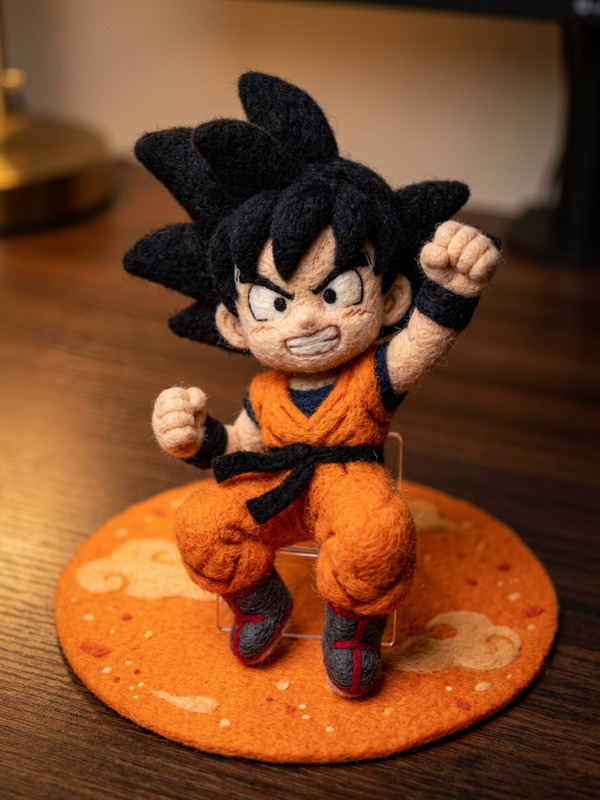
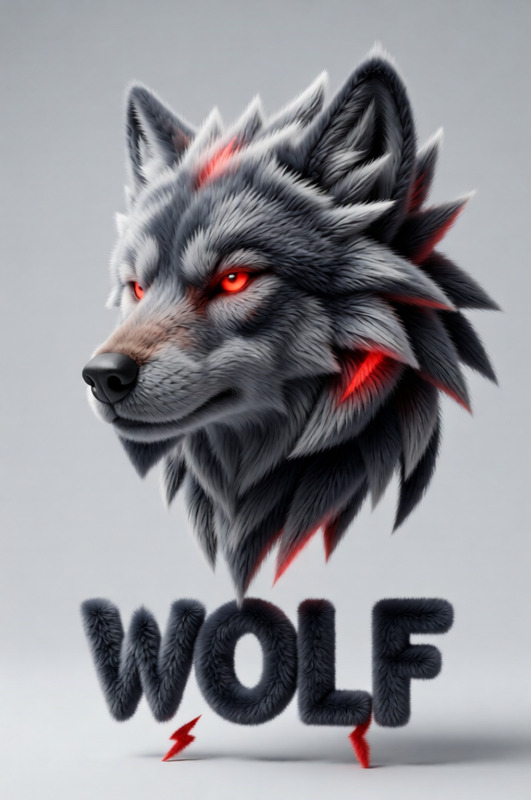
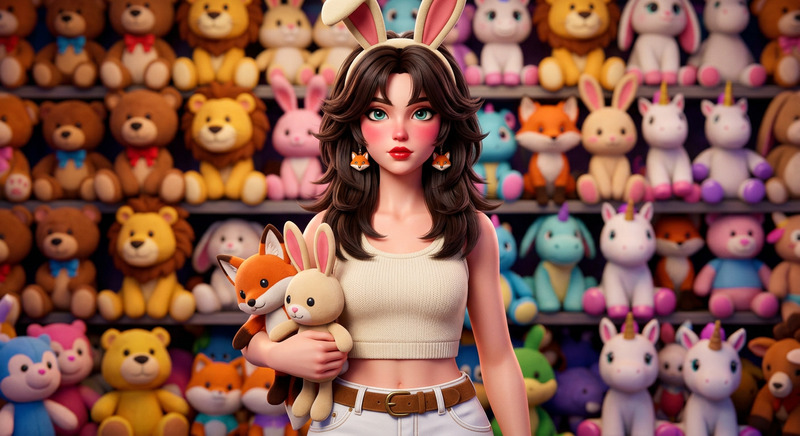
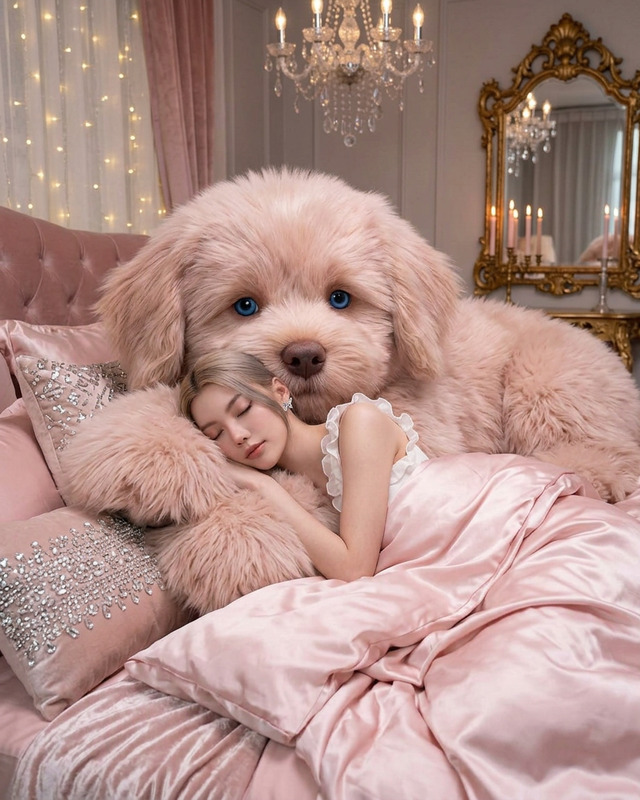
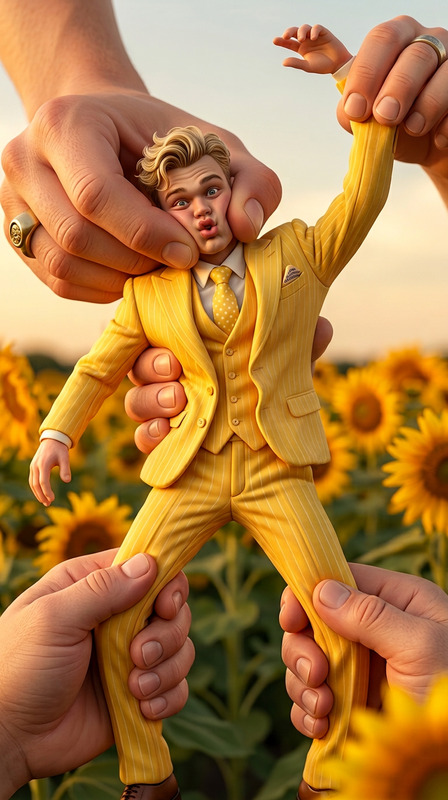
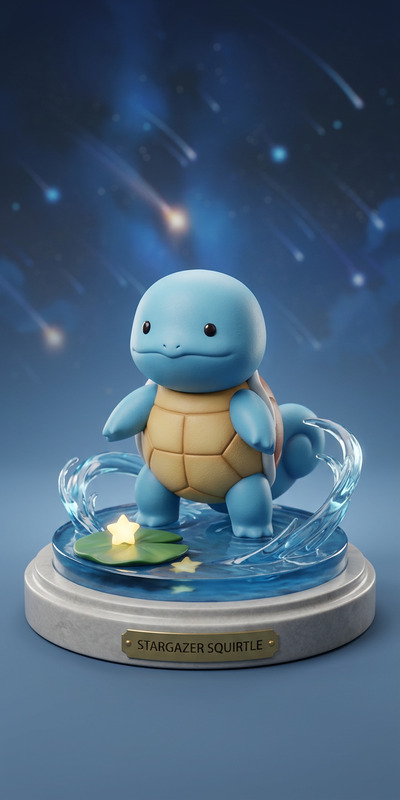
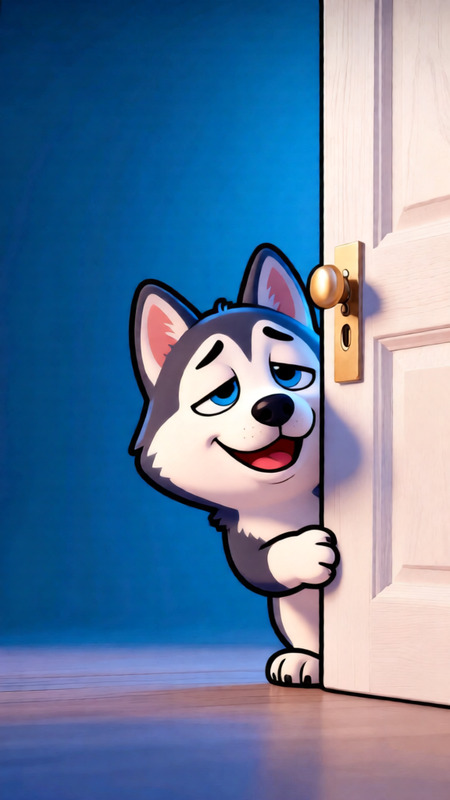
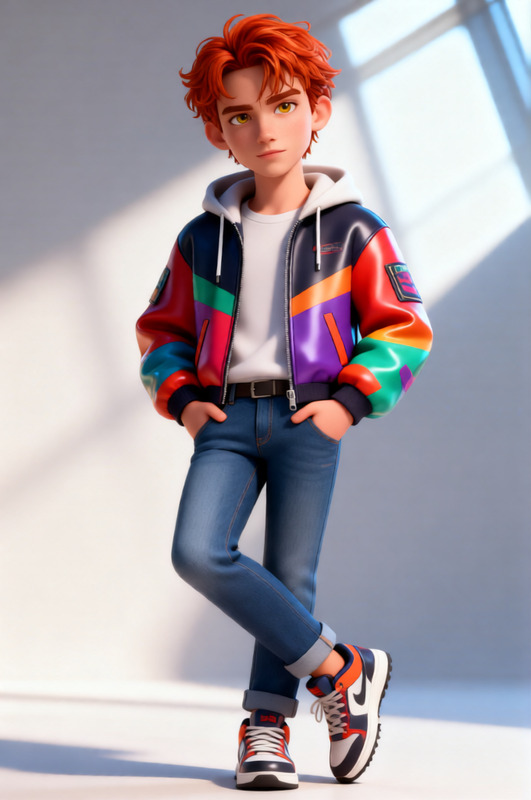
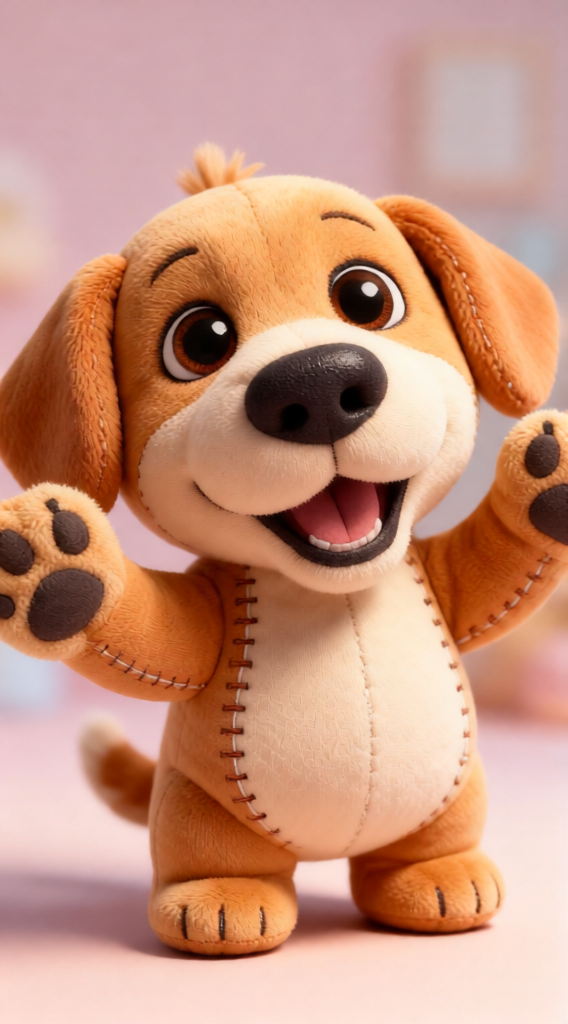
Cinematic portrait of a subject transformed into a plush toy-like character, soft fabric texture covering the entire body, stitched seams visible, slightly oversized cute proportions. Cozy studio or soft pastel environment background. Gentle diffused lighting emphasizing fluffiness and material softness. Whimsical, toy-like aesthetic, high detail stitching, soft shadows, stylized realism, 8K, adorable surreal character design.
Any aspect ratio
Overview
Transform your digital world with Plushy Personage, an AI Image Editor template that brings a delightful transformation to your images. With this template, turn ordinary subjects into lovable plush toy-like characters, perfect for engaging visuals and creative projects. Whether you're crafting whimsical portraits or enhancing a product's playful appeal, Plushy Personage is your go-to tool.
What It Does
This AI Image Editor utilizes the qwen-edit model to transform subjects into plush toy-like characters. The template highlights key features such as soft fabric texture, visible stitched seams, and oversized cute proportions. It accentuates the toy-like aesthetic with gentle diffused lighting and stylized realism, achieving a high-resolution output ideal for creating unique and captivating visuals.
For more image editing options, explore our AI Image Editor.
Who It's For
Plushy Personage is perfect for digital creators, marketers, and educators who want to add a playful and enchanting dimension to their projects. It's ideal for advertising campaigns, educational content, and digital storytelling where the transformation into a plush toy character can captivate and engage diverse audiences.
If you're involved in creative campaigns, our AI Ad Creative Generator could also be beneficial.
Summary
Bring warmth and whimsy to your projects with Plushy Personage. This template transforms your images into plush toy-like characters, using cutting-edge AI technology for high-detail stitching, soft shadows, and surreal character design. Dive into this tool to elevate your creative work and engage audiences with an adorable, unique style.
For transforming photos to videos, check out Image to Video.
How-To
Choose the Template

Customize Your Design

Generate Your Image

Use Cases
Marketing Campaigns
- Use in social media ads
- Incorporate in brand storytelling
Education
- Children's books illustrations
- Educational videos
E-Commerce
- Showcase items as plush characters
- Use in product packaging design
Best Practices
Choose High-Quality Input Images
Start with clear, high-resolution images to ensure the plush transformation retains detail and quality.Experiment with Lighting
Adjust the background and lighting settings to highlight the plush-like softness and stitching details.Focus on Aesthetic Consistency
Ensure the generated images match the theme and style of your project for a seamless integration.