Y2K Dual Panel Doll Poster

Y2K Dual Panel Doll Poster

ai-image-editor

1 clip
1 uses

Any aspect ratio

Prompt

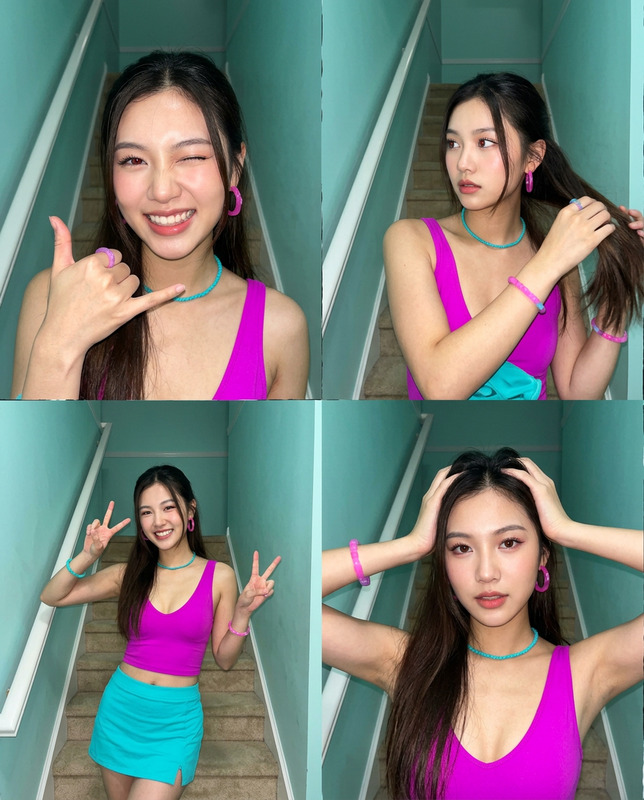
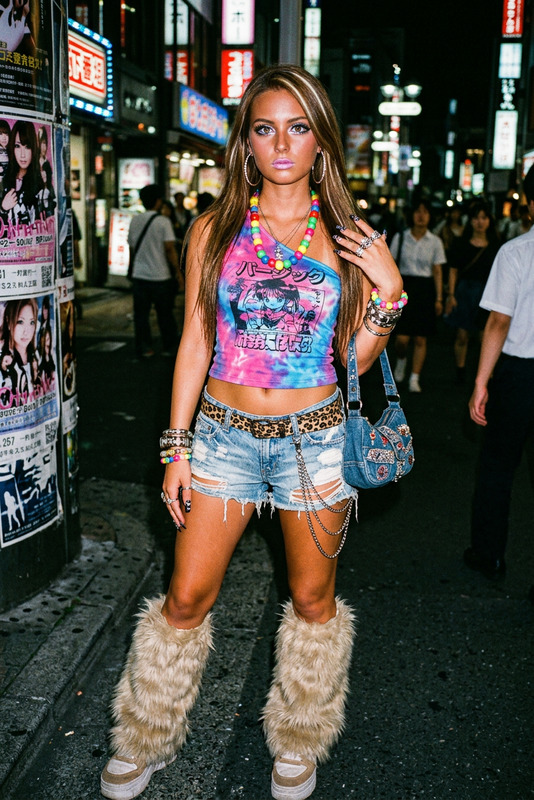
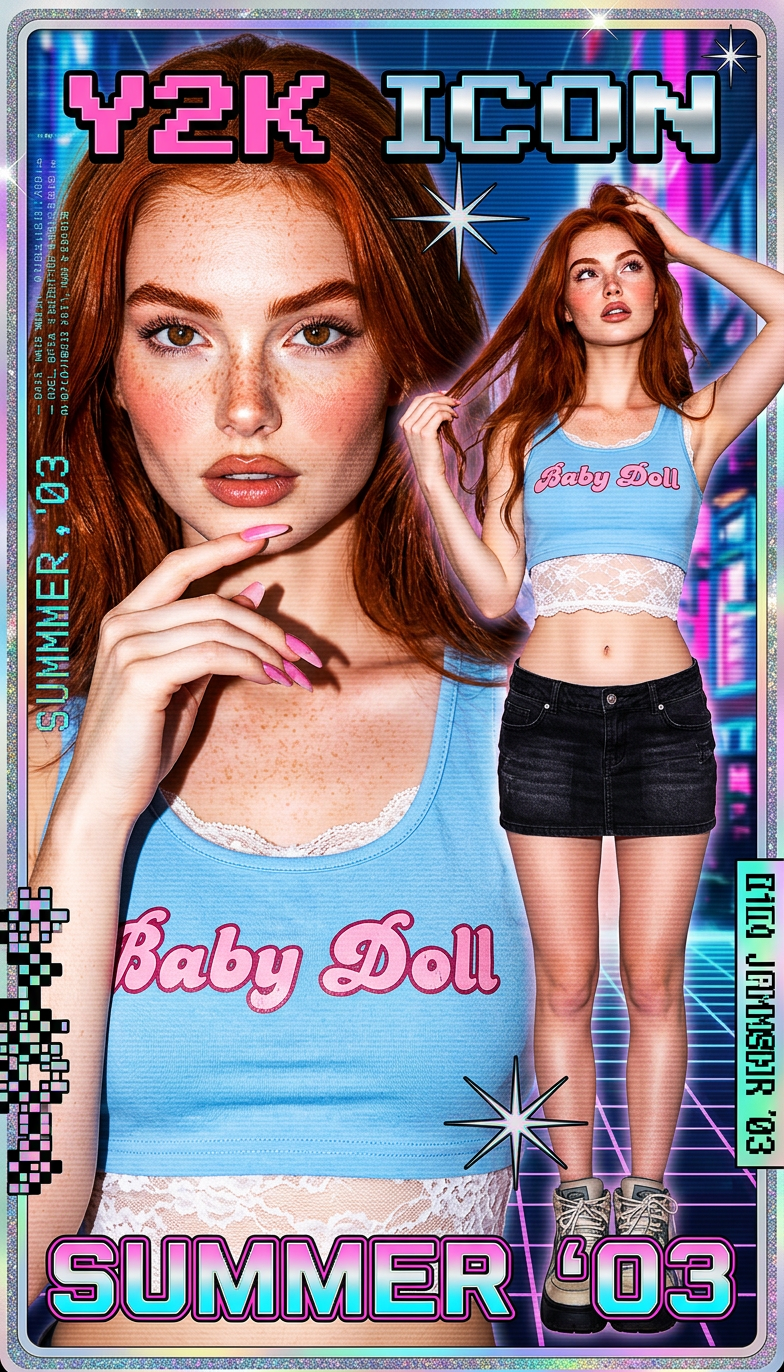
Y2K digital poster with split composition showing a large close-up portrait on the left and a smaller full-body view on the right of the same subject. Wearing a light blue cropped tank top with pink “Baby Doll” text and a lace-trim top paired with a low-rise black denim mini skirt. Thoughtful, slightly seductive expression with hand near chin, long pink manicured nails, and hand in hair. Vibrant photo manipulation style with bold graphic overlays, glossy flash photography look, high contrast, ultra-detailed Y2K aesthetic.

AI Image Editor Template: Turn Any Image Into a Polished, On-Brand Visual in Minutes

Use this template to rapidly clean up, enhance, and transform any image with the AI Image Editor. It’s built for creators, marketers, founders, and product teams who need production-quality visuals without spending hours in traditional design tools.

This page walks through what the template does, why it works, and exactly how you can remix it inside Magic Hour to create your own reusable editing workflow.


What This Template Is Best For

This AI Image Editor template is designed for:

  • Polishing product shots – remove backgrounds, fix lighting, upscale details, and generate multiple variants for landing pages or marketplaces.
  • Transforming user photos – upgrade selfies or portraits for profiles, resumes, and campaigns using tools like AI Headshot Generator and AI Face Editor.
  • Creative concepting and campaigns – experiment with different visual styles, colors, and compositions before locking in final designs.
  • Content repurposing – adapt a single source image into thumbnails, social assets, memes, and GIFs using AI Meme Generator and AI GIF Generator.

Under the hood, this template leverages diffusion-based image models and modern inpainting/outpainting techniques to edit specific regions while preserving the rest of your image. It’s similar in spirit to what’s described in “SDEdit: Image Synthesis and Editing with Stochastic Differential Equations” (Meng et al., 2021), but packaged for non-researchers in a fast, visual interface.


How to Use This Template in Magic Hour

You can use this template as-is or remix it into your own custom editor.

1. Open the AI Image Editor

Start from the AI Image Editor. Upload any image you want to improve or transform.

2. Apply Core Edits from the Template

This template is designed around a few high-impact actions most users need:

3. Remix the Template to Fit Your Workflow

To create your own version of this template in Magic Hour:

  • Start by recreating the core steps you use most often:
    • Background cleanup or replacement
    • Object removal and retouching
    • Resolution enhancement
    • Optional style/face edits
  • Save your combination of operations as a reusable flow in your workspace.
  • Create variants for different tasks, for example:
    • “Product Page Cleanup” – background removal + upscaling
    • “Social Creative Variant” – crop + background change + style tweak
    • “Profile Upgrade” – face enhancement + background adjustment

Once you’ve built your own remix, you can apply the same sequence of edits to new images in seconds, keeping your visual output consistent across campaigns and channels.


Advanced Use Cases and Related Tools

This AI Image Editor template also plays well with other Magic Hour tools to support more complex scenarios.

1. From Static Image to Video

If your workflow doesn’t end at an edited image, you can extend it into motion:

  • Use your edited image as the basis for:

    • Image-to-Video – animate a still image into a short video clip.
    • Text-to-Video – generate new scenes guided by a prompt and your reference imagery.
    • Animation Templates – apply character/scene animation patterns to your edited visuals.
    • Video-to-Video – restyle existing videos to match the aesthetic of your edited frame.
  • If you’re working with talking avatars or explainer content:

2. Face and Identity-Driven Workflows

For identity-focused use cases (UGC campaigns, influencer mocks, internal demos):

These combinations are common in creator and marketing workflows where the same person needs to appear consistently across many assets and formats.

3. Branding, Campaigns, and Visual Systems

For marketers and startup teams, the AI Image Editor template can serve as the foundation of a repeatable visual system:

You can also extend your edited imagery into specific assets with tools like:


Examples of Practical Workflows You Can Build

Here are a few concrete, remixable flows you can replicate from this template:

  1. DTC Product Image Pipeline

    • Shoot a simple product photo → Edit with AI Image Editor to remove background and clean edges → Use AI Background Generator to place the product into lifestyle scenes → Upscale with AI Image Upscaler → Export for site and ads.
  2. Founders & Team Profile Upgrade

    • Upload a casual headshot → Use AI Image Editor + AI Headshot Generator to enhance lighting, attire, and background → Generate multiple variants for LinkedIn, website, and pitch decks → Optionally animate a “talking head” intro via AI Talking Photo.
  3. Content Repurposing for Social

    • Start from a single campaign visual → Adjust composition and aspect ratio in AI Image Editor → Generate meme-style versions with AI Meme Generator → Turn key frames into GIFs with AI GIF Generator.
  4. Creative Exploration for IP or Worlds


Tips for Better Results

  • Start with the highest-quality source you have. While tools like Unblur Image and Old Photo Restoration can repair low-res or damaged images, cleaner inputs give more reliable edits.
  • Edit in stages. Apply background changes, object removal, and upscaling separately. This is how large creative teams typically structure image pipelines, and it makes your own custom template easier to debug and remix.
  • Use specialized tools when needed. The AI Image Editor is your central workspace, but tools like Watermark Remover, Photo Colorizer, or AI Tattoo Generator can handle very specific tasks better than a single all-purpose tool.

If you’re interested in how these systems work technically, you may want to look into modern diffusion models (for example, the Stable Diffusion paper by Rombach et al., 2022) and inpainting/outpainting techniques that allow local edits while preserving global structure.


Build Your Own Editing System on Top of This Template

This AI Image Editor template is meant to be a starting point, not a fixed recipe. The most effective teams:

  • Clone the basic flow of this template for common tasks
  • Swap in specialized tools (e.g., AI Clothes Changer, AI Fashion Generator, AI Outfit Generator) depending on the project
  • Standardize a small set of remixable templates for:
    • Product images
    • Brand visuals
    • Team/creator portraits
    • Social and performance creatives

Use this template as your backbone, then iterate until it matches your brand, your pipeline, and your team’s speed requirements.

More Like This