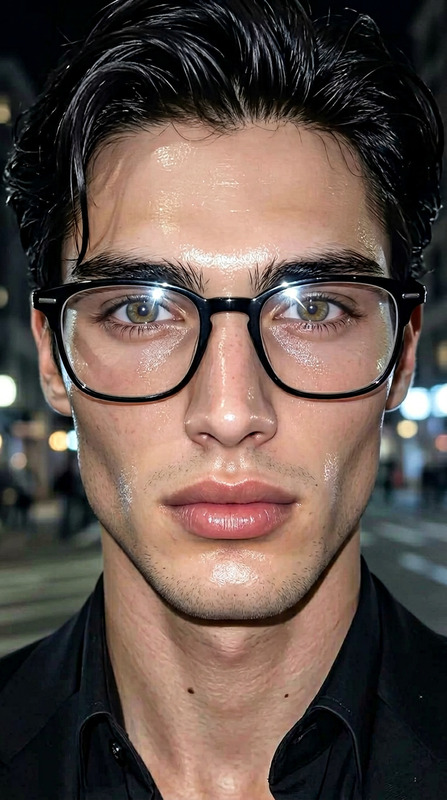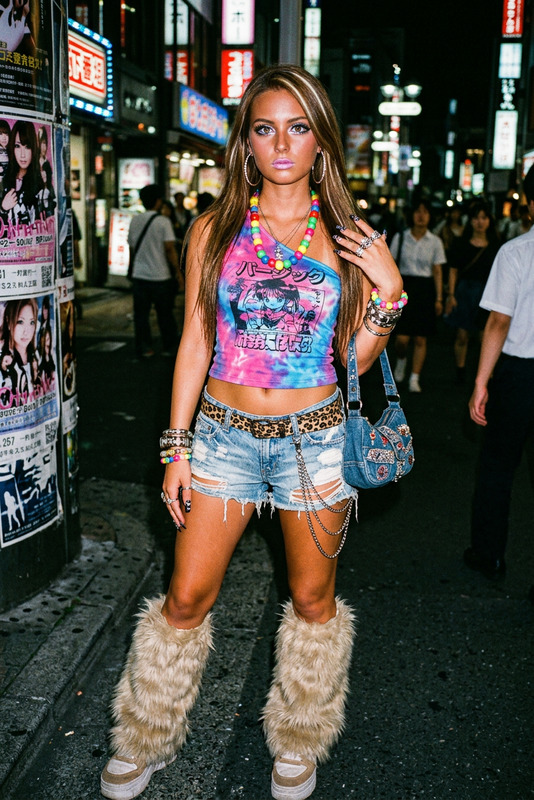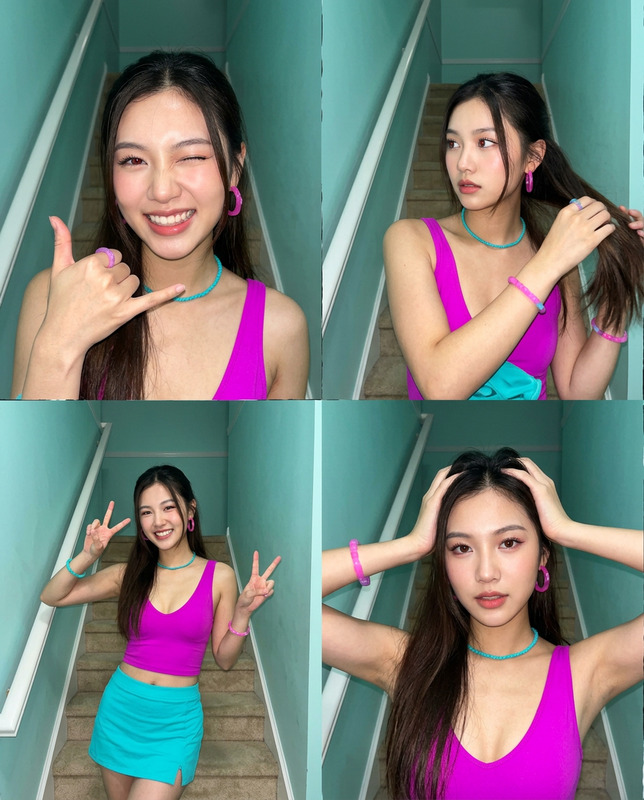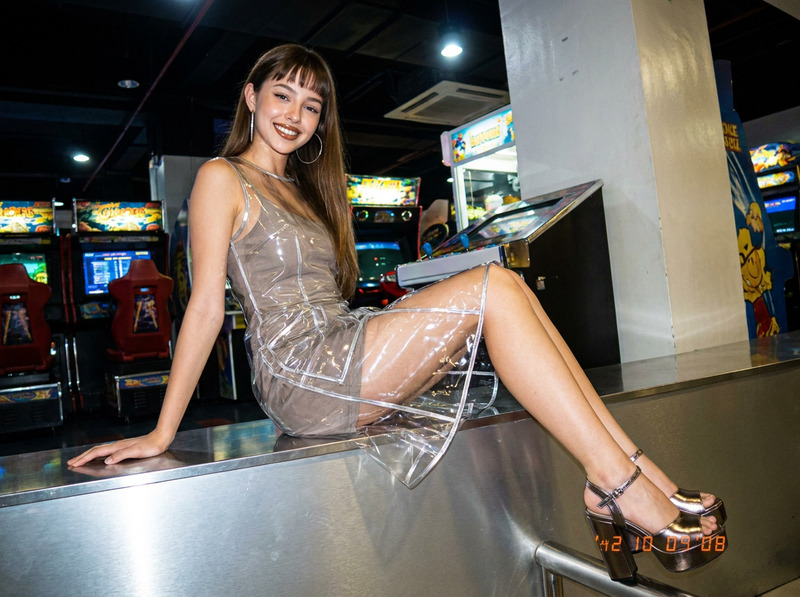
Butterfly Flash Y2K
- Model
- Nano Banana Pro
- Image
- 1200 × 896 px
Prompt
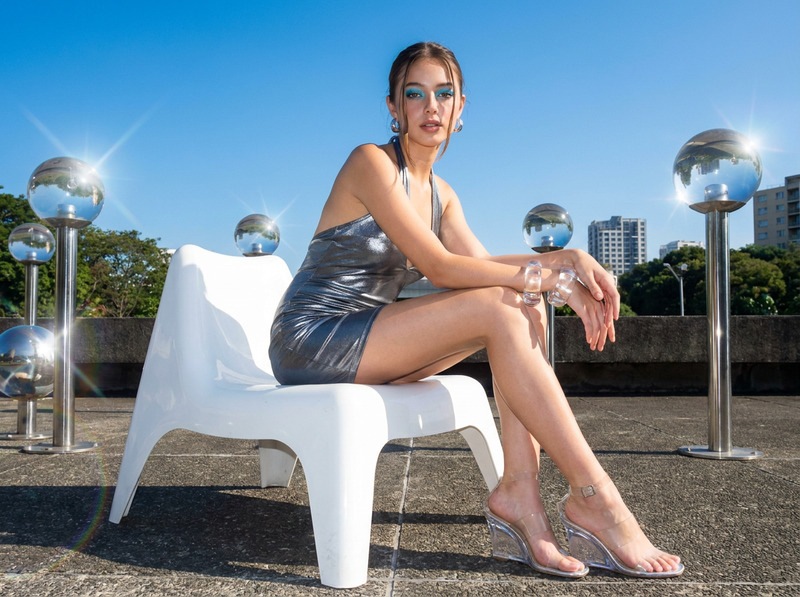
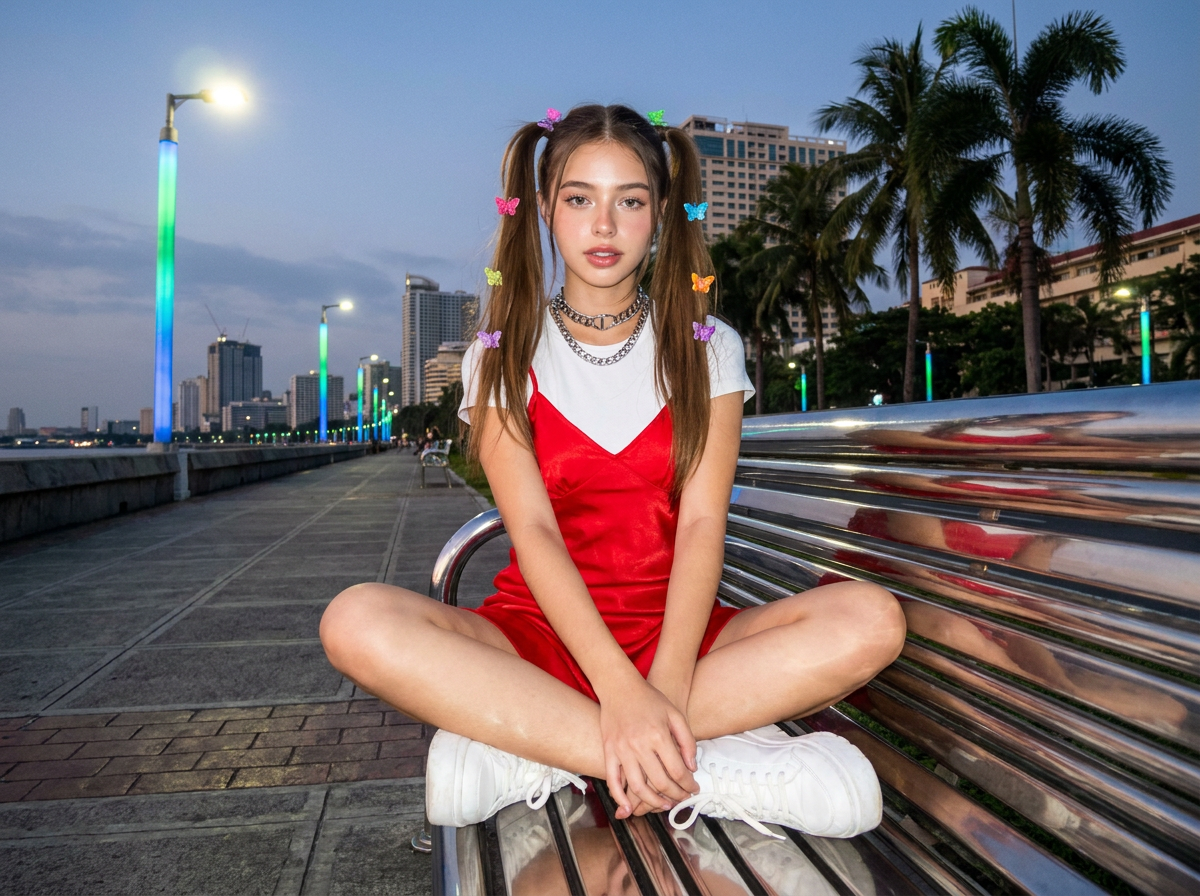
Hyper-realistic Y2K fashion portrait, low-angle fisheye lens, a young Filipino woman with high pigtails and butterfly clips wearing a slip dress over a white baby tee, chunky silver choker, and platform sneakers, seated cross-legged on a chrome bench along Roxas Boulevard boardwalk Manila at dusk, Frutiger Aero ambient glowing streetlights, shot on a 2001 digital point-and-shoot camera, hard direct flash, CCD sensor color science, deep focus f/11, crisp background details, 4:3 aspect ratio.
Any aspect ratio
Overview
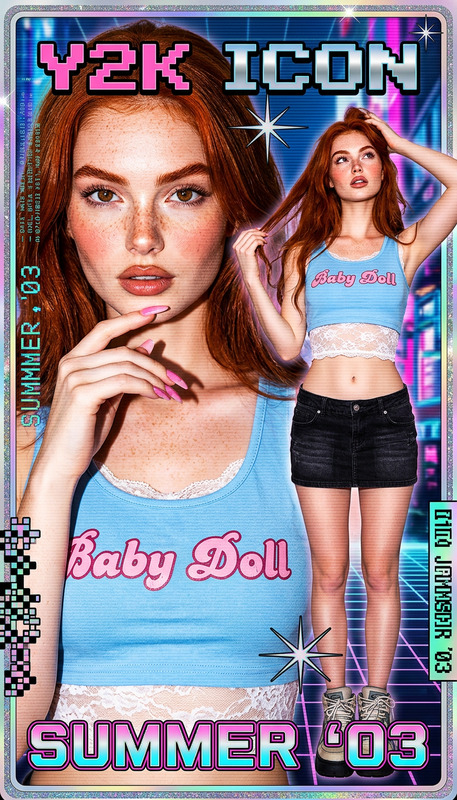
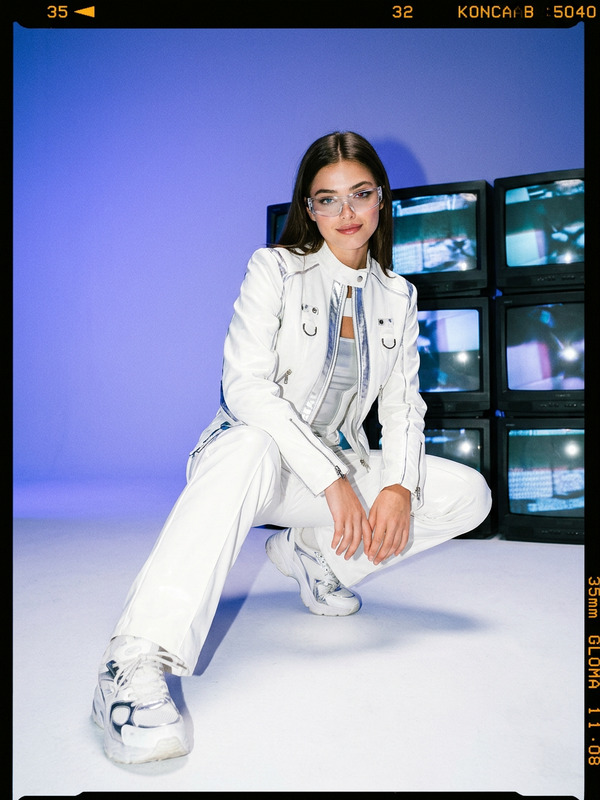
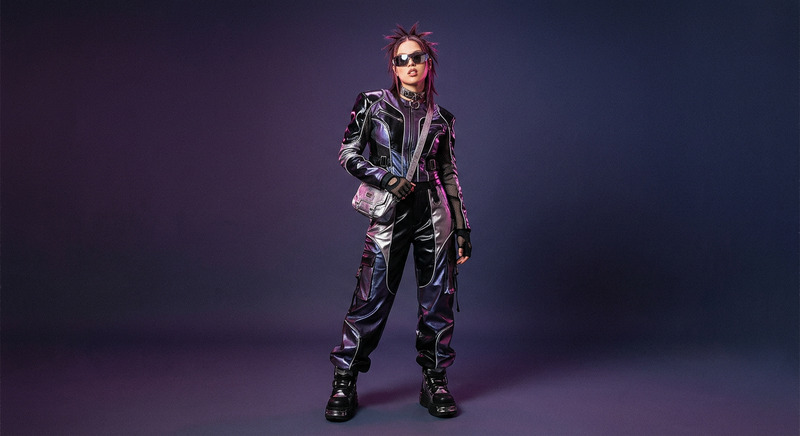
Step into the vibrant era of Y2K fashion with the Butterfly Flash Y2K template, an AI Image Editor model powered by nano-banana-pro technology. Capture the essence of early 2000s Manila with hyper-realistic images that bring together dynamic fashion elements and scenery for creative projects.
What It Does
This template allows you to transform images into stunning Y2K style portraits with ease. The default prompt conjures a vivid scene set along the picturesque Roxas Boulevard in Manila, featuring era-specific fashion accents. The model utilizes the AI Image Generator to provide hyper-realistic detail and period-authentic color science by simulating a classic digital camera look.
Who It's For
Ideal for digital artists, fashion designers, and content creators who want to evoke the dynamic aesthetics of the Y2K period in their work. Whether you're crafting designs for a retro-themed project or capturing nostalgic influences for social media, this template supports Multiple Face Swap capabilities for versatility and creativity.
Summary
With its focus on hyper-realistic Y2K visuals, the Butterfly Flash Y2K template enhances your creative toolkit considerably. This model's capability to bring past eras into high-definition allows for the creation of unique visuals that are both nostalgic and cutting-edge, utilizing Photo Colorizer techniques.
How to Use
Choose the Template

Customize Your Inputs

Generate and Download

Use Cases
Fashion and Editorial Design
- Design magazine covers
- Create lookbooks
- Develop fashion campaign visuals
Social Media Content
- Craft Instagram carousels
- Produce TikTok backgrounds
- Generate Facebook banners
Personal Creative Projects
- Create art prints
- Design nostalgic visuals
- Develop themed storyboards
Best Practices
Use Reference Images
Gather Y2K style references to ensure that your modifications to the prompt align with the aesthetics you aim to capture.Experiment with Angles and Focus
Leverage the low-angle and deep focus features to highlight the intricate details that exemplify Y2K design.Pay Attention to Lighting
Utilize ambient lighting settings to add authenticity, simulating the natural glow and shadow play of streetlight-lit scenes.