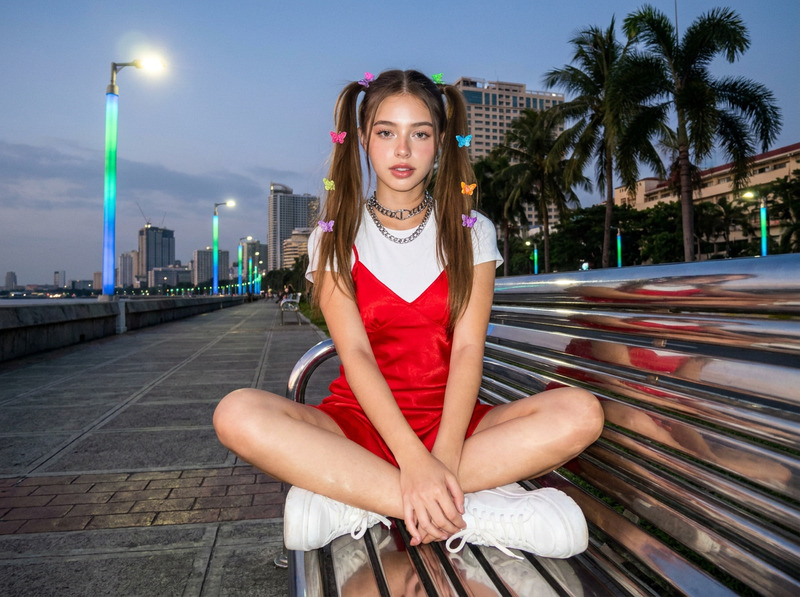
Y 2 K
- Model
- Nano Banana 2
- Image
- 843 × 1264 px
Prompt
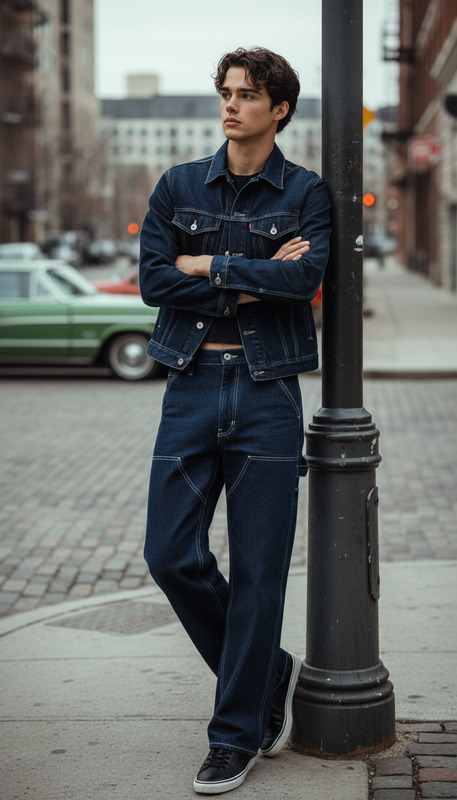
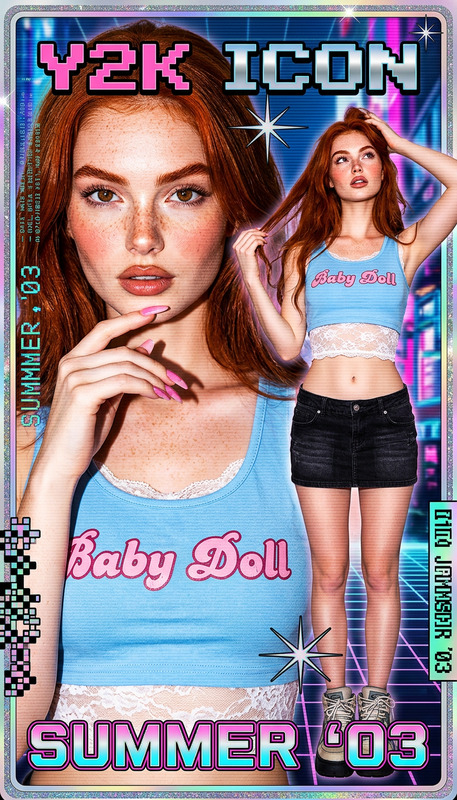
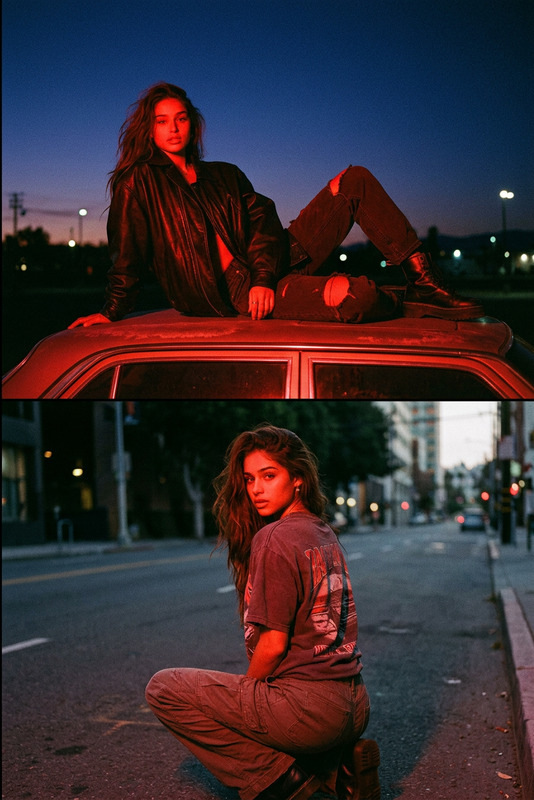
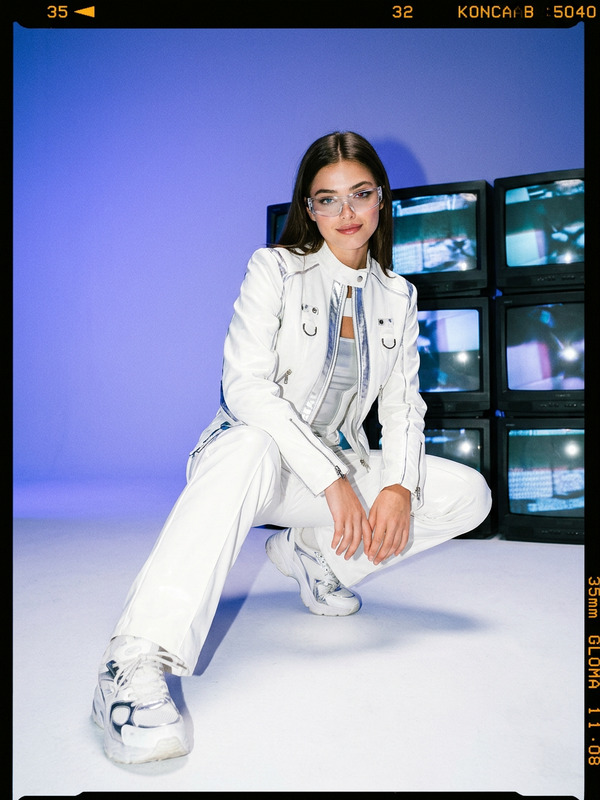
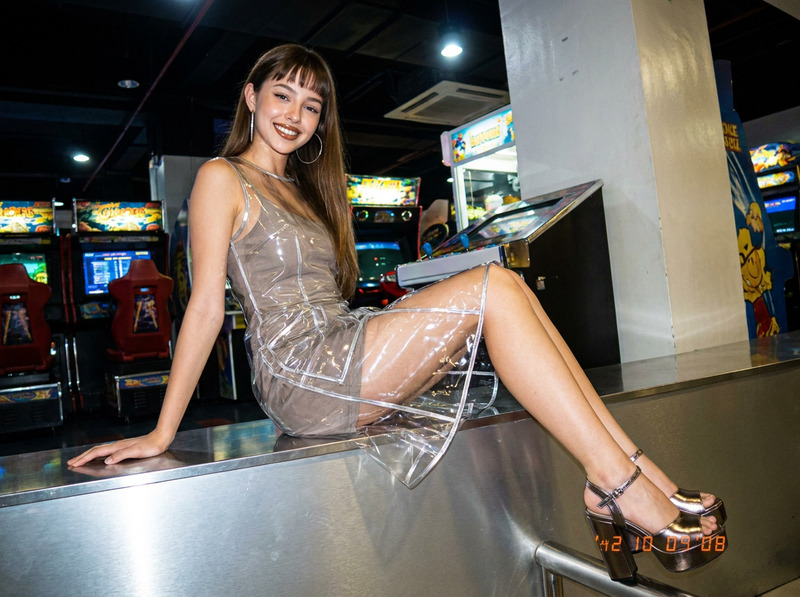
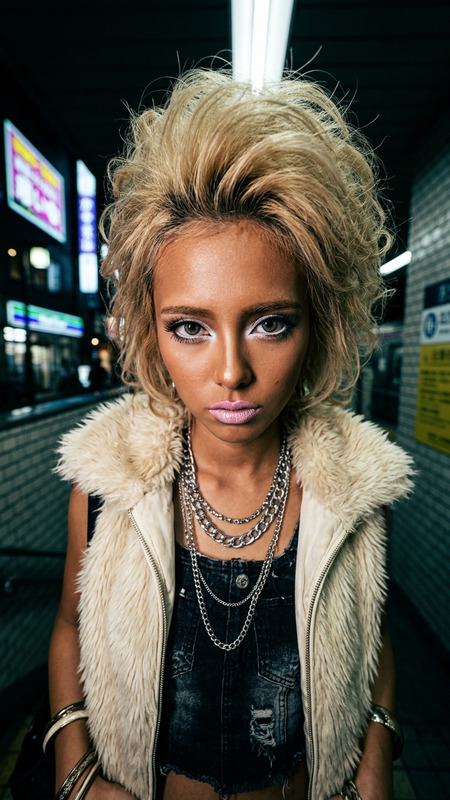
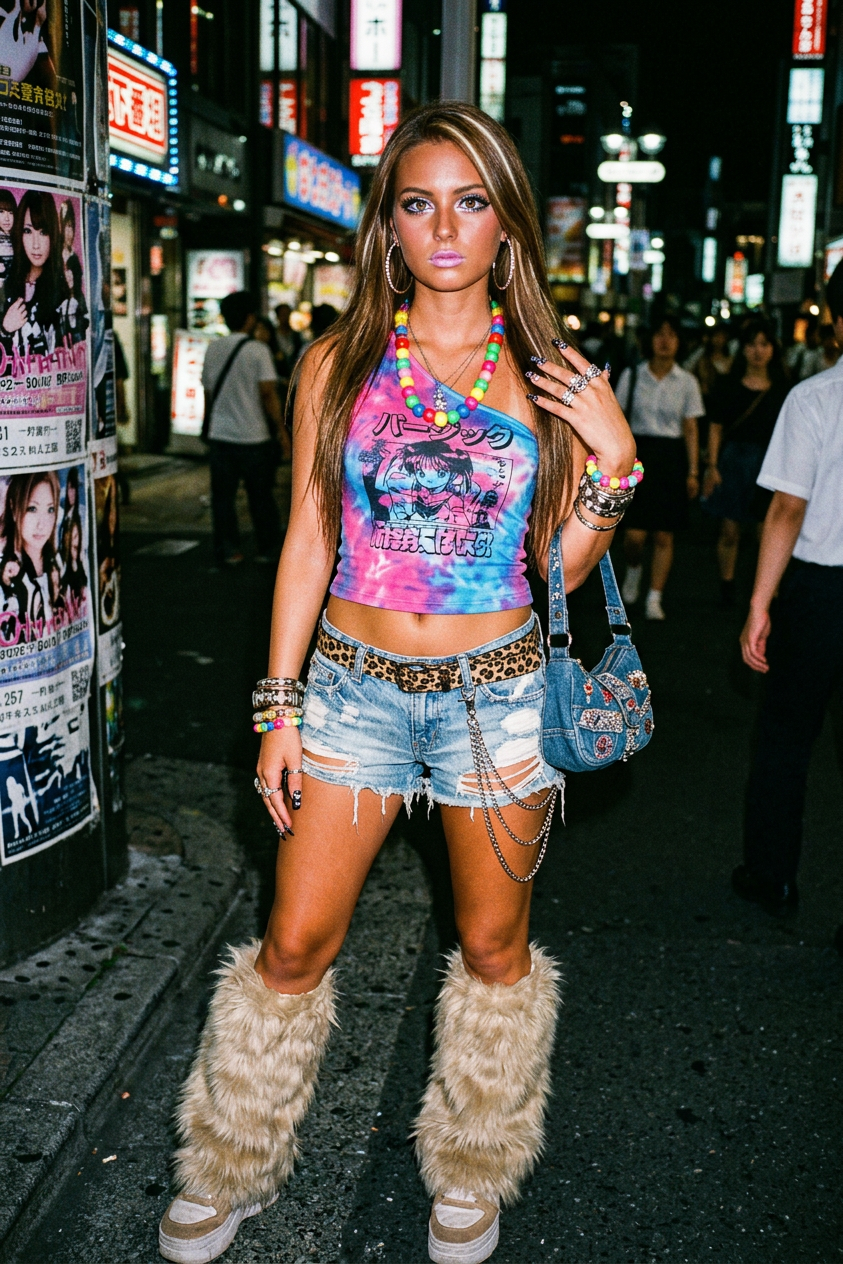
Heisei Gyaru-kei street fashion, a Harajuku shot from the early 2000s, Y2K aesthetic. A girl in a tight, one-shoulder cropped top with a tie-dye pattern and graphic print, ripped denim shorts with a leopard-print belt and chains, fur leg warmers, massive beads, bracelets, earrings and rings, bright eyeliner and pink lipstick, shot with a direct flash on grainy 35mm film.
Any aspect ratio
Overview
Enter the vibrant world of Y2K aesthetics with the Y 2 K AI Image Editor template. Inspired by the Heisei Gyaru-kei street fashion of Harajuku's early 2000s, this template transforms your images into nostalgic blasts from the past. Utilizing the nano-banana-2 model, it captures the essence of the era with precision.
What It Does
The Y 2 K template refines your photos by applying a unique style reminiscent of a direct flash shot on grainy 35mm film. You'll find emphasis on bold makeup, vibrant accessories, and striking fashion elements. It's perfect for rekindling the era's dramatic flair in your images, making it a great choice for social media or personal collections.
By tapping into the AI Image Editor with this template, you can craft visually engaging content that resonates with fans of this iconic style.
Who It's For
This template is ideal for fashion enthusiasts, photographers, and digital artists aiming to recreate or celebrate the Y2K aesthetic. Whether producing content for social media ads or enhancing personal art projects, this tool brings the boldness of early 2000s Harajuku right to your creative palette.
Additionally, anyone interested in creating stylized images for UGC ads or developing mood boards will find this template invaluable.
Summary
The Y 2 K AI Image Editor template offers a vivid, retro look that's both stylish and nostalgic. By leveraging the capabilities of the AI Image Editor and the innovative nano-banana-2 model, your images can evoke the striking aesthetic of a distinctive fashion era.
How-To
Choose Your Template

Customize Your Image

Generate and Download

Use Cases
Social Media Content
- Instagram fashion pages
- TikTok videos
- Vintage-styled posts
Marketing Campaigns
- E-commerce promotions
- Lookbook displays
- Seasonal campaigns
Digital Art Projects
- Personal art blogs
- Exhibition pieces
- Portfolio enhancements
Best Practices
Choose High-Resolution Images
For the best results, use high-resolution photos to maintain clarity and detail after editing.Experiment with Accessories
Highlight distinct features of Y2K fashion like bold accessories and colorful makeup during customization for a more authentic look.Consider Lighting Effects
Since the template simulates direct flash, monitor lighting contrasts in your original image to enhance the desired effect.