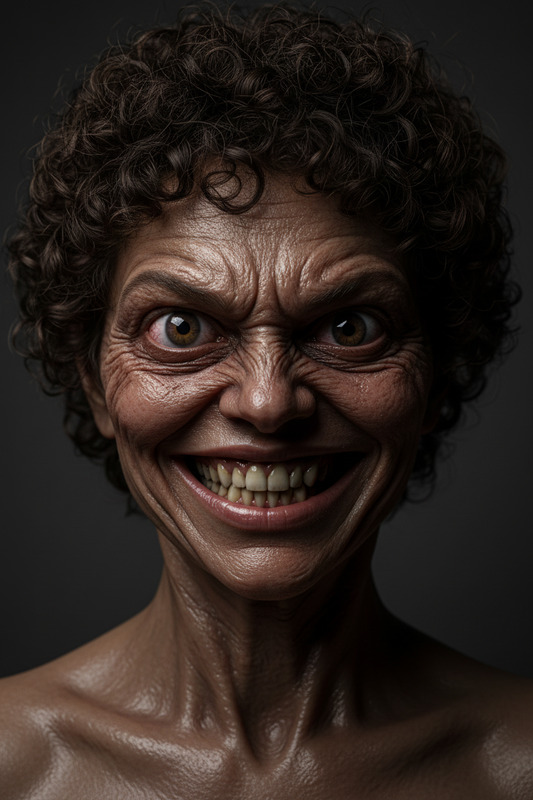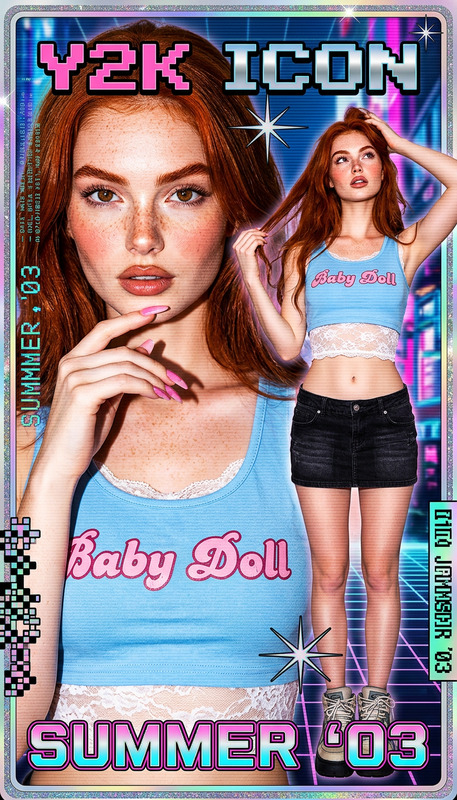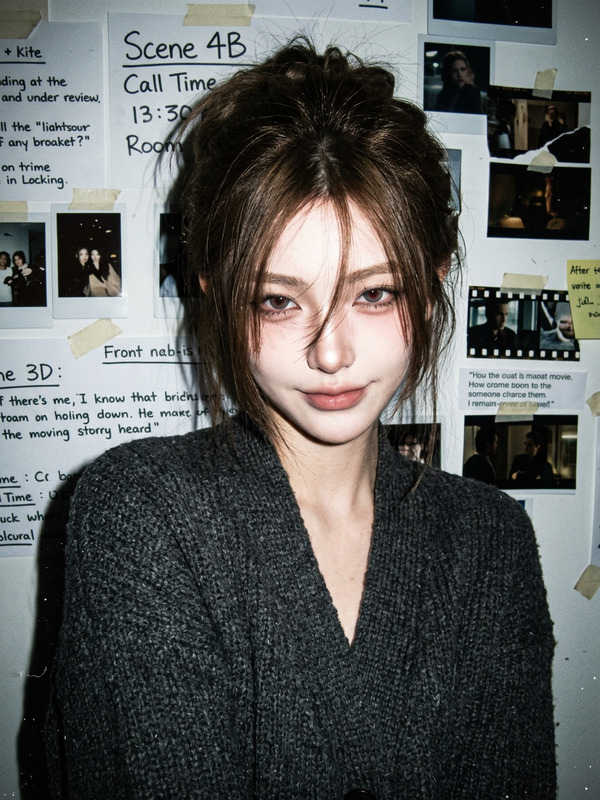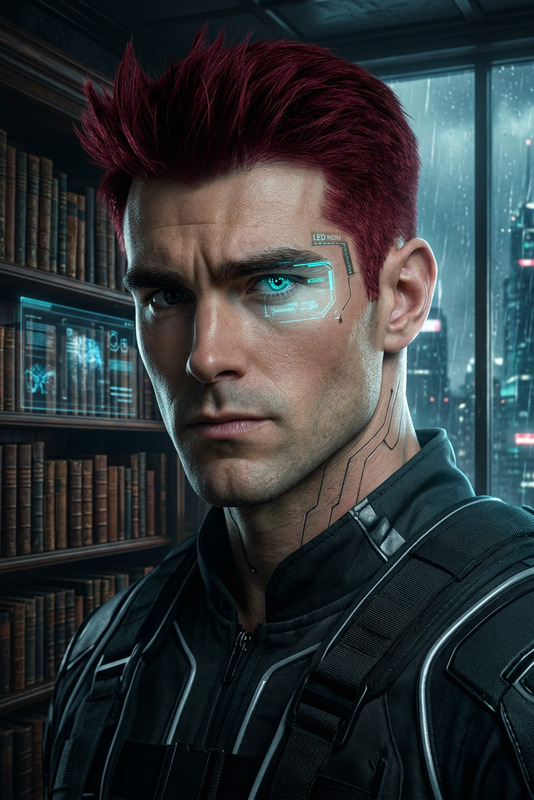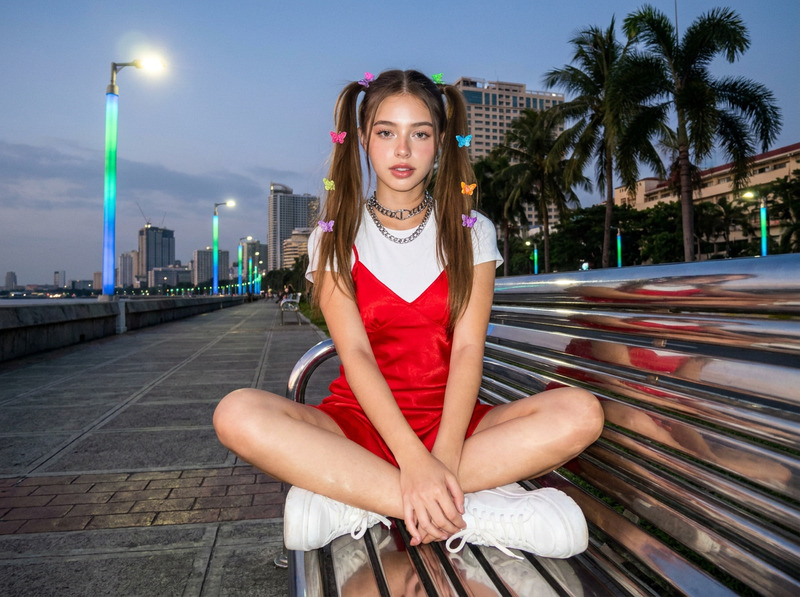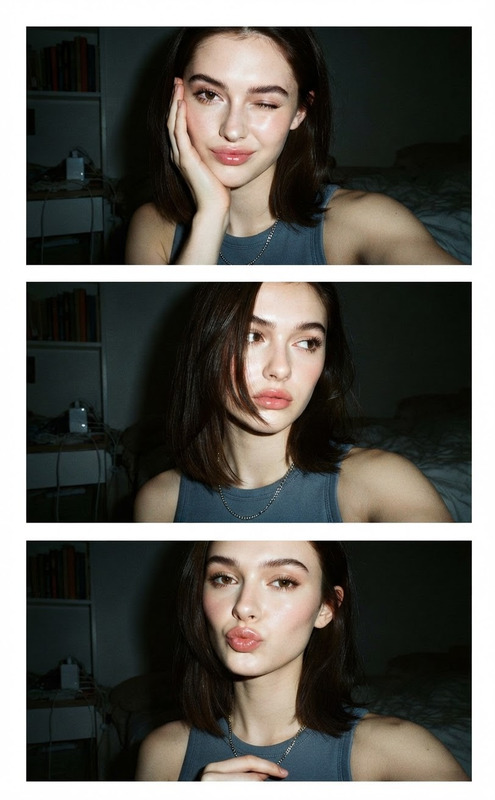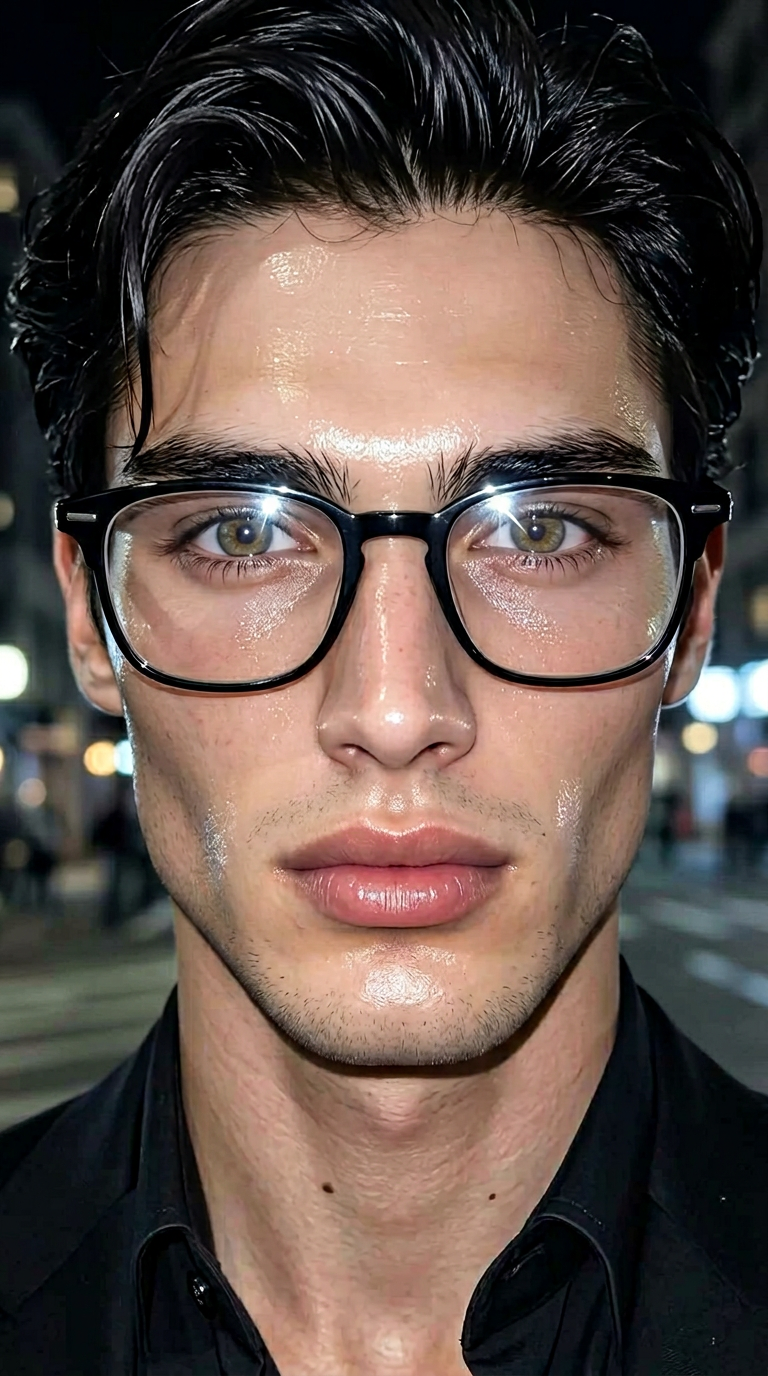
Flash Doll
- Model
- Nano Banana 2
- Image
- 768 × 1376 px
Prompt
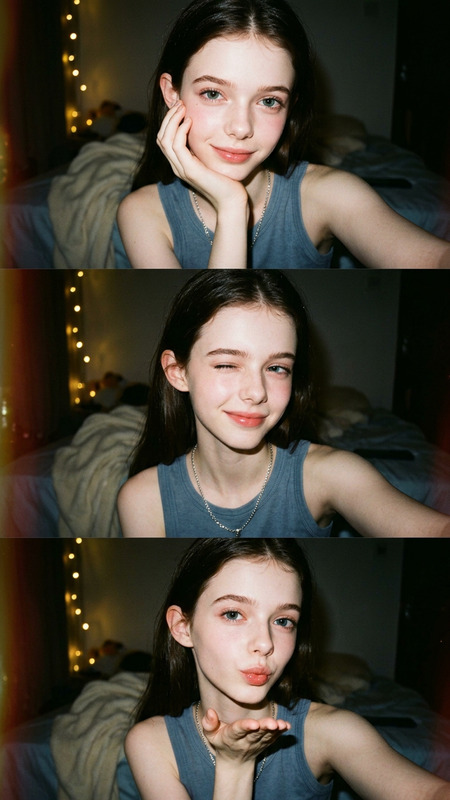
Subject transforms into a hyper-symmetrical doll-like face with porcelain glass skin, “puppy eye” aesthetic, extreme close-up 9:16 selfie framing. Harsh frontal flash, smooth textureless skin glow, urban night background with soft bokeh lights. Digital influencer style, cinematic flash photography, ultra-detailed, high contrast, stylized realism.
Any aspect ratio
Overview
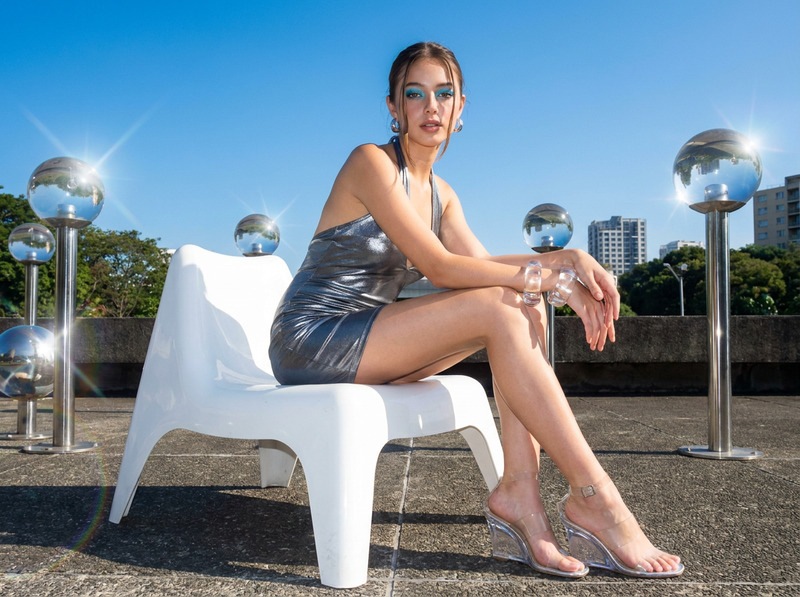
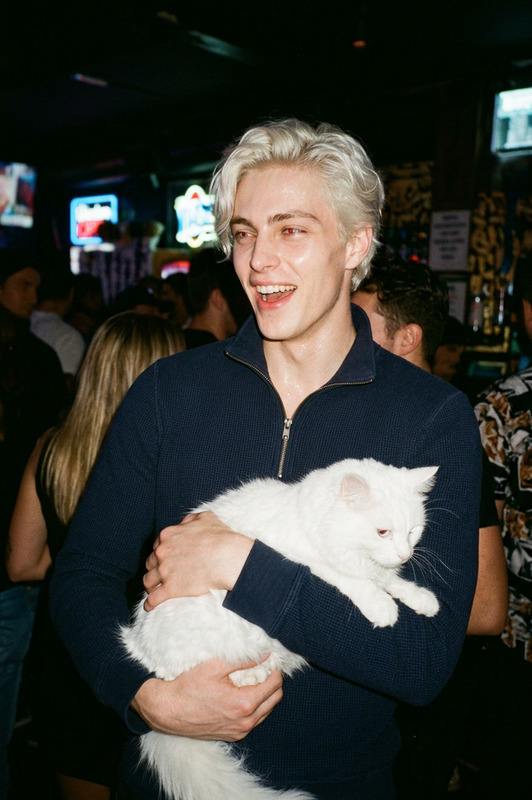
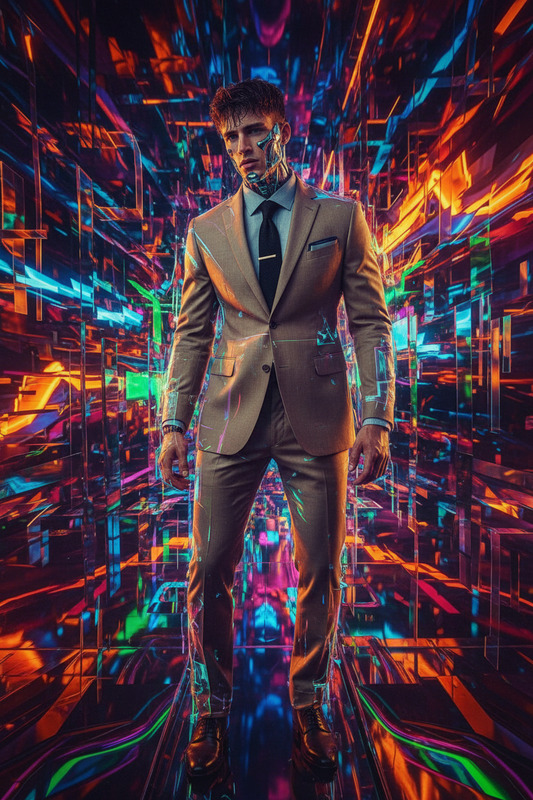
The Flash Doll template creates striking images with a hyper-symmetrical, doll-like aesthetic. This template leverages the AI Image Editor, utilizing the advanced capabilities of the nano-banana-2 model. It is designed to transform subjects into stylized digital influencers, suitable for fashion displays and creative projects.
What It Does
Flash Doll produces images with porcelain-like skin and a "puppy eye" aesthetic. This effect simulates the cinematography of high-fashion selfies, complete with smooth skin glow and high contrast. The results are enhanced with an urban night backdrop, featuring soft bokeh lighting that complements the vibrant foreground imagery.
Who It's For
This template is essential for fashion designers, digital marketers, and content creators aiming to boost their visual content. Ideal for producing digital influencer-style imagery, it's perfect for enhancing presentations, social media campaigns, and fashion portfolios. Users of the AI Profile Picture Generator can especially benefit from these ultra-detailed edits.
Summary
By using the Flash Doll template, creators can deliver captivating visuals tailored for the digital age. It allies well with tools like AI GIF Generator for those wanting to extend static imagery into dynamic visual sequences.
How To
Choose the Template

Customize Your Image

Generate Your Edited Image

Use Cases
Fashion Presentations
- Create digital lookbooks
- Develop engaging runway previews
Social Media Content
- Curate Instagram feeds
- Produce trending TikTok content
Creative Projects
- Design art installations
- Craft personalized media kits
Best Practices
Focus on Details
Utilize high-quality images to bring out fine details in the final output.Combine with Other Tools
Pair with AI Image Upscaler to improve image resolution, ensuring each detail is crisp.Experiment with Settings
Vary flash intensity and bokeh effects to create distinctive looks tailored to different campaigns.