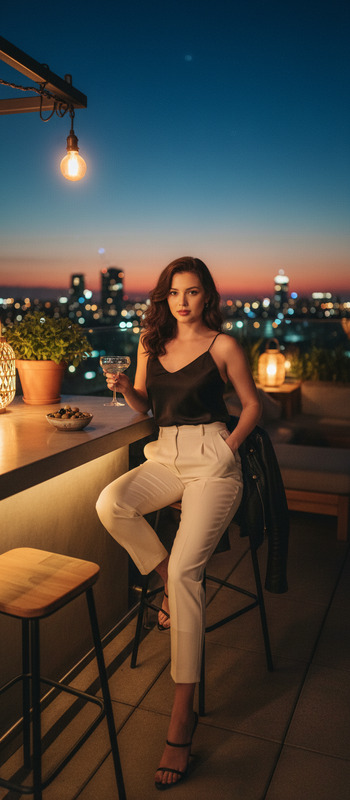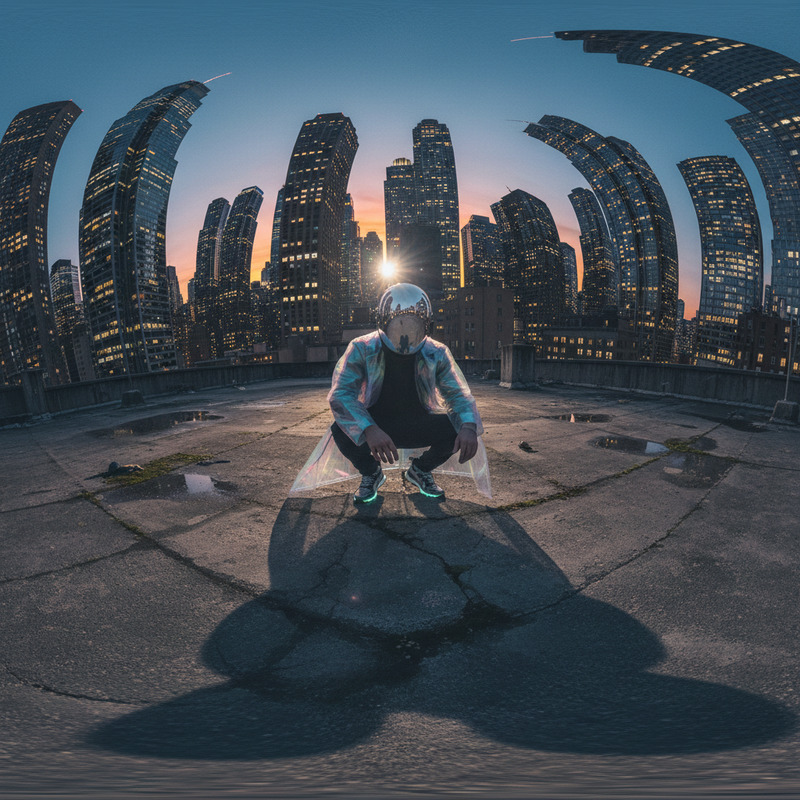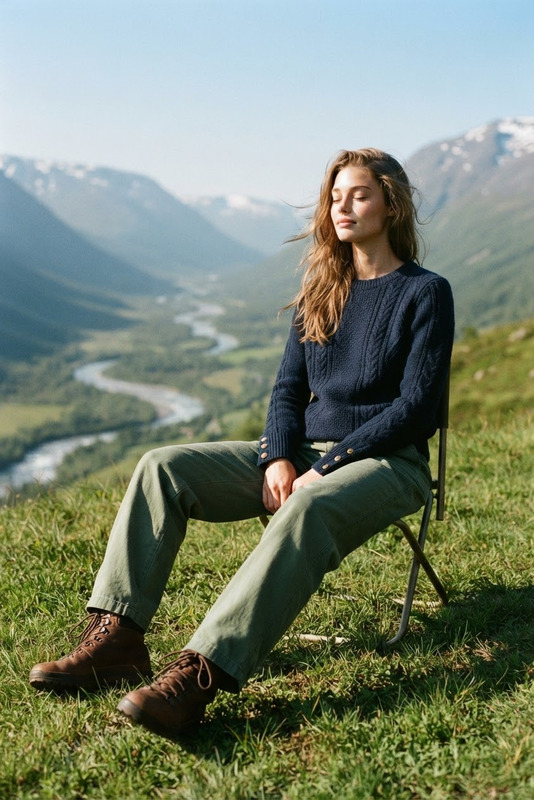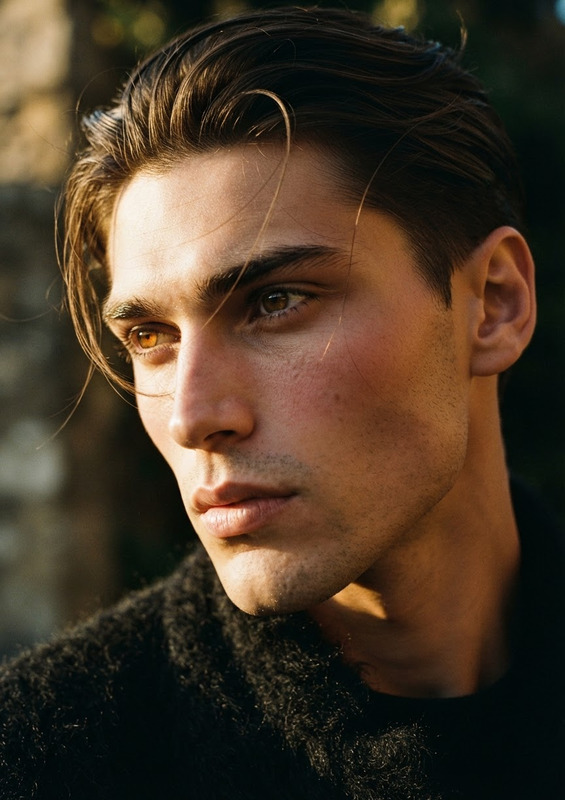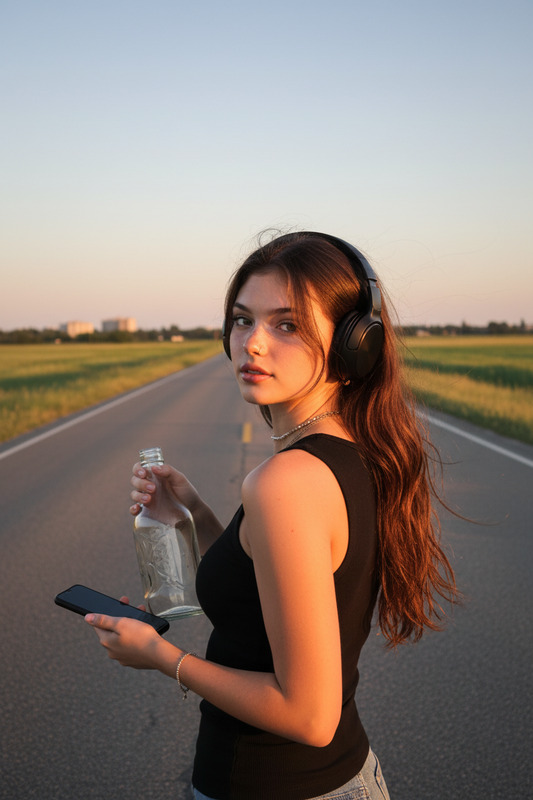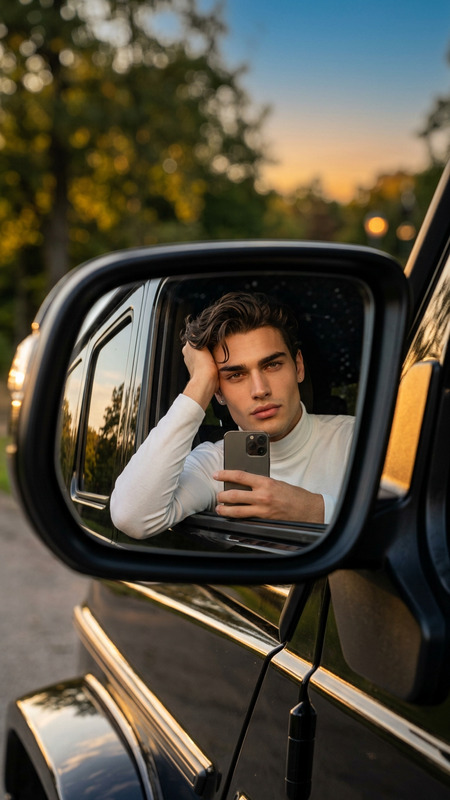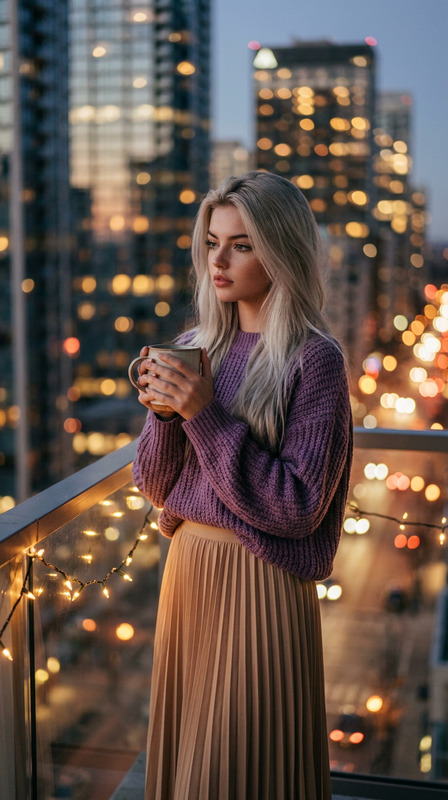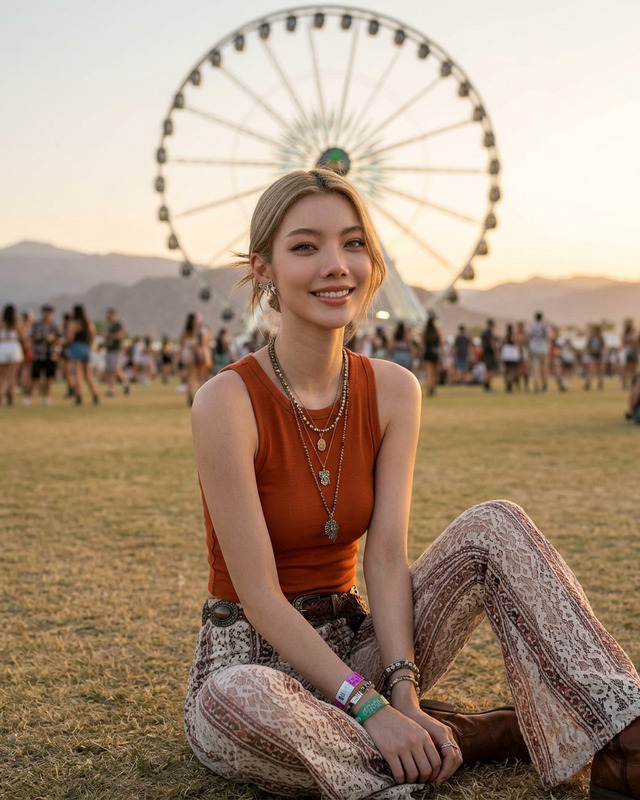
Golden hour rooftop
- Model
- Nano Banana
- Image
- 768 × 1344 px
Prompt
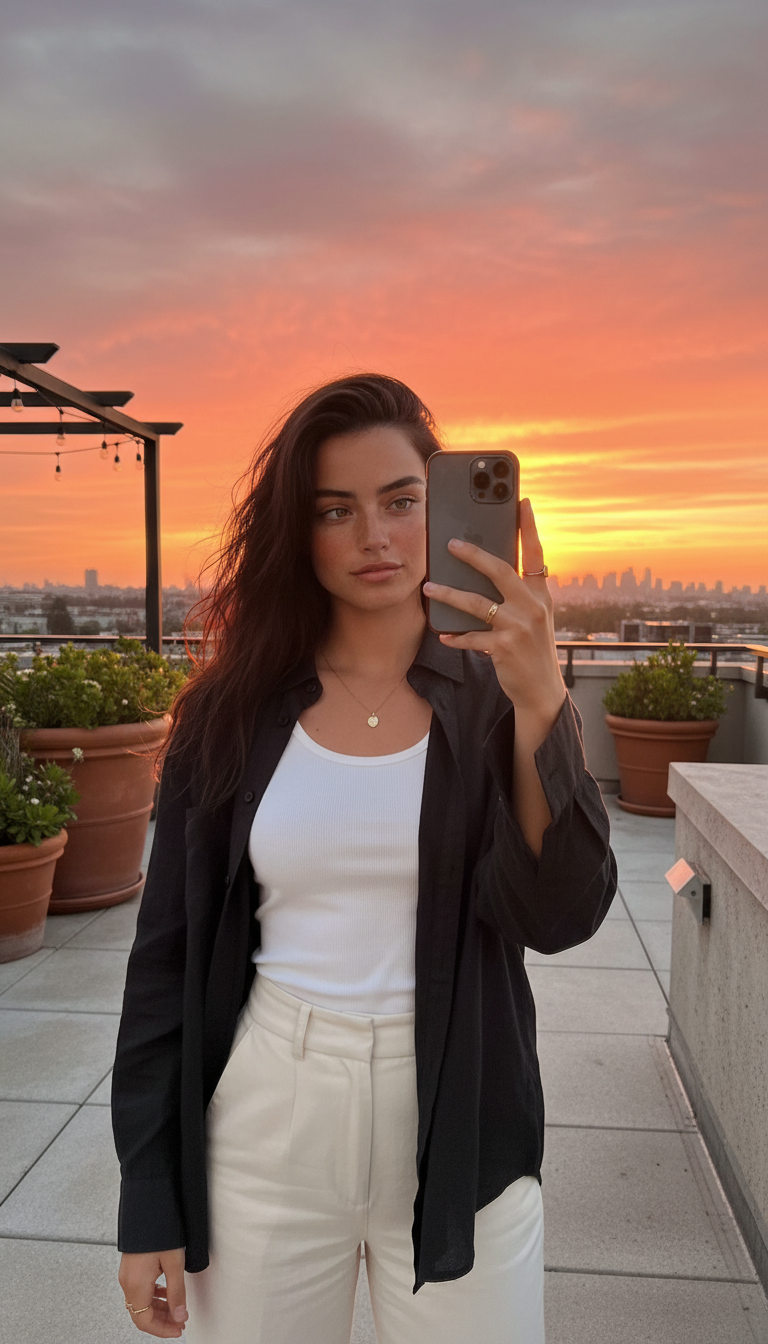
Subject taking a spontaneous selfie on a rooftop terrace at golden hour, holding the phone at a slightly raised angle against a vivid sunset sky in coral, amber, and soft violet. Wearing an open black linen shirt over a white ribbed tank, paired with high-waisted cream wide-leg trousers. Dark hair loose and wind-tousled, backlit into a soft glow. Gold pendant necklace and rings catching warm light. Rooftop setting with terracotta planters, string lights, and a low concrete edge overlooking a city skyline in silhouette. Natural wide-angle feel, face softly lit by reflected sunset light, warm cinematic atmosphere.
Any aspect ratio
Overview
Experience the magic of a spontaneous selfie captured at golden hour with our "Golden Hour Rooftop" template. This AI Image Editor tool, powered by the nano-banana model, creates the perfect ambient glow, showcasing vivid sunset hues mixed with urban aesthetics. Optimize your social media visuals with this tool.
What It Does
This template transforms everyday selfies into cinematic masterpieces, emphasizing the natural warmth of golden hour. The AI Image Editor carefully positions elements like terracotta planters and city skylines, enhancing the ambiance with a subtly-dashed urban touch. Ideal for profile pictures or creating standout content, this tool captures the sublime quality of light only found at sunset.
Who It's For
Perfect for influencers, professional photographers, or anyone looking to enhance personal photos with a golden-hour vibe. This tool also benefits marketers aiming to add a visually engaging element to their social media advertisements or brand campaigns. Content creators working on lifestyle or fashion shoots will find this template incredibly useful.
Summary
Embrace the warm glow of a rooftop golden hour with this AI-powered image editor. Elevate your imagery as AI Image Editor enhances the details in your photo, from attire to the twinkle of string lights. Create visually striking imagery that captures the light and essence of golden hour over an urban skyline.
How to Use this Template
Choose a Template

Customize Your Image

Generate the Image

Use Cases
Social Media Enhancement
Lifestyle and Fashion Photography
Marketing Promotions
Best Practices
Choose High-Quality Images
Start with high-resolution images to maximize detail and depth in the final output.Leverage Lighting Techniques
Utilize natural light angles when setting up the photo shoot to enhance the authenticity of the scene.Incorporate Relevant Props
Include elements like string lights or potted plants to enrich the urban rooftop setting.