Car mirror moment

Car mirror moment

ai-image-editor

1 clip
0 uses

Any aspect ratio

Prompt

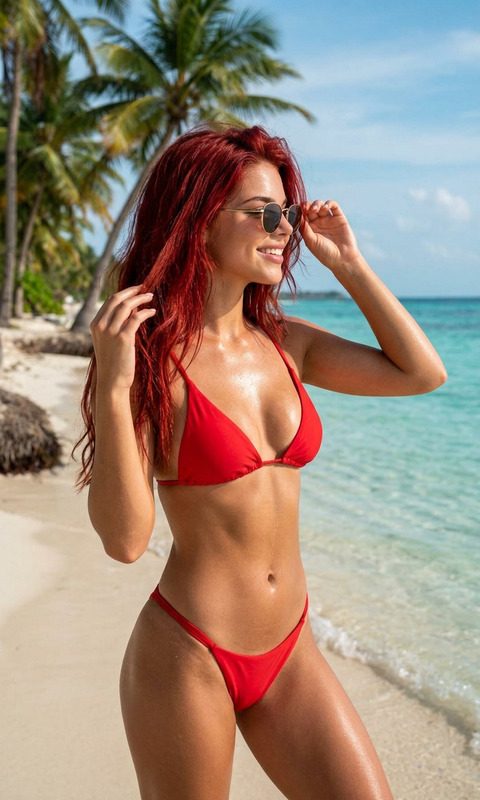
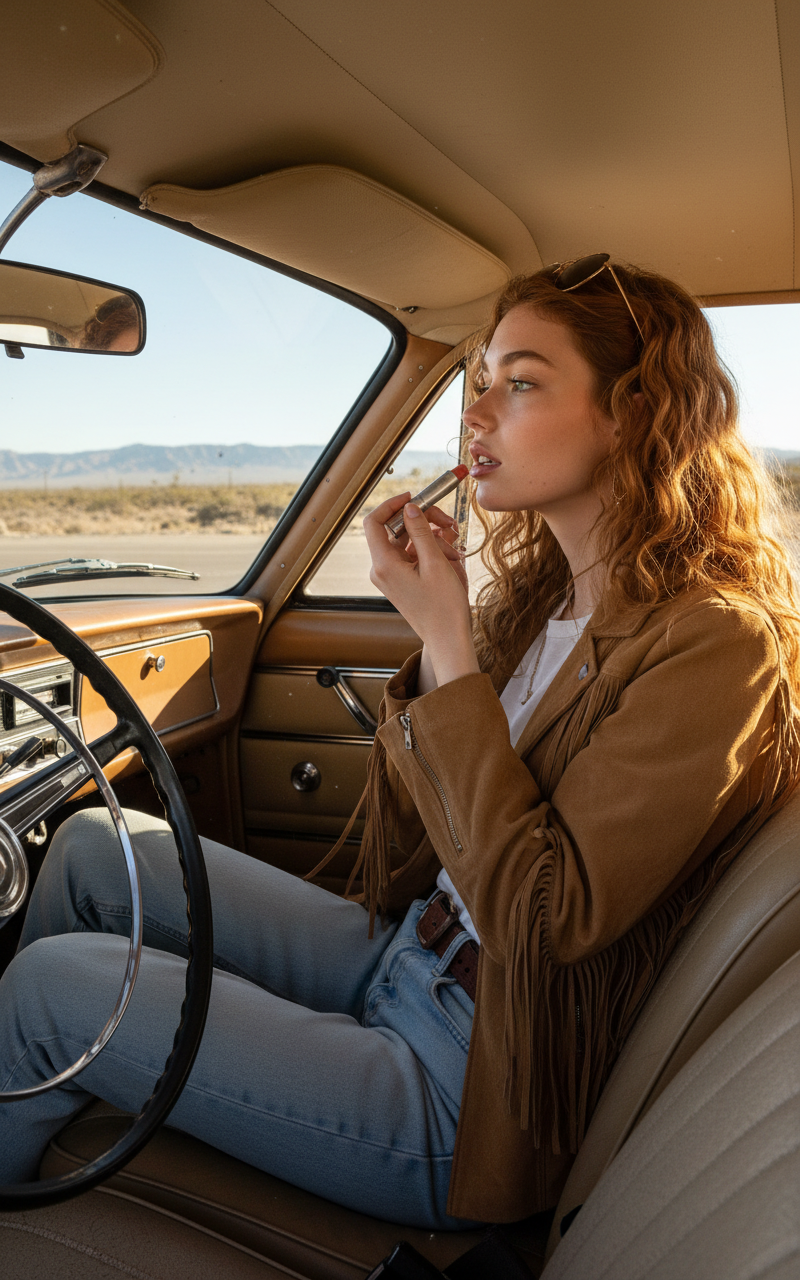
Subject sitting in the passenger seat of a parked vintage cream-colored car, using the sun visor mirror to apply tinted lip balm, captured candidly from the driver’s side. Wearing a tan suede fringe jacket over a white tee, light-wash vintage jeans, and a brown leather belt. Honey-colored hair in loose waves, gold-rimmed aviator sunglasses resting on head. Interior shows worn tan leather, analog details, and a classic steering wheel. Outside the window, a dusty desert highway stretches toward distant mountains under a clear blue sky. Warm afternoon sunlight streams in, casting soft highlights and illuminating dust in the air. Shot from a low, casual angle with natural shadows, relaxed road-trip atmosphere.

Transform Photos with AI Image Editor: Clean, Consistent Product Shots in Seconds

Use this Magic Hour template to turn raw photos into polished, studio-quality product images—perfect for ecommerce, landing pages, ads, and pitch decks. Powered by the AI Image Editor, it lets you instantly clean up backgrounds, fix lighting, remove distractions, and keep a consistent visual style across your brand.


What This Template Is For

This template is designed for fast, repeatable visual polish. It works especially well for:

  • Ecommerce product photos (Shopify, Amazon, Etsy, marketplaces)
  • Landing page and SaaS UI mockup shots
  • Social ads and thumbnails
  • Portfolio and case study visuals
  • Quick creative tests for marketing and growth experiments

If you’re a founder, marketer, designer, or developer, this gives you a “good enough to ship” image pipeline without needing a designer or manual Photoshop work.


What You Can Do with This Template

Using the AI Image Editor, this template lets you:

  • Remove cluttered or ugly backgrounds
    Turn busy, low-quality backgrounds into clean, on-brand environments. For more advanced background workflows, pair it with:

  • Standardize your brand look
    Apply consistent lighting, color, and composition across an entire product line or campaign. Combine this with:

  • Remove unwanted objects or artifacts
    Erase logos, watermarks, props, or distracting elements with a few clicks using:

  • Reframe content for different channels
    Adapt a single base image into variations for:

    • Landing pages
    • Ads and social posts (paired with Thumbnail Maker)
    • Presentations, pitch decks, and case studies
  • Iterate quickly across a full asset set
    Duplicate and remix this template to create consistent visual systems for:

    • Product galleries
    • Feature highlight images
    • Before/after comparisons for growth or CRO tests

How to Remix This Template in Magic Hour

You don’t need to start from scratch. Remixing this template is usually faster and more predictable than building your own flow.

Here’s how to adapt it for your workflow:

  1. Duplicate the template

    • Open the template in Magic Hour.
    • Make a copy so you can safely experiment without changing the original.
  2. Swap the input images

  3. Adjust the editing steps to match your use case
    Typical edits to customize:

  4. Create reusable “patterns” for consistency
    For teams or repeat use:

    • Save different versions of this template for:
      • Product detail pages
      • Social ads
      • Launch announcements or feature reveals
    • Keep image dimensions, framing, and background style consistent across those variants.
  5. Export and connect to other Magic Hour tools
    Once your images look right, you can:


Example Use Cases and Recommended Flows

Below are practical patterns that teams often build by remixing this AI Image Editor template.

1. Ecommerce Product System

Goal: Turn inconsistent supplier photos into a clean, unified catalog.

Typical flow:

  • Use this template to:
    • Remove backgrounds
    • Normalize lighting and color
    • Tighten cropping around the product
  • Then:

You end up with a consistent, brand-ready product system from messy input photos.

2. Marketing & Launch Visuals

Goal: Quickly generate launch visuals for features, updates, or campaigns.

Remix pattern:

  • Start with UI screenshots or product photos
  • Clean and standardize them using this template
  • Create variations for:
    • Website hero sections
    • Social announcement posts
    • App store or marketplace listing images
  • Where relevant, extend into motion:
    • Convert key visuals into short loops or explainers using Image to Video
    • Add text overlays or structure them into shorts with Text to Video

3. Brand or Creator Identity Packs

Goal: Maintain a recognizable visual style across personal or brand imagery.

Useful combinations:

Everything can be tuned and maintained as a set of remixable templates.


Beyond Static Images: Connect to Other Magic Hour Templates

If you want to go further than still images, you can chain this template with video-focused templates and tools:

These combinations are useful for product explainers, ad creatives, UGC-style content, or social campaigns.


Tips for High-Quality, Reusable Image Flows

To get the most leverage from this template in Magic Hour:

  • Think in “systems,” not one-off edits
    Design your remix so that you can drop in new images and get consistently good results each time. This is especially important if you ship weekly campaigns or run lots of experiments.

  • Start simple, then layer complexity
    Begin with basic cleanup (backgrounds, lighting, cropping), then add stylistic steps (illustration, anime, fantasy, etc.) using tools like:

  • Keep a “base” version of the template
    Always maintain a clean base copy of this AI Image Editor template and make variations from that. It reduces drift and keeps your visual language coherent.

  • Document your remix patterns
    If you’re working in a team, label your remixed templates clearly (e.g., “Product Detail v2 – Site,” “Paid Social – Static,” “Pitch Deck – Feature Slides”) so everyone can reuse them without guesswork.


Related Tools for Image-Heavy Workflows

If you’re building a visual-heavy product, campaign, or brand, these tools pair well with this AI Image Editor template:


Who This Template Is Best For

This AI Image Editor template is especially useful if you:

  • Need to ship polished visuals fast (founders, PMs, marketers, solo creators)
  • Don’t have in-house design resources but still care about quality
  • Want a repeatable system for image quality across products, campaigns, and channels
  • Are building products where image generation and editing is part of the core experience

By remixing and extending this template, you can build a lightweight, AI-first image pipeline that scales with your product and your content demands—without reinventing the wheel each time.

More Like This