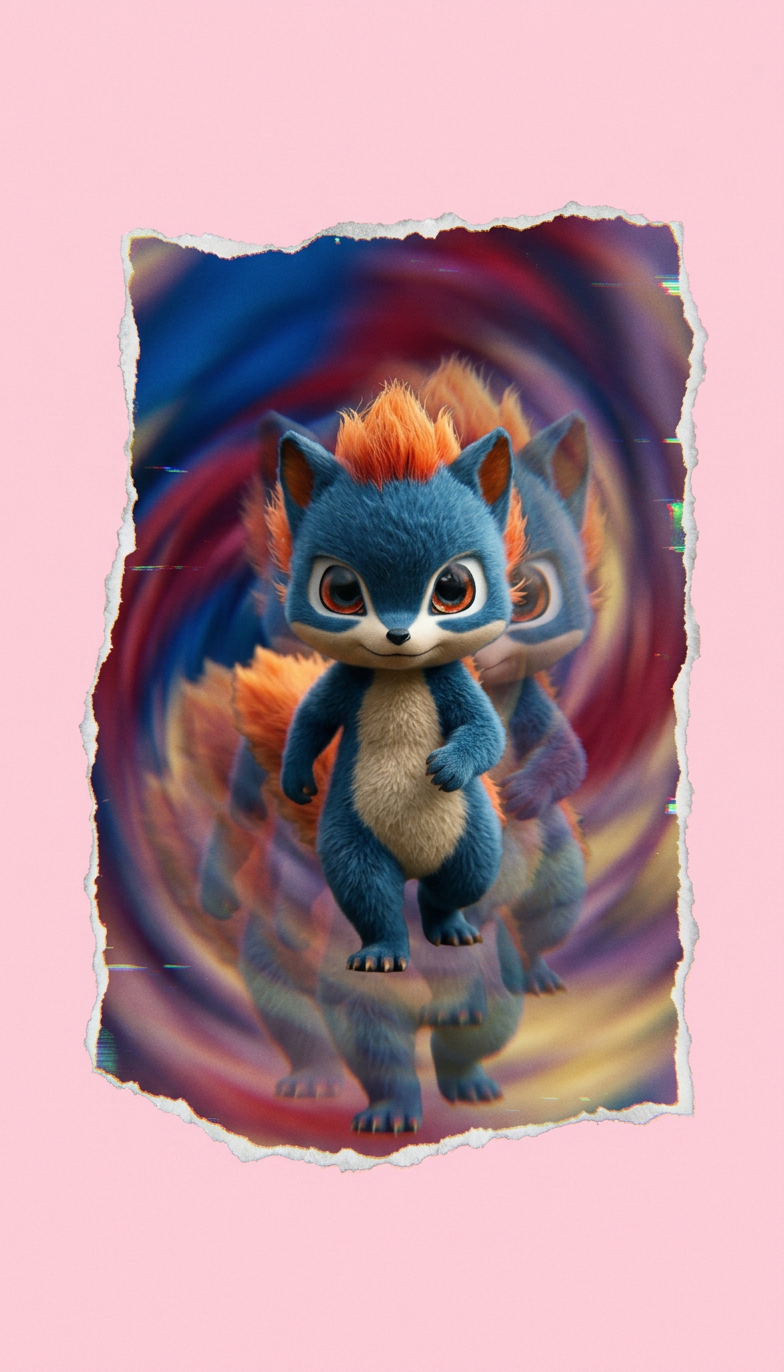
Glitch Paper Reality Walk
- Model
- Nano Banana 2
- Image
- 784 × 1372 px
Prompt
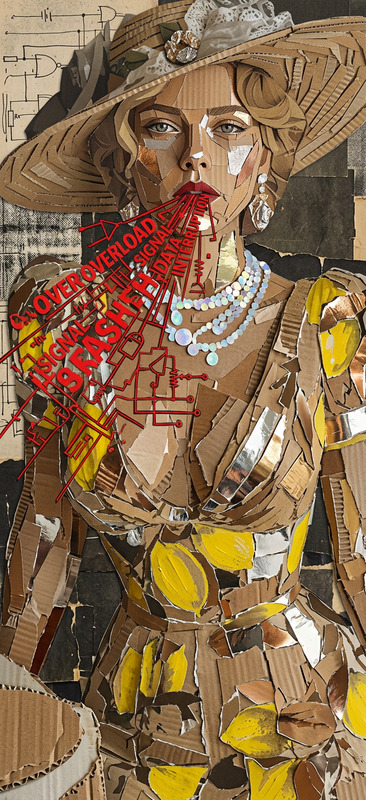
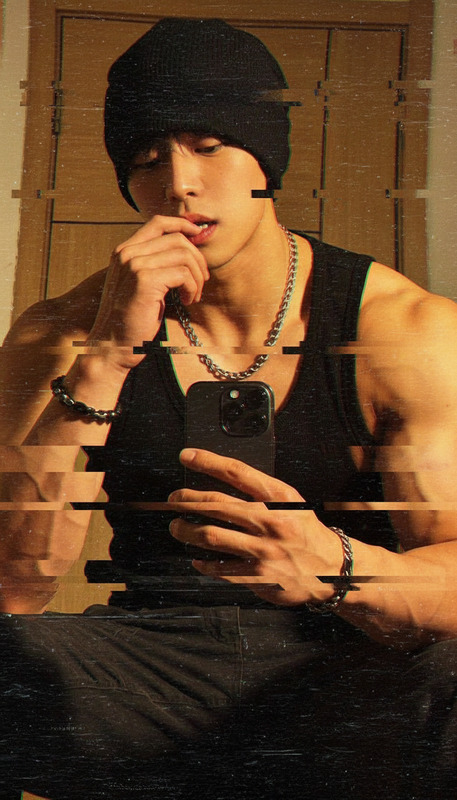
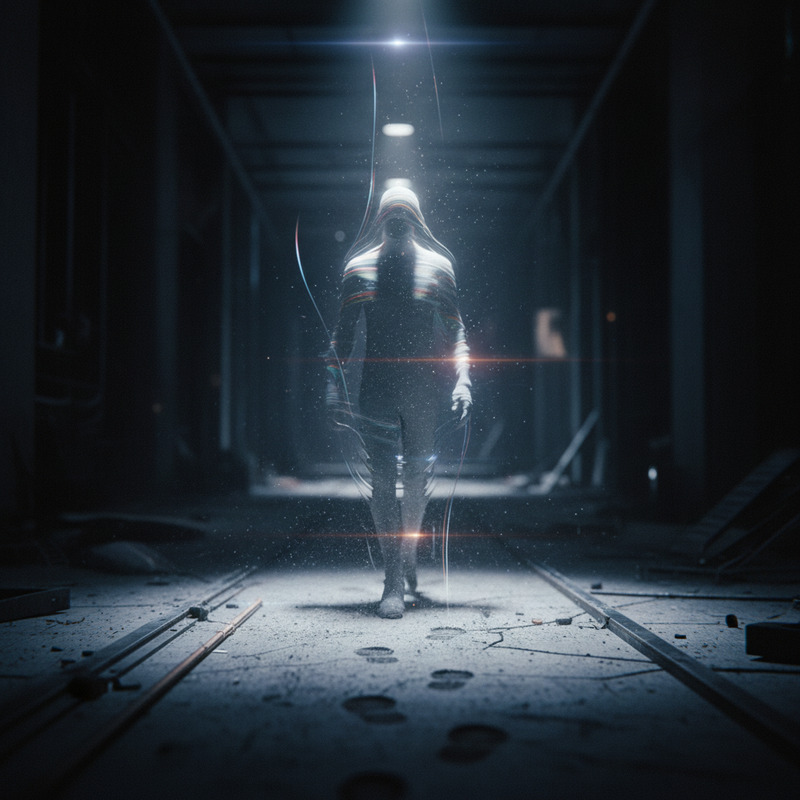
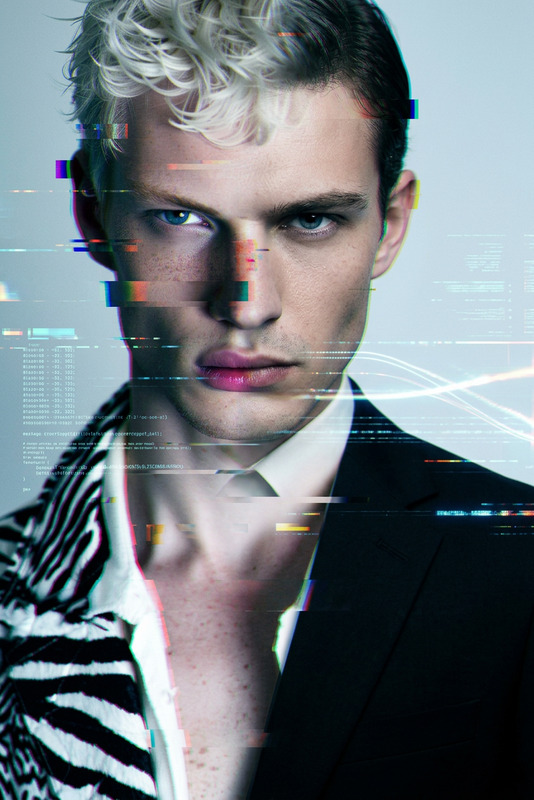
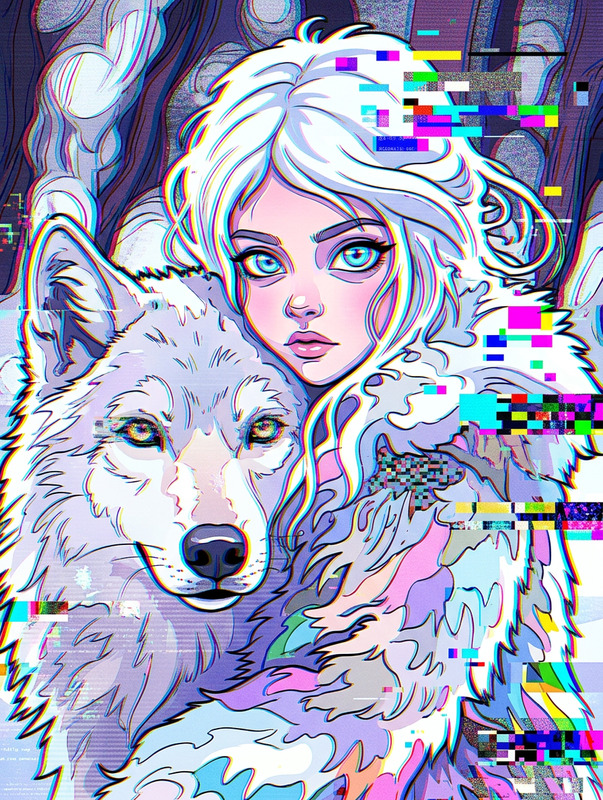
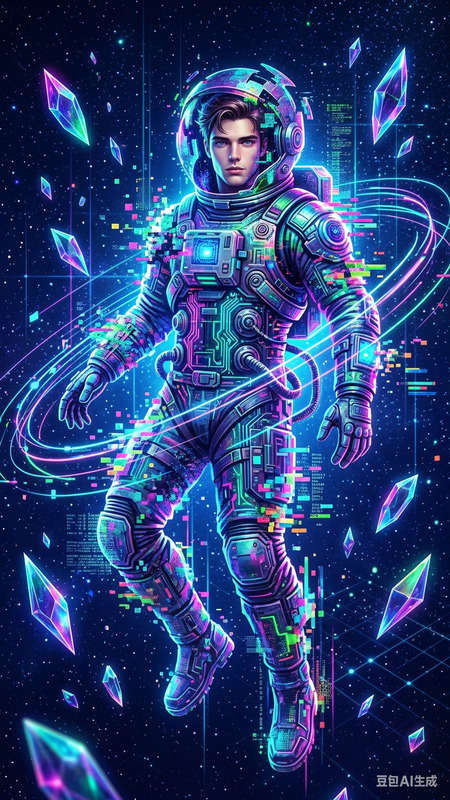
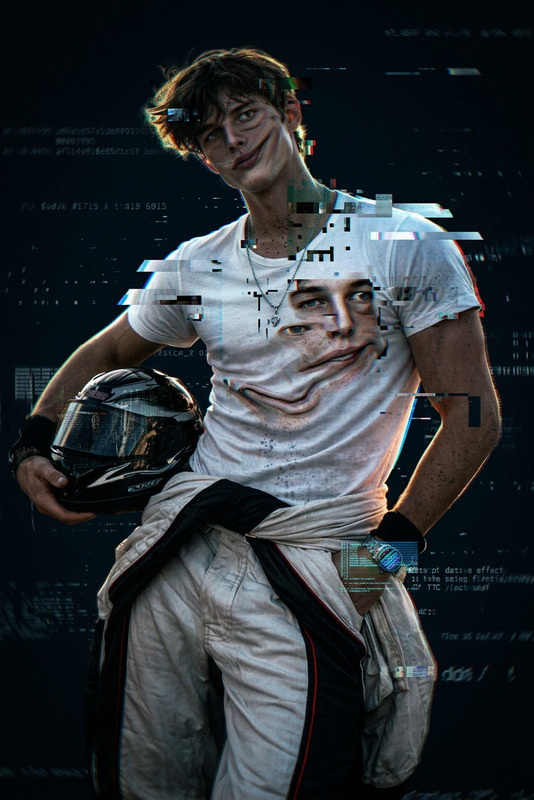
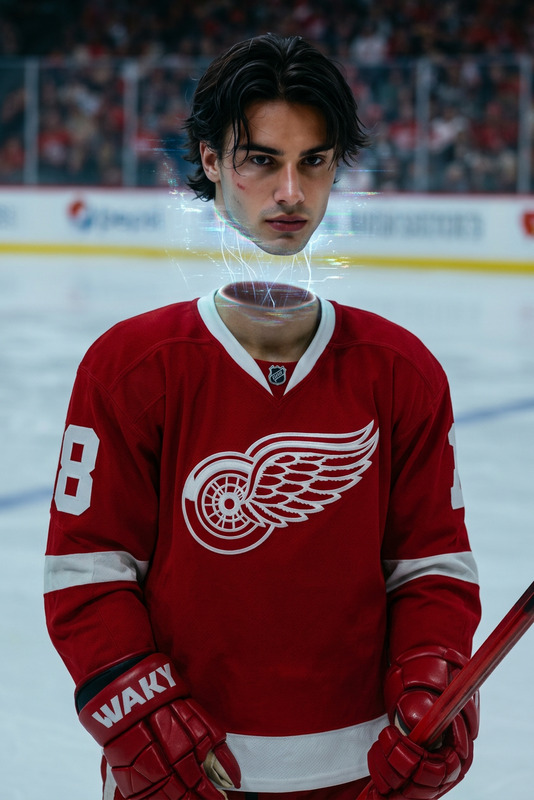
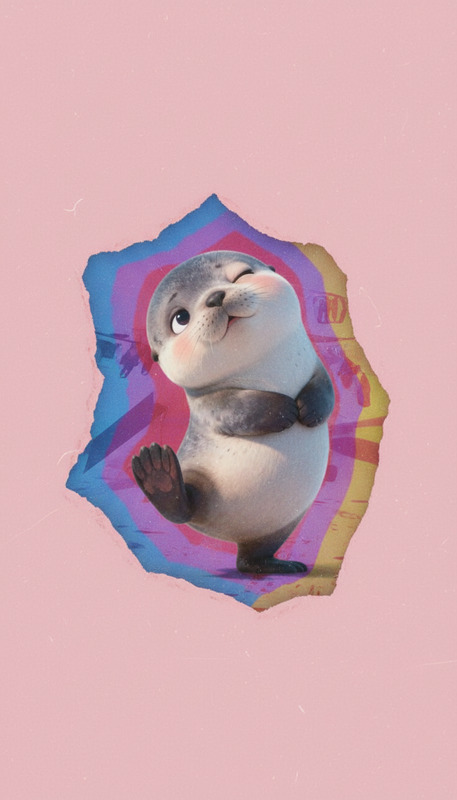
Cinematic mid-shot, 4K surreal editorial style. A subject walks forward smoothly inside an irregular torn cut-out “window” of reality floating over a clean pastel pink background. Inside the cut-out, the environment continuously shifts through blue, red, purple, and yellow tones with soft motion blur and layered trails. The cut-out edges are rough, paper-like, warped, and imperfect. Outside remains minimal, static, and clean. Subtle glitch effects, analog noise, light film grain, and faded colors create a collage-like aesthetic. Dreamlike, disorienting mood with soft lighting, low contrast, ultra-detailed textures, stable camera, smooth walking loop.
Any aspect ratio
Overview
The Glitch Paper Reality Walk is an innovative AI Image Editor template designed to elevate your visual projects with a surreal and textured aesthetic. This template utilizes the nano-banana-2 model, offering high-quality, 4K resolution outputs that are perfect for editorial projects.
What It Does
This template transforms videos by adding a dynamic "reality window." As the subject walks forward, the background within this cut-out shape shifts through vibrant colors, enhanced with visual effects like analog noise and glitch effects. The exterior remains clean and static, providing a compelling contrast that captivates the viewer. Pair this with the AI Image Upscaler for enhanced clarity.
Who It's For
Ideal for visual creators and directors looking to add a dreamlike, collage-like effect to their work. Whether you're crafting high-impact editorial spreads or experimental videos, this template is perfect for achieving a unique artistic style. Use alongside the AI Video Extender to maintain narrative flow while incorporating these stunning visuals.
Summary
Transform ordinary clips into extraordinary experiences with the Glitch Paper Reality Walk template. With its ability to provide vivid colors and surreal visuals, this tool is essential for any video upscaling or creative editorial project needing an eye-catching twist.
How To
Choose the Template

Customize Your Settings

Generate Your Visual

Use Cases
Editorial Fashion Videos
- Immersive color shifts
- Cinematic quality
- Surreal aesthetics
Experimental Films
- Unique visual narrative
- Collage-like quality
- Enhanced viewer engagement
Digital Content Creation
- Increase viewer retention
- Trendy, glitch effects
- Vivid color palettes
Best Practices
Optimize Color Tones
Use the customizable color palette to maintain thematic consistency with your project.Balance the Effects
Ensure the glitch effects don't overpower the main content. Subtlety can enhance rather than overwhelm.Test Different Outputs
Experiment with different resolutions and formats to find what best suits your platform, especially when paired with the AI Video Generator.