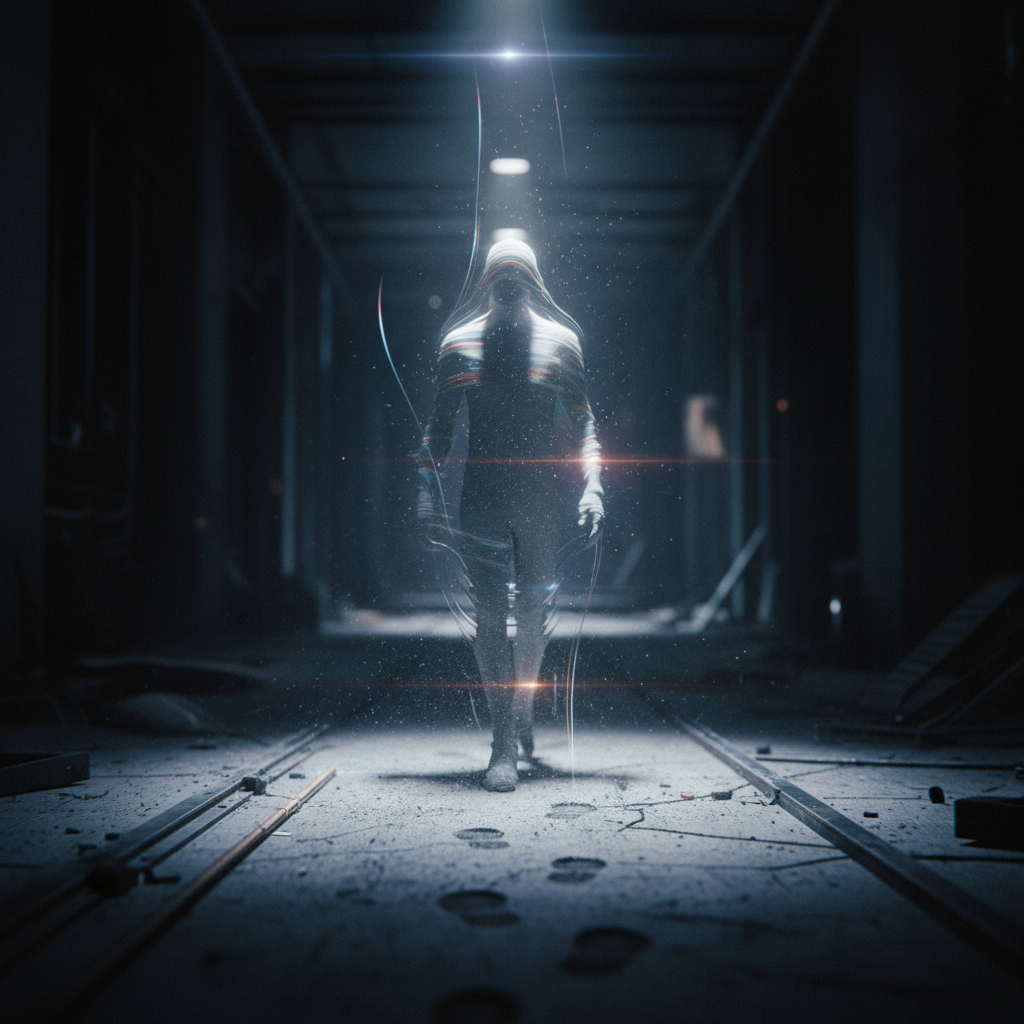
Invisible
- Model
- Nano Banana
- Image
- 1024 × 1024 px
Prompt
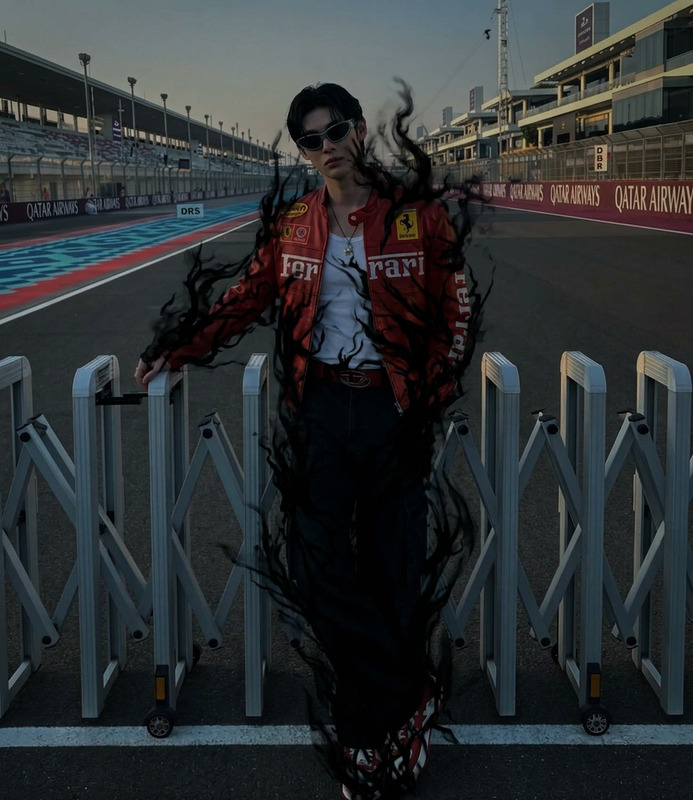
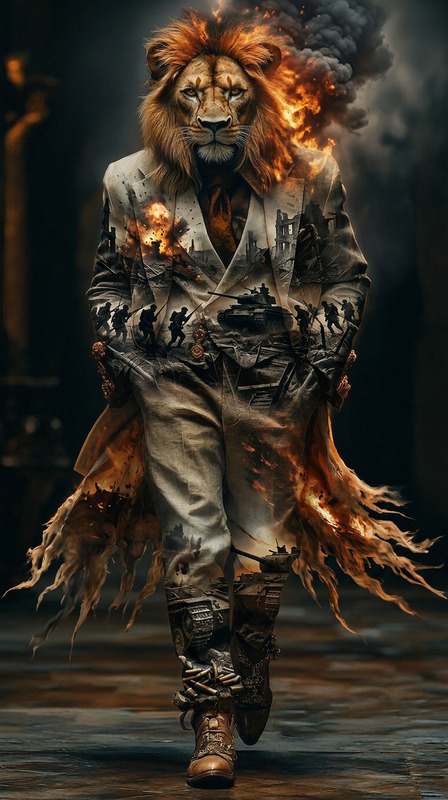
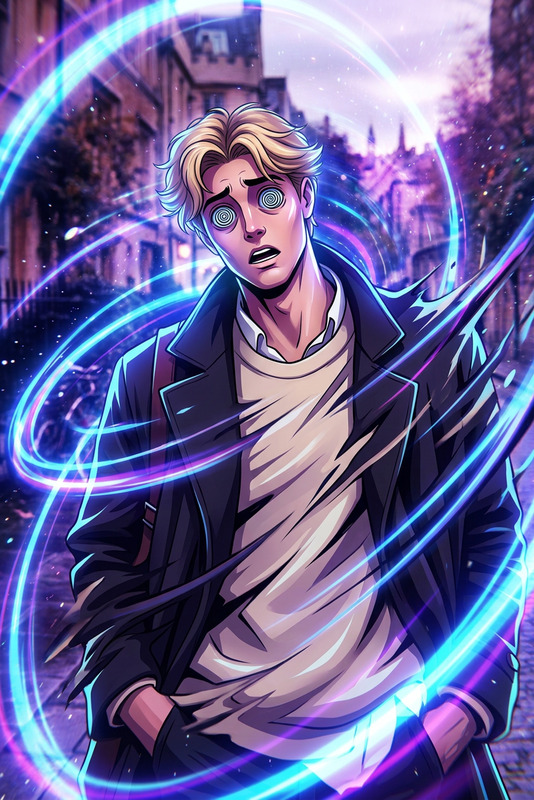
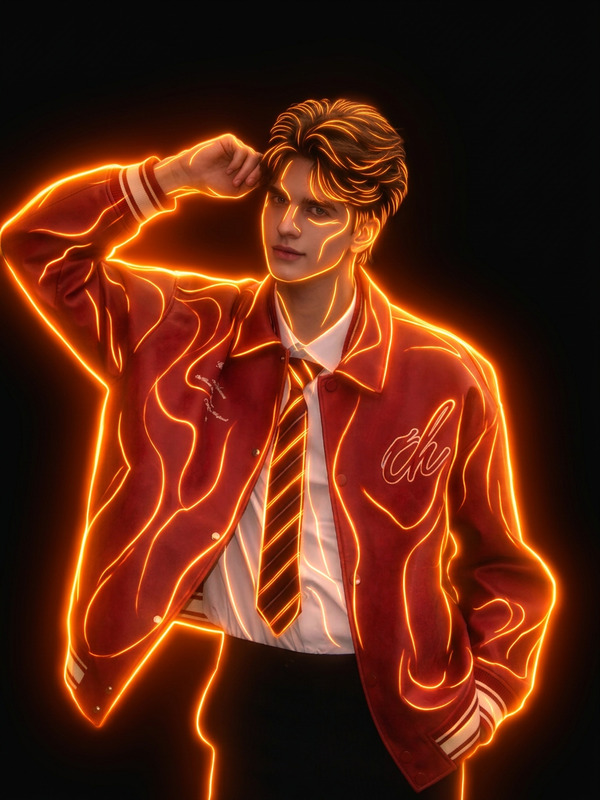
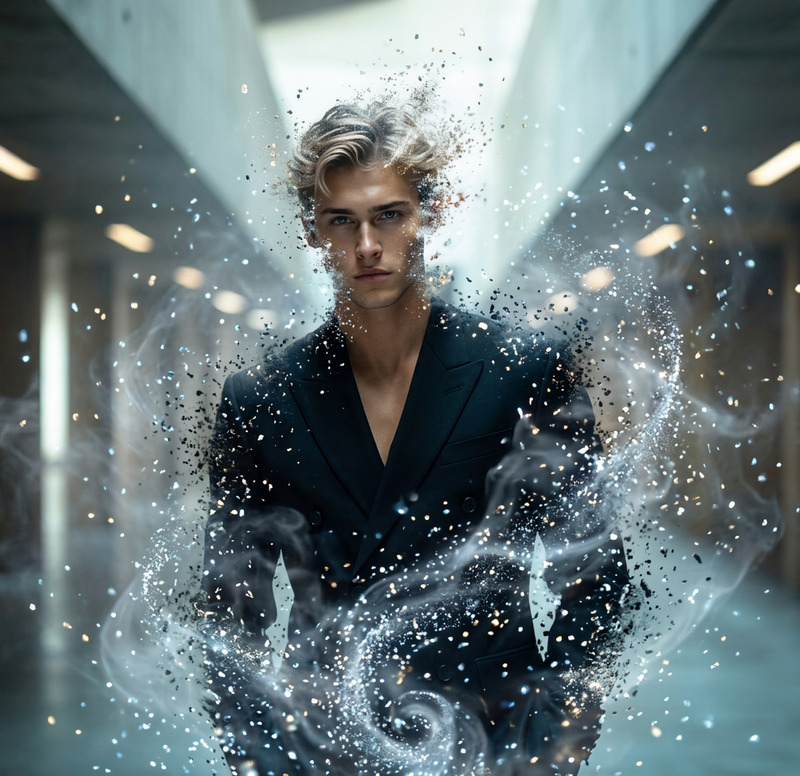
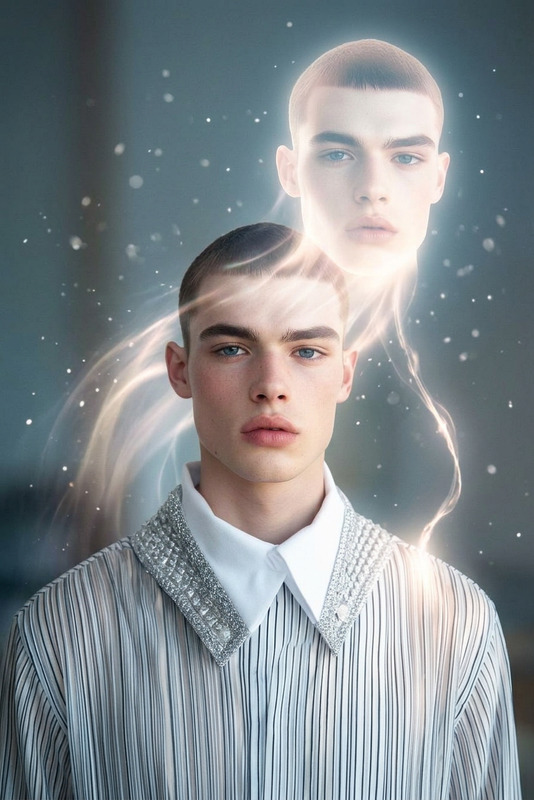
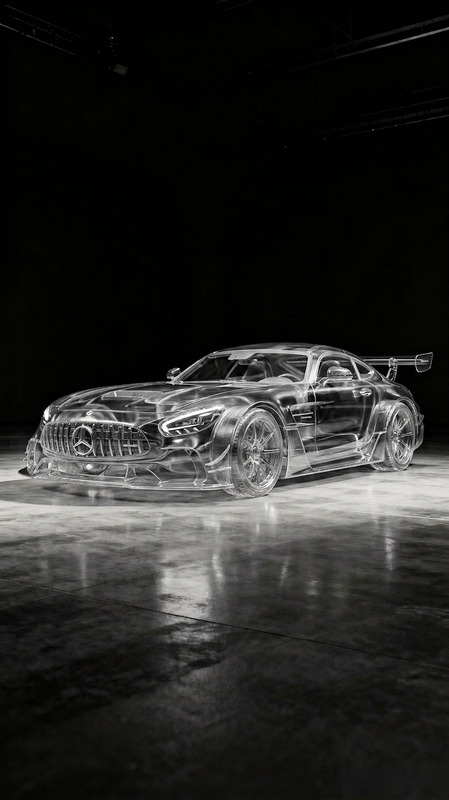
Subject completely invisible, no body or clothing visible, only subtle environmental interaction revealing their presence—footsteps disturbing dust, ripples in air, shifting light distortions, faint motion trails, ghostly and surreal atmosphere, minimal background, cinematic lighting, high contrast, stealth/sci-fi vibe, ultra-detailed, 4K.
Any aspect ratio
Overview
Transform your images with the Invisible template, designed to create captivating visuals that play with perception. Leveraging advanced AI, this template allows you to render subjects completely invisible while highlighting their subtle interactions with the environment. Achieve a stealthy, sci-fi look in your projects with cinematic lighting and ultra-detailed effects.
What It Does
The "Invisible" template utilizes the AI Image Editor capabilities to remove visible traces of the subject in your images. It emphasizes indirect environmental cues like disturbed dust or air ripples to suggest presence. The effect is enhanced with high contrast and a ghostly, surreal atmosphere, creating an ultra-detailed, 4K visual experience.
Who It's For
This template is ideal for filmmakers, visual effects artists, and creative professionals who desire to experiment with stealth and sci-fi themes in their imagery. It's particularly suited for those looking to produce high-quality, visually stunning projects without needing extensive post-production resources.
Summary
Utilize the "Invisible" template for an innovative approach to visual storytelling. With its emphasis on unseen presence through environmental interactions, it provides a unique tool for crafting mysterious, sci-fi inspired narratives. Discover more capabilities with the AI GIF Generator and see how it complements your creative suite.
How to Use Invisible
Follow these steps to effectively use the "Invisible" template in your projects:
Choose the Template

Customize Your Inputs

Generate Your Image

Use Cases
Explore the diverse applications of the "Invisible" template in various scenarios:
Stealthy Visual Narratives
- Action movies
- Sci-fi narratives
- Mystery projects
Visual Effects Experimentation
- Experimental films
- Short creative clips
- Motion graphics
Cinema-Inspired Photography
- Artistic portfolios
- Themed photo shoots
- Concept art
Best Practices
Maximize the potential of "Invisible" with these best practices:
Fine-tune Environmental Effects
Pay close attention to the subtle environmental cues to make the absence of the subject more convincing.Leverage Cinematic Lighting
Use the template's controls to enhance contrast and lighting for a dramatic effect that complements the invisible theme.Integrate with Other Tools
Consider pairing the effects with the Image to Video tool to create dynamic content that blends still images with motion.