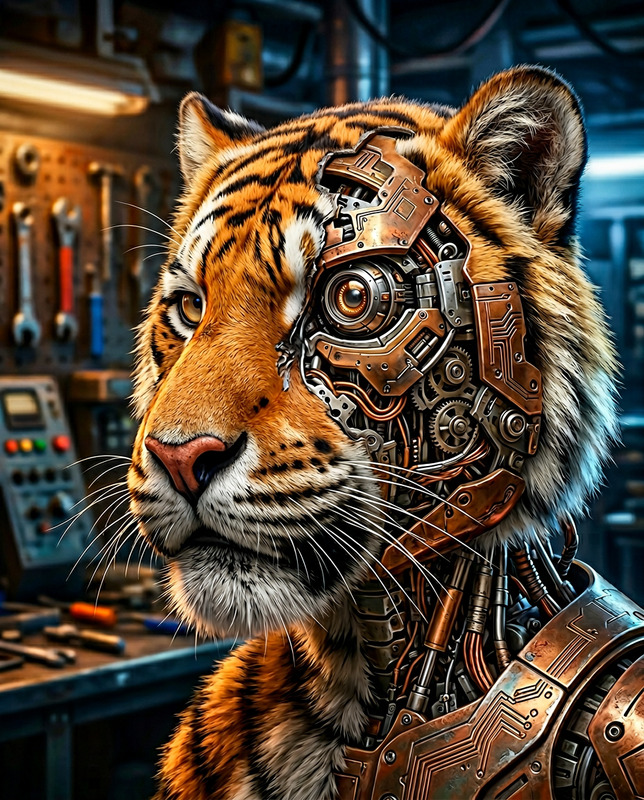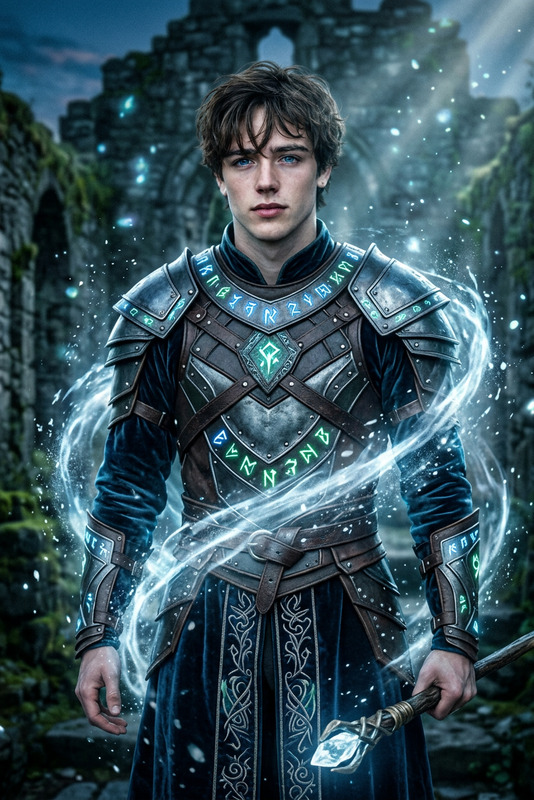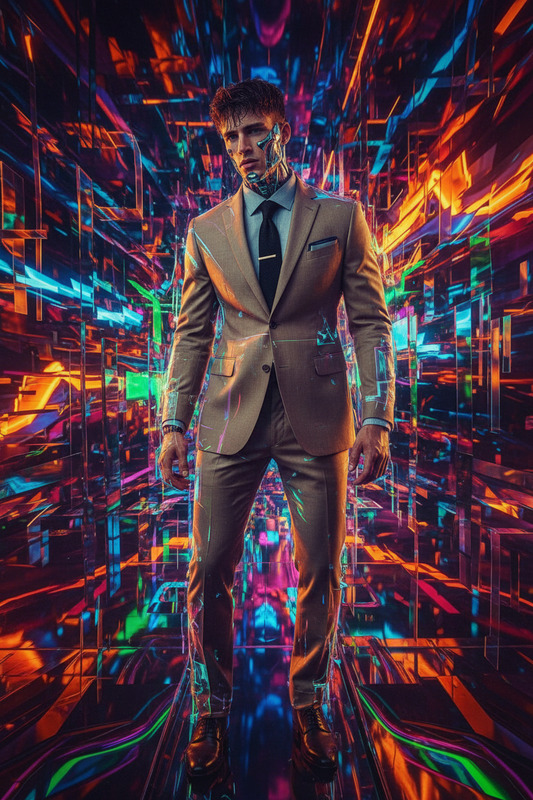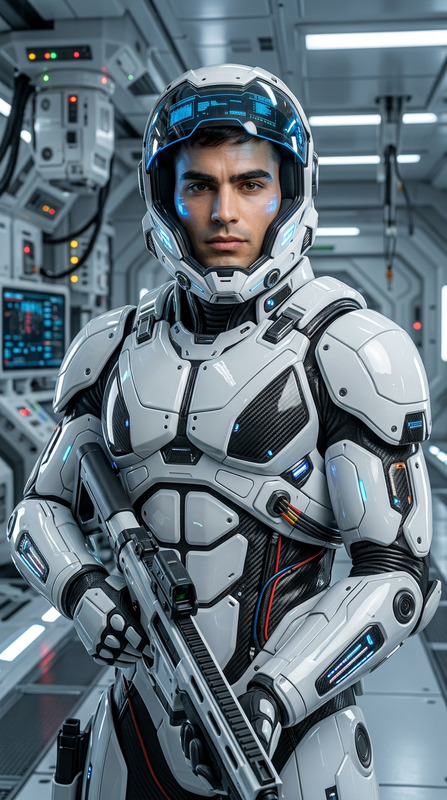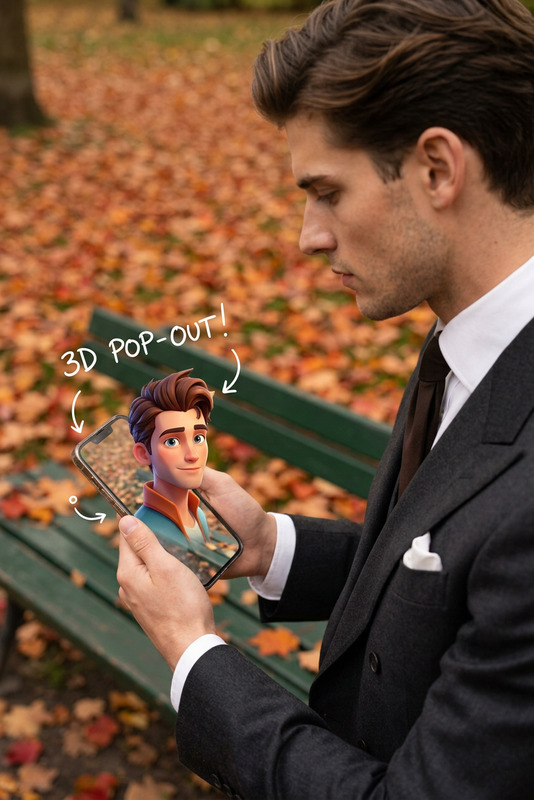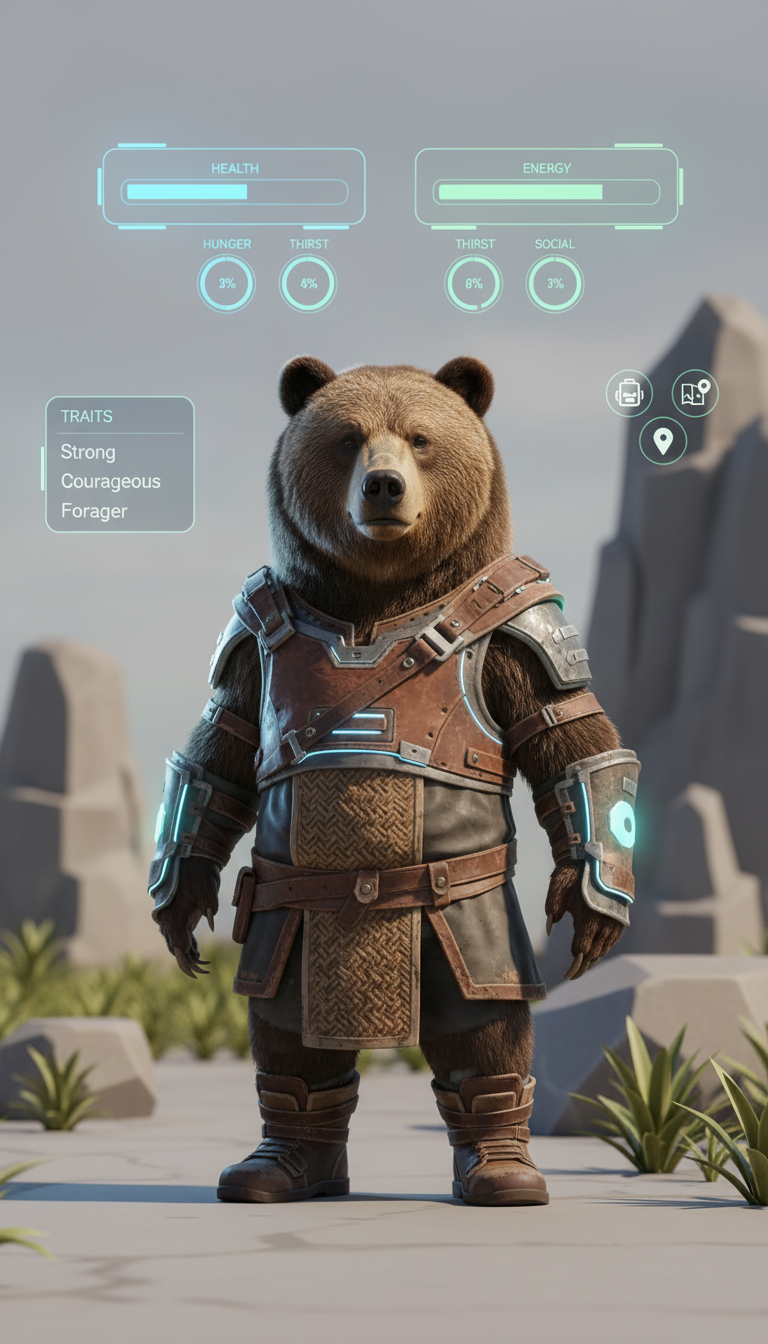
Life Simulator Character
- Model
- Nano Banana
- Image
- 768 × 1344 px
Prompt
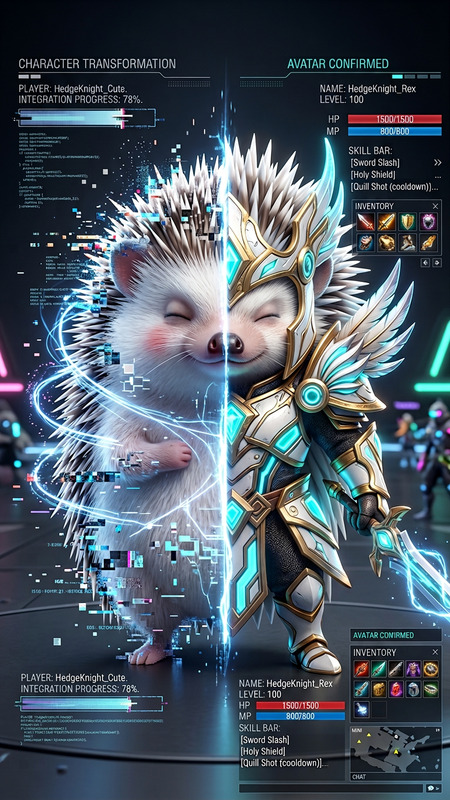
Cinematic portrait of a subject styled as a life simulator game character, standing in a neutral environment with floating UI elements above and around them (status bars, needs, traits, icons). Subtle glow from holographic interface reflecting on skin and clothing. Modern semi-realistic game aesthetic, soft lighting, clean composition, shallow depth of field. High detail, stylized realism, 8K, digital simulation vibe.
Any aspect ratio
Overview
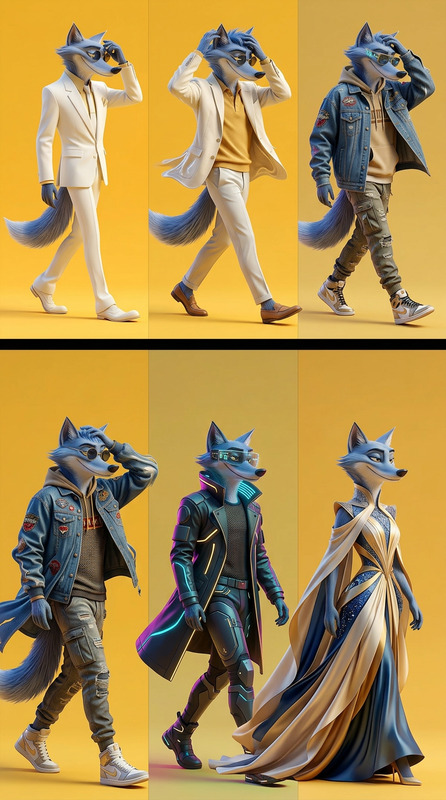
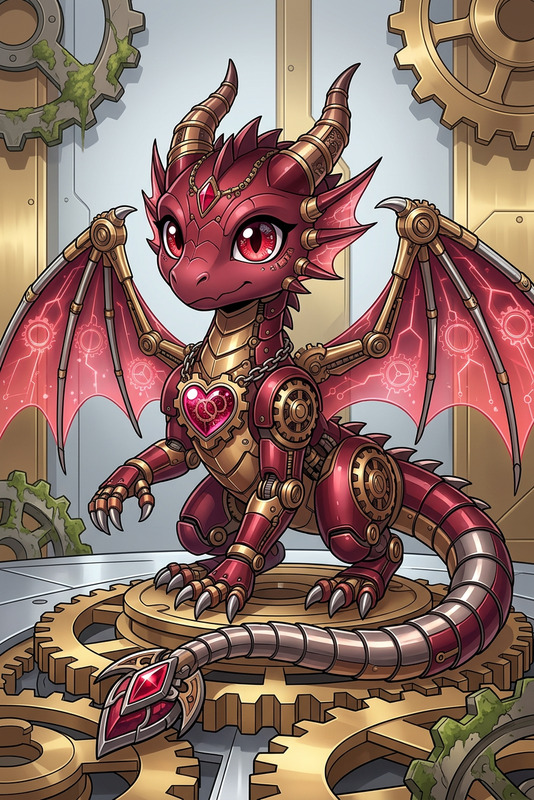
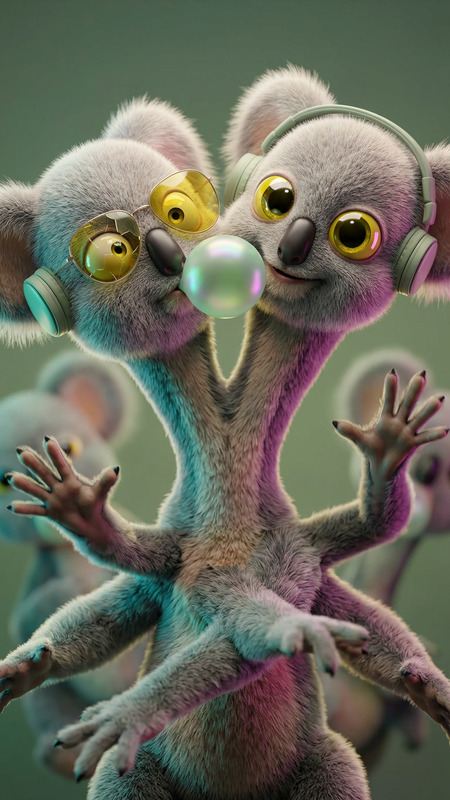
Enhance your creative projects with the Life Simulator Character template. This tool within the AI Image Editor family utilizes the advanced nano-banana model to transform images into immersive, game-like portraits. Ideal for storytellers and creators looking to add a unique digital edge to their characters, this template offers a high-detail, stylized realism that stands out.
What It Does
This template allows you to create a lifelike simulation of characters wrapped in a cinematic game aesthetic. With features like floating UI elements representing status bars and traits, and a subtle holographic glow, the visuals are both engaging and professional. The high-resolution, 8K output ensures your creations look impressive on all platforms.
Who It's For
The Life Simulator Character template is perfect for game developers, digital artists, and creatives in need of visually striking and conceptually rich character designs. Whether you're working on video production, designing characters for a new game, or enhancing existing media, this tool streamlines the process, offering image generation capabilities that are finely tuned for modern needs.
Summary
Step into the future of character design with this Life Simulator Character template. By leveraging the power of advanced AI, you can create vivid and engaging characters that captivate audiences instantly, making this template a must-have for anyone in the industry. For additional image refinement, consider using our AI Clothes Changer to experiment with different outfits and styles.
How-To
Choose the Template

Customize Your Inputs

Generate Your Character

Use Cases
Game Development
- Fill out your game world with rich backstories.
- Add realistic detail to characters without heavy rendering.
Storyboarding
- Illustrate scenes with game-like characters.
- Develop ideas with a digital simulation vibe.
Marketing Campaigns
- Capture audience's attention with striking visuals.
- Integrate characters into <a href="/products/social-media-ads">social media ad</a> campaigns.
Best Practices
Select High-Quality Inputs
Ensure your uploaded images are of high resolution to allow for the best detailed output.Experiment with Lighting
Take advantage of the holographic lighting options to highlight different facets of your character's design.Refine Characters Post-Generation
Use AI Face Editor for touch-ups and to tweak facial features for more personalized output.