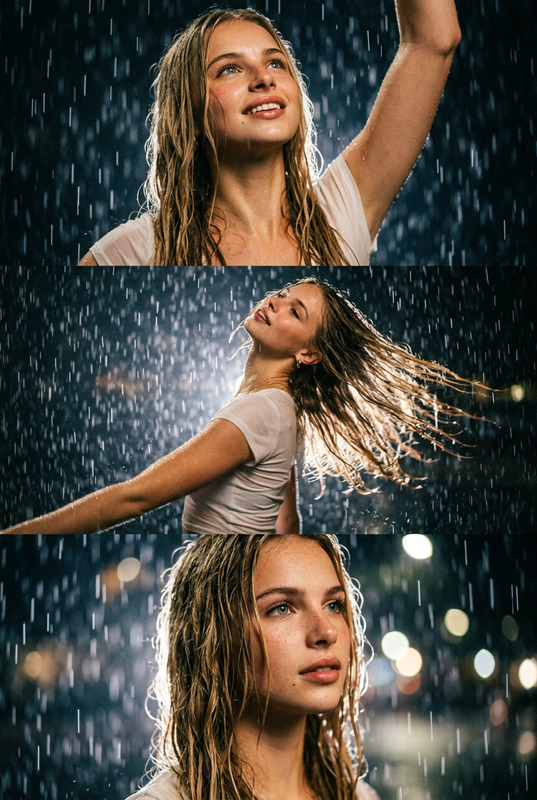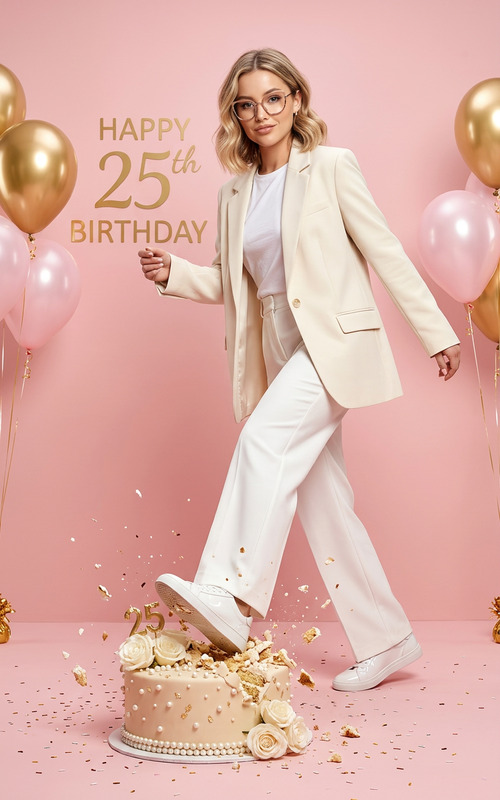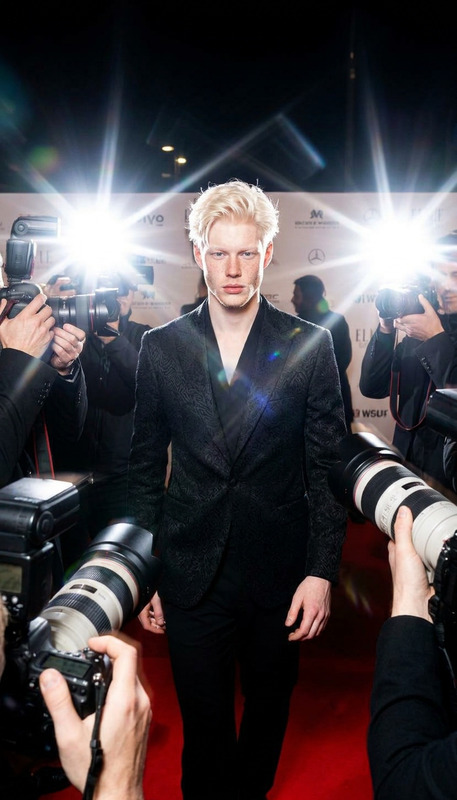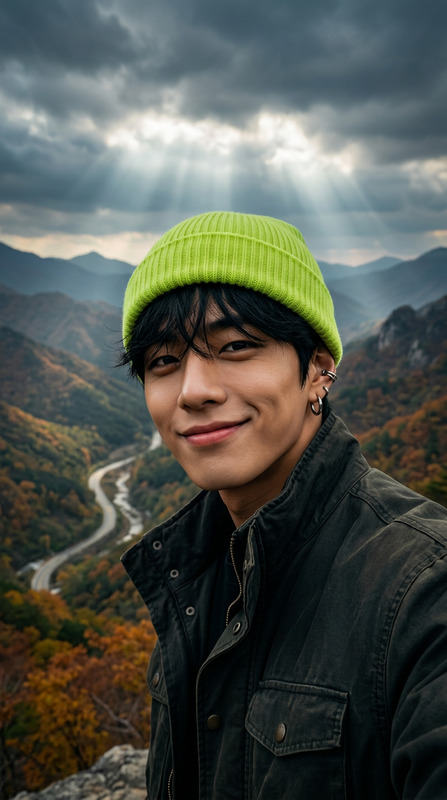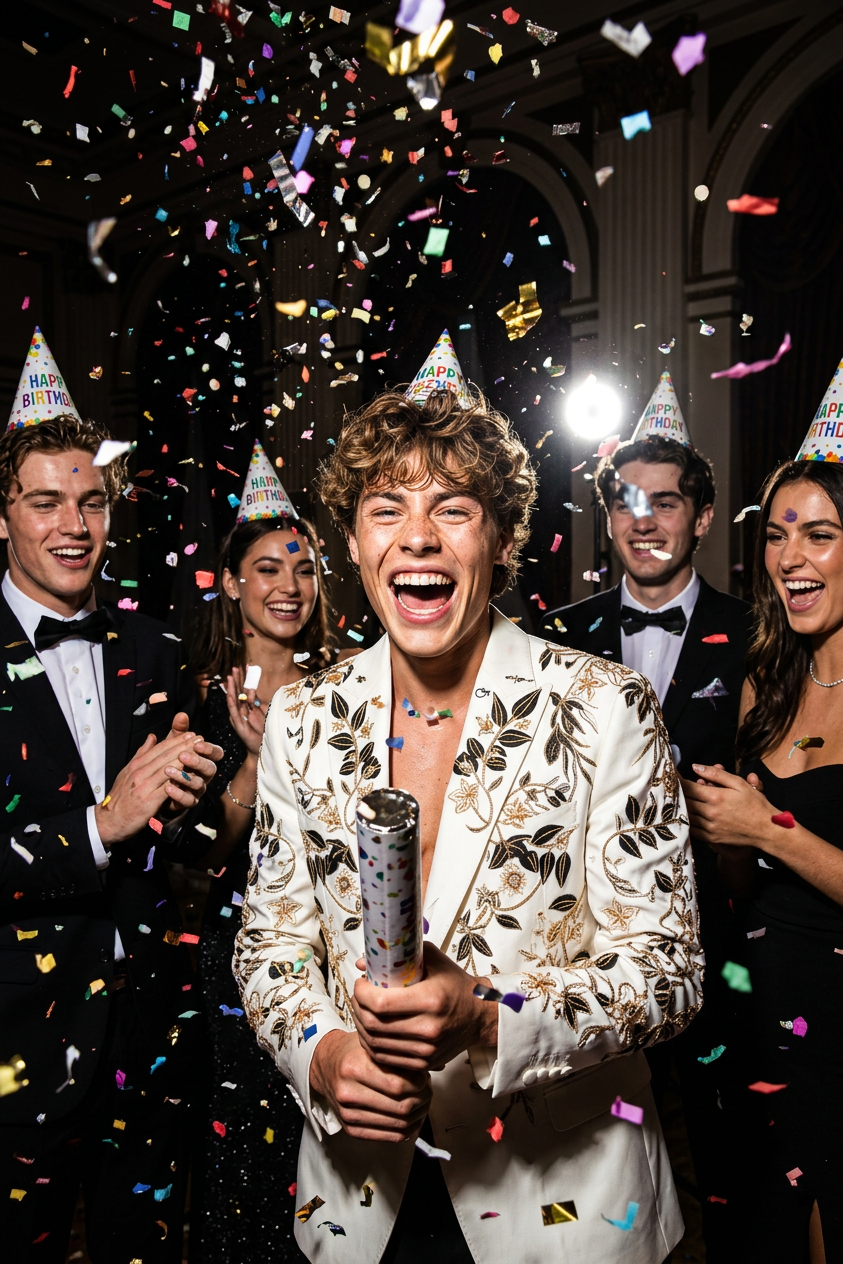
Confetti Euphoria Night
ai-image-editor
Any aspect ratio
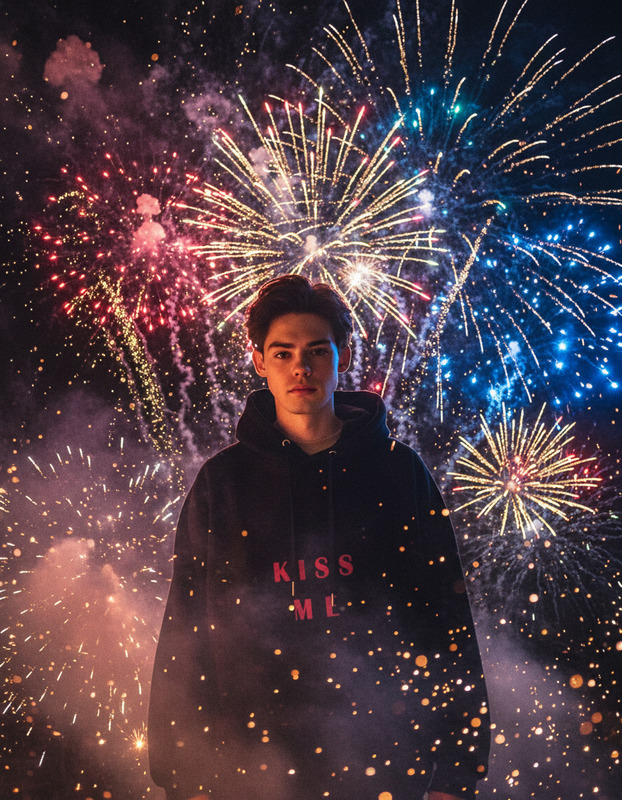
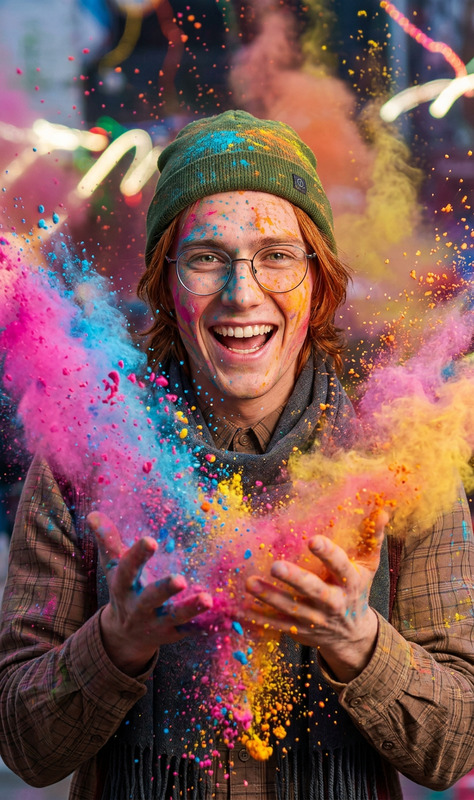
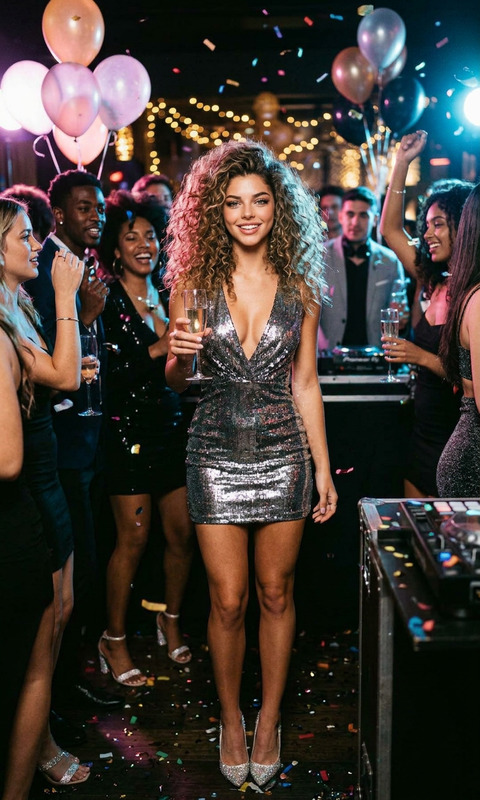
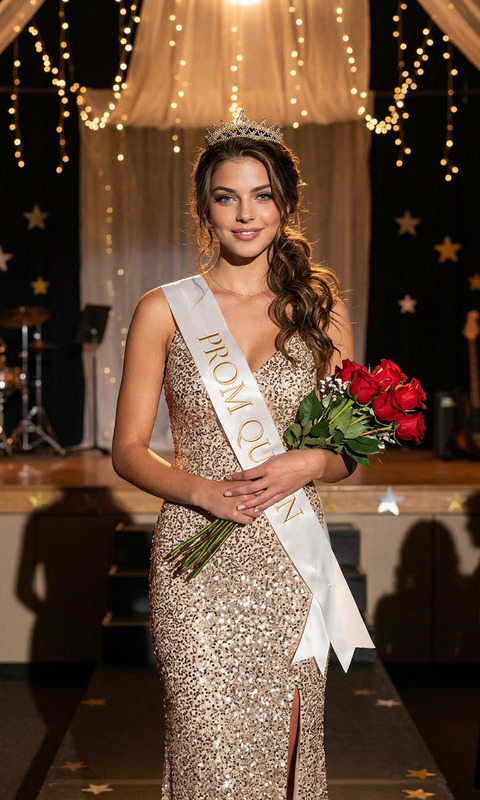
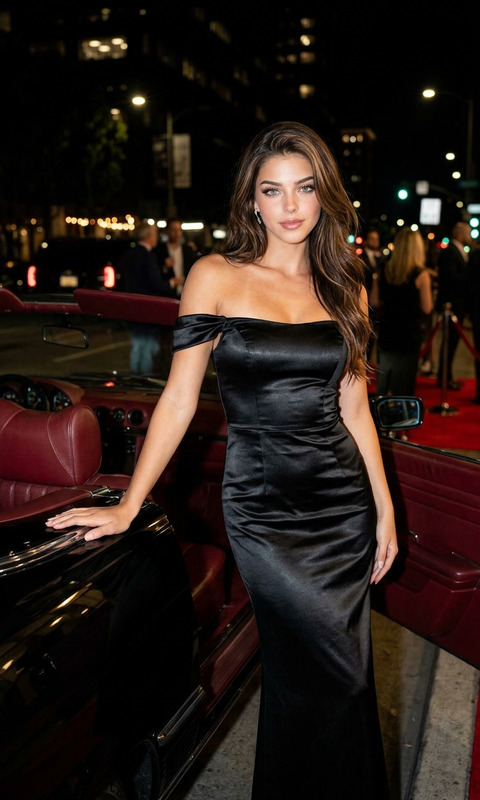
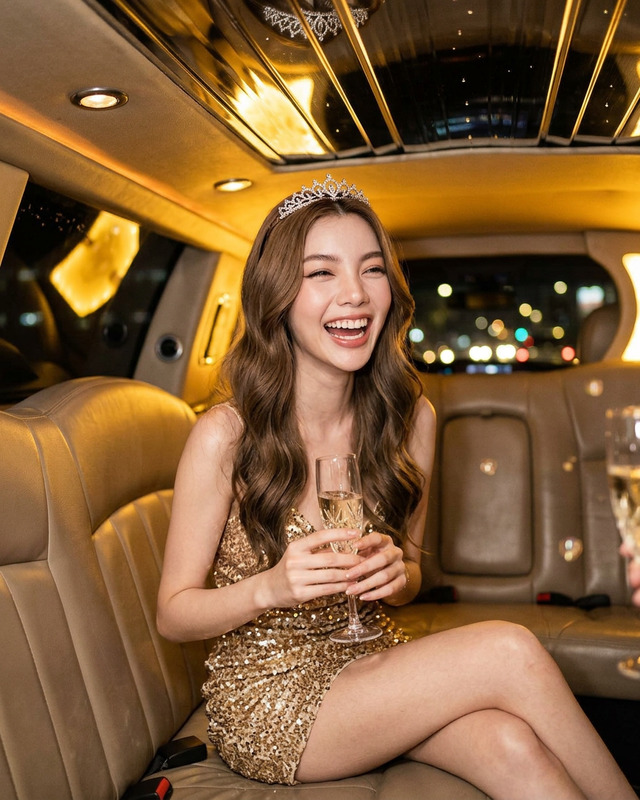
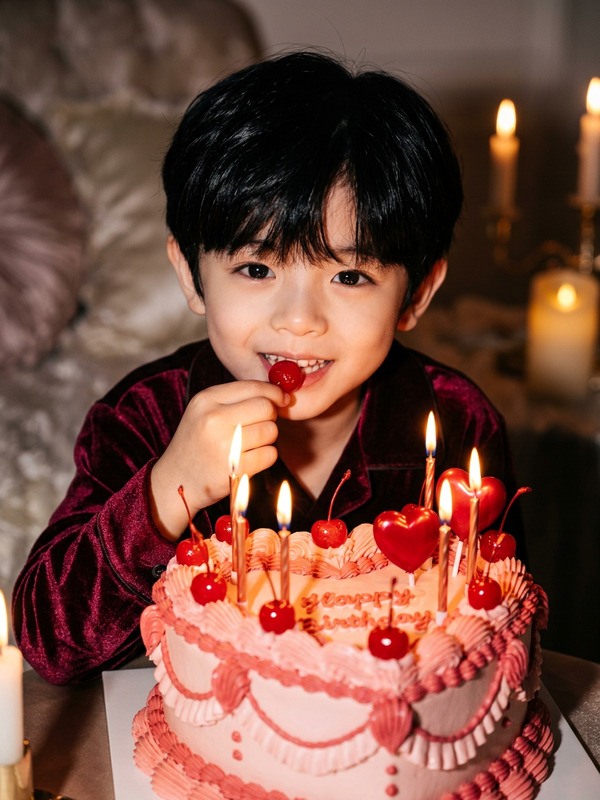
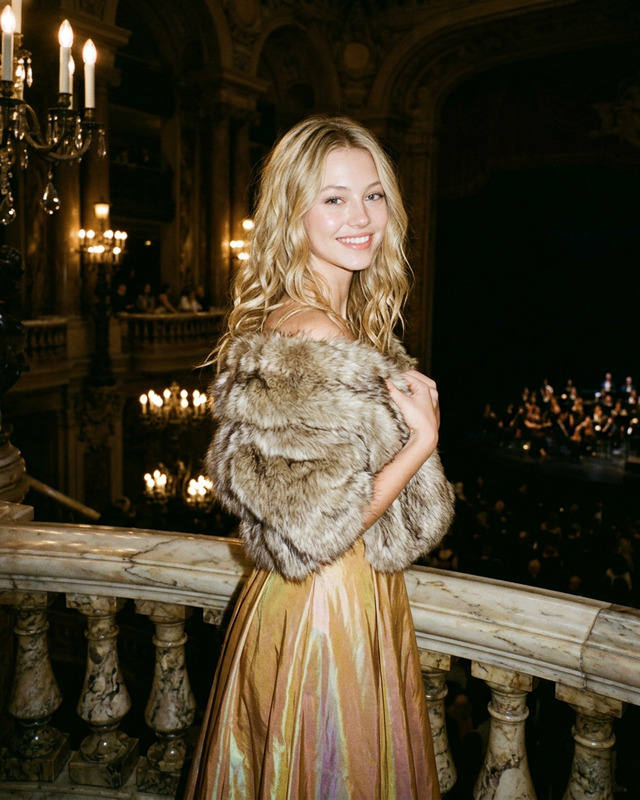
Dynamic cinematic party scene, high-energy composition, confetti cannon explosion, colorful paper pieces scattering mid-air across entire frame, strong directional lighting highlighting particles, dark elegant indoor venue background, subject as central focus, wearing formal attire, laughing joyfully, expressive candid moment, surrounded by friends in prom-style outfits, group wearing birthday party hats, festive atmosphere, motion blur on confetti, sharp focus on burst moment, cinematic lighting, vibrant colors contrasted with dark background, shallow depth of field, photorealistic detail, freeze-frame effect, lively celebratory mood
AI Image Editor Template – Remixable Workflow for Fast, High-Quality Visual Edits
Use this template as a starting point to build your own reusable AI-powered image editing workflow in Magic Hour. It’s built on the AI Image Editor, so you can quickly customize it for your brand, project, or client work, then remix it into new versions in a few clicks.
What This Template Is Best For
This AI Image Editor template is designed for creators and teams who need consistent, repeatable visual edits without manual pixel pushing. Common use cases:
- Marketing & growth
- Turn one product shot into multiple campaign variants
- Localize visuals for different markets
- Create consistent social, ad, and landing page imagery
- Product & UX
- Rapidly mock up UI/feature concepts
- Generate A/B test image variants
- Content & media
- Thumbnails, hero images, editorial illustrations
- Blog and newsletter visuals aligned with your brand
- Founders & small teams
- Ship production-quality visuals without a full design team
- Standardize visual style across decks, sites, and socials
Because this template lives inside Magic Hour, you can chain it with other tools like AI Image Generator, AI Image Upscaler, and Image Background Remover to build lightweight visual pipelines.
How to Remix This Template in Magic Hour
You can treat this template as a “base recipe” and fork it into your own version. A typical remix flow:
Open the template in Magic Hour
Start from the existing AI Image Editor template. This gives you a working end-to-end flow you can immediately test.Swap in your own input images
- Upload brand assets, product photos, or reference shots.
- For synthetic starting points, generate base images first with:
- AI Photo Generator for realistic scenes
- AI Art Generator for stylized artwork
- AI Character Generator or Avatar Generator for characters and personas
Refine your editing instructions
- Clearly describe the transformation you want (e.g., “convert to cinematic studio lighting,” “change outfit to formal business attire,” “turn background into a minimalist gradient”).
- For brand work, keep a living doc of your prompts so the whole team can reuse them.
Chain supporting tools (optional but powerful)
- Use AI Remover or Remove Object from Photo before editing to clean up images.
- Use Image Background Remover or AI Background Generator to rebuild or swap backgrounds.
- Upscale final assets for production with AI Image Upscaler.
- For old or low-quality source material, restore first with Old Photo Restoration or Unblur Image.
Save as your own reusable template
- Once you’re happy with the flow, save it in Magic Hour as your team’s version.
- Reuse it across campaigns, clients, or product surfaces to keep visual output consistent.
Example Remix Patterns You Can Build
You can quickly adapt this AI Image Editor template into specialized workflows for different needs:
1. Product & e‑commerce visuals
- Clean and standardize product shots, then:
- Remove busy backgrounds with Image Background Remover
- Generate on-brand backdrops using AI Background Generator
- Upscale for marketplace requirements via AI Image Upscaler
Remix idea: One-click “Amazon-style” or “Shopify-ready” product image pipeline from raw photo → clean cutout → new background → upscale.
2. Brand-consistent social content
- Start from a hero image, then:
- Edit colors, lighting, and styling to match your brand
- Generate platform-specific renders (e.g., portrait vs landscape)
- Combine with:
- Thumbnail Maker for YouTube
- Album Cover Generator for releases and podcasts
- AI Meme Generator for social memes
Remix idea: A “campaign pack” generator that turns one concept image into a complete asset set for multiple channels.
3. People, portraits, and identity
Use the template for controlled edits to faces and portraits:
- Subtle retouching or identity-preserving transformations with:
- Outfit and style experiments with:
Remix idea: Internal “team headshot pipeline” that takes informal photos and outputs consistent, on-brand corporate headshots.
4. Creative and IP-driven visuals
Turn this template into a specialized creative studio:
- Generate stylized imagery for:
- Comics and graphic novels with Comic Book Generator
- Manga/anime with AI Manga Generator and AI Anime Generator
- Fantasy worlds via Fantasy Map Generator and Dark Fantasy AI
- D&D assets using DND AI Art Generator
Remix idea: A “style lab” where you run the same base character or scene through multiple visual styles and keep the ones that fit your IP.
Connecting Image Editing to Video & Motion
Because Magic Hour spans both images and video, you can extend this template into motion workflows:
- Turn your edited images into short clips with Image to Video or Text to Video.
- Animate characters with:
- Transform live footage using Video to Video templates and refine individual frames again with the AI Image Editor template.
Remix idea: Static character → stylized portrait via AI Image Editor → animated talking avatar → final video with Auto Subtitle Generator.
Practical Tips for High-Quality AI Image Editing
For teams that care about quality and consistency:
Standardize your visual language
Document the descriptors you use for your brand (lighting, color palette, level of realism, composition). Reuse them across this and other templates.Work from the highest-quality source possible
If your input images are low-res or noisy, improve them first with:- Unblur Image
- Old Photo Restoration
- Photo Colorizer for black-and-white sources
Use modular tools instead of one giant step
Break complex tasks into stages: clean-up → background → subject edit → upscale. This makes results more predictable and easier to debug.Create variants intentionally
Instead of random experimentation, generate small, controlled variations and evaluate them against your brand or campaign criteria.
Advanced Remix Ideas for Builders & Teams
If you’re a developer, marketer, or founder building systematic content workflows, this template can be the core of:
Automated creative pipelines
- Ingest user or product images
- Apply standardized edits using this template
- Route into:
- AI GIF Generator for looping assets
- Video Upscaler for high-res video outputs
- AI QR Code Generator for scannable, on-brand codes
Brand and identity systems
Build a suite of related templates:- One for hero imagery
- One for product detail pages
- One for profile and team portraits
- One for social-friendly variants and memes
Niche creative tools
Turn this into:- A book cover pipeline with Book Cover Generator
- A logo and icon suite with AI Logo Generator and AI Icon Generator
- A tattoo concept studio via AI Tattoo Generator
Related Magic Hour Tools Worth Exploring
To extend what you can do with this AI Image Editor template, many teams also use:
- AI Selfie Generator for personal and UGC-style assets
- AI Face Generator for synthetic but consistent identities
- Full Body Generator and Animated Characters Generator for full-character pipelines
- AI Interior Design Generator and Architecture Generator for environment and space visuals
- AI QR Code Generator and Optical Illusion Generator for interactive or experiential campaigns
How to Get the Most Out of This Template
- Start with this AI Image Editor template as-is and run a few sample edits.
- Duplicate it and remix versions for each major use case: product images, people, creative IP, social assets.
- Document your best-performing prompts and flows so your team can produce on-brand visuals consistently.
- Connect this template with other Magic Hour tools when you need background control, upscaling, restoration, or motion.
This page is meant to be a reference point for creators, marketers, and builders who want a reliable, remixable starting point for AI-powered image editing inside Magic Hour.