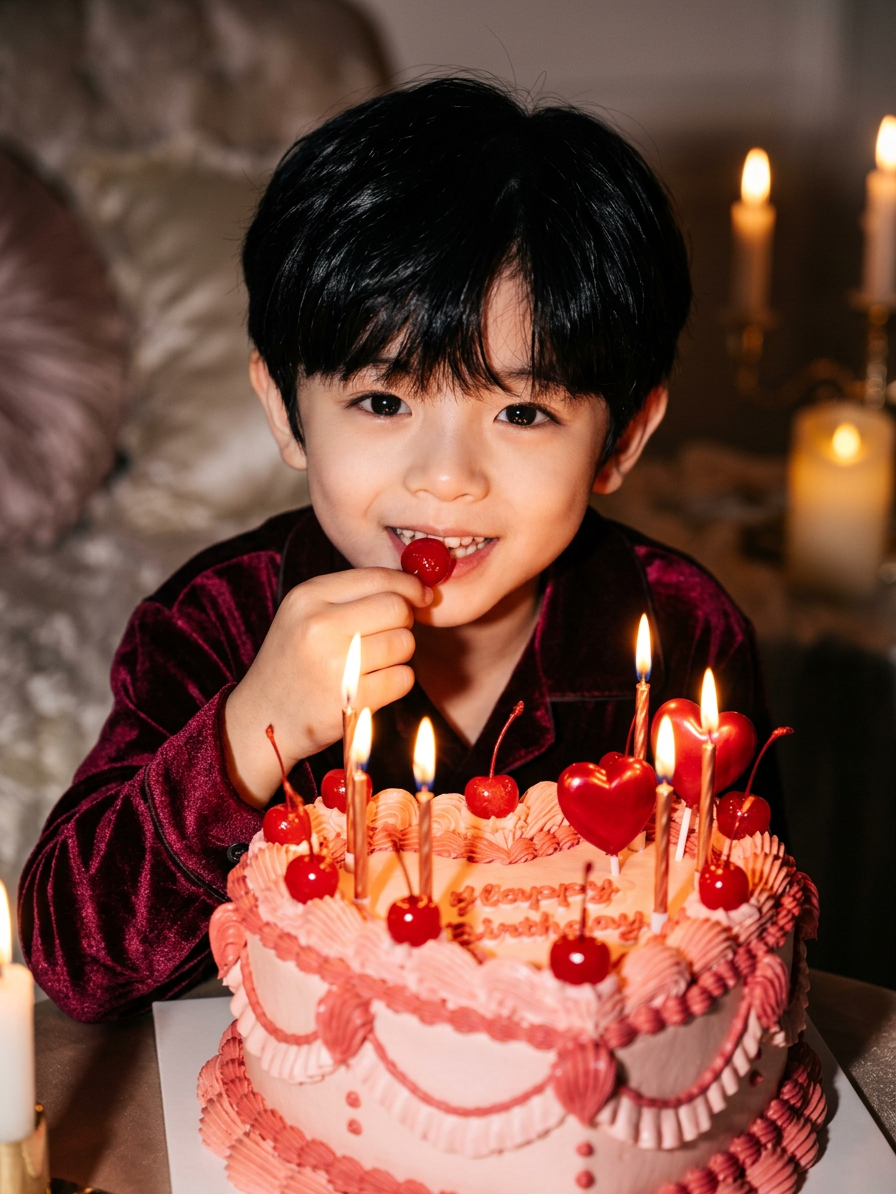
Celebration Red Aesthetic
- Model
- Nano Banana 2
- Image
- 896 × 1194 px
Prompt
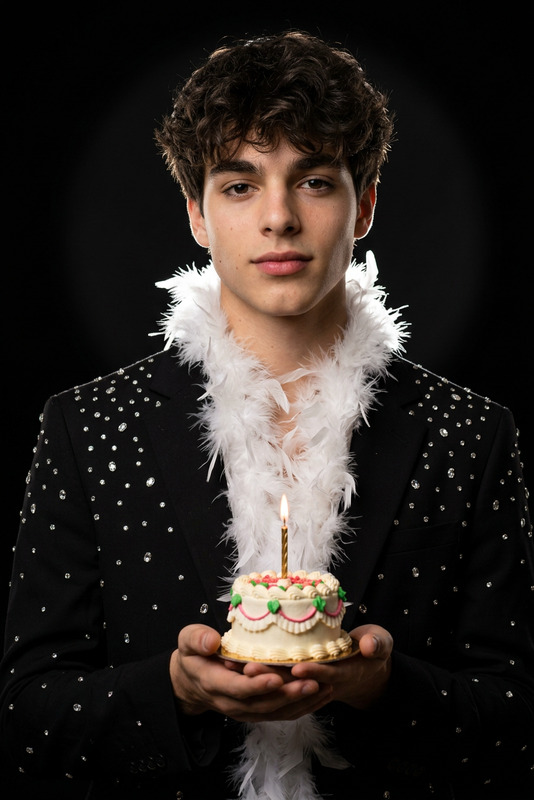
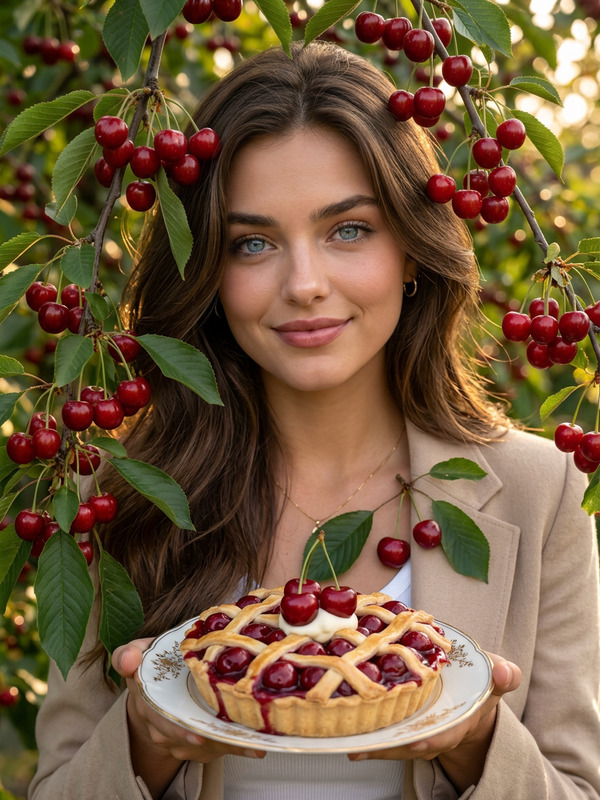
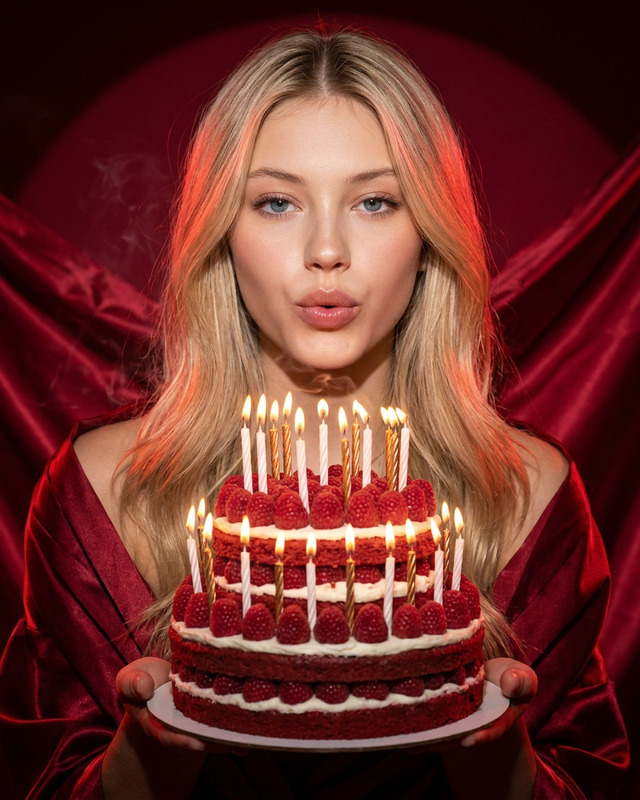
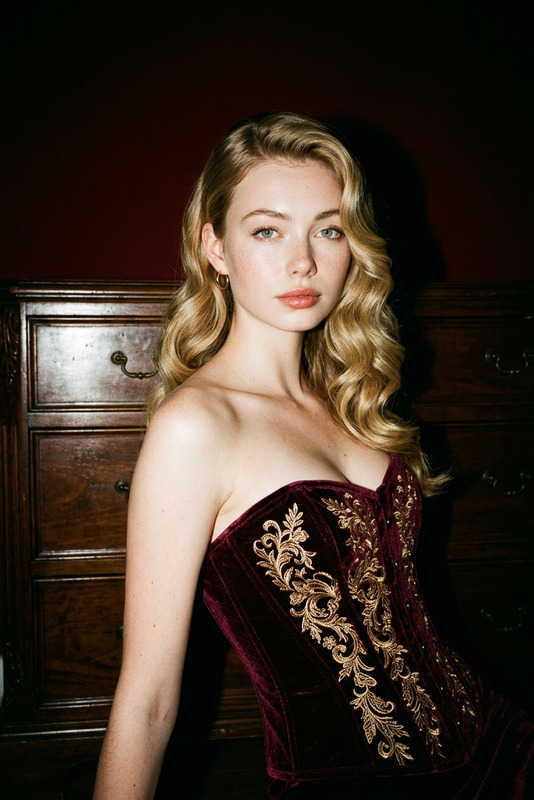
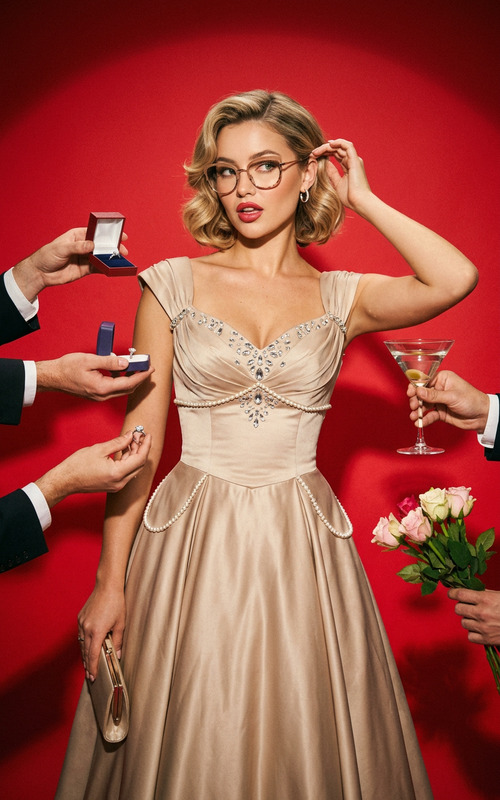
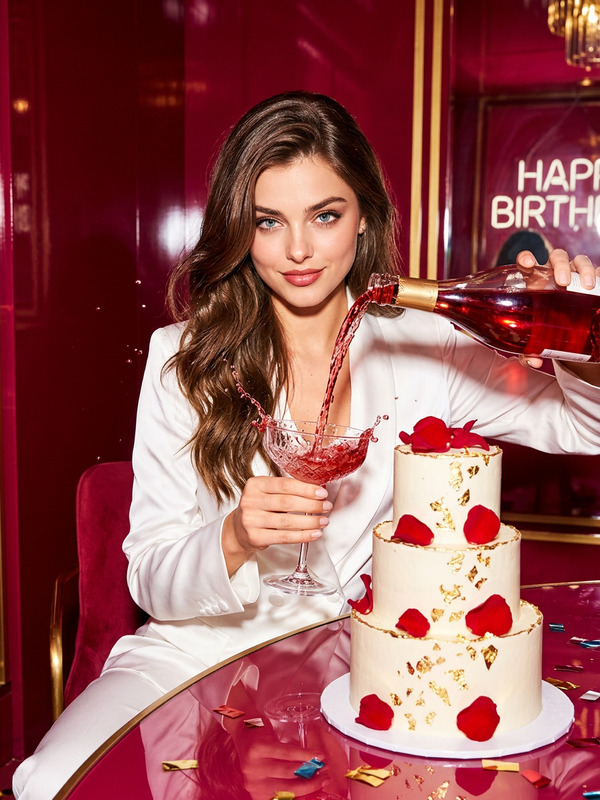
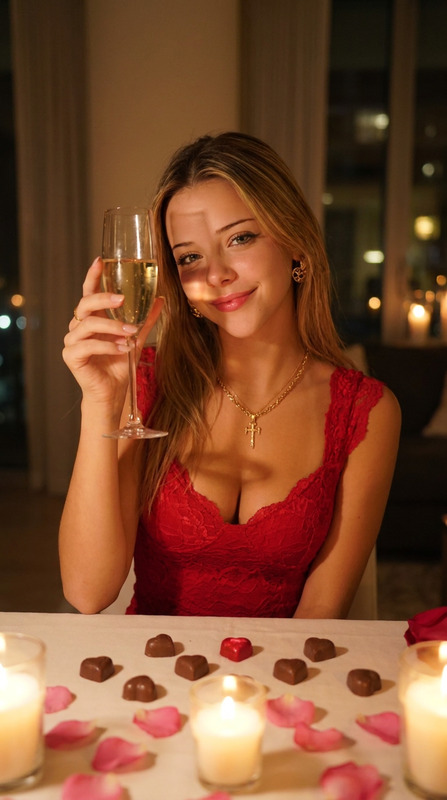
A cinematic close-up: a vintage heart-shaped cake with cherries and candles in the foreground, a character in burgundy velvet behind leans forward, holding a cherry to her parted lips. Warm candlelight and direct flash create glossy highlights, deep shadows, and a mysterious, luxurious atmosphere with an emphasis on texture and shallow depth of field.
Any aspect ratio
Overview
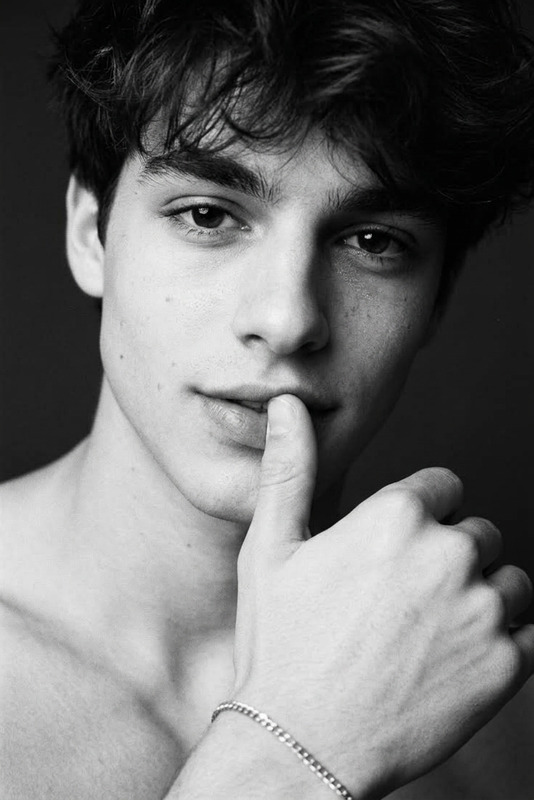
The "Celebration Red Aesthetic" template in our AI Image Editor suite transforms your photos into a rich, cinematic experience. Drawing on the nano-banana-2 model, it creates an atmosphere that's both mysterious and luxurious, perfect for intimate celebrations captured through imagery.
What It Does
This template crafts a cinematic close-up of a vintage heart-shaped cake adorned with cherries and candles. In the background, a character in burgundy velvet adds intrigue to the scene. The combination of warm candlelight and direct flash adds dramatic highlights and shadows, enhancing the image's texture and depth. For further adaptation, you might explore our AI Image Upscaler to enhance image quality.
Who It's For
"Celebration Red Aesthetic" is ideal for creatives, marketers, and social media influencers looking to add a touch of elegance and sophistication to their visual content. It's particularly useful for those in the food and lifestyle industries where detailed and atmospheric imagery is key. If your projects often involve complex photo edits, the AI Face Editor could be a complementary tool.
Summary
Rooted in atmospheric elegance, this template is designed for users who want to produce striking, textured photographs that capture the nuances of celebration. It's part of a broader suite of tools on Magic Hour, including our versatile Image to Video solution for dynamic storytelling.
How To
Choose

Customize

Generate

Use Cases
Social Media Content
Marketing Campaigns
Event Photography
Best Practices
Focus on Lighting
Ensure your initial images have good lighting to maximize the effect of the warm candlelight and flash highlights.Experiment with Depth
Play with the depth of field settings to accentuate important elements like the cake or character.Consider Context
Use this template where a luxurious, intimate setting enhances the narrative of your image, such as in romantic or high-end brand campaigns.