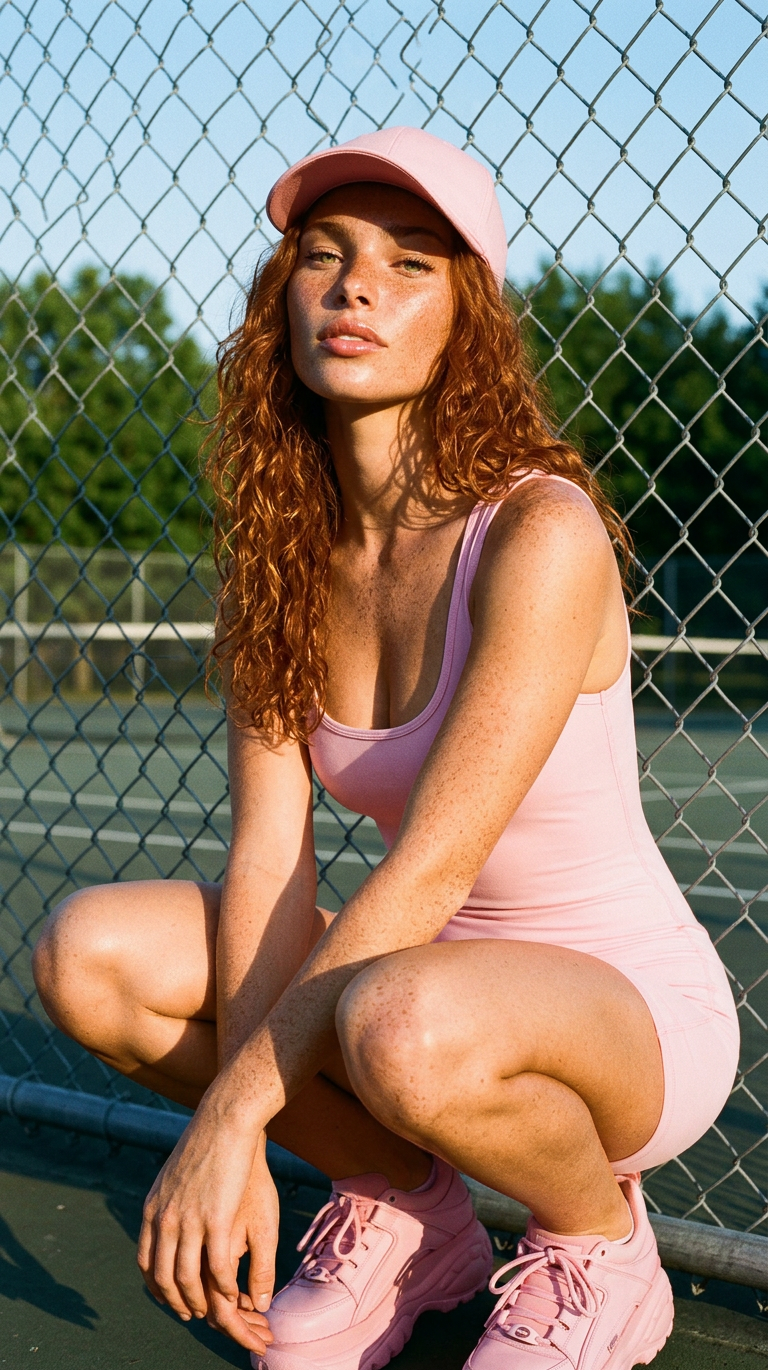
Pink Court Baddie

Pink Court Baddie

ai-image-editor

1 clip
13 uses

Any aspect ratio

Prompt

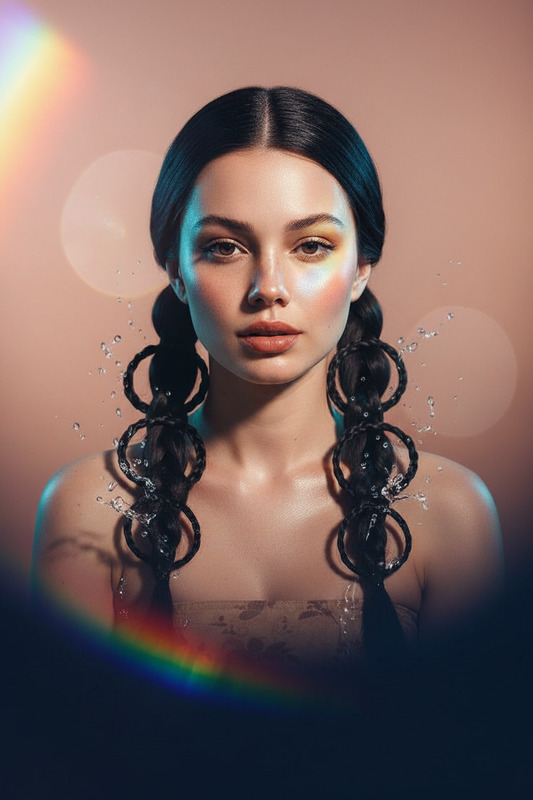
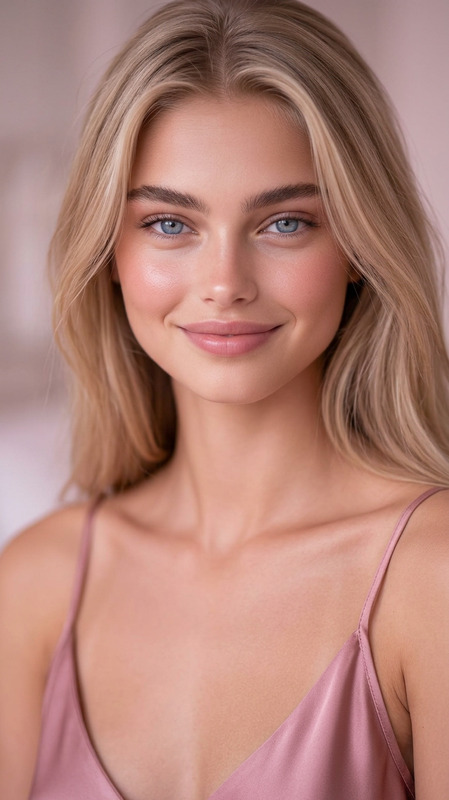
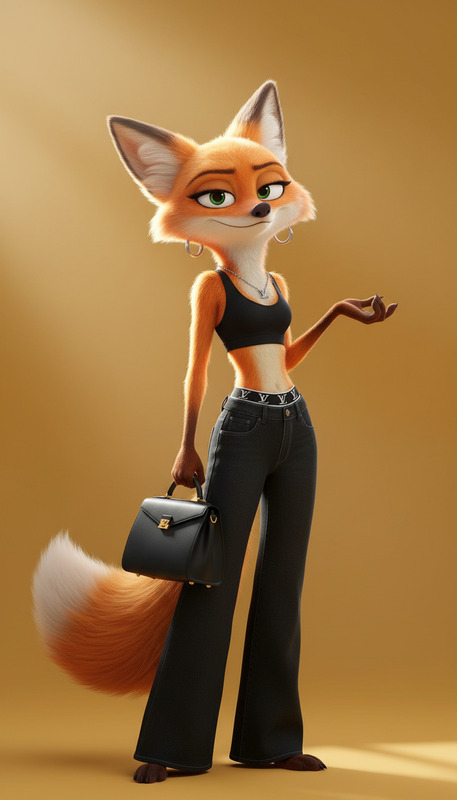
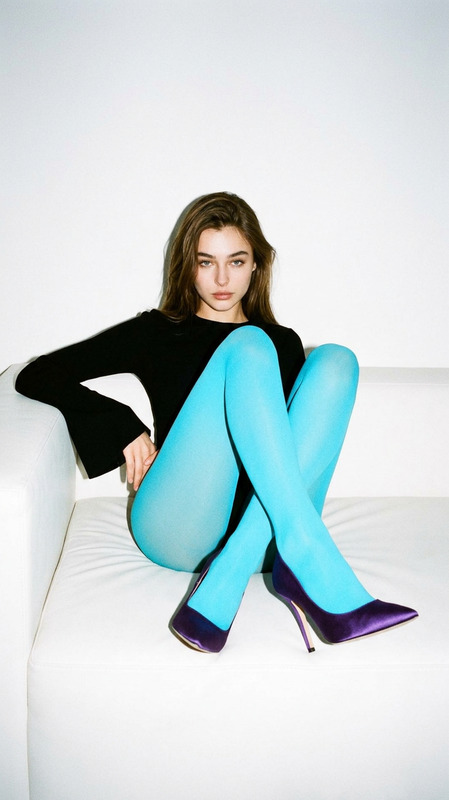
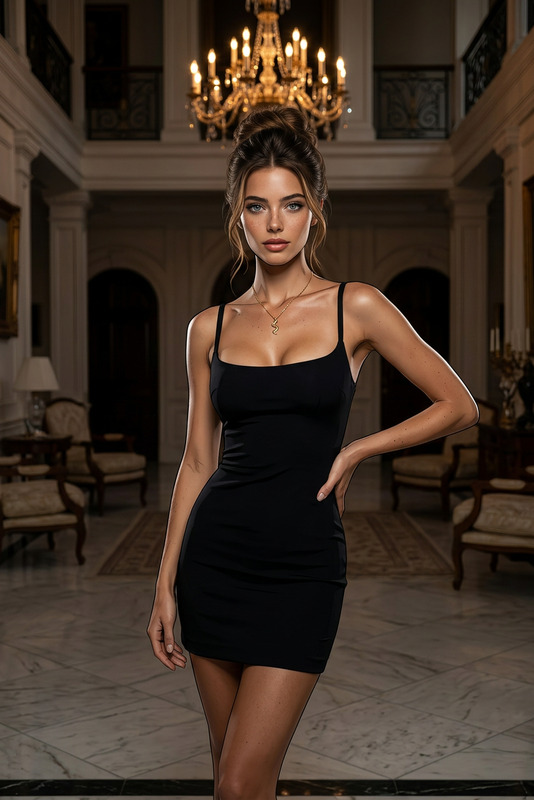
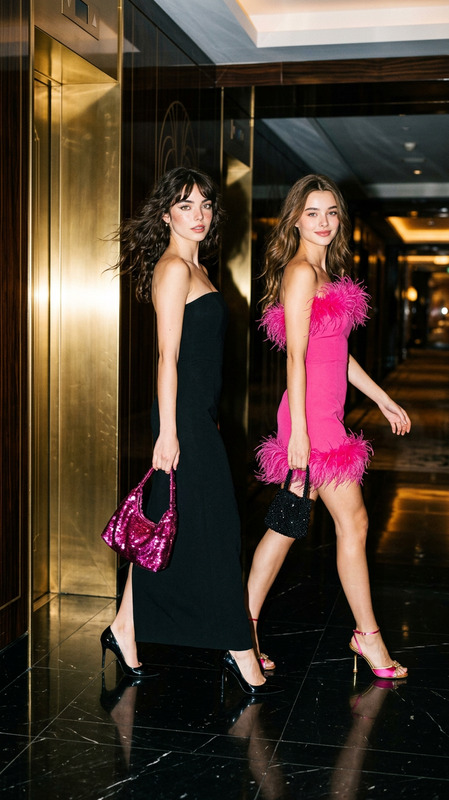
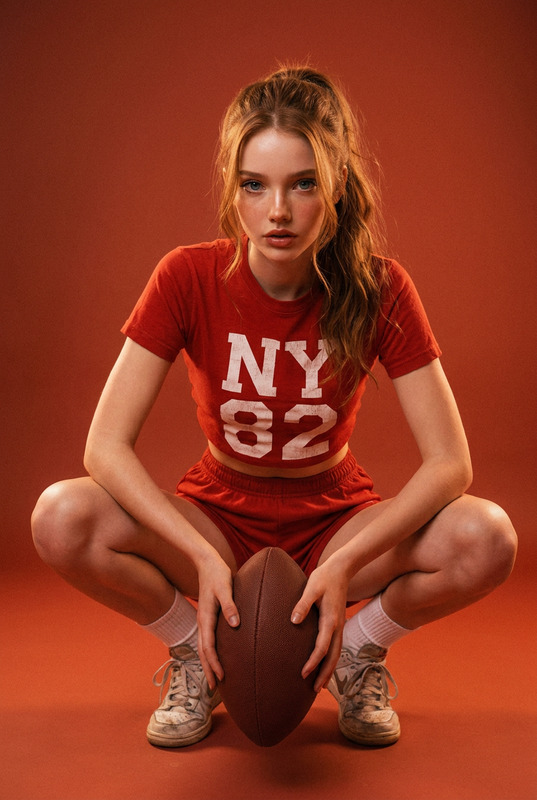
Low-angle close-up of a subject with dark curly hair, glossy lips, and a confident serious expression, crouching with arms resting between legs. Wearing a monochrome baby pink athletic bodysuit, matching pink baseball cap, and chunky pink platform sneakers with gum soles. Positioned against a grey chain-link tennis court fence with blurred green court and trees behind. Harsh golden hour sunlight casting strong fence shadows, high contrast, detailed skin and fabric texture, 35mm film grain, fashion editorial style, sharp focus.

AI Image Editor Template: Instant Visual Makeovers for Modern Creators

Use this AI Image Editor template to quickly transform any photo into polished, on-brand visuals without manual design work. Whether you’re a content creator, marketer, startup founder, or developer prototyping features, this template gives you a repeatable, remixable workflow you can adapt in minutes.


What This Template Is Best For

This AI Image Editor–based template is ideal for:

  • Social content and ad creatives (thumbnails, promos, UGC, product shots)
  • Fast A/B testing of visuals (backgrounds, styles, framing)
  • Polishing user photos for apps and landing pages
  • Creating variations of brand imagery for different channels
  • Turning rough drafts or moodboards into production-ready assets

If you work with images at scale—short-form video, campaigns, product marketing, or AI-powered apps—this template is built to be a practical starting point you can remix for your own use cases.


How This Template Works in Magic Hour

This template uses Magic Hour’s AI Image Editor as the core tool. The general flow:

  1. Start from a reference image
    Upload any photo: a product shot, a portrait, concept art, or a low-quality draft. The template is designed to help the model preserve key structure (pose, layout, product shape) while creatively modifying style, background, or details.

  2. Describe your target output in natural language
    In the prompt, clearly specify:

    • The subject you want to keep (e.g., “same person and pose” or “same sneaker design”)
    • The change you want (e.g., “clean studio background,” “cyberpunk city night,” “flat illustration style”)
    • Any constraints (“no text,” “minimalist,” “Instagram-ready,” “brand colors: #000000, #FF5A5F”)
  3. Iterate with small, controlled changes
    Once you have a strong base result, you can:

    • Generate multiple style variations
    • Swap backgrounds while keeping the subject consistent
    • Create a set of related assets for different platforms (IG, TikTok, YouTube thumbnails, landing pages)

Because the template is built on text-driven editing, you don’t need to handle masks or manual cutouts. You just describe what you want and refine.


Remixing This Template in Magic Hour

You can easily build your own version of this template inside Magic Hour to fit your specific workflow. Here are practical remix ideas:

1. Branded Social Asset Generator

Use the AI Image Editor as the base and design a mini “pipeline” for marketing visuals:

  • Start with a raw product or lifestyle photo
  • Use prompts like:
    • “Turn this into a high-contrast e-commerce product photo on a neutral gradient background, centered composition, no text.”
    • “Same person and pose, but with a clean office background and soft natural lighting, LinkedIn profile style.”
  • Export variations for different channels or feed formats

To enhance brand consistency, pair AI Image Editor with:

2. Creator/Influencer Visual Packs

Build a repeatable template you can use across content series:

  • Use AI Image Editor to standardize:
    • Background style (e.g., pastel gradients, studio backdrop, “YouTube creator set”)
    • Lighting and mood (cinematic, high key, warm, moody)
  • Batch-edit your portraits or stills into a consistent look
  • If you’re adding motion later, connect this pipeline with:

3. App & Product Mockups

For founders, designers, or developers:

  • Upload UI screenshots, device frames, or product renders
  • Use the editor to:
    • Place them in realistic environments (“on a modern desk,” “in a co-working space,” “on a subway ad panel”)
    • Create illustrations of your product for landing pages (“flat vector style,” “3D clay style”)
  • Then:

Combining This Template with Other Magic Hour Tools

Once you have strong edited images, you can chain them into more advanced content:


Practical Prompting Tips for This Template

To get consistent, high-quality results from the AI Image Editor–based template:

  • Be explicit about what should stay vs. change

    • “Keep the same person and pose, change only the background to a modern office, soft natural light”
    • “Same shoes and angle, turn the background into a clean white seamless studio backdrop”
  • Describe the role of the image

    • “For a high-converting SaaS landing page hero section”
    • “For a TikTok ad thumbnail, must stand out in a vertical feed”
    • “Professional LinkedIn headshot, natural, trustworthy, founder style”
  • Reference known aesthetics and mediums

    • “Magazine editorial photo”
    • “Product shot in the style of top direct-to-consumer brands”
    • “Flat vector illustration, similar to tech startup landing pages”
  • Iterate in small steps

    • First: fix background and composition
    • Second: adjust style (cinematic, illustrative, minimalist)
    • Third: create color or layout variations for testing

For more background on effective prompting, the broader AI image community often emphasizes clear content constraints, style references, and intent (see, for example, academic overviews on text-to-image systems and prompt engineering in generative models).


Example Use Cases for Busy Teams

  • Performance marketers

    • Build a library of product and lifestyle images, then use this template to produce variant sets for A/B testing across social, paid, and email.
    • Feed edited images into Text to Video or Video to Video Templates for rapid ad creative iteration.
  • Startups & SaaS founders

    • Quickly generate consistent visuals for landing pages, slide decks, app store screenshots, and investor updates.
    • Combine with Book Cover Generator or Album Cover Generator if you need polished cover-style hero imagery.
  • Creators & educators

  • Fashion, lifestyle, and e‑commerce brands


How to Build Your Own Template from This One

Inside Magic Hour, you can treat this template as a starting pattern rather than a fixed preset. To create your own version:

  1. Define your primary use case

    • “YouTube thumbnails for my channel”
    • “Product photos for my Shopify store”
    • “Character concept art for my game”
  2. Collect 3–5 reference images

    • Existing assets that are “close but not quite”
    • Screenshots from brands or aesthetics you admire (for inspiration, not copying)
  3. Create a reusable prompt pattern
    For example:

    • “Keep the same person and pose. Place them in a [desired environment]. Lighting should be [lighting style]. Style should be [photographic/illustration]. Use colors that work for [brand/industry]. No text.”
    • Save variations of this pattern for different content types (founders, team, product, lifestyle).
  4. Chain into a simple production flow

By standardizing your prompts and references, this template becomes a lightweight “visual system” for your brand or project.


Related Magic Hour Tools You May Want to Explore

Depending on how you extend this template, these tools often pair well with AI Image Editor:


Use this AI Image Editor template as a flexible foundation, then remix it into a custom pipeline that matches your brand, content strategy, or product. The more consistent your references and prompts, the more this template becomes a reliable, scalable visual system for your work.

More Like This

Insufficient credits