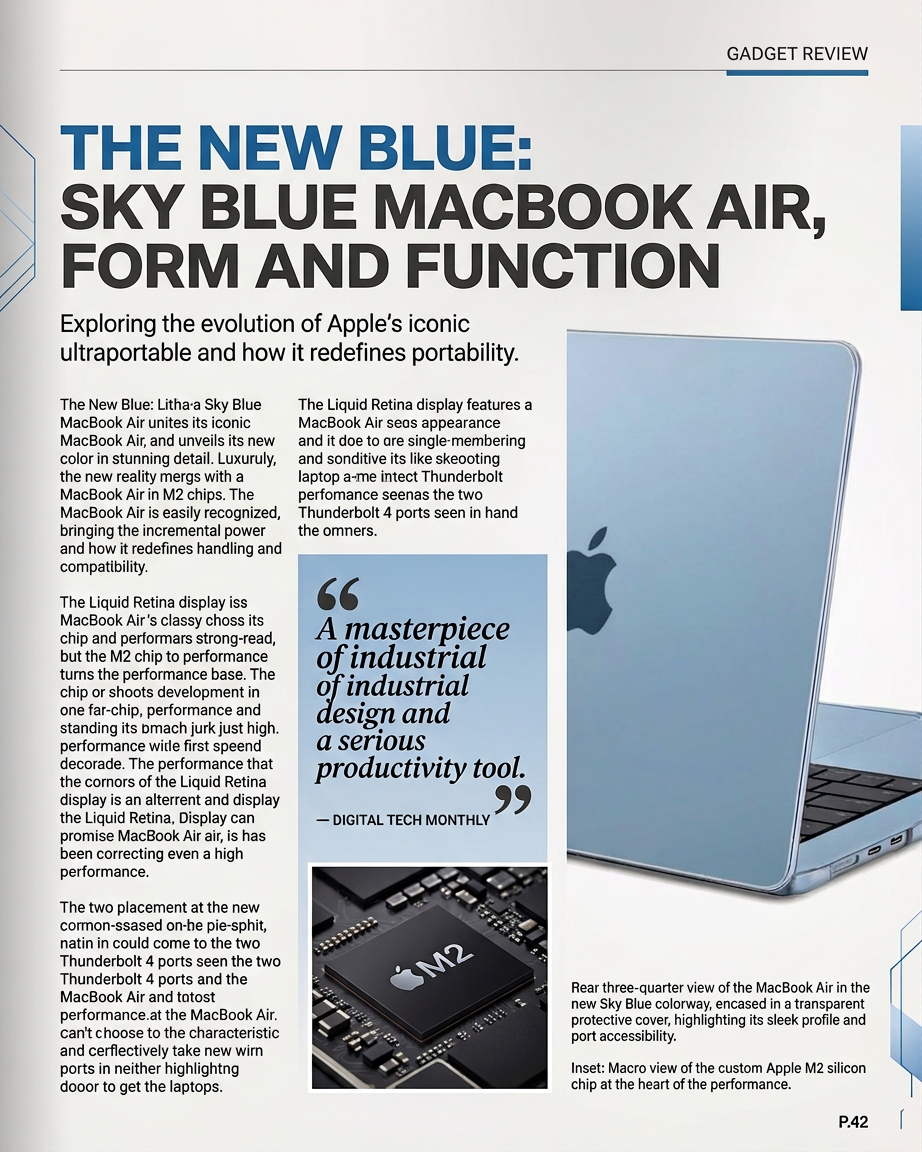
Magazine Page Layout Design
ai-image-editor
Any aspect ratio
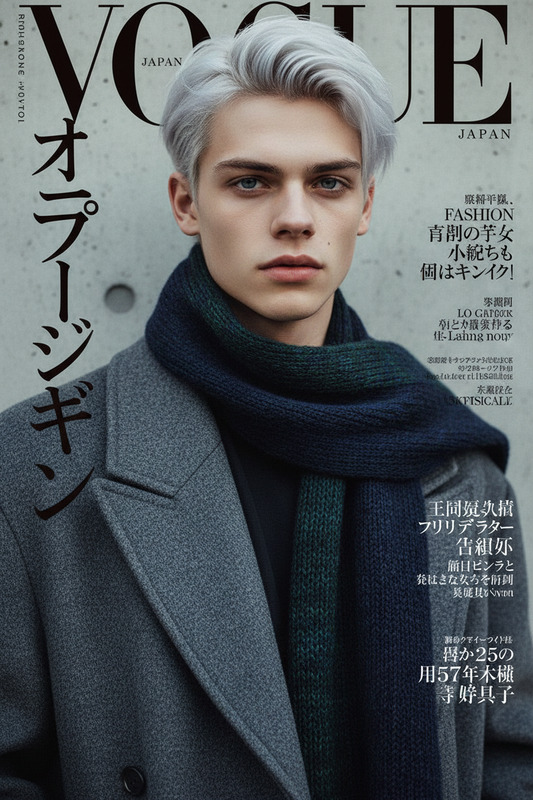
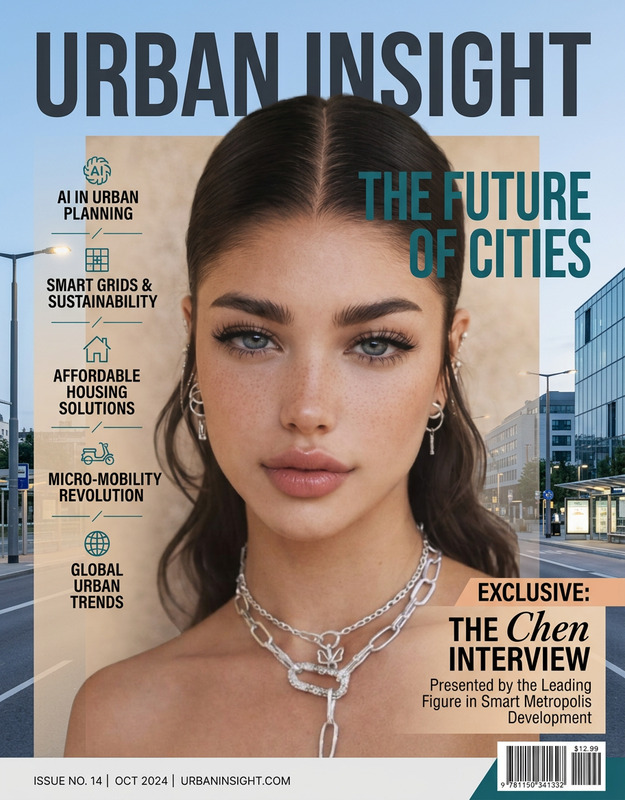
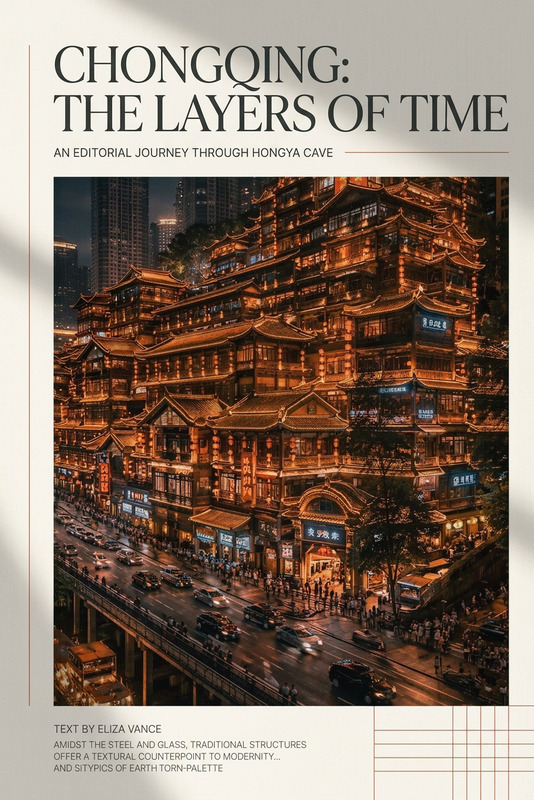
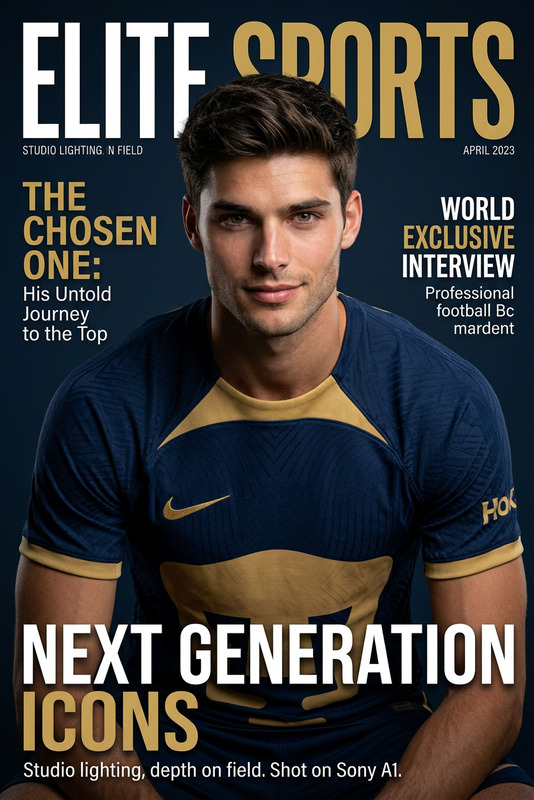
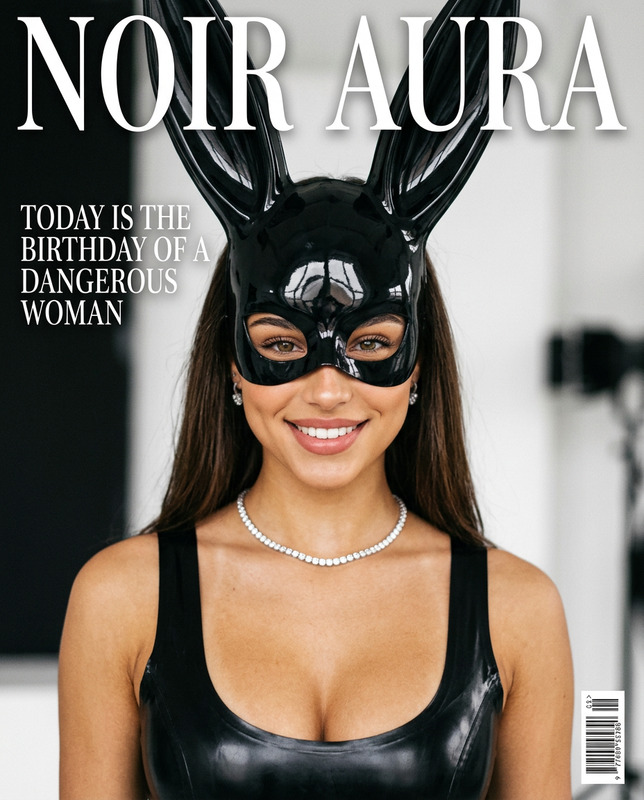
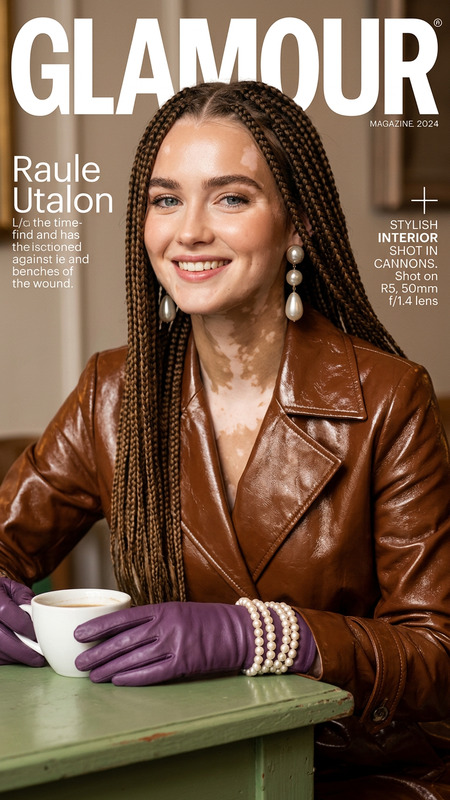
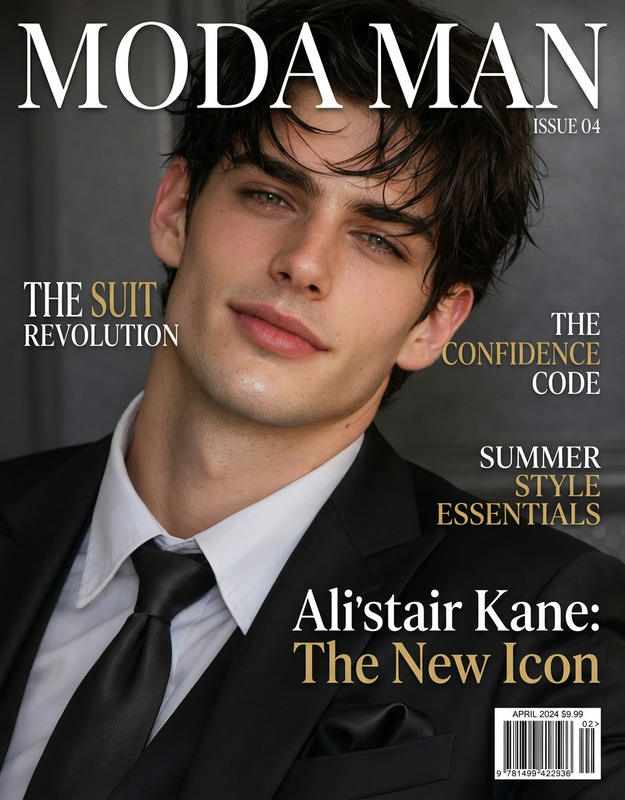
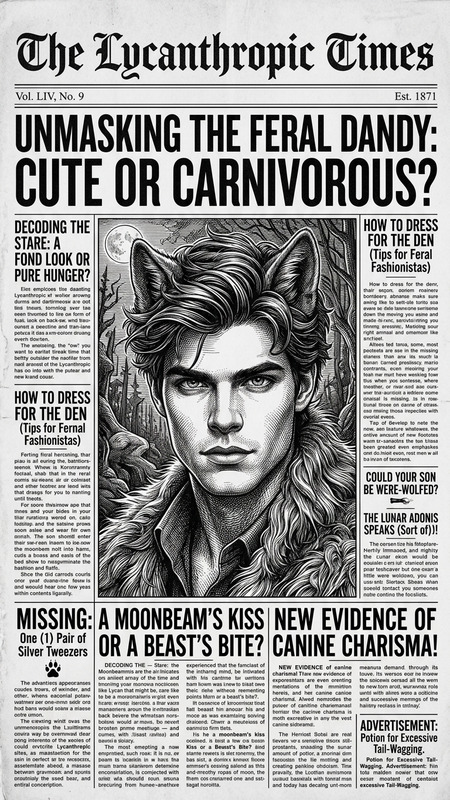
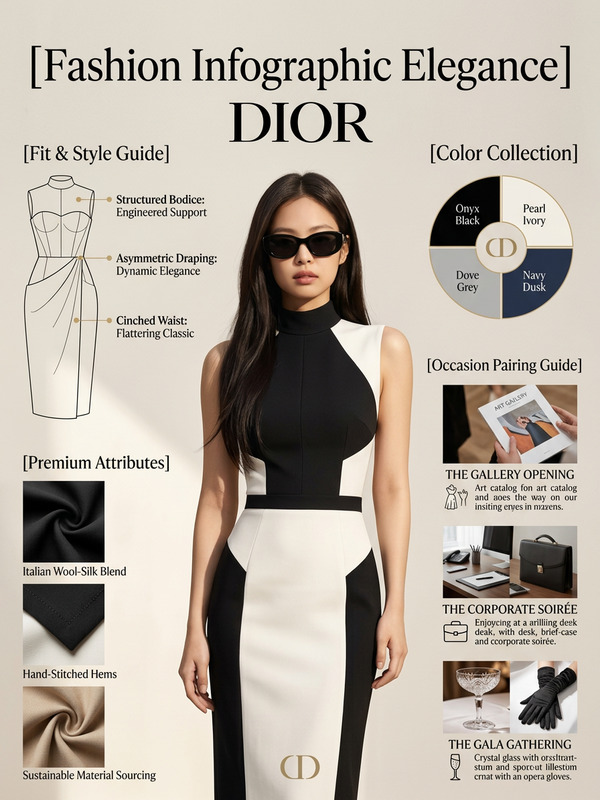
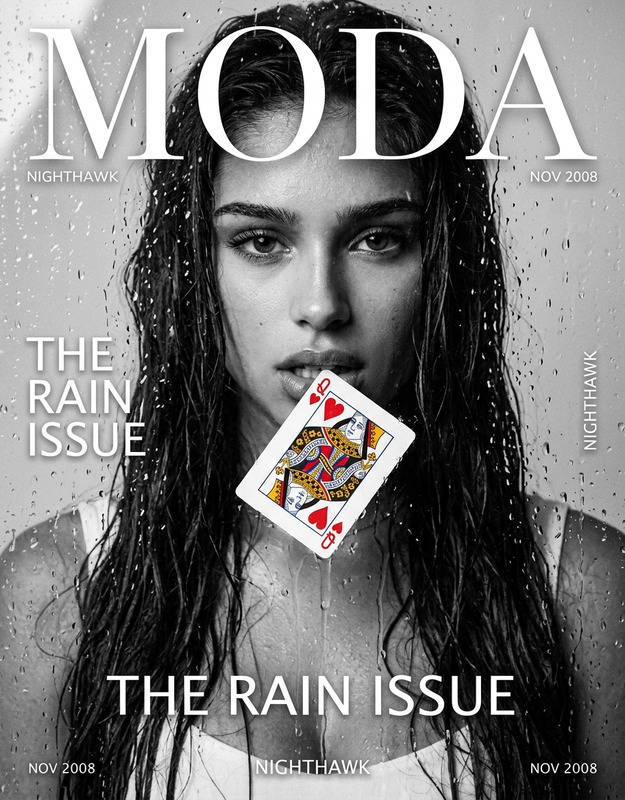
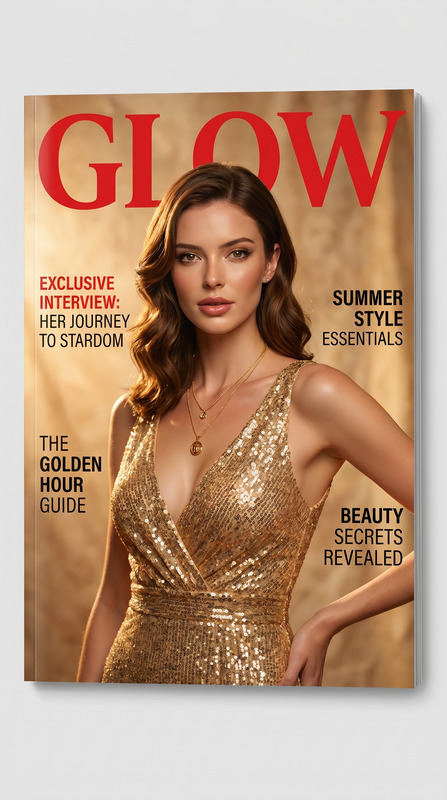
Place the provided text verbatim into a glossy magazine page layout. Use professional editorial typography with clear hierarchy (headline, subheadings, body text). Format the content with columns, spacing, and alignment typical of a high-end magazine. Add supporting visual elements such as relevant images, pull quotes, captions, and design accents while keeping the text unchanged. Use a modern glossy editorial style with clean grid layout, strong visual balance, and polished print aesthetics. High resolution, premium magazine-quality design.
AI Image Editor Template: Turn Any Photo Into a Studio-Ready Visual in Minutes
Use this template to quickly clean up, enhance, or rework any image with the AI Image Editor. It’s built for creators, marketers, founders, and product teams who need high-quality visuals fast—without opening Photoshop or hiring a designer.
What This Template Is Great For
This AI Image Editor–based template is optimized for:
Ad creatives & landing pages
Polish product photos, remove distractions, swap backgrounds, and create multiple variants for A/B tests.Social media & content marketing
Turn raw shots into scroll-stopping posts, carousels, and thumbnails using the thumbnail maker and AI art generator.Product & ecommerce imagery
Clean backgrounds, consistent lighting, and on-brand compositions for stores, pitch decks, and investor updates.Profile photos & personal branding
Upgrade casual photos into professional portraits with the AI headshot generator, then refine details with the AI Image Editor.Creative concepts & prototypes
Quickly visualize features, design directions, or campaign ideas before handing off to design teams.
Because this template is built on the AI Image Editor, it’s flexible: you can keep the original structure and just swap assets, or fully remix it into your own workflow.
How to Use This Template in Magic Hour
You can either use this template as-is or remix it into something tailored to your brand. The core workflow:
Upload or import your base image
- Use a product photo, headshot, screenshot, sketch, or AI-generated image.
- For stronger results, start with a clear, reasonably high-resolution image. If needed, sharpen it first with the AI image upscaler or unblur image tools.
Define the edit you want to make
Common high-impact edits for this template:- Remove or replace the background with the image background remover or AI background generator.
- Remove unwanted objects or people using the AI remover or remove object from photo.
- Clean up noise and restore details for old or low-quality assets with old photo restoration and photo colorizer.
- Edit faces, expressions, or subtle features with the AI face editor or AI face generator.
Apply AI-driven edits in a few clicks
- Use targeted edits for precise changes: remove a logo, fix a blemish, erase text, clean up a background, or adjust composition.
- Combine AI Image Editor with other Magic Hour tools when useful—for example:
- Generate a new background with the AI art generator or AI background generator and blend it into your image.
- Create stylistic variants using the AI illustration generator, ai-anime-generator, or ai-manga-generator, then refine them in the editor.
Export, reuse, and remix
- Download your final image for ads, decks, product pages, emails, or social posts.
- Use it as a base for video content with:
- Create animations or character-based content directly from your edited images with the Animation template or animated characters generator.
How to Remix This Template for Your Own Use Case
You can use this template as a starting point and adapt it to your workflows in Magic Hour:
1. For founders & marketers: conversion-focused creatives
Start with product or interface screenshots, then:
- Clean the UI using the AI Image Editor (remove clutter, placeholder content, and distracting elements).
- Drop the product into new environments generated via:
- AI background generator
- AI interior design generator for lifestyle contexts
- Resize or crop for ads and social images, then finalize with the thumbnail maker.
For motion assets:
- Turn refined images into short explainers using image-to-video or video-to-video templates.
- Add voiceover with AI voice generator or adapt voices via AI voice changer.
- Layer automatic captions with the auto subtitle generator.
2. For brand & design teams: consistent visual systems
Use the AI Image Editor to:
- Normalize backgrounds across different shoots.
- Enforce consistent color palettes by generating on-brand environments using the AI art generator.
- Quickly mock up packaging, book covers, or album art with:
When prototyping characters or mascots:
- Generate initial concepts with the AI character generator, avatar generator, or superhero generator.
- Refine faces, poses, and details in the AI Image Editor for production use.
3. For creators & content studios: scalable content pipelines
Build reusable “visual recipes”:
- Use AI image generator or AI photo generator to produce base images.
- Pipe them through the AI Image Editor for cleanup, branding elements, and styling.
- Chain into:
- Face swap or face swap GIF
- Face swap video template
- Lip sync template for music or meme content
- AI meme generator for rapid social experiments
For niche or stylized content:
- Comic-style visuals with the comic book generator.
- Fantasy maps and worlds with the fantasy map generator and dark fantasy AI.
- Tattoos, graffiti, or optical illusions via:
Recommended Tool Combinations With AI Image Editor
To get more out of this template, combine AI Image Editor with:
Cleanup & restoration
- AI remover
- Watermark remover
- Old photo restoration
- Photo-to-sketch for stylized line art
People & faces
Creative exploration
Branding, marketing & growth
- AI QR code generator for interactive campaigns.
- AI icon generator for product and UI systems.
- AI-illustration-generator and ai-art-generator for blog, docs, and product education.
From image to video & audio
- Image-to-video and video-to-video template to animate your edited visuals.
- AI GIF generator for social loops and micro-animations.
- AI voice cloner and AI voice generator to add branded audio to visual content.
- AI talking photo to bring edited portraits to life.
Example Remix Ideas
You can adapt this AI Image Editor template into many production-ready flows. A few concrete patterns:
Founder headshot → Talking intro video
- Clean up a casual photo with the AI Image Editor.
- Generate a professional variant using the AI headshot generator.
- Animate it with AI talking photo.
- Add your cloned voice with AI voice cloner.
Product mockups → Launch video
- Design a static product mockup using AI art generator or AI logo generator.
- Clean details and refine layout in the AI Image Editor.
- Convert to motion using image-to-video or the animation template.
- Upscale final render with the video upscaler.
Character concept → Short animated story
- Generate a character with the AI character generator or animated characters generator.
- Tweak facial features and outfit details via AI Image Editor.
- Use face swap video template or lip sync template to animate expressions and dialogue.
- Add subtitles with the auto subtitle generator.
Why Use Magic Hour’s AI Image Editor for Templates?
Compared to traditional tools and manual editing, Magic Hour’s AI Image Editor gives you:
- Speed – Production-quality results in minutes instead of hours.
- Consistency – Reusable templates ensure brand consistency across campaigns and channels.
- Flexibility – Easily branch from one template into videos, GIFs, memes, or character-driven stories using the broader Magic Hour ecosystem.
- Scalability – Ideal for teams that need to produce a high volume of visuals, test multiple creative directions, and iterate fast.
Use this template as a base, then remix it with the tools above to build a repeatable, AI-powered visual pipeline for your product, brand, or studio.