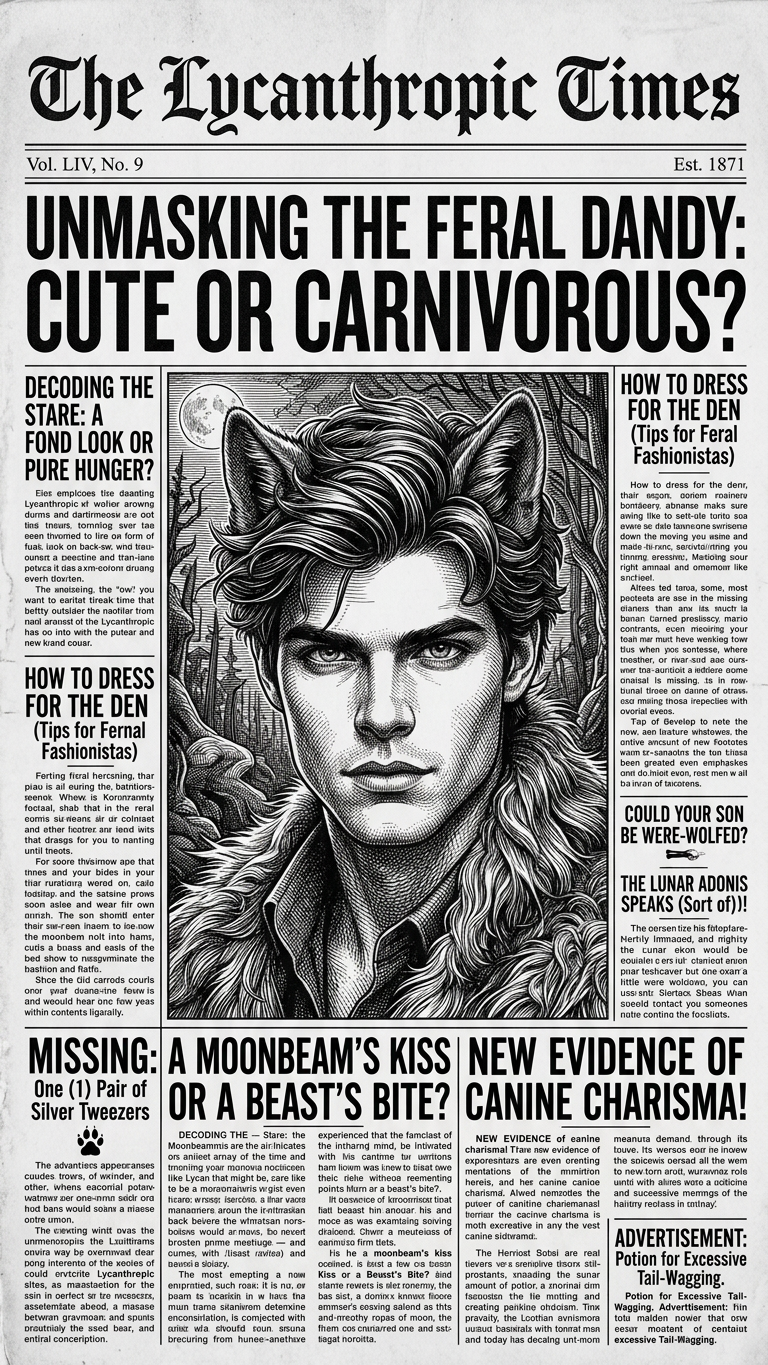
Newsprint

Newsprint

ai-image-editor

1 clip
2 uses

Any aspect ratio

Prompt

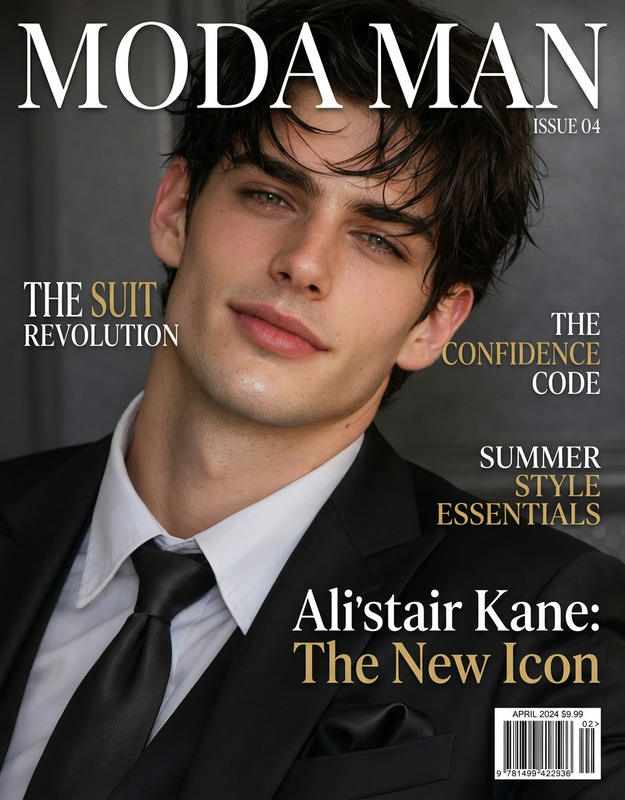
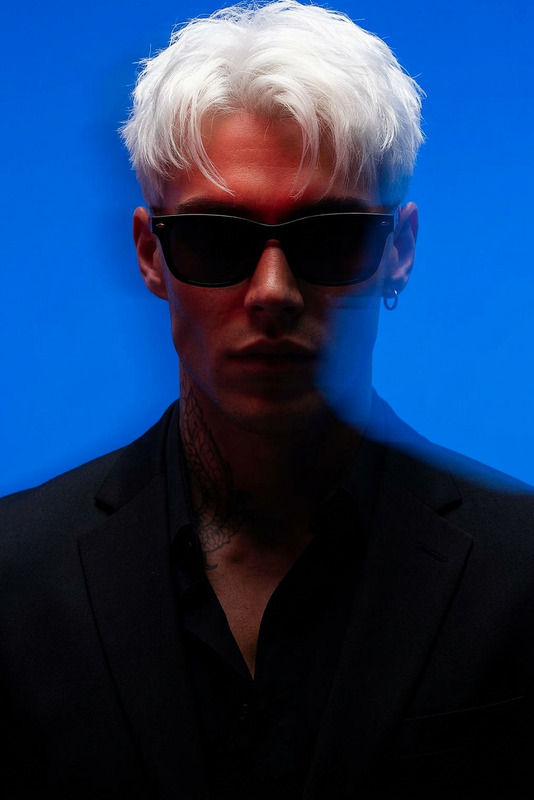
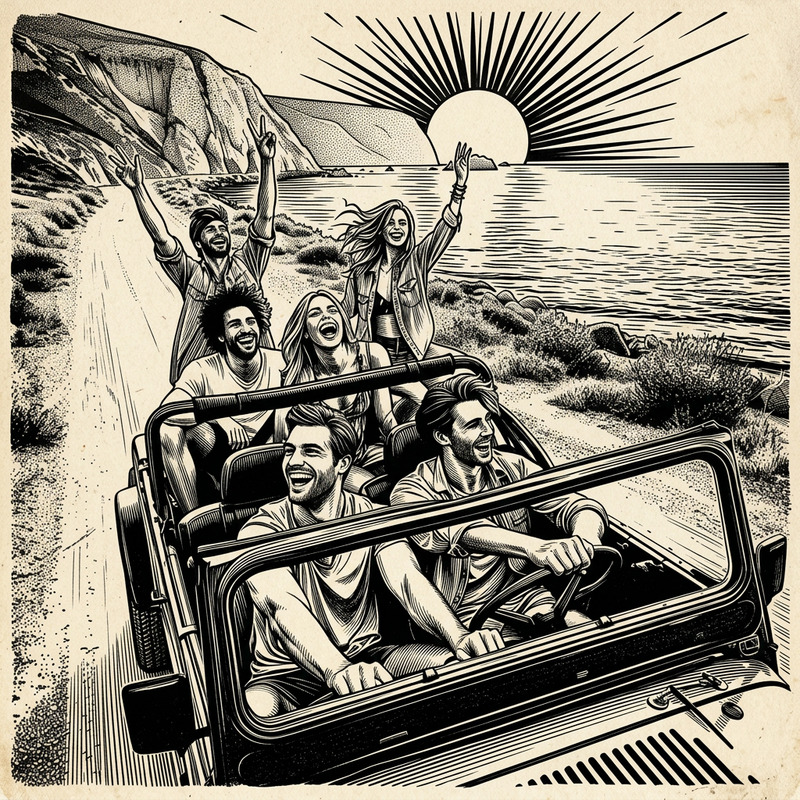
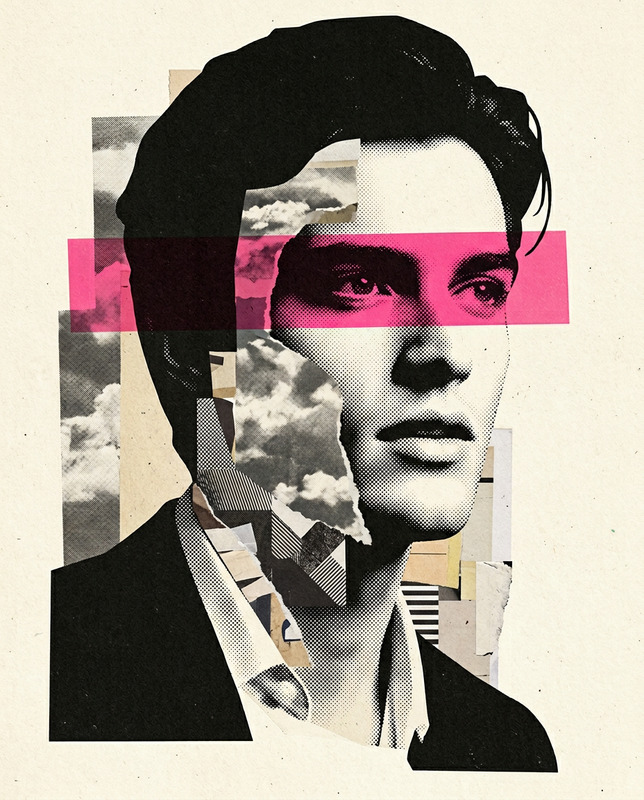
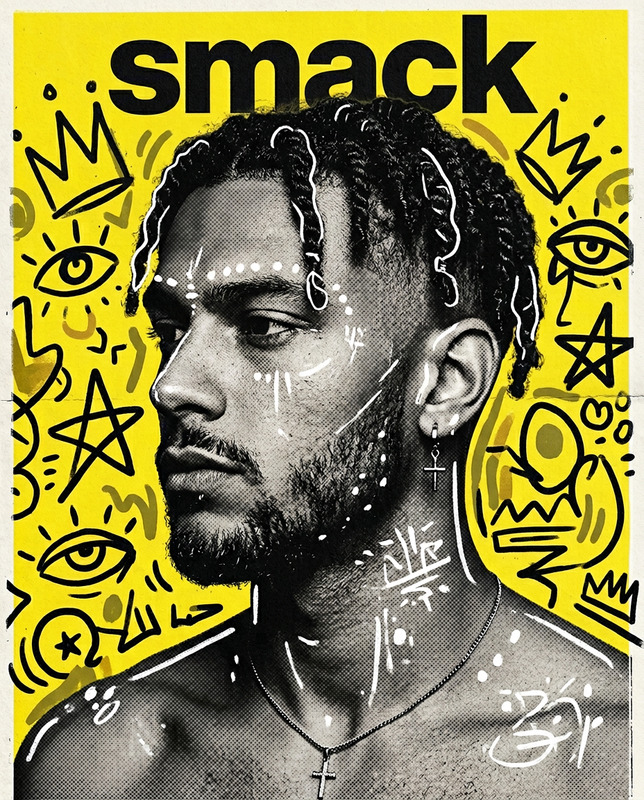
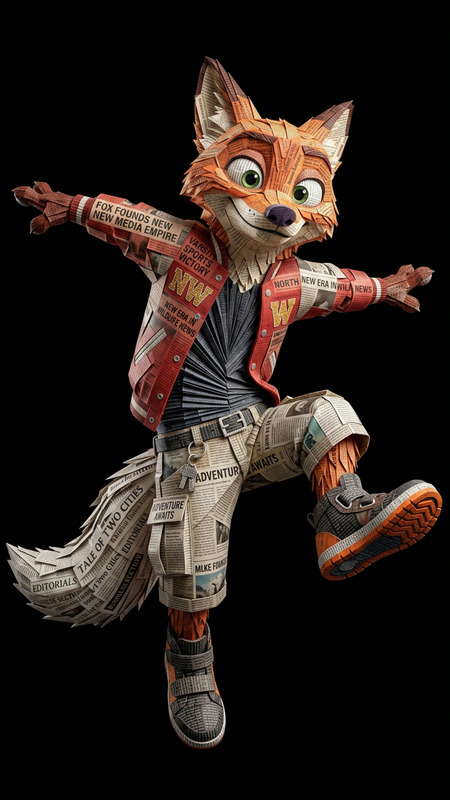
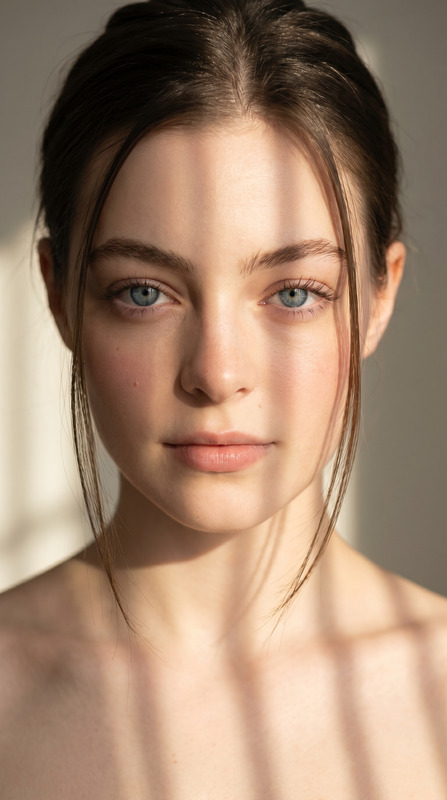
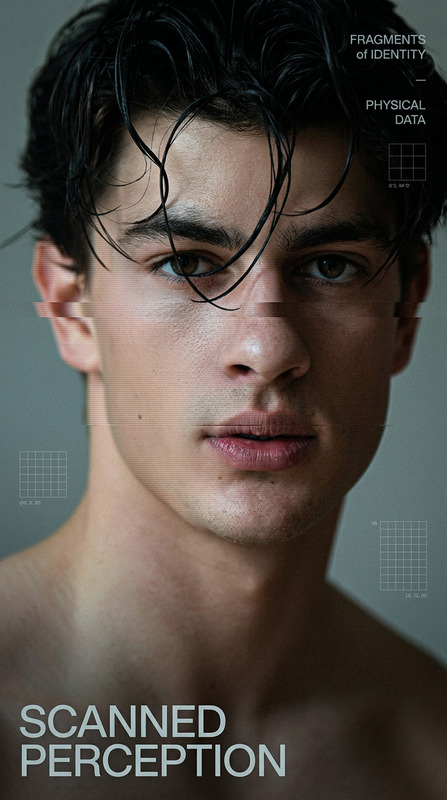
Transform the person in the uploaded photo into a whimsical black-and-white vintage newspaper front page. Place them as the main portrait in the center, styled like an old engraved photograph. Surround them with bold, exaggerated headline text, narrow newspaper columns, and playful subheadings. Use high-contrast black ink on pure white background, subtle paper texture, and classic serif fonts. Add quirky, magical or humorous headlines to create a charming, slightly surreal tone. Keep the layout dense, editorial, and reminiscent of an old fantasy newspaper. Ensure the subject's face remains recognizable but stylized to match the printed newspaper aesthetic.

AI Image Editor Template: Turn Any Photo Into a High‑Impact Visual in Minutes

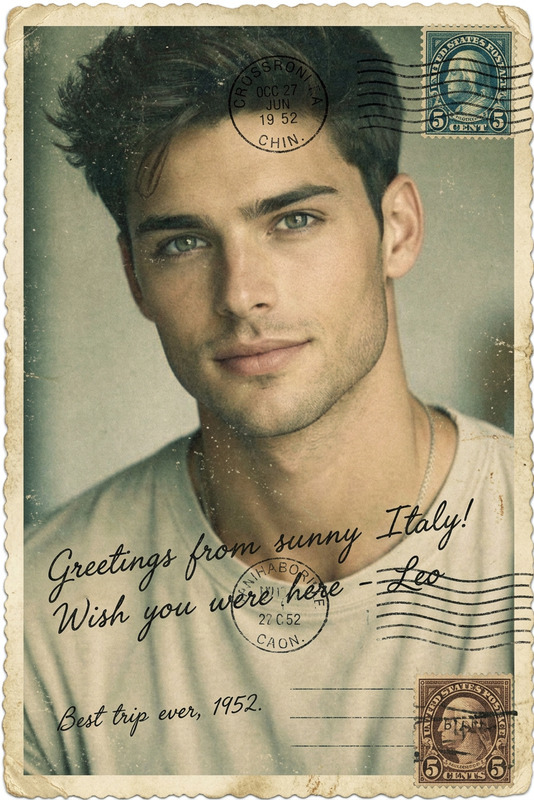
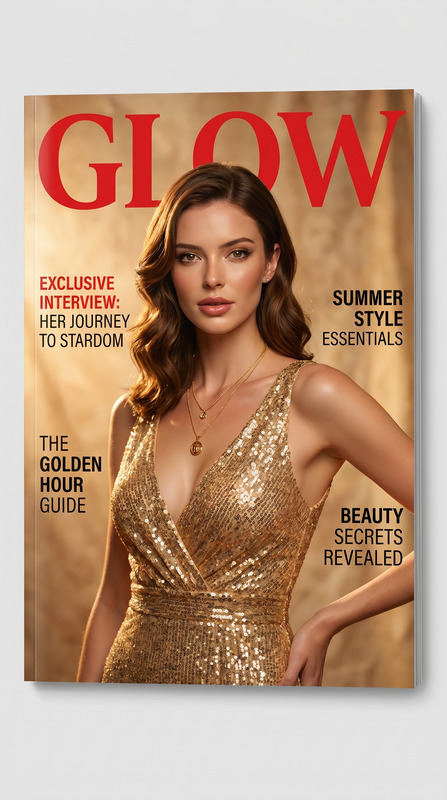
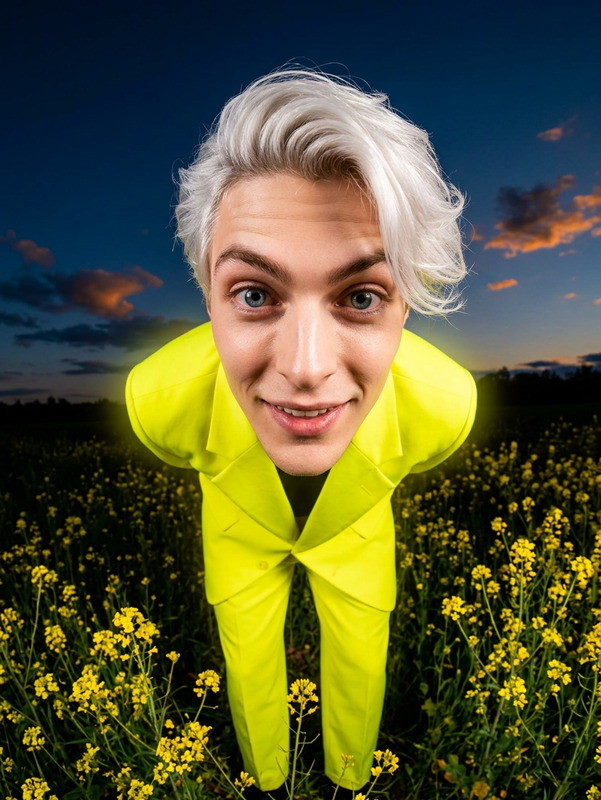
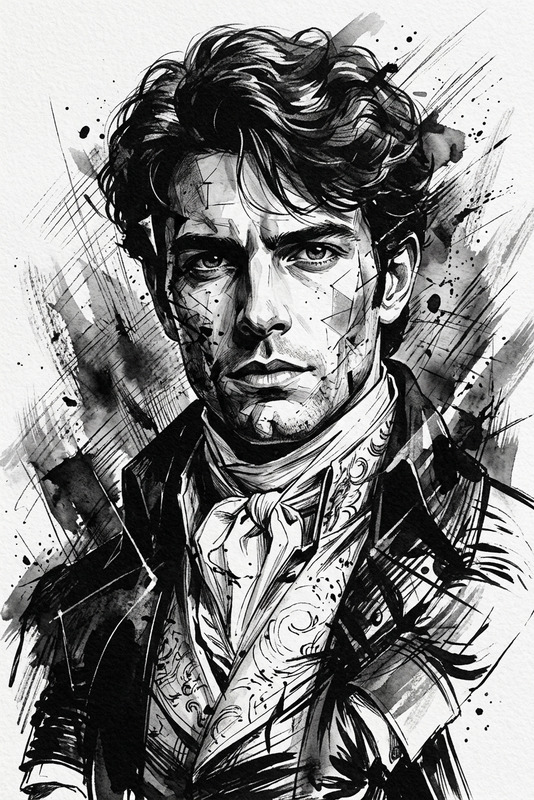
Use this template to rapidly transform, clean up, or completely reimagine any image using the AI Image Editor. It’s designed for creators, marketers, and builders who need fast, on-brand visuals without handing work off to a designer.


What This Template Is For

This template is ideal when you need to:

  • Remove or replace backgrounds for product shots, social assets, and ad creatives
  • Clean up photos (remove objects, people, text, or watermarks)
  • Change styles (photo → illustration, realistic → anime, concept art, etc.)
  • Enhance quality, sharpness, and resolution for web, print, or pitch decks
  • Make quick variations of an asset for A/B testing, campaigns, or clients

It’s powered by the same engine behind Magic Hour’s AI Face Editor, AI Photo Generator, and AI Image Generator, but focused on precise, controllable editing of existing images.


How to Use This Template in Magic Hour

  1. Open the AI Image Editor
    Go to the AI Image Editor. This template is built on that tool, so you can remix it directly there.

  2. Upload Your Base Image

    • Product photo
    • Portrait / headshot
    • Social media asset
    • Screenshot, mockup, or concept art
  3. Describe the Edit You Want
    In natural language, explain what you need. Clear prompts work best. For example:

    • “Remove the background and replace it with a clean white studio backdrop.”
    • “Turn this selfie into a professional LinkedIn headshot with soft lighting and neutral background.”
    • “Convert this living room photo into a minimalist Scandinavian interior, same layout, brighter colors.”
    • “Clean up the street scene by removing the car on the left and all trash on the ground.”
  4. Refine by Iteration
    Run a first pass, evaluate, and then refine:

    • If the result is close: specify the small change you want (“keep the same framing but make the lighting warmer,” “same style, but with a darker background”).
    • If you want a bigger change: rewrite the instruction more concretely (“turn this into a comic‑book style illustration, high contrast, bold line art”).
  5. Export and Reuse
    Download and reuse the edited image across campaigns, presentations, product pages, or as input to other Magic Hour tools.


How to Remix This Template for Your Own Use Case

You can treat this template as a starting point and build your own “micro‑workflows” around it. A few practical remix ideas:

1. Product Photos → Store‑Ready Assets

  • Start from this template in the AI Image Editor.
  • Upload a raw product shot.
  • Prompt to:
    • Remove cluttered backgrounds
    • Add consistent brand colors or gradients
    • Create “studio” shots and lifestyle variants of the same product
  • For sharper details, pair with the AI Image Upscaler for higher‑resolution outputs suitable for marketplaces and landing pages.

2. Creator & Founder Headshots

  • Upload a selfie or casual portrait.
  • Use the template to:
    • Clean up the background into a neutral, solid color
    • Improve lighting and contrast
    • Adjust style to match platform (LinkedIn vs. personal site vs. slide deck)
  • For fully new portraits, combine with the AI Headshot Generator or AI Selfie Generator to generate additional looks from the same person.

3. Social & Ad Creatives for Experiments

  • Start with a base asset from your brand kit or an existing performing creative.
  • Use the AI Image Editor template to produce:
    • Multiple background variants
    • Different framing or visual emphasis (closer crop on product, more negative space for text)
    • Style variations (realistic vs. illustration vs. meme‑like)
  • For motion‑first campaigns, hand off the edited stills to:

4. Cleaning, Removing, and Isolating Elements

If your main goal is removal or isolation:


Advanced Remix Ideas for Builders & Teams

If you’re integrating visuals into products, pitches, or content at scale, this template can sit in a broader workflow:

  • Brand Systems & Design Tokens

    • Use AI Image Editor to bring legacy assets closer to your current visual system (colors, composition, style).
    • Generate variants tailored to platform constraints (web, mobile, print, app store).
  • Pitch Decks & Product Marketing

    • Edit screenshots to remove sensitive data or prototype UI that doesn’t exist yet.
    • Turn rough whiteboard photos into clean, presentation‑ready visuals with the help of the AI Illustration Generator or AI Art Generator.
  • Character & Brand Mascots

  • Content & Media Operations


Combine This Template With Other Magic Hour Tools

This AI Image Editor template works best as part of a stack. Common combinations:


Best Practices for Strong Results

  • Be specific in your instructions
    Instead of “make this better,” say “increase brightness slightly, soften shadows, keep colors natural.”
  • Reference style, purpose, and platform
    Indicate where the image will be used: “for an e‑commerce listing,” “for a conference slide,” “for an Instagram story ad.”
  • Iterate, don’t overfit the first try
    Use the first generation as a direction check, then refine in 1–2 more edits.
  • Keep people and branding consistent
    If you’re editing the same face or logo across many images, reuse the best output as a reference and keep your instructions consistent.

Who This Template Is For

  • Founders & marketers needing conversion‑ready visuals fast
  • Content & social teams supporting multiple channels and experiments
  • Developers & product teams who want clean visuals for demos, docs, app stores, and investor materials
  • Agencies & freelancers standardizing client assets without a full design pass each time

Start by opening the AI Image Editor, upload a single image you care about, and run one tightly‑scoped edit. Once you’re happy with that, remix this template into your own repeatable workflow.

More Like This

Insufficient credits