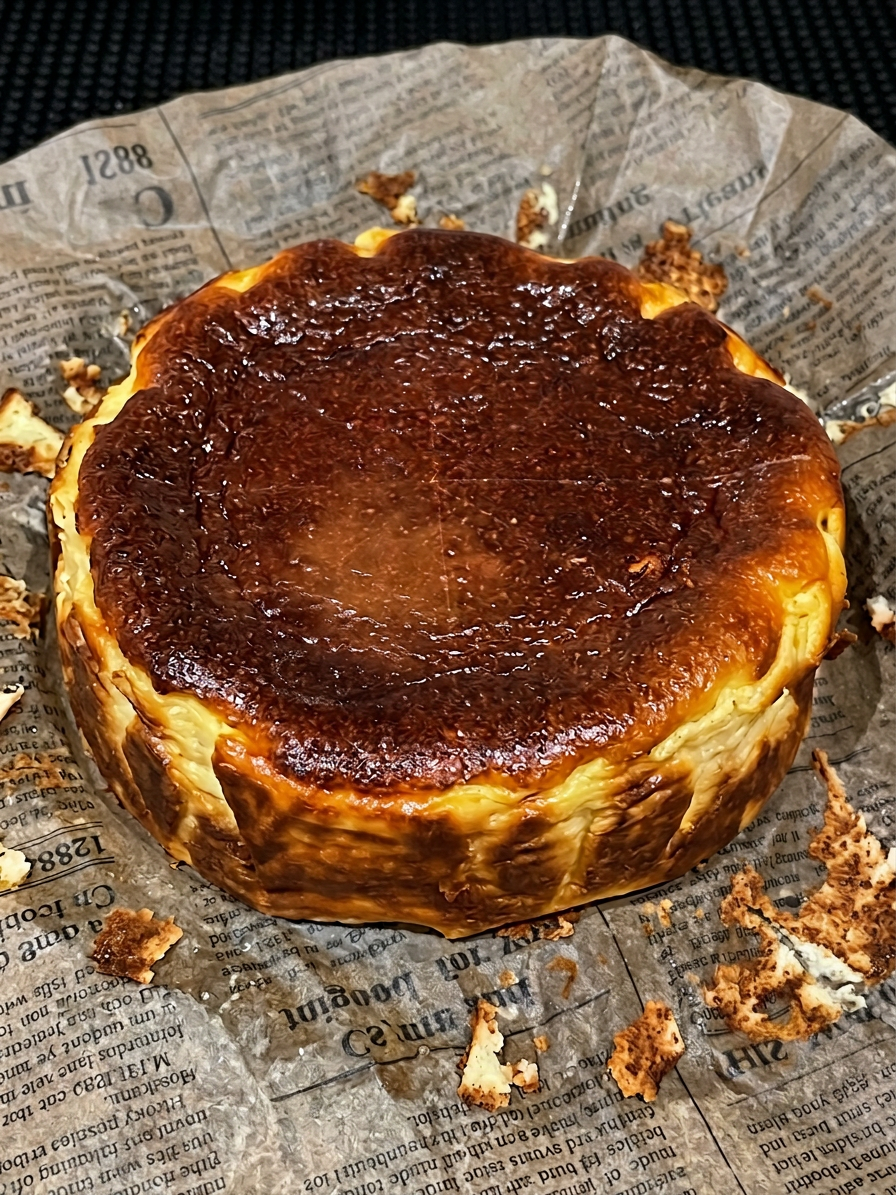
Food Restoration to Original State
- Model
- Nano Banana 2
- Image
- 896 × 1195 px
Prompt
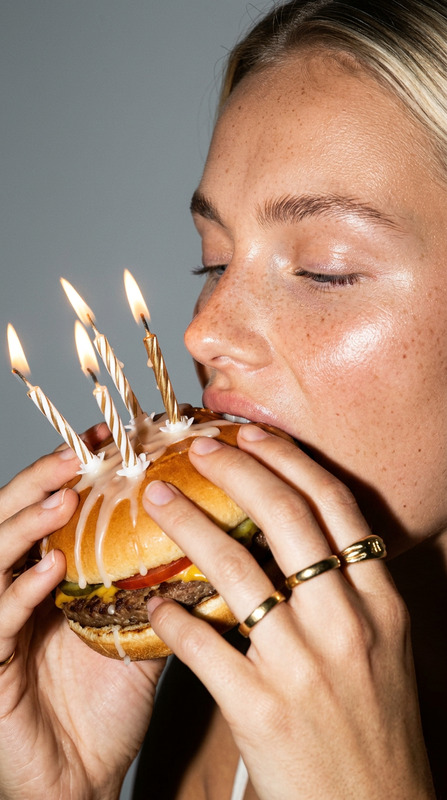
Restore the half-eaten cheesecake back to its original, fully intact, uneaten state. Reconstruct missing portions realistically to match the original shape, texture, and ingredients. Ensure seamless integration with existing lighting, shadows, color tones, and surface details so the food appears naturally untouched. Preserve the environment and composition while focusing only on complete, photorealistic restoration of the food item. High detail, realistic textures, and natural presentation.
Any aspect ratio
Overview
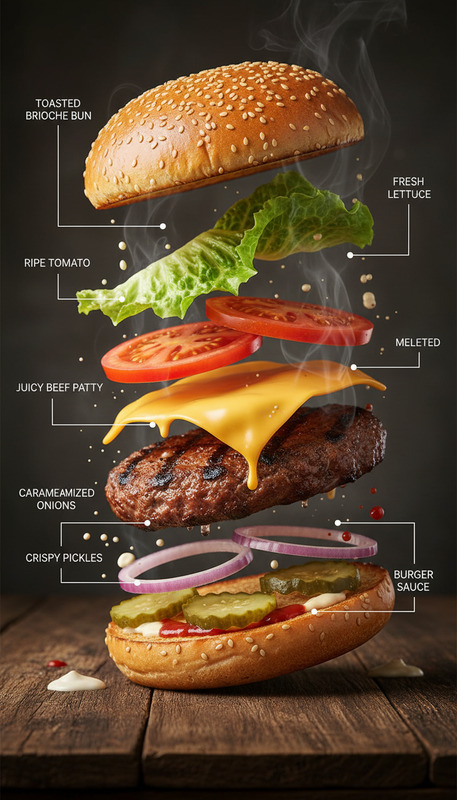
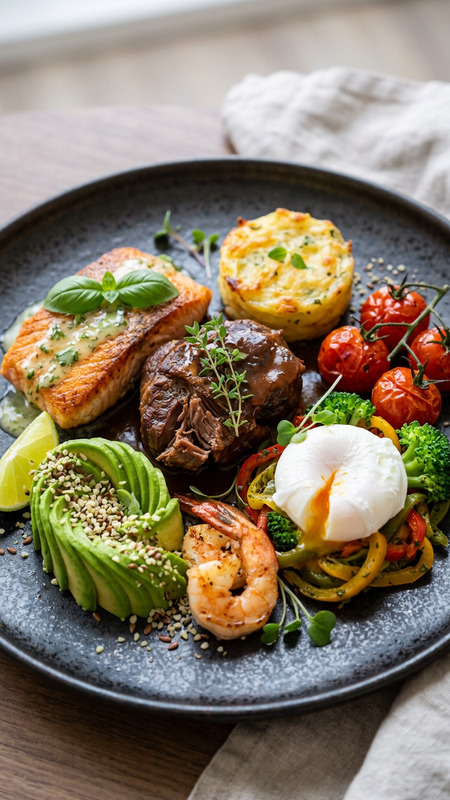
The "Food Restoration to Original State" is an advanced image editing template that uses the nano-banana-2 AI model. This tool is specifically designed to restore partially eaten food items back to their untouched, original form, providing photorealistic results that maintain the setting’s natural appearance. It's ideal for applications where high-quality food visuals are essential.
What It Does
This template meticulously reconstructs food images, ensuring every aspect from missing portions to lighting and texture is seamlessly integrated. With AI precision, it recreates the original details, making the image appear as if the food item was never disturbed. This attention to detail is particularly beneficial for creating impactful visuals in the culinary field.
Who It's For
The template is invaluable for food bloggers, restaurants, and food photographers who need immaculate food imagery. Whether it's for Instagram Reels, blogs, or menus, achieving pristine visuals without reshooting or food styling can save time and resources while enhancing presentation quality.
Summary
Enhance your food photography with the "Food Restoration to Original State" template. Utilize state-of-the-art technology to bring partially eaten food back to life. It's an essential tool for businesses in the food industry aiming for perfect image aesthetics. Discover more about its capabilities in our AI Image Editor product page.
How To
Choose Your Template

Customize Your Inputs

Generate Your Image

Use Cases
Food Blogging
- Enhance presentation of food visuals.
- Create consistent, appealing blog content.
Restaurant Menus
- Update images without reshooting.
- Ensure every dish looks freshly made.
Social Media Content
- Improve brand aesthetics.
- Create share-worthy content.
Best Practices
High-Quality Uploads
Start with high-resolution images to achieve the best restoration results.Accurate Lighting
Ensure initial photos have consistent lighting for seamless AI integrations.Original Composition
Maintain the original environment and composition for better photorealism.