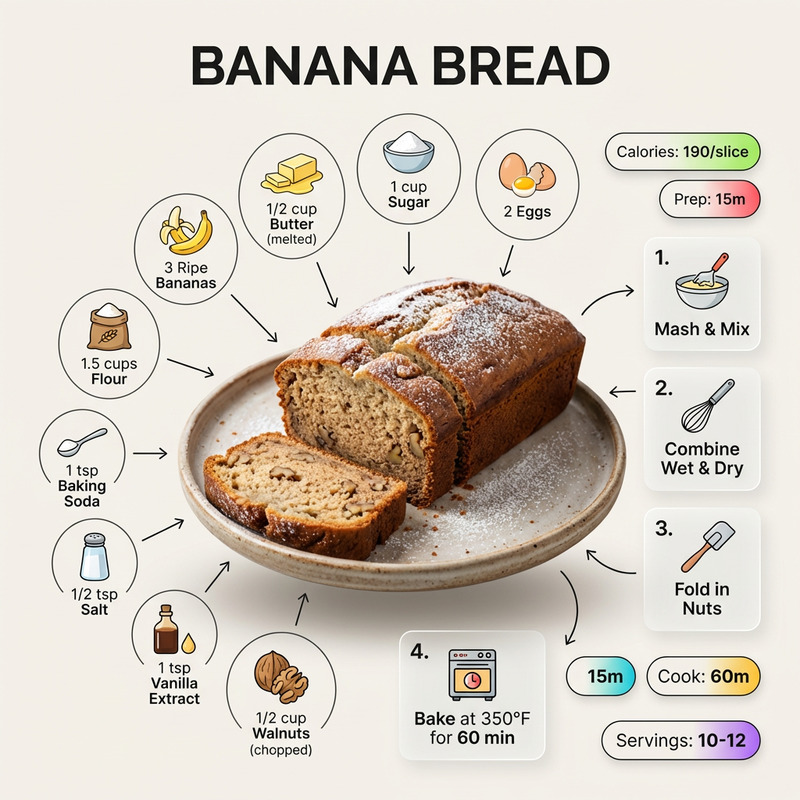
Gourmet Burger Infographic
- Model
- Nano Banana
- Image
- 768 × 1344 px
Prompt
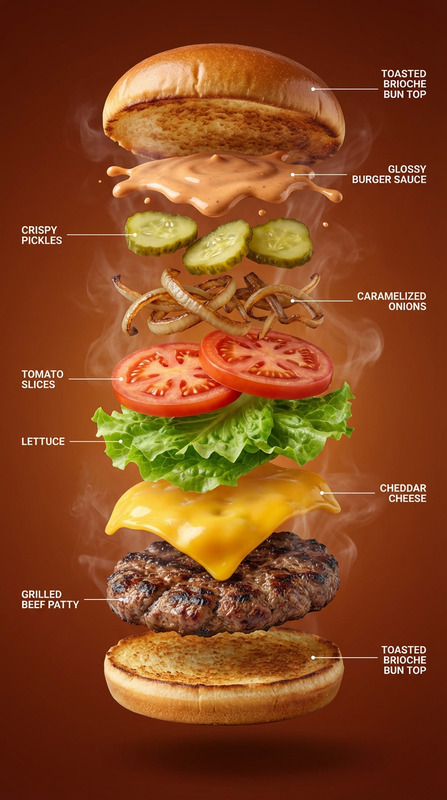
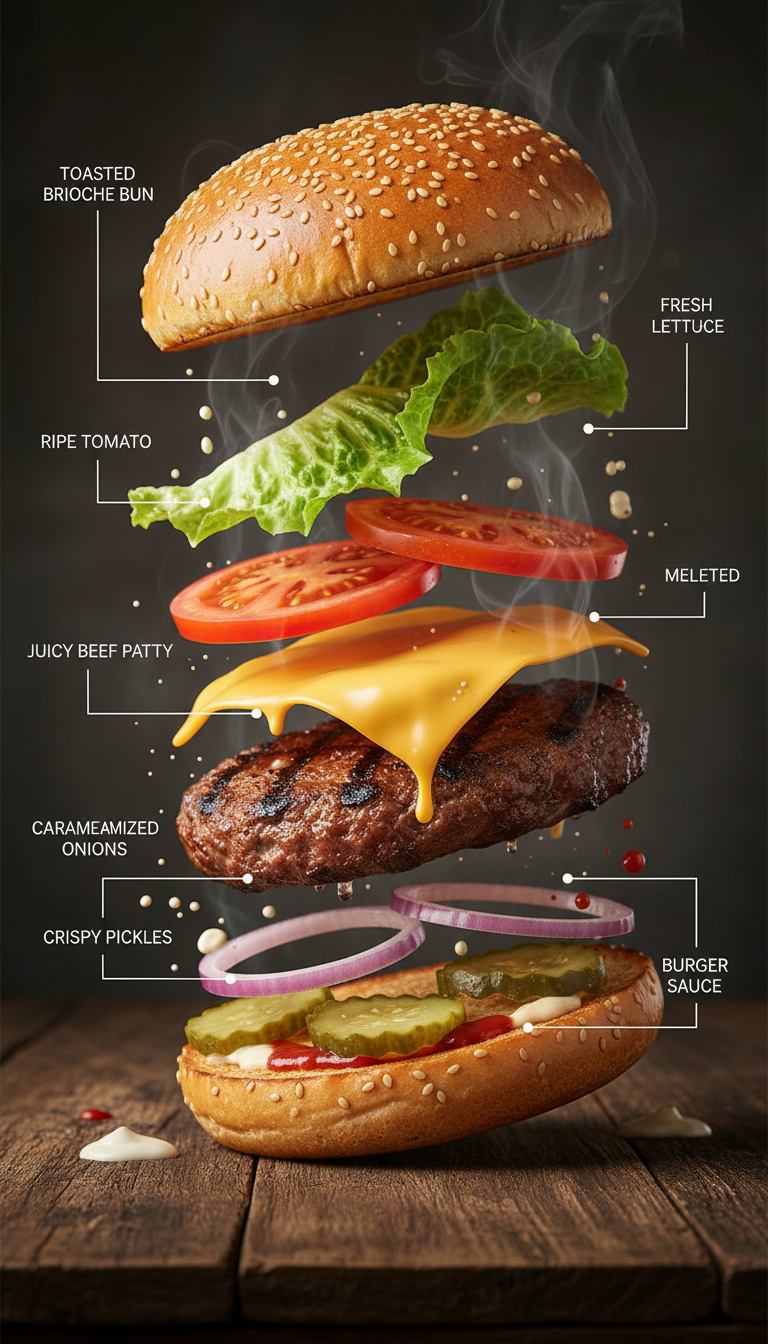
Hyper-realistic food infographic of a gourmet burger. A freshly assembled burger rests on a dark rustic wooden tabletop, gently steaming, serving as the anchor at the bottom of the composition. Above it, ingredients float upward in a gravity-defying vertical stack: a toasted brioche bun, a juicy grilled beef patty, melted cheddar cheese, fresh lettuce leaves, ripe tomato slices, caramelized onions, crispy pickles, and glossy burger sauce splashes suspended mid-air. Each ingredient is labeled with minimal, clear text and thin white guide lines in an editorial infographic style inspired by premium food magazines. The scene is lit with cinematic studio lighting and soft highlights, rendered in warm, rich, appetizing tones with subtle steam and frozen motion details throughout. Shot in DSLR-style with shallow depth of field, ultra-detailed textures on the bun, meat, and vegetables, in 8K ultra-realistic quality.
Any aspect ratio
Overview
Capture the attention of your audience with the Gourmet Burger Infographic template. Designed for the AI Image Editor, this tool creates visually appealing and informative graphics, perfect for highlighting the nuances of gourmet cuisine. The infographic style is inspired by premium food magazines, using high-quality imagery to elevate your culinary storytelling.
What It Does
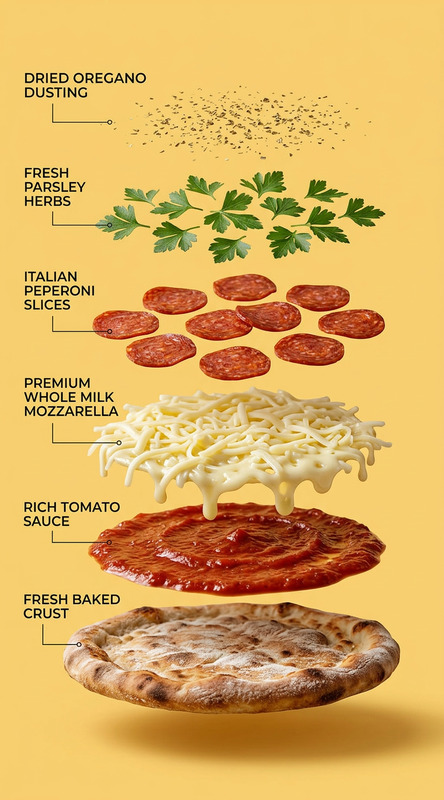
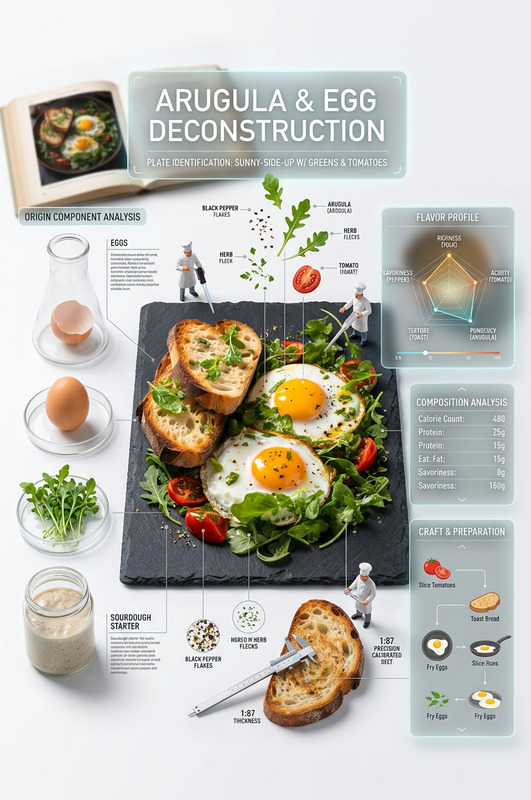
The Gourmet Burger Infographic template allows users to create hyper-realistic, 8K quality visuals featuring a deconstructed gourmet burger. It showcases a vertically aligned stack of various ingredients, each labeled with clear, minimal text. Enhance your presentations with cinematic lighting, editor’s notes, and detailed textures to convey the ultimate gastronomic experience.
Integrate this with other tools such as the Image to Video to transform static images into compelling video content for social media campaigns or training materials.
Who It's For
This template is ideal for chefs, food bloggers, and restaurateurs aiming to create stunning, informative visuals for their audiences. Culinary educators and instructors will also find this tool helpful in designing engaging educational content. Marketing professionals in the food industry can utilize these vibrant graphics to enhance promotional materials.
Interested in editing faces for your team? Check out our Face Swap for more creative options.
Summary
With the Gourmet Burger Infographic template, users can convey the beauty and detail of culinary crafts through exceptional graphics. The vertical ingredient arrangement combined with professional lighting effects provides a premium look that highlights each element's texture and color. Leverage this template to create compelling content that captures the essence of culinary art.
How To
Choose the Template

Customize Your Infographic

Generate and Download

Use Cases
Culinary Education
- Interactive recipe guides
- Visual ingredient comparison
Restaurant Branding
- Ingredient explanations
- Promotional images
Food Blogging
- Recipe steps illustration
- Ingredient sourcing tips
Best Practices
Use High-Quality Images
Ensure all ingredients are photographed or sourced in high resolution to maintain clarity and detail.Mind the Lighting
Adjust the lighting to highlight textures without overshadowing any components. Cinematic lighting effects can also enhance the visual appeal.Keep Labels Clear
Labels should be concise yet informative. Avoid cluttering the image with excessive text to maintain focus on the visuals.