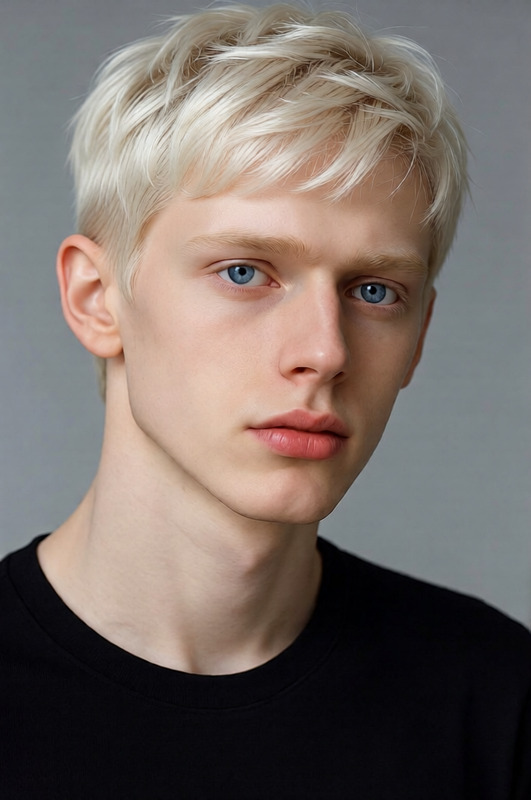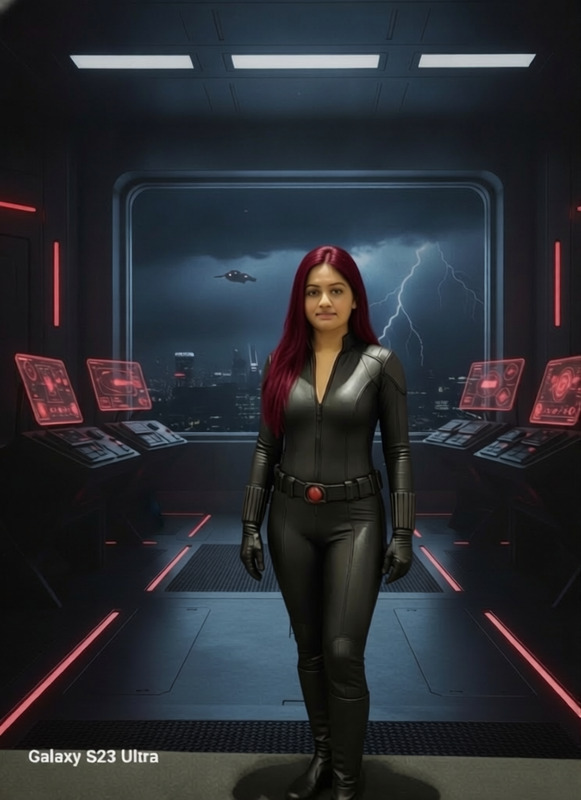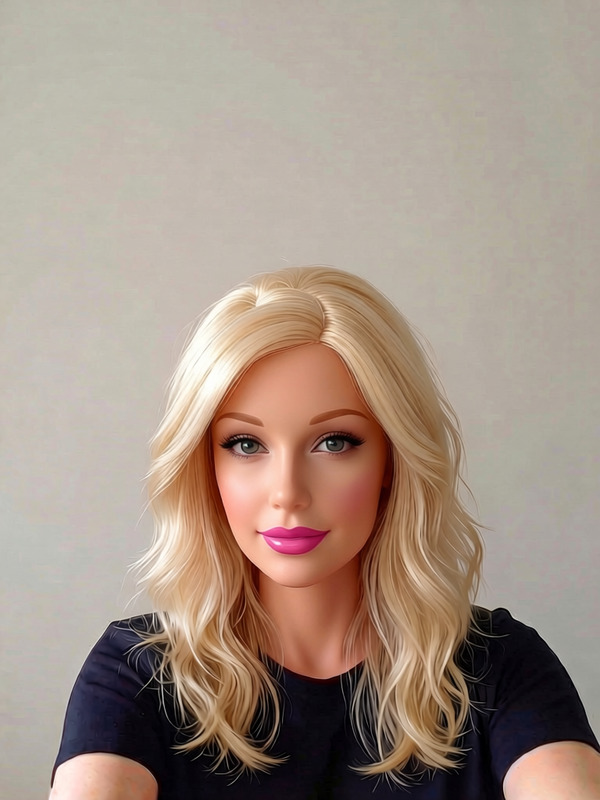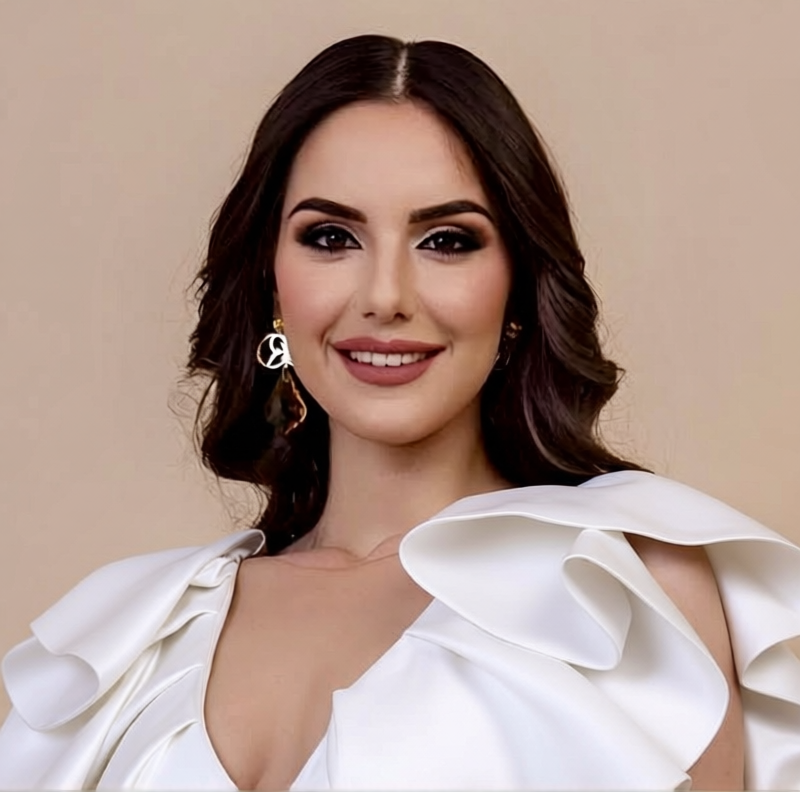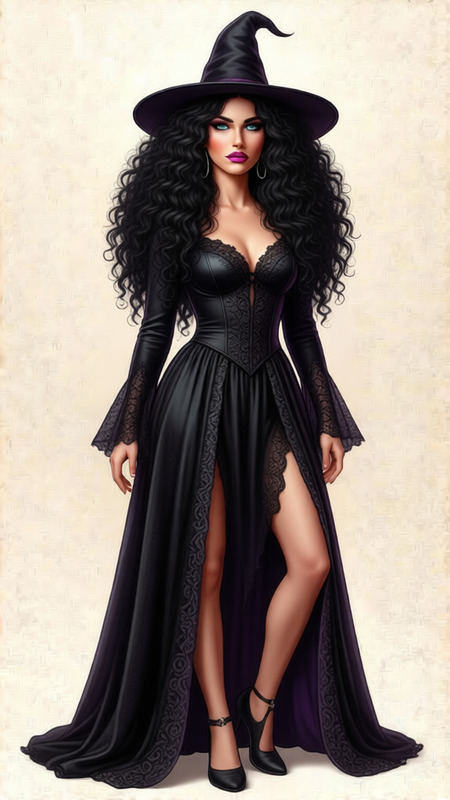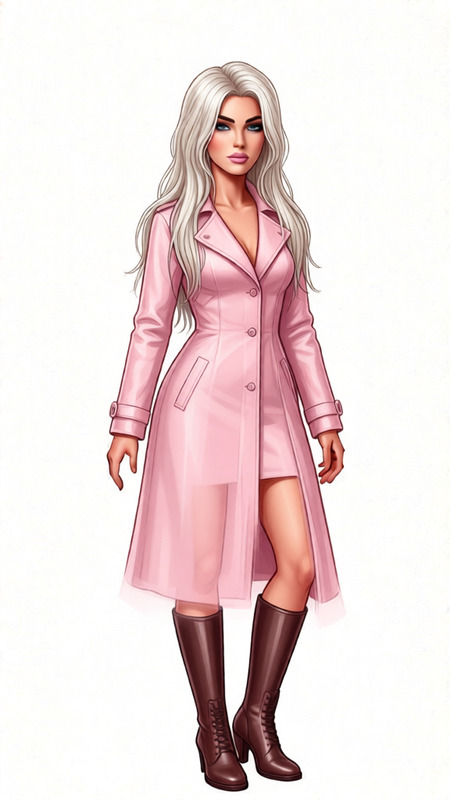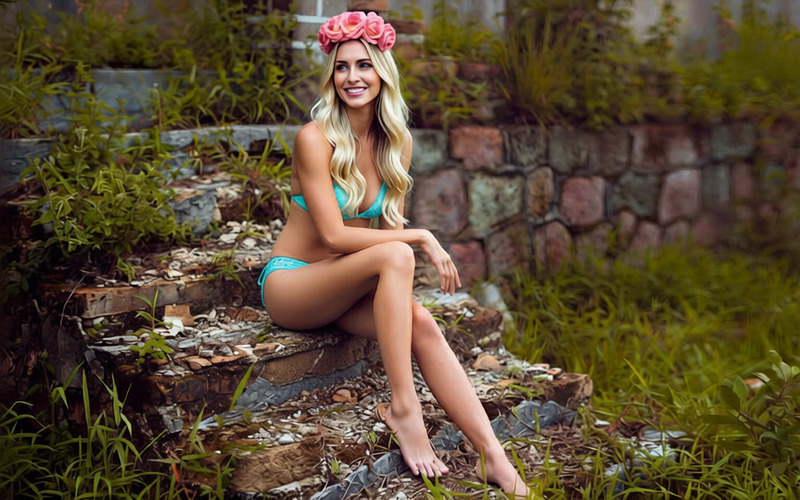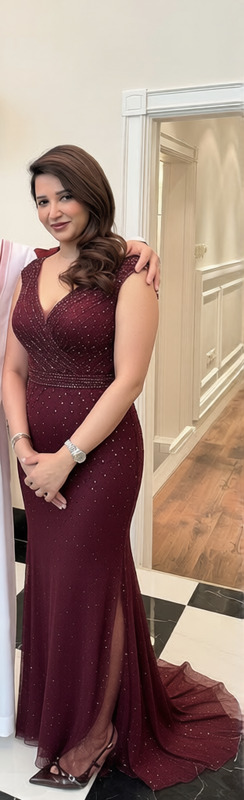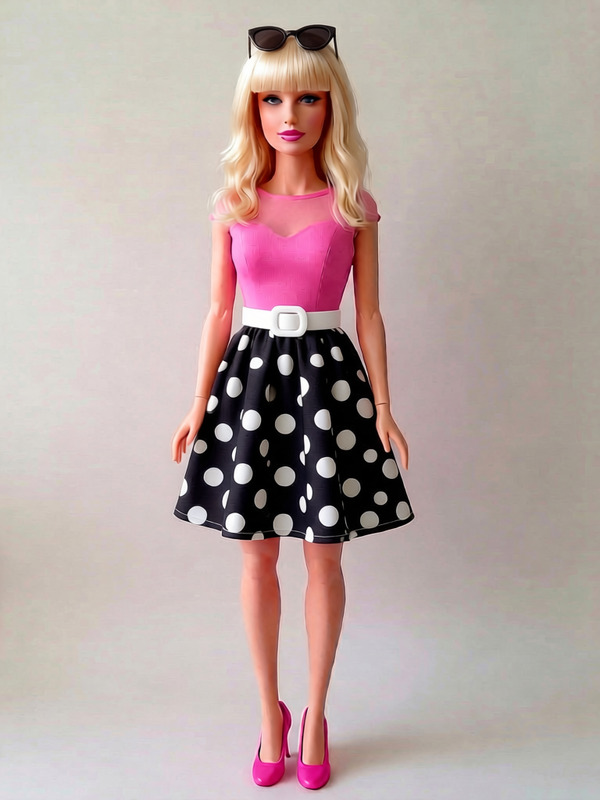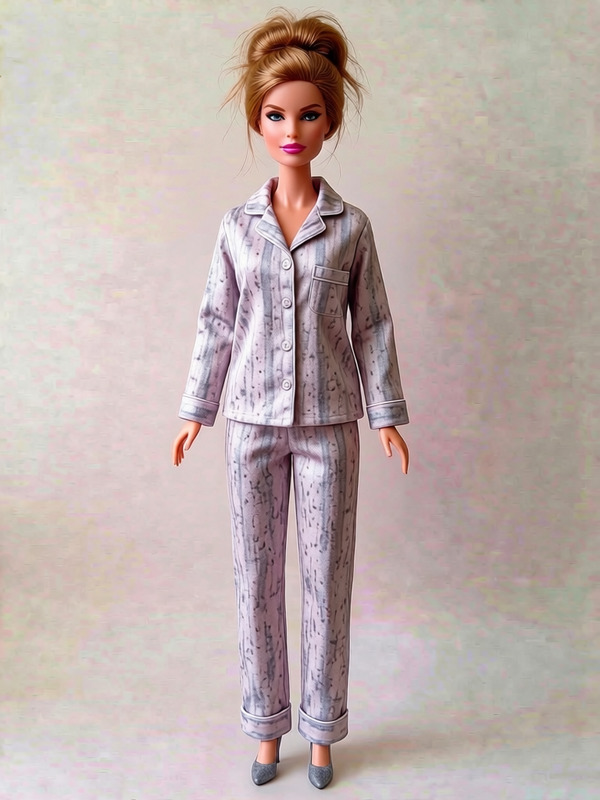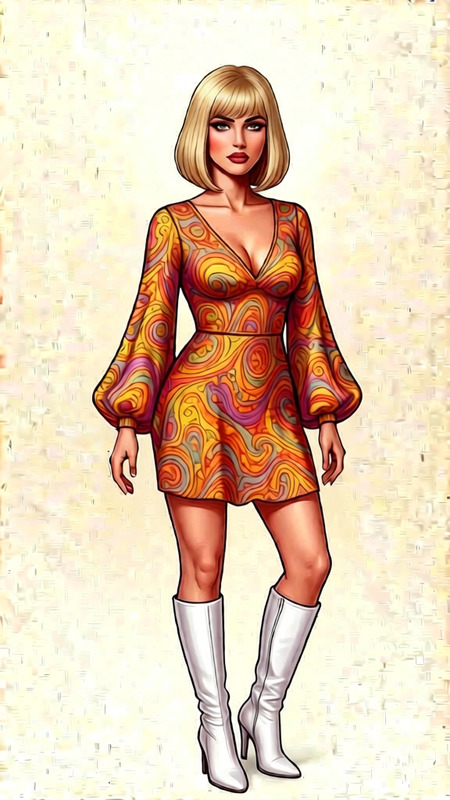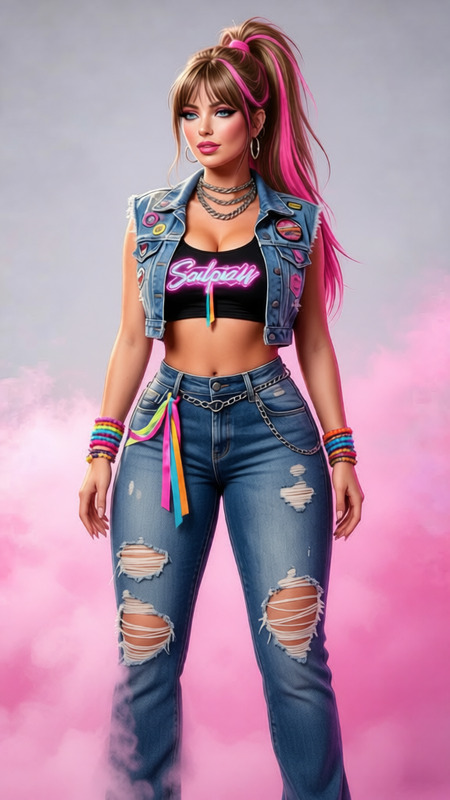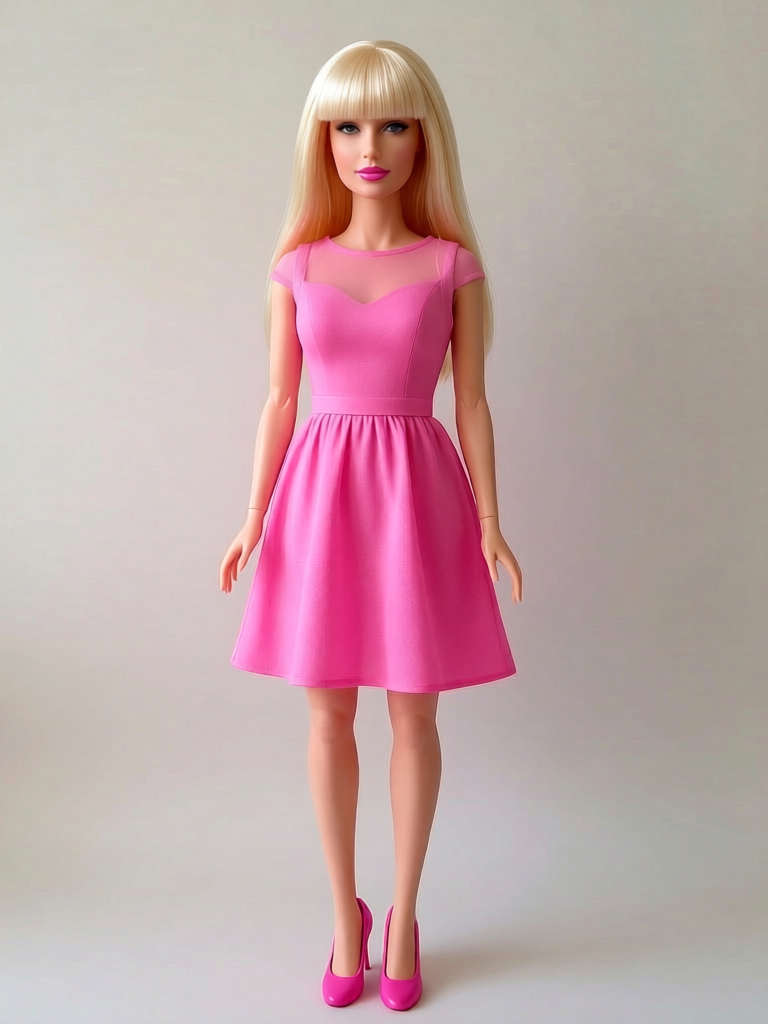
Pink Dress Fashion Doll
- Model
- Qwen Edit
- Image
- 768 × 1024 px
Prompt
Add straight bangs to hair
Any aspect ratio
Overview
The Pink Dress Fashion Doll template is a specialized tool for adding stylish straight bangs to hair in your images. This AI Image Editor works seamlessly with the updated qwen-edit model, offering precise hair transformations to enhance your fashion photography or digital artwork.
What It Does
This template focuses on hair transformations by adding straight bangs to existing hairstyles. The AI Image Editor model ensures realistic textures and alignments, crafting a natural and polished look. Ideal for enhancing fashion-centric images, this tool elevates the subject's style effortlessly.
Who It's For
Designed for fashion designers, photographers, and digital artists, the Pink Dress Fashion Doll template is perfect for professionals in need of quick yet high-quality hair editing. It's also practical for social media influencers who want to customize their visual content with trendy, chic hairstyles.
Summary
This versatile tool within the AI Image Editor family lets you create a new look with ease, focusing on adding straight bangs to your subjects. Enhance your creative projects and keep your content up-to-date with the latest fashion trends.
How To Use
Choose the Template

Customize Your Input

Generate and Download

Use Cases
Fashion Photography
- Save on photography costs
- Experiment with different looks
Digital Art Creation
- Explore creative possibilities
- Customize characters
Social Media Promotion
- Stay ahead of trends
- Attract more followers
Best Practices
Select High-Resolution Images
For the best results, upload high-resolution images to ensure the hair transformations appear smooth and natural.Use Consistent Lighting
Images with consistent lighting yield more realistic and convincing transformations.Adjust Prompt as Needed
Fine-tune the prompt if initial results don't match your expectations to better suit your creative vision.