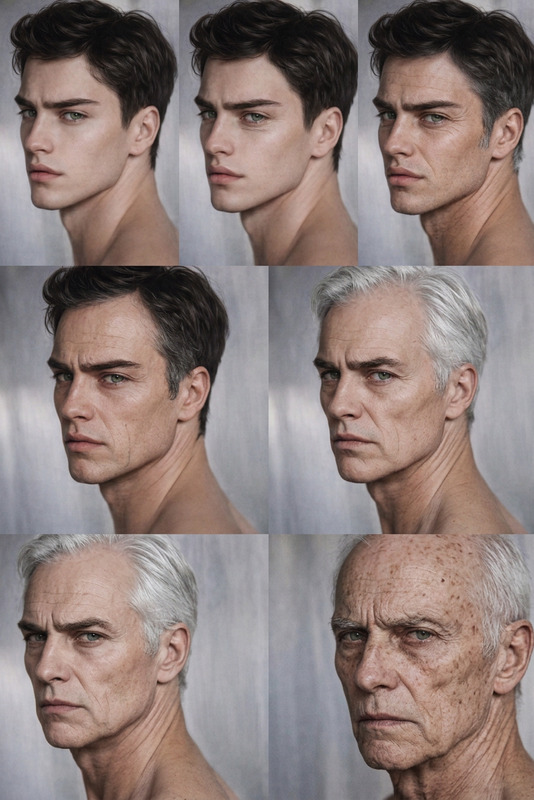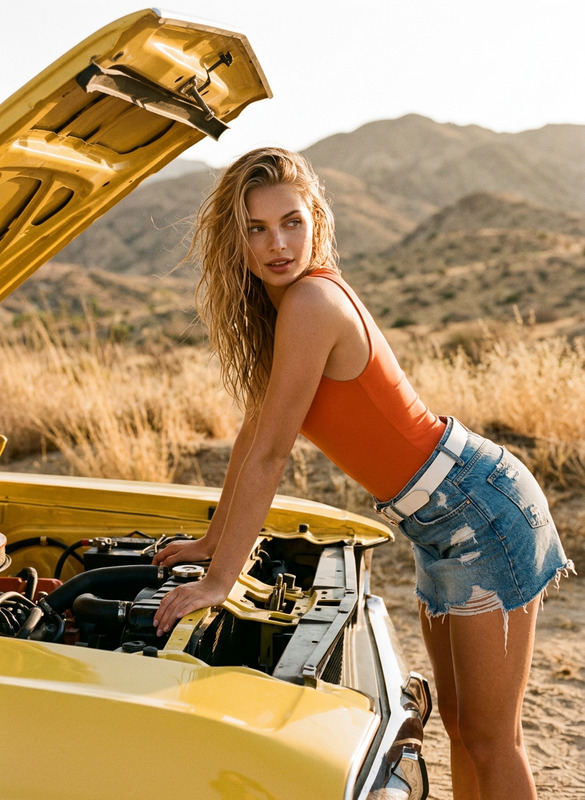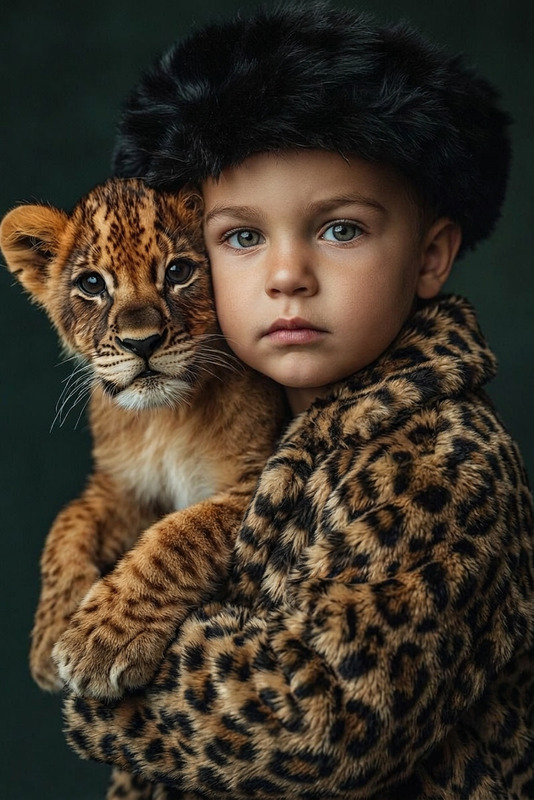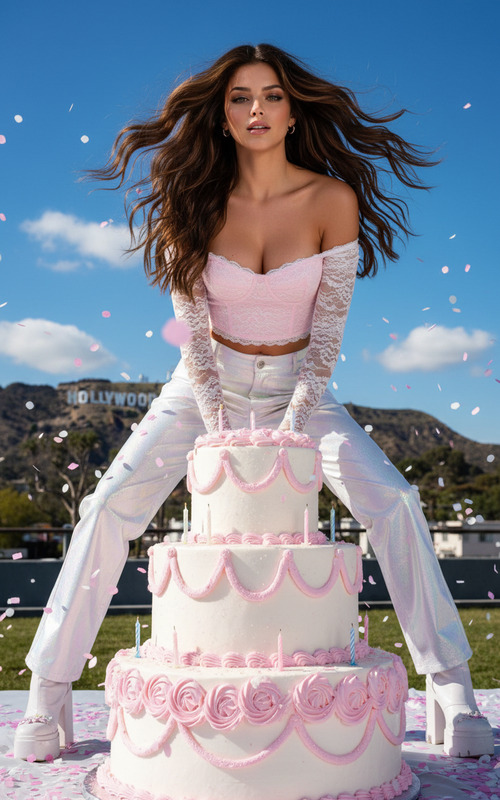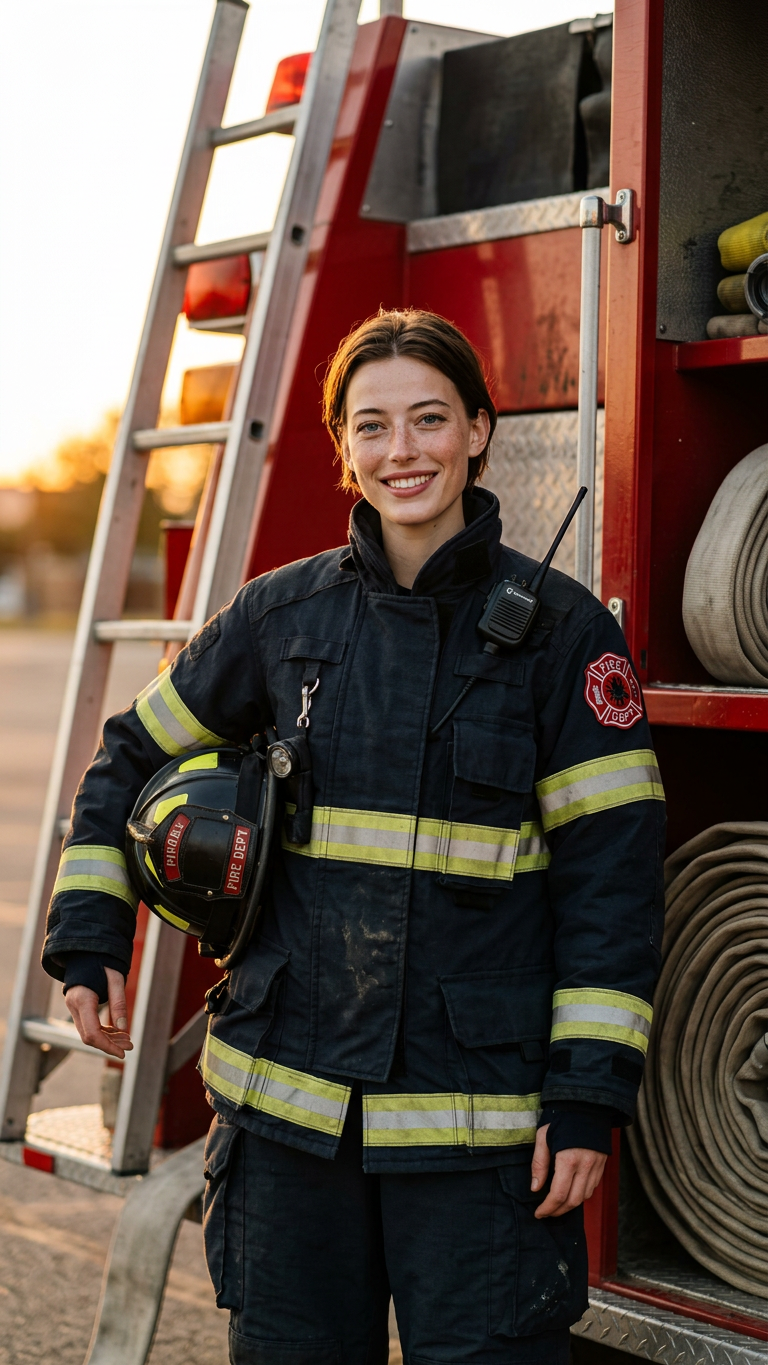
Childhood Photo Grown Up
- Model
- Nano Banana 2
- Image
- 768 × 1365 px
Prompt
Transform the uploaded childhood photo of the girl into her grown-up future self as a professional firefighter. Preserve her facial identity while naturally aging her into adulthood. She is wearing modern protective firefighter clothing and standing beside a fire truck with a confident smile. Warm sunset lighting, realistic textures, professional portrait photography, photorealistic.
Any aspect ratio
Overview
Transform nostalgic childhood photos into inspiring portraits of future possibilities with the Childhood Photo Grown Up AI template. Created for imaginative and realistic edits, this template uses the AI Image Editor to age and dress childhood photos into future professional roles, complete with detailed settings and outfits.
What It Does
This template adeptly transforms a childhood photo into a grown-up version of that person as a professional firefighter. Utilizing the nano-banana-2 model, it maintains facial characteristics while introducing age progression and appropriate attire. The result is a photorealistic, professional portrait capturing the warmth and pride of the individual in their future profession.
Who It's For
The Childhood Photo Grown Up template is perfect for parents, educators, and storytellers looking to explore future aspirations creatively. It's also an excellent tool for professionals in marketing and branding, especially in campaigns focused on career aspirations and transformations using the AI Profile Picture Generator.
Summary
See how childhood dreams could blossom into professional realities with this innovative template. Use it to visualize career paths or as a unique gift to inspire the children in your life. Learn more about applications with our Instagram Reels use case for sharing inspiring transformations.
How To
Choose the Template

Customize Your Inputs

Generate and Download

Use Cases
Inspiring Career Narratives
- Visual career storytelling
- Educational aspirations
Marketing and Branding
- Career-focused marketing
- Brand storytelling
Social Media Content
- Virality and engagement
- Storytelling visuals
Best Practices
Select High-Quality Input Images
Ensure the childhood photo is clear and focused, as this will significantly impact the output quality.Be Specific with Prompts
Clearly define the desired future setting and roles to help the model produce the most accurate transformations.Use Preview Features
Take advantage of previewing tools to tweak and refine the output before finalizing your download.