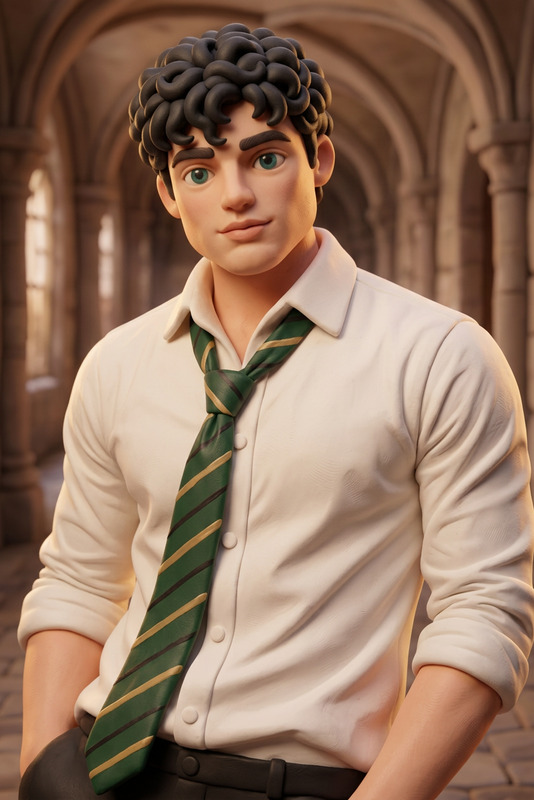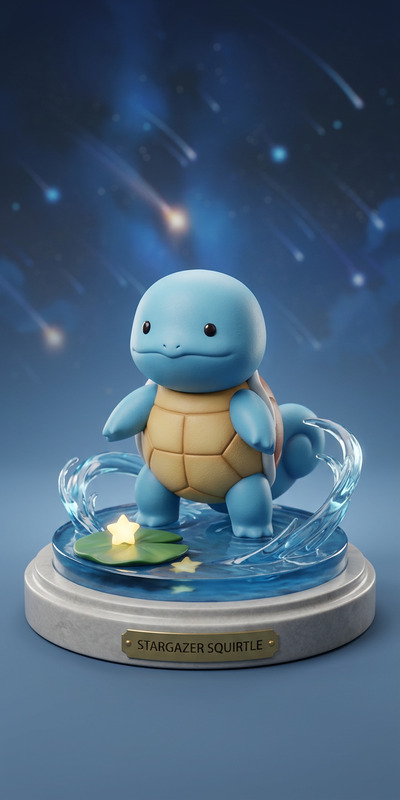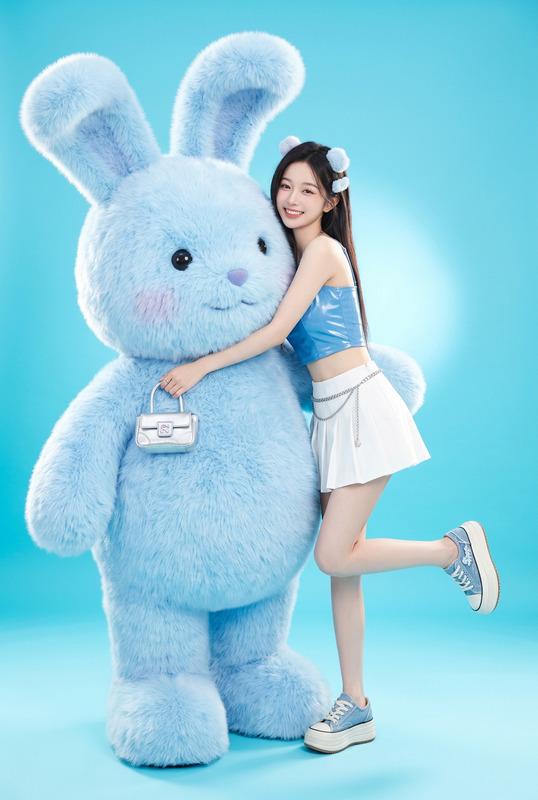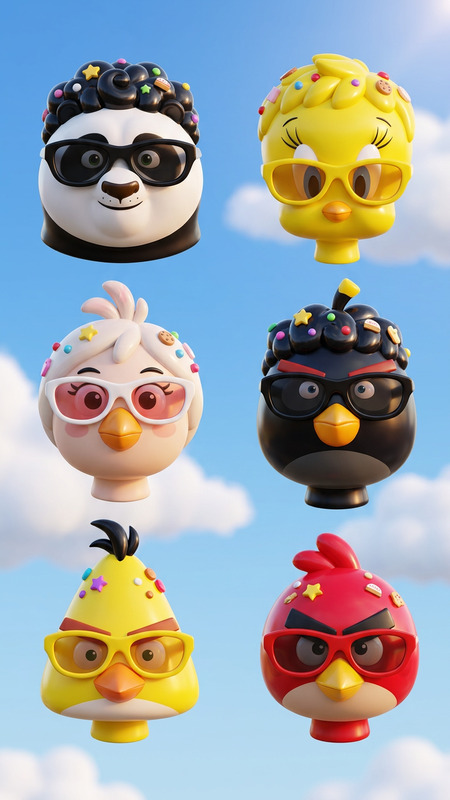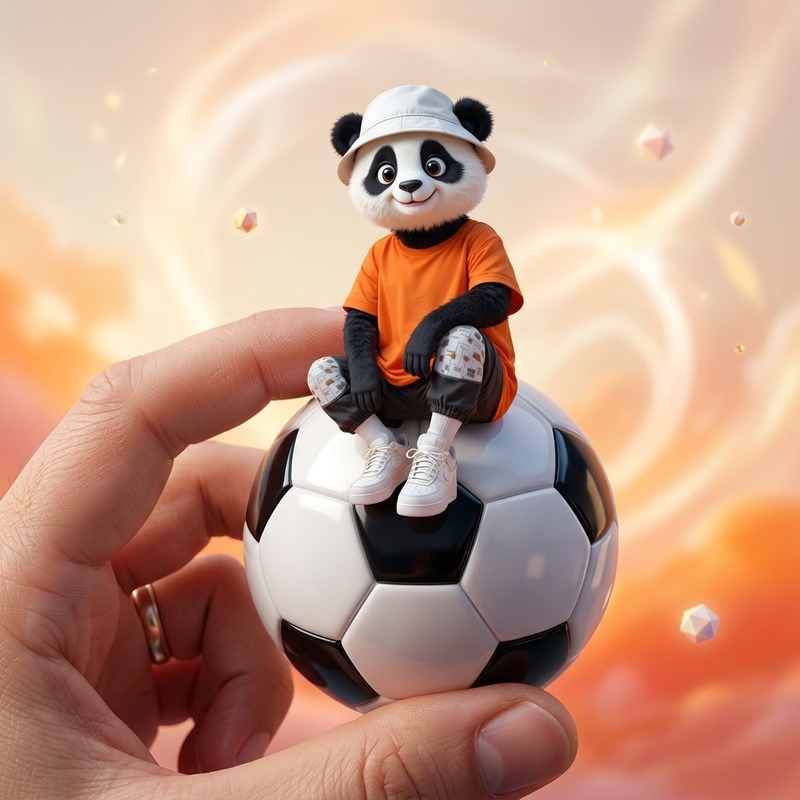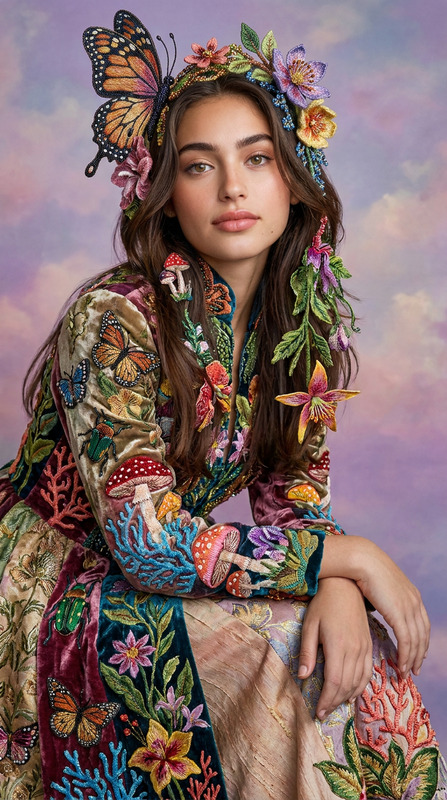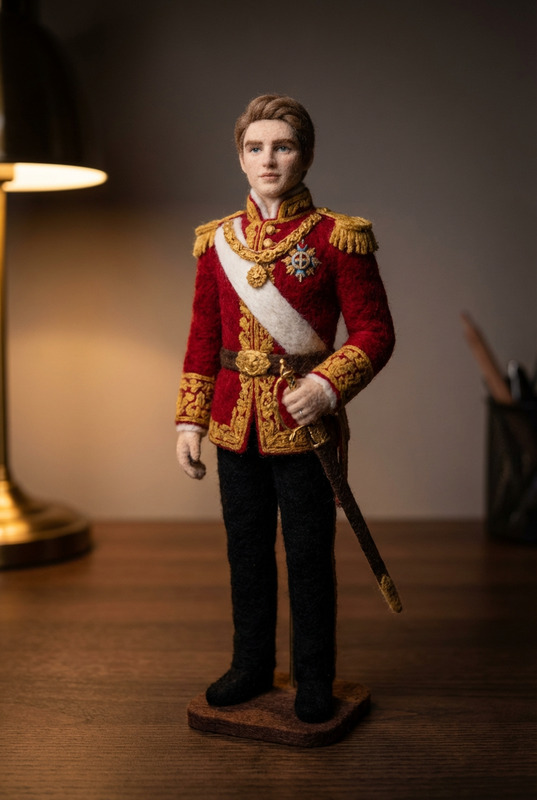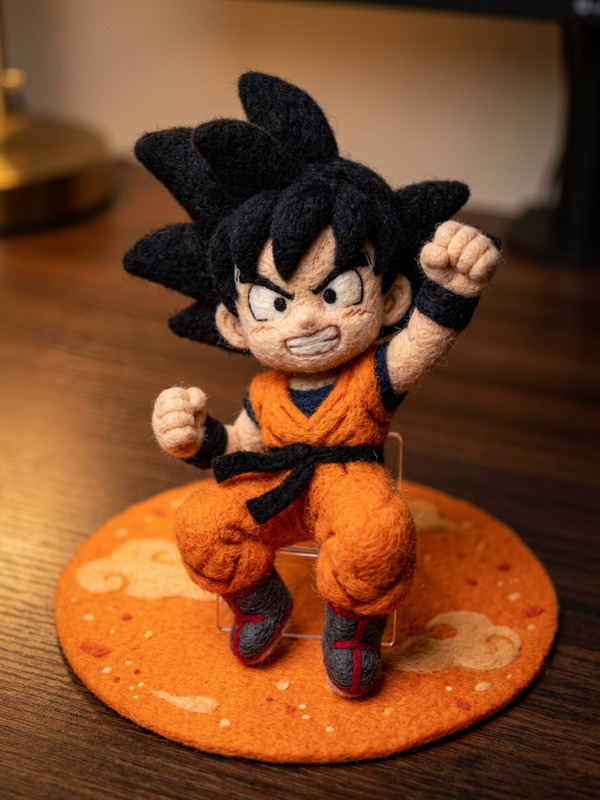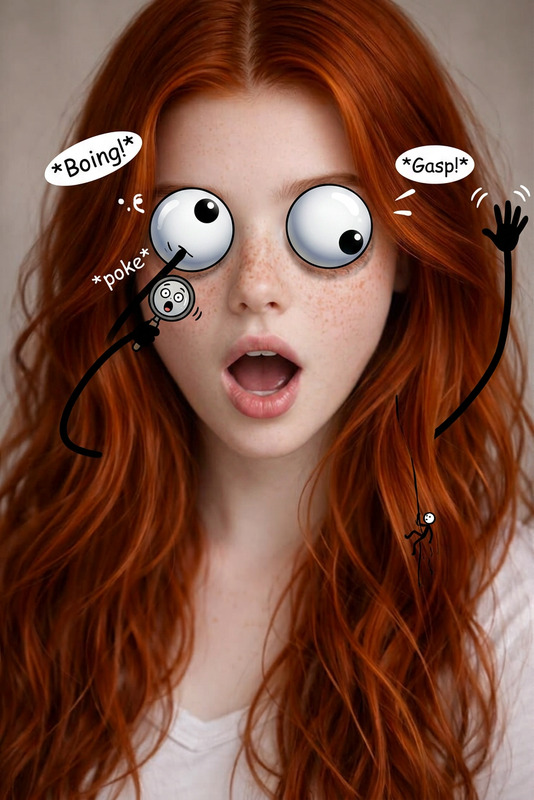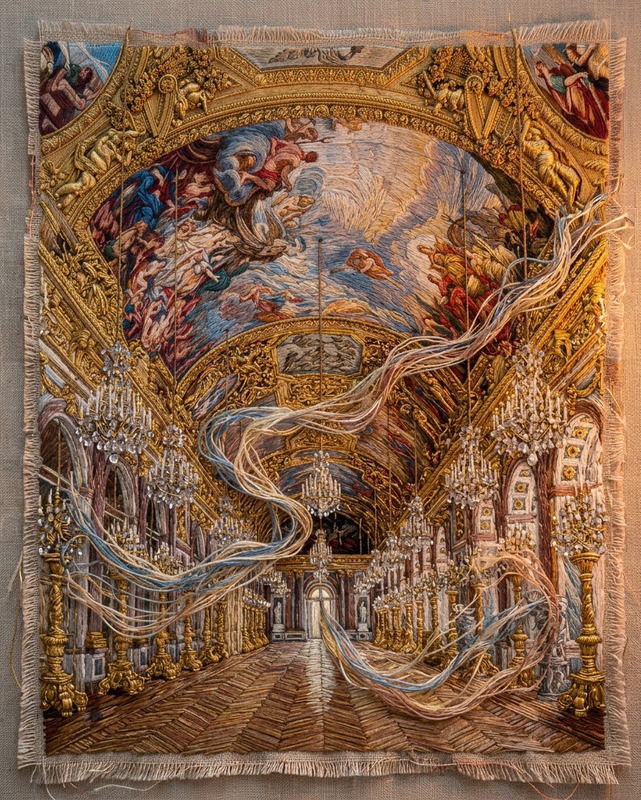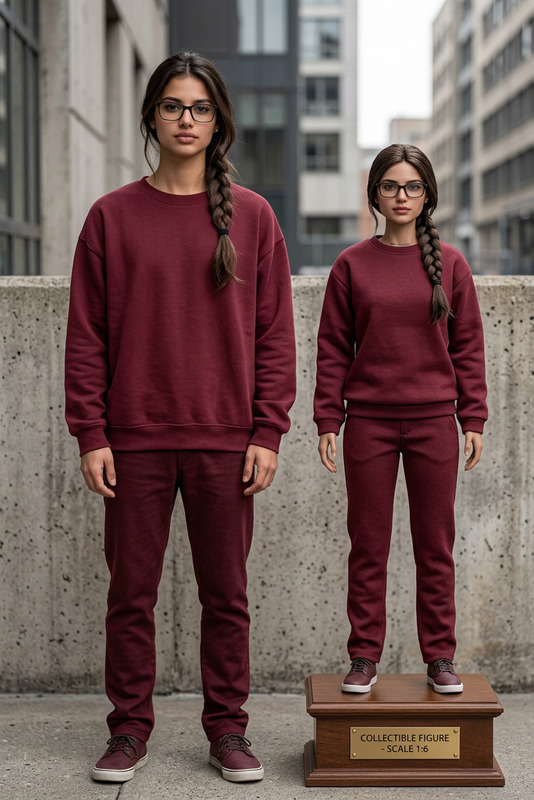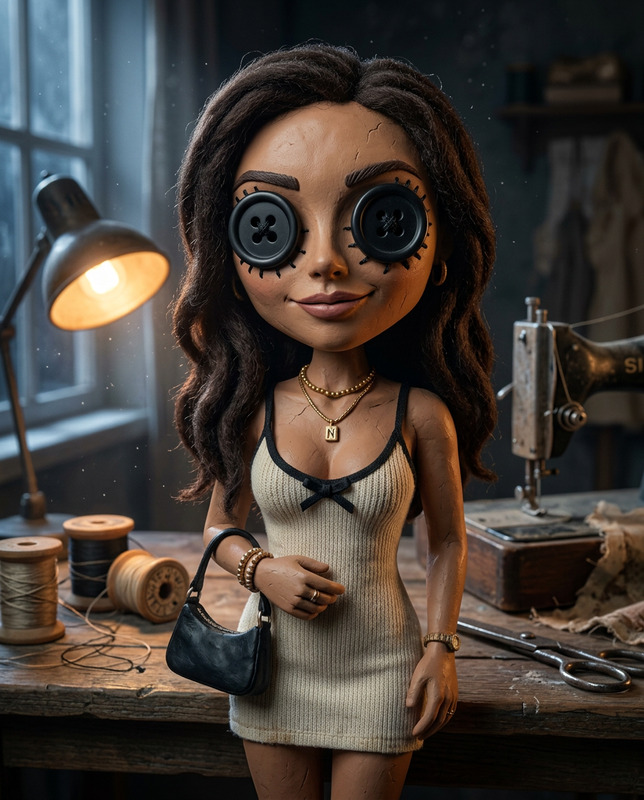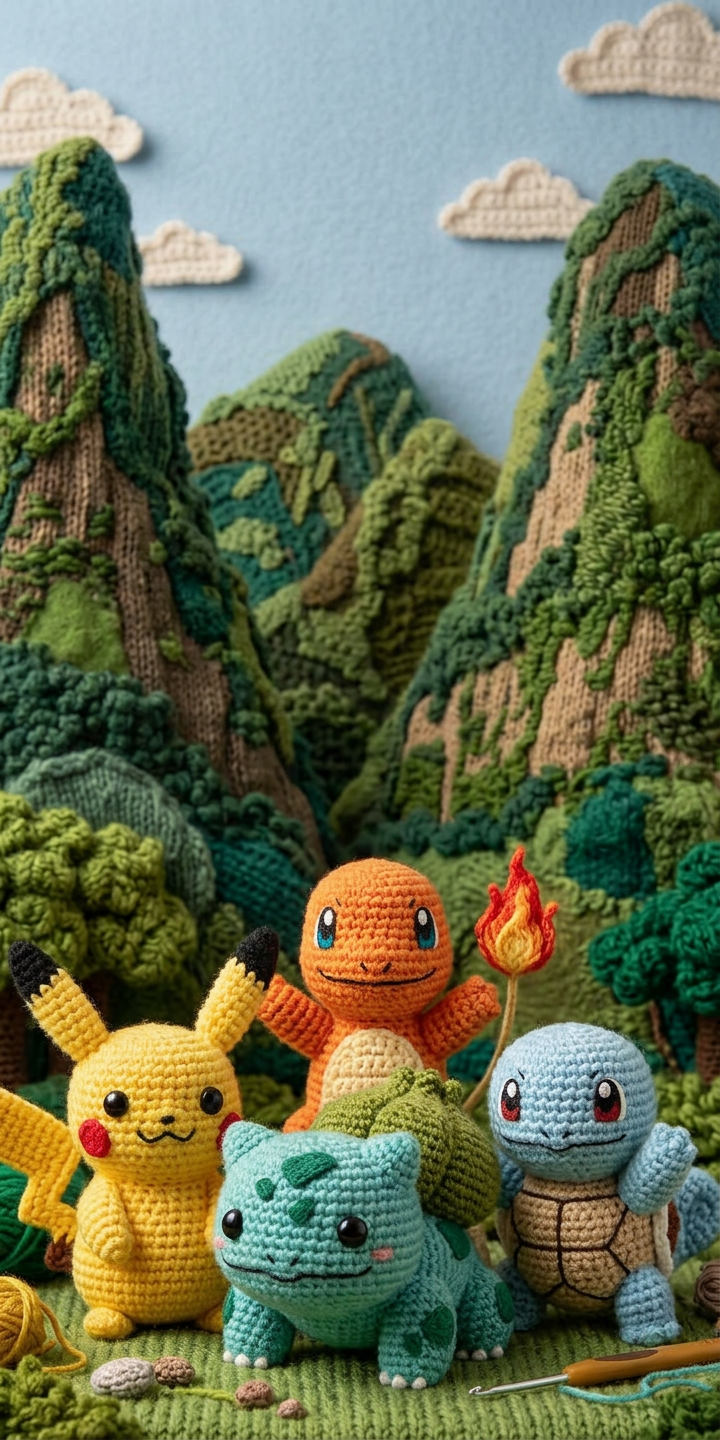
Crochet Doll
- Model
- Nano Banana 2
- Image
- 720 × 1440 px
Prompt
Transform the subject into a handcrafted crochet (amigurumi) doll, with soft yarn textures, visible stitching patterns, and rounded, simplified features. The figure should have a cute, plush-like appearance with button or embroidered eyes, small stitched mouth, and slightly oversized head proportions. Replace all materials with knitted fabric, maintaining the original pose and composition. Use soft, warm lighting and cozy colors to enhance the handmade aesthetic. Highly detailed yarn fibers, photorealistic fabric texture, shallow depth of field, charming and whimsical mood.
Any aspect ratio
Overview
The Crochet Doll template is a specialized AI Image Editor designed for creators who want to transform subjects into delightful crochet dolls. Powered by the nano-banana-2 model, this template emphasizes handcrafted aesthetics, featuring soft yarn textures and whimsical design elements. Ideal for adding a cozy and playful touch to your visual projects, it maintains the original composition while infusing it with knitting artistry.
What It Does
This template takes your images and applies a transformation to turn the subject into a crochet doll. The process involves replacing materials with yarn-like textures and maintaining the subject’s pose and composition. The outcome is a photorealistic depiction of the figure as a handcrafted doll, complete with rounded features, button eyes, and a plush-like appearance. Discover a new dimension of creativity with our AI Image Editor.
Who It's For
This template is perfect for designers, content creators, and marketers looking to add an artistic twist to their visuals. Especially suited for those working on marketing campaigns or educational content that benefits from a charming and handcrafted aesthetic. Whether you're crafting product demos or product videos, this tool will help you captivate and engage your audience.
Summary
By leveraging the Crochet Doll template, users can easily convert digital images into adorable crochet doll versions. Its focus on soft textures, warm lighting, and whimsical details makes it an excellent choice for creating engaging visual stories. The template aligns well with the capabilities of the AI Image Editor, making it a versatile addition to any creative toolkit.
How To
Choose the Crochet Doll Template

Customize the Transformation

Generate and Download

Use Cases
Children's Book Illustrations
- Add playful and whimsical doll characters to stories.
- Enhance the storytelling experience.
Product Marketing
- Highlight products with a handcrafted aesthetic.
- Suitable for <a href="/use-cases/ecommerce-ads">ecommerce ads</a>.
Social Media Content
- Engage audiences with creative and artistic visuals.
- Perfect for <a href="/use-cases/social-media-ads">social media ads</a>.
Best Practices
High-Resolution Images
Start with high-resolution images to ensure that the yarn texture details are vividly captured.Complementary Colors
Use a color palette that complements the handcrafted aesthetic for a visually appealing outcome.Focus on Focal Points
Ensure the subject of your image has clear focal points that translate well into crochet details, such as prominent facial features or distinctive silhouettes.