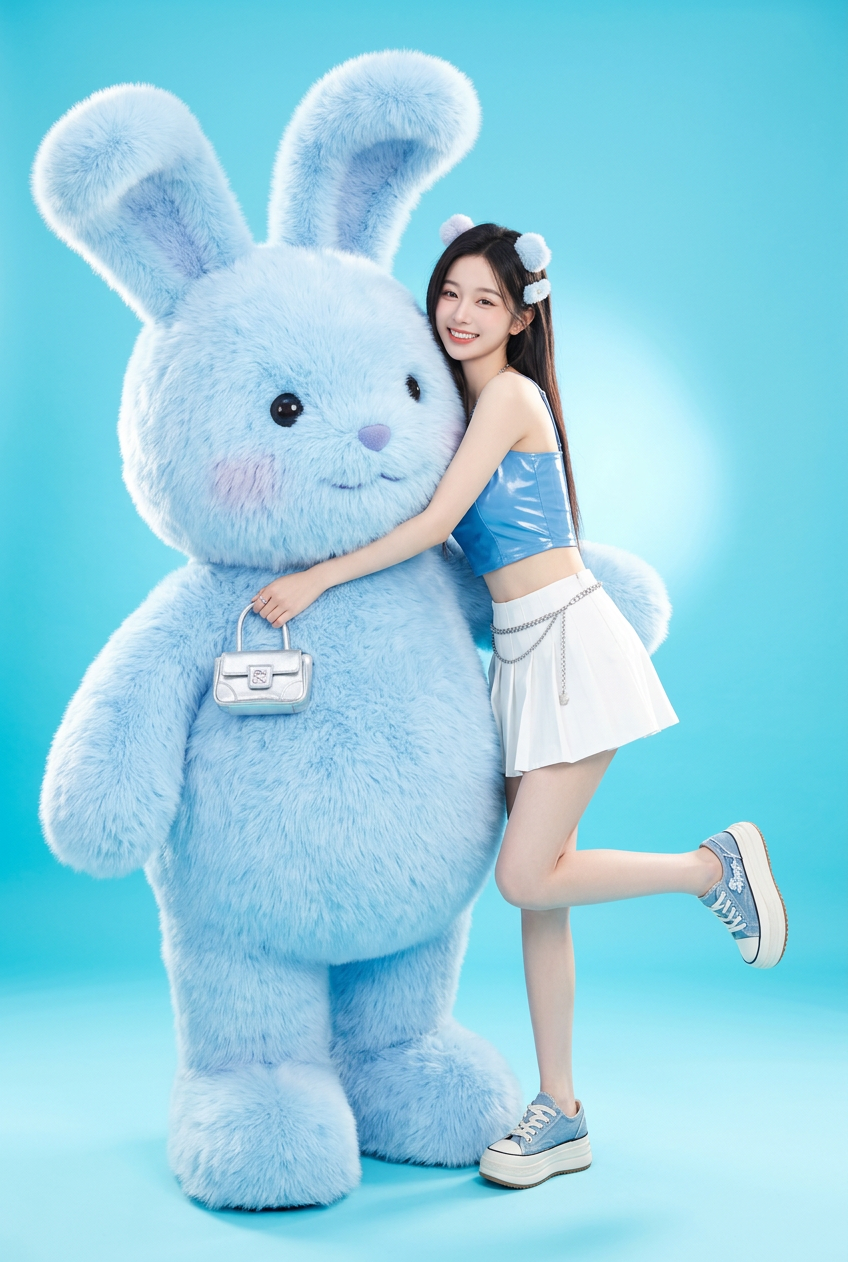
Y2K Bunny Pop Studio

Y2K Bunny Pop Studio

ai-image-editor

1 clip
0 uses

Any aspect ratio

Prompt

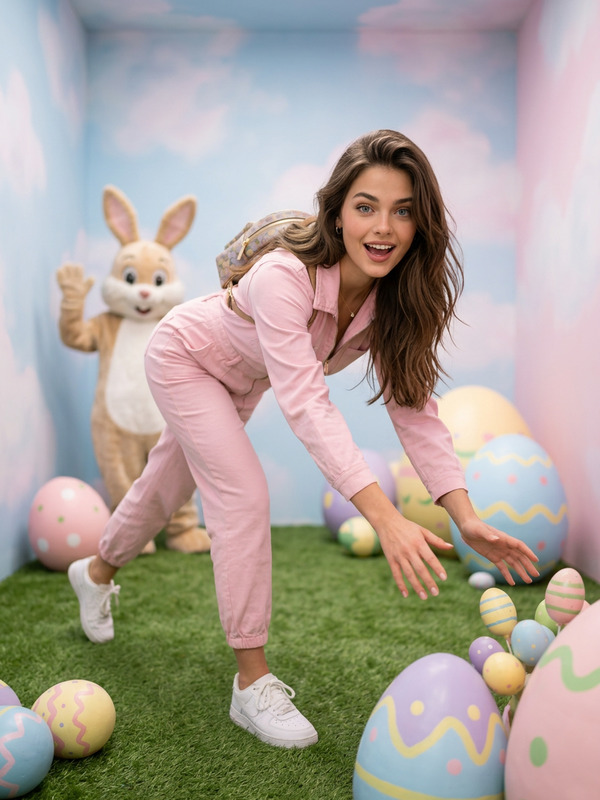
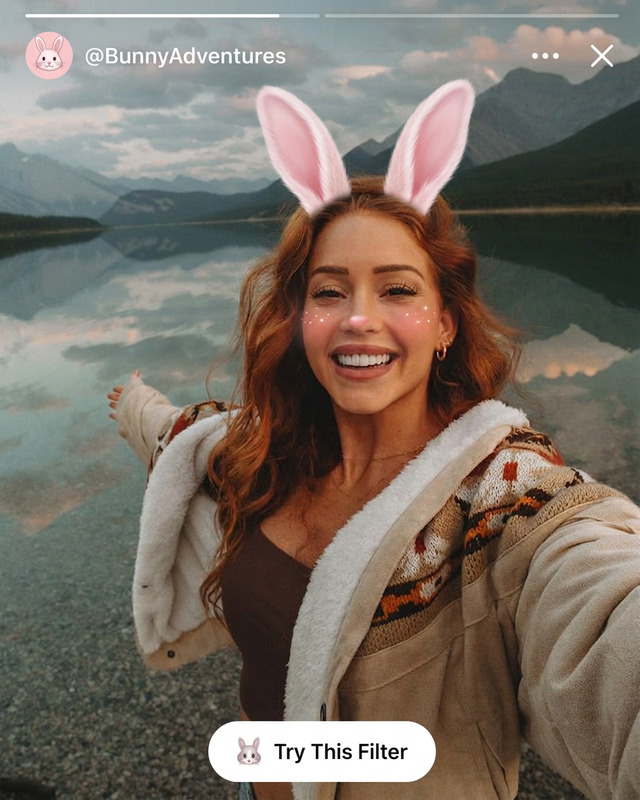
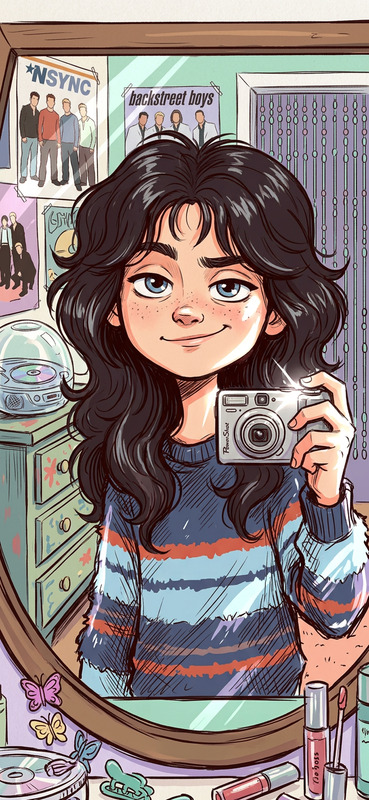
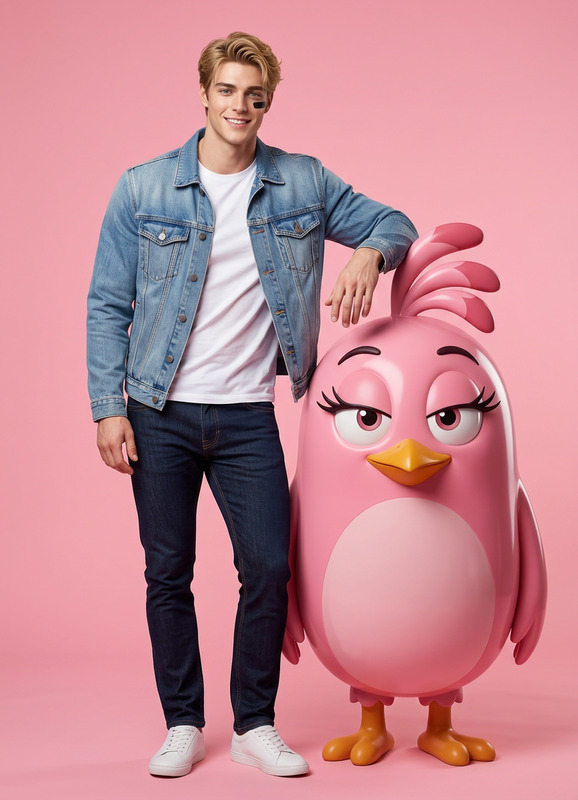
A stylish subject with the exact same face as the reference photo (100% face match), posing with a giant 3D pastel blue bunny character, interacting playfully (leaning or hugging). The subject wears a Y2K-inspired outfit (mini skirt, crop top, glossy accessories) with a fun, confident expression. The background is a seamless vibrant pastel blue studio. Lighting is soft and diffused with a subtle pop flash effect. Style is playful, trendy, and high-fashion with a mix of glossy textures and cute cartoon aesthetics, ultra-detailed and polished.

AI Image Editor Template: Smart, Precise Image Editing in Your Browser

Use this template as a starting point to transform any image with the AI Image Editor. Clean up product photos, redesign marketing visuals, remove distractions, or experiment with creative concepts—without Photoshop or manual masking.

This page explains what the template does, common use cases, how to remix it inside Magic Hour, and how to extend it with other tools like face swap, video, and AI avatars.


What This Template Is For

This template is designed for creators and teams who need fast, consistent edits across many images:

  • Marketers & growth teams

    • Refresh ad creatives and thumbnails
    • Localize visuals for different markets
    • A/B test backgrounds, colors, and styles
  • E‑commerce & product teams

    • Remove cluttered backgrounds
    • Standardize product shots
    • Generate lifestyle versions from studio photos
  • Founders & creators

    • Level up profile photos and headshots
    • Turn rough drafts into polished visuals
    • Prototype brand and UI concepts visually

Under the hood, the AI Image Editor uses diffusion-based models and image inpainting/outpainting, similar to what you’ll find in tools like Photoshop Generative Fill or Stable Diffusion Inpainting, but packaged in a simpler workflow that’s fast enough for production use.


What You Can Do With This Template

Use this template as a base for:

1. Background Removal & Replacement

  • Turn busy photos into clean, studio-like visuals
  • Match your images to brand color palettes or campaign themes
  • Create multiple variants of the same asset for different channels

For more specialized workflows, combine this template with:

2. Object & Distraction Removal

  • Remove unwanted people, logos, wires, reflections, or text overlays
  • Clean up UGC or event photos for professional use
  • Fix near-perfect shots that are ruined by one detail

Related tools you can chain in your workflow:

3. Creative Visual Experiments

Prototype ideas visually before you commit design or engineering time:

  • Pitch deck and app mockups
  • Brand directions and art styles
  • Social media concepts and meme variations

You can extend these experiments with:

4. Portrait & Face Editing

  • Lightly retouch portraits for professional use
  • Adjust backgrounds, clothing, or mood while preserving identity
  • Prepare source images for talking photos, lip-sync, or face swap

For more advanced identity-focused edits, combine with:


How to Remix This Template in Magic Hour

You can turn this template into your own reusable editing workflow inside Magic Hour. A typical “remix” flow looks like:

  1. Open the template in Magic Hour

    • Start from this AI Image Editor template in your workspace.
    • Use it as your base so you don’t have to configure tools from scratch.
  2. Swap in your own input images

    • Upload your campaign assets, product photos, or portraits.
    • For consistent results across a batch, keep similar framing and lighting.
  3. Edit with clear, specific instructions
    In your edit prompts, specify:

    • What to keep (e.g., “keep the person exactly as is”)
    • What to change (e.g., “replace background with a minimal light gray studio backdrop”)
    • The style (e.g., “soft natural light, no heavy filters, realistic colors”)

    Specific, constrained prompts typically produce more reliable, reusable results.

  4. Create variants for testing

    • Duplicate the template in your project and change only the prompt text (e.g., 3 background styles, 2 color schemes).
    • This gives you multiple visual directions to test quickly.
  5. Save your remixed version as a template

    • Once you’re happy with your workflow, save it as your own team template.
    • Reuse it for future campaigns so your edits stay consistent across designers and channels.

Because Magic Hour templates are composable, you can also embed this image-editing step into larger flows (e.g., generate avatar → edit background → convert to video).


Advanced Workflows: Combining Image Editor with Other Tools

For teams running campaigns, content pipelines, or product launches, the AI Image Editor template becomes more powerful when it’s chained with other Magic Hour tools.

From Edited Images to Video & Animation

Turn your edited images into dynamic content:

Face Swap & Identity-Preserving Edits

If your workflow involves swapping faces while preserving edited backgrounds or scenes:

For consistency across a campaign, you can keep the same environment and only vary the person via face swap and Gender Swap or AI Outfit Generator.

Creative Niche Workflows

Depending on your domain, you can plug the AI Image Editor template into more specialized tools:


Best Practices for Reliable, Reusable Results

To make this template useful in a production or team setting:

  1. Work from high-quality source images

    • Avoid heavy compression or screenshots when possible.
    • For product or headshot workflows, maintain similar framing across photos.
  2. Write prompts like a spec, not a caption

    • Separate constraints and objectives: e.g. “Keep subject untouched. Replace only background with…”.
    • Specify style, lighting, and level of realism (e.g., “photorealistic, soft daylight, no HDR look”).
  3. Standardize per use case

    • Create one remixed template per use case:
      • “E‑commerce white background”
      • “LinkedIn-style headshots”
      • “YouTube thumbnail with high contrast background”
    • This makes your results easier to reproduce and easier to delegate.
  4. Chain tools intentionally

    • Use AI Image Editor for structure and composition.
    • Use upscalers, background removers, and stylizers as separate, explicit steps.
    • This modular approach matches how most modern AI production stacks are designed.

If you’re familiar with image editing in tools like Figma, Photoshop, or GIMP, you can think of this template as a pre-configured “layer” in your workflow—just powered by generative models instead of manual retouching.


Related Templates & Tools to Explore

If this AI Image Editor template is useful, you may also want to explore:


Use this template as your baseline, then remix it into a repeatable workflow tailored to your brand and use case. With one well-designed AI Image Editor template, you can standardize how your images look across campaigns, platforms, and teams—while keeping iteration speed high and manual editing low.

More Like This