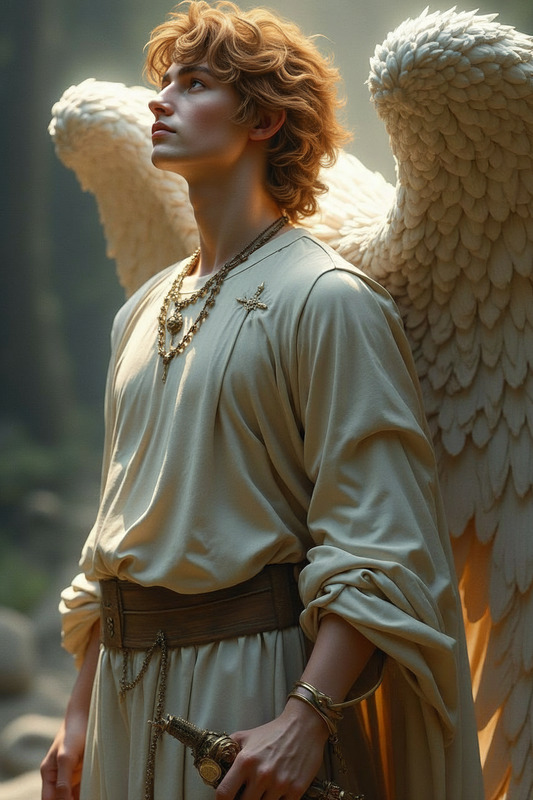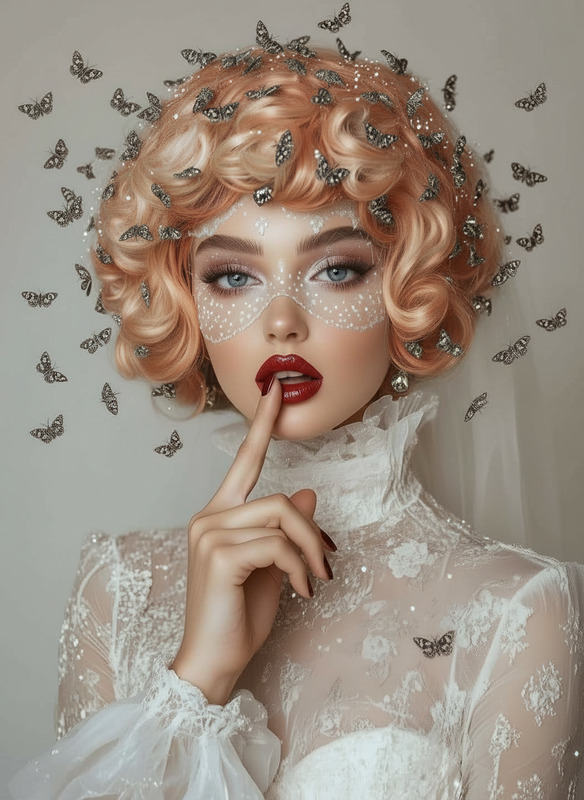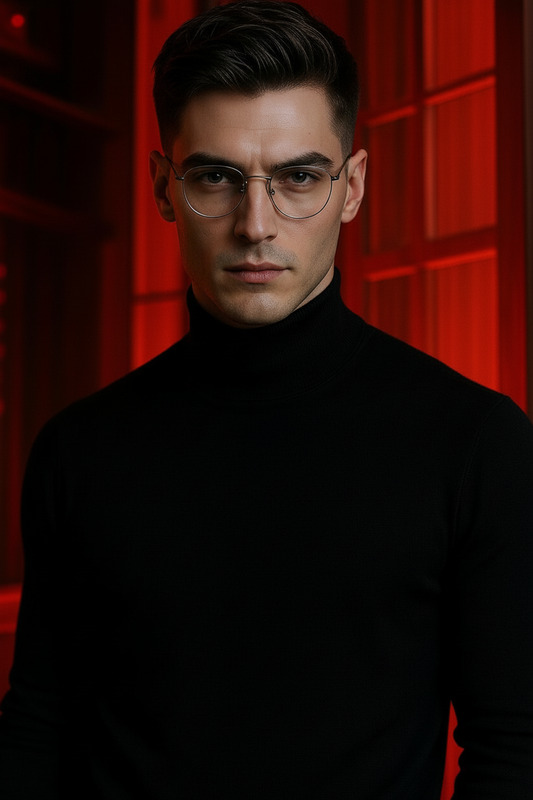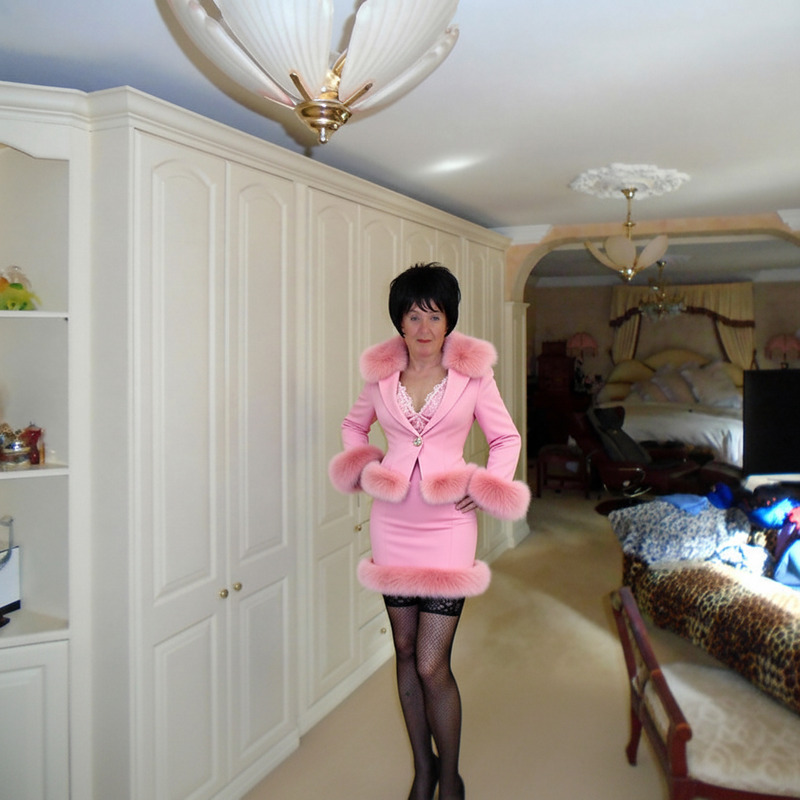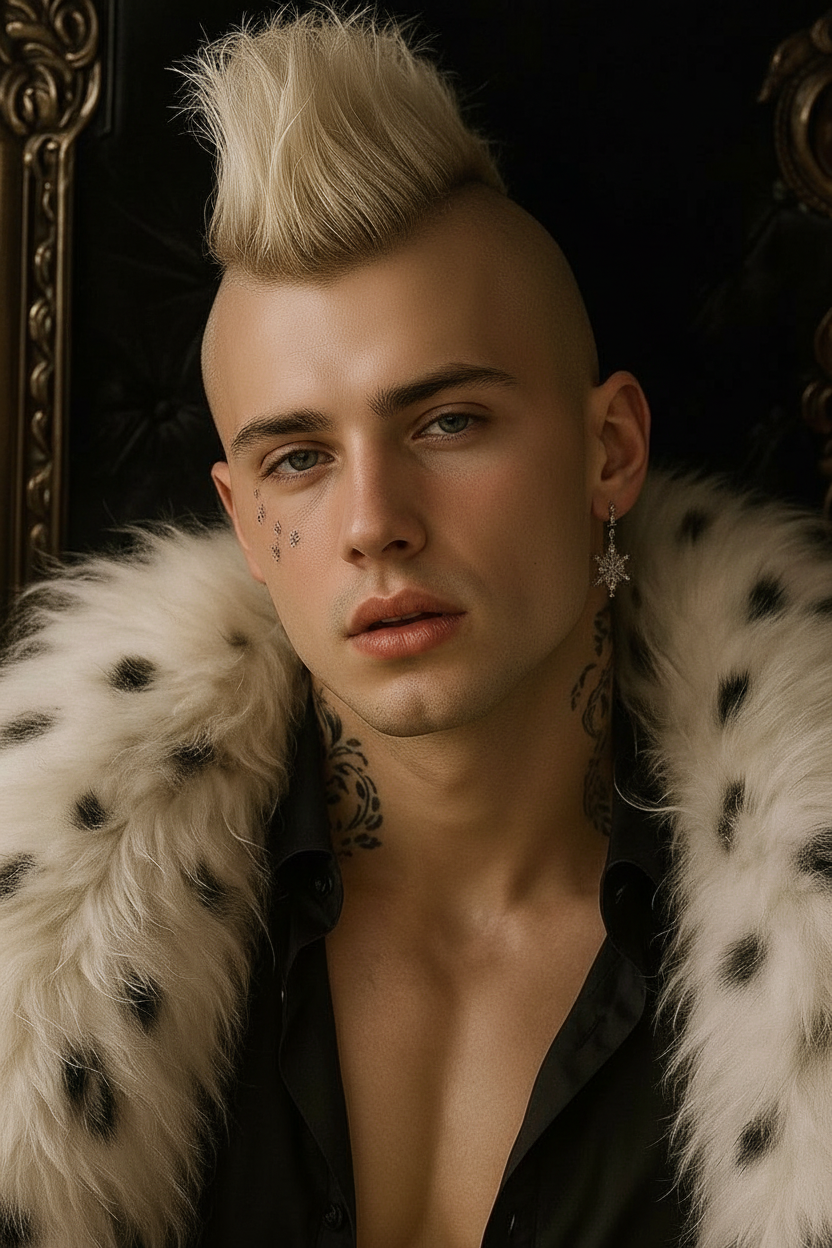
Mohawk Hair
- Model
- Nano Banana
- Image
- 832 × 1248 px
Prompt
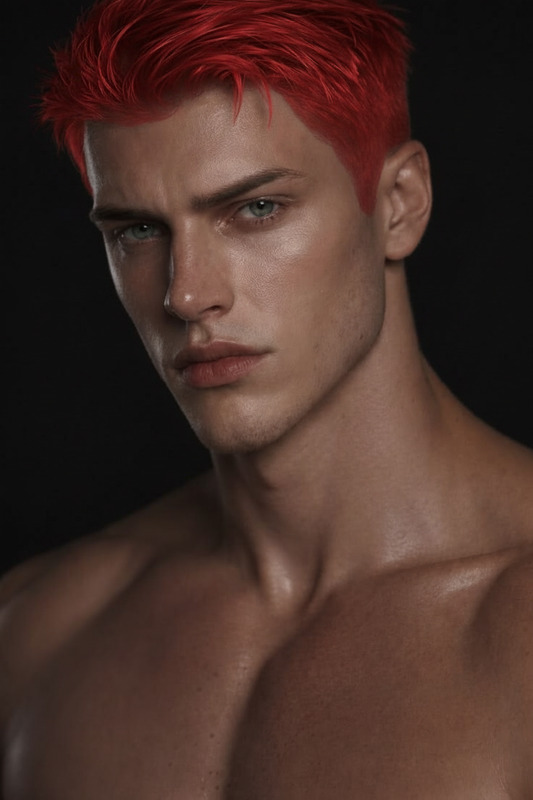
Give subject a [Mohawk] haircut
Any aspect ratio
Overview
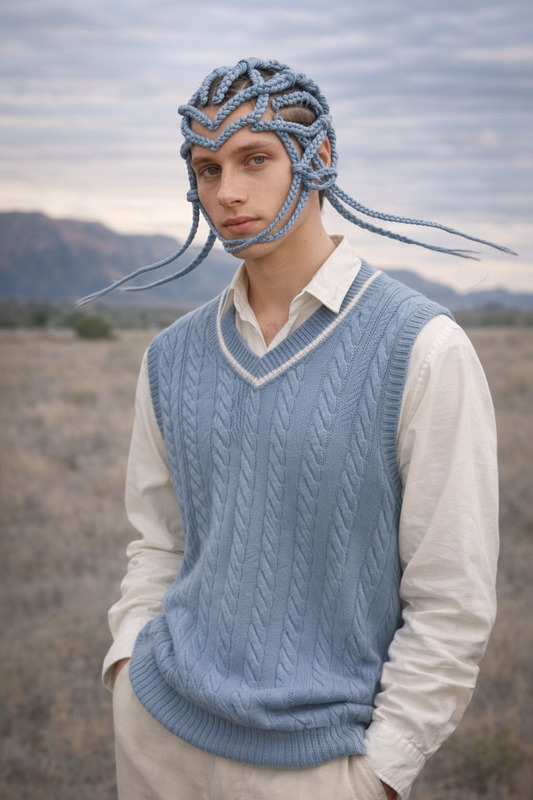
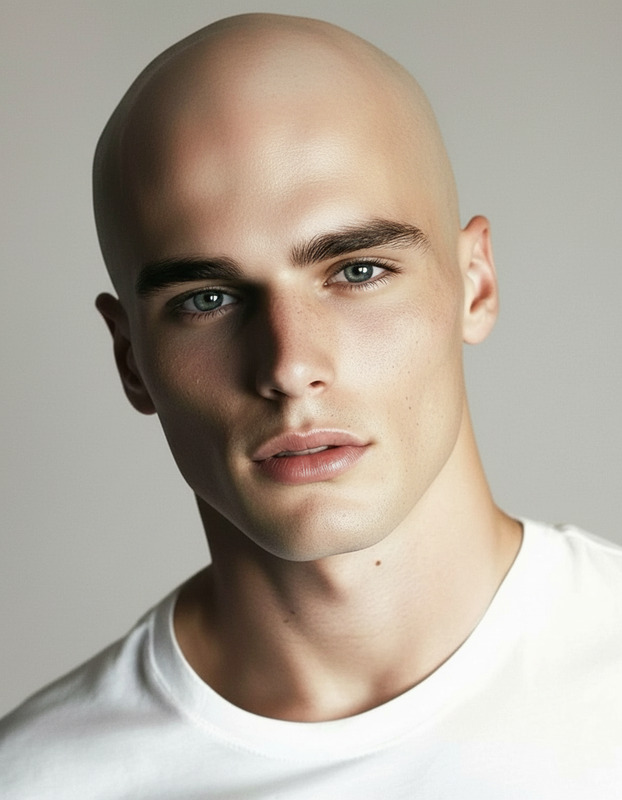
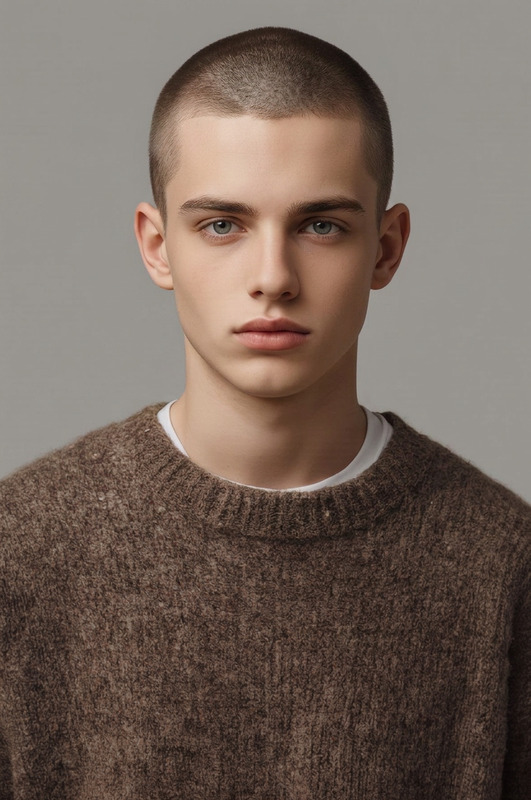
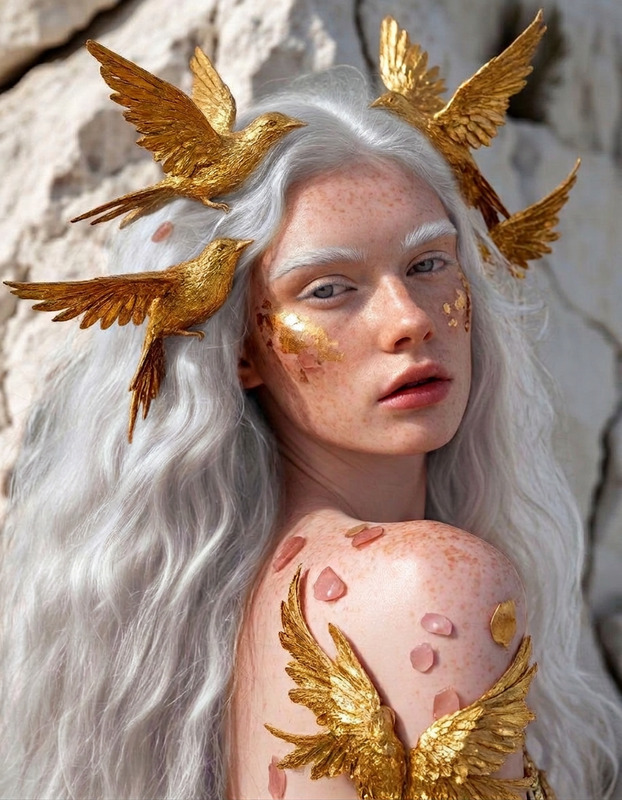
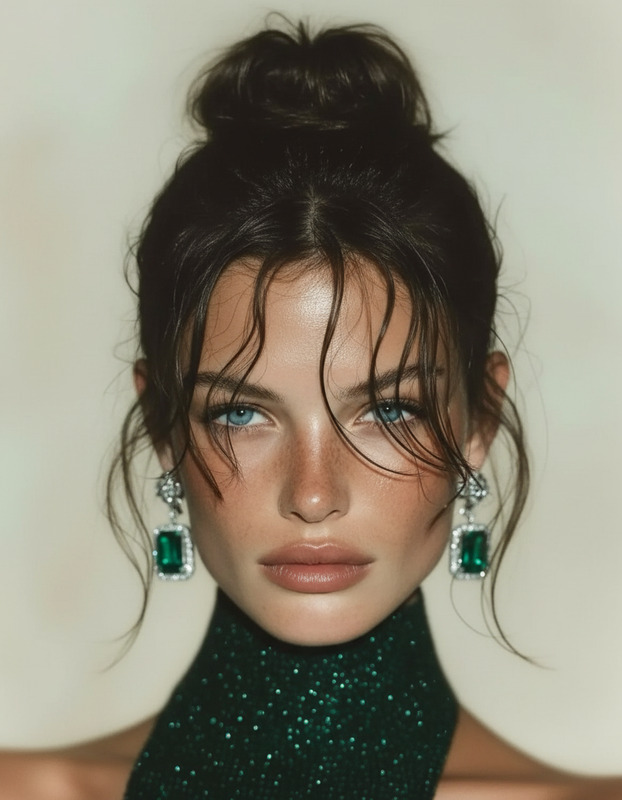
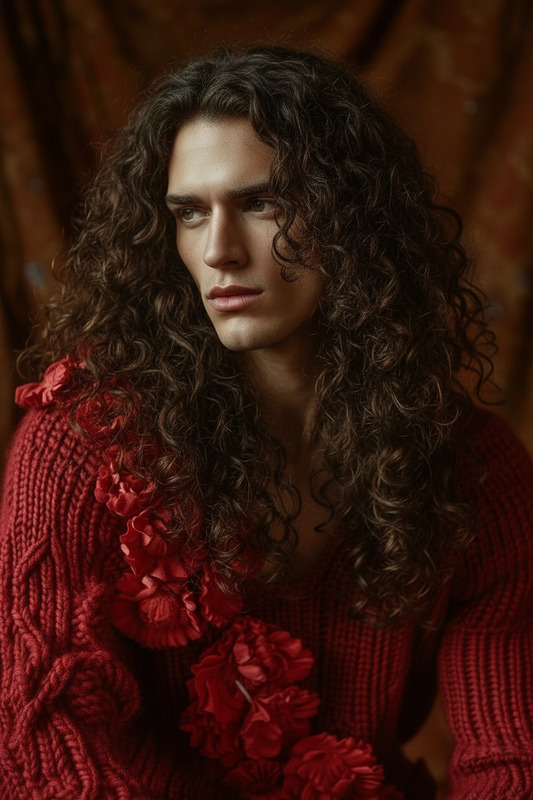
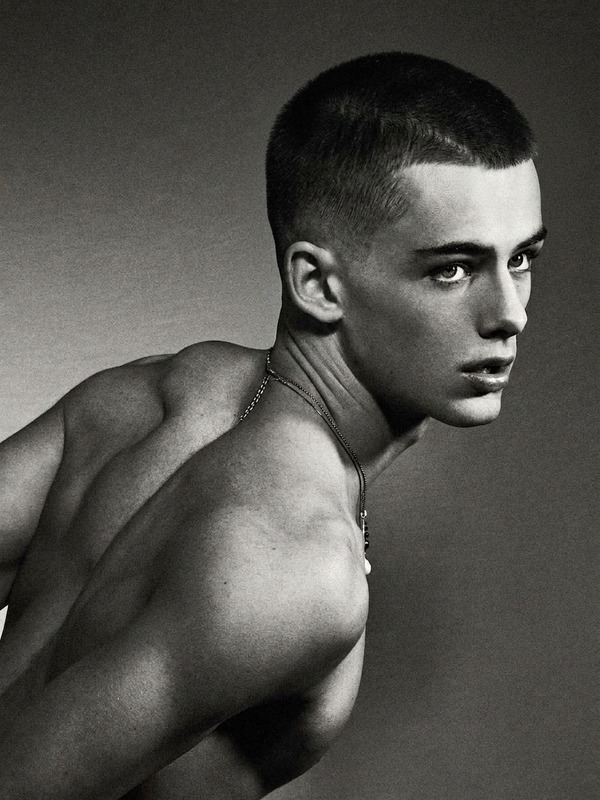
Experience a new look with our Mohawk Hair AI Image Editor. This template is designed to help fashion enthusiasts and hairstylists experiment with bold hairstyles through advanced AI technology. With just a few clicks, transform any image to feature a dynamic mohawk haircut.
What It Does
The Mohawk Hair AI Image Editor effortlessly alters an image's hairstyle to showcase a stunning mohawk. By utilizing the AI Image Editor, you can see how this daring haircut would suit different subjects, making it an essential tool for digital fashion and hairstyle visualization projects. Compatible with various image formats, this model excels in tweaking details while maintaining the original image's quality.
Who It's For
This template is ideal for hairstylists, fashion influencers, and creatives looking to explore and visualize unique hairstyles. It's also beneficial for clients who want to preview bold hairstyle changes before committing to them in real life. Discover how this can complement your styling toolkit alongside our AI Talking Photo and AI Photo Relighting tools.
Summary
Whether you're in fashion, film, or creative content creation, the Mohawk Hair AI Image Editor provides a simple yet powerful way to reimagine hairstyles. Tailor your image edits and preview stunning hairstyle transformations with ease. Enhance your projects by pairing this editor with tools like the Full Body Generator for a comprehensive makeover solution.
How To
Choose Your Template

Customize Your Image

Generate and Download

Use Cases
Fashion Lookbooks
- Enhance model portfolios with diverse hairstyles.
- Generate content for fashion blogs or magazines.
Hairstyle Consultations
- Experiment with different mohawk styles.
- Preview hairstyle transformations for clients.
Social Media Content
- Stand out in highly visual platforms like Instagram.
- Engage audience with bold and unique transformations.
Best Practices
High-Quality Images
Use high-resolution images for the best transformation results.Vary Your Styles
Experiment with different mohawk variations to find the best fit for your subjects.Combine with Other Tools
Enhance results by using with other tools like the AI Image Upscaler for crisp and detailed images.