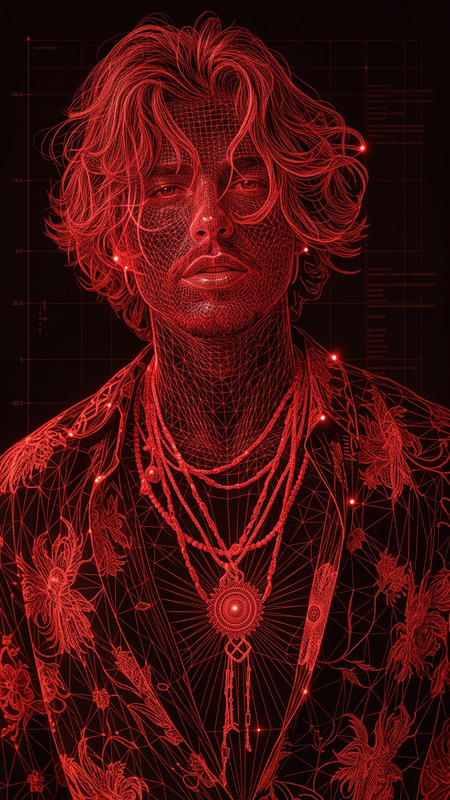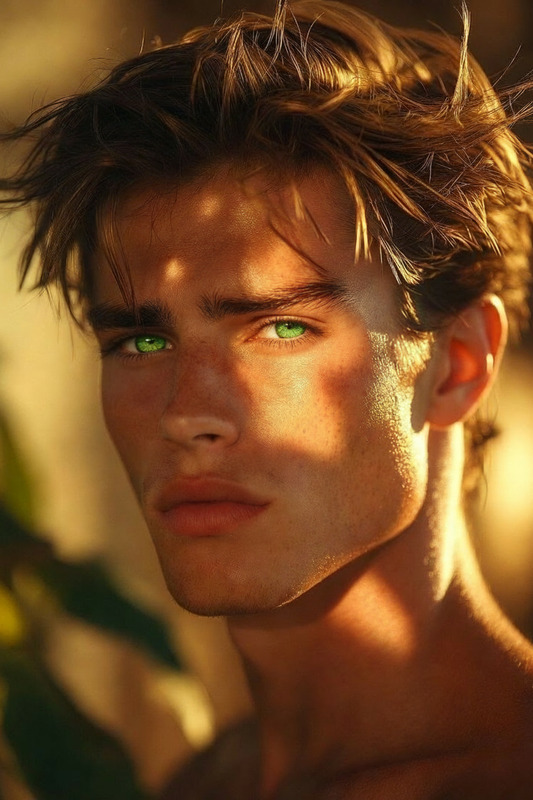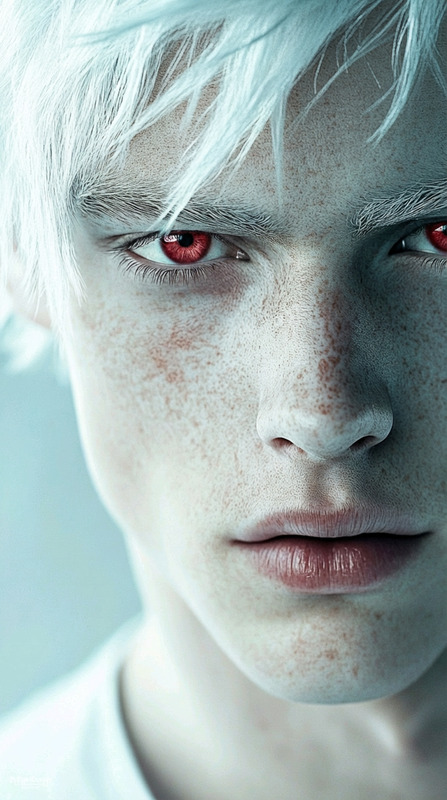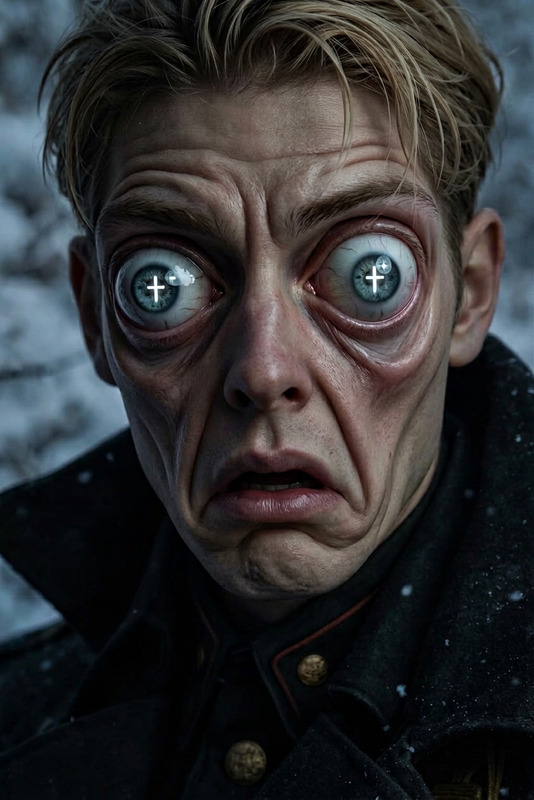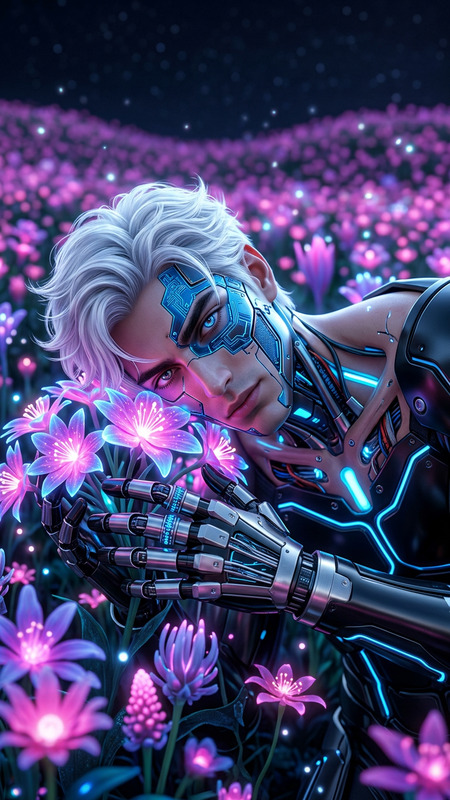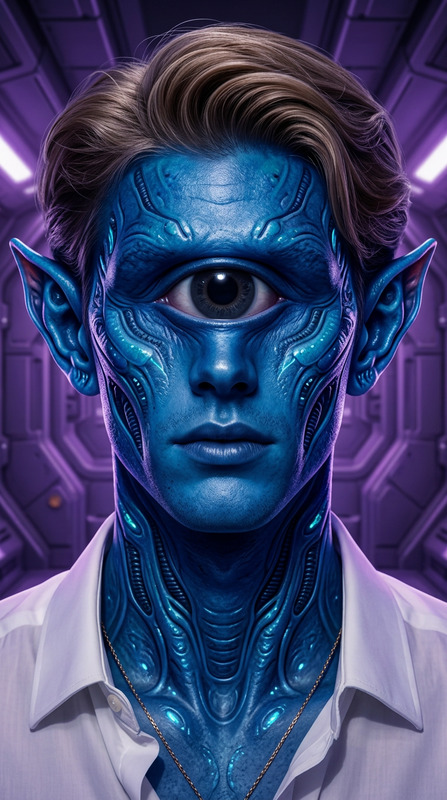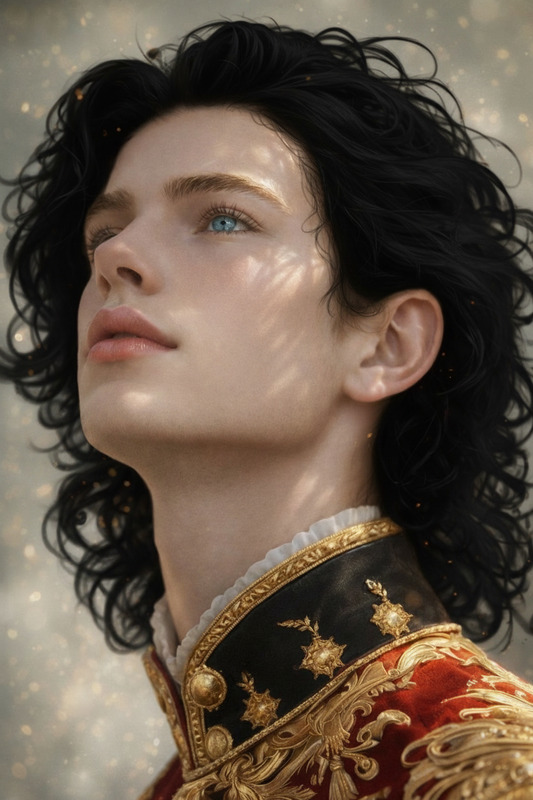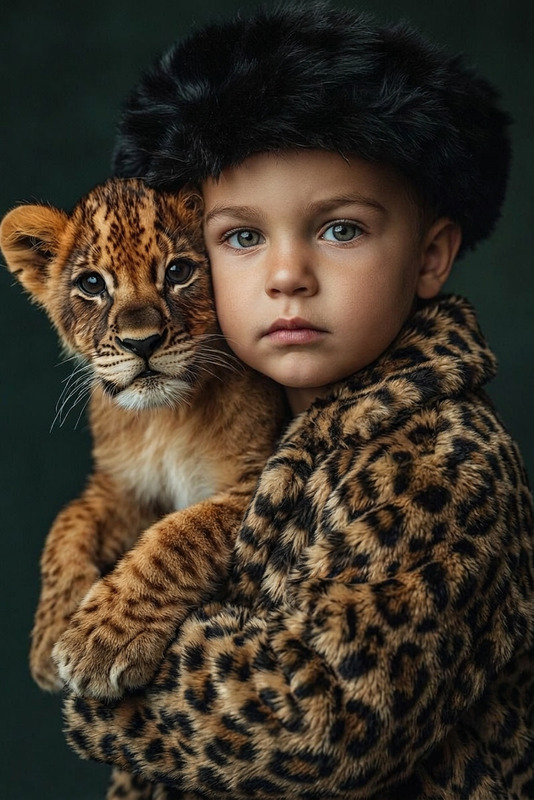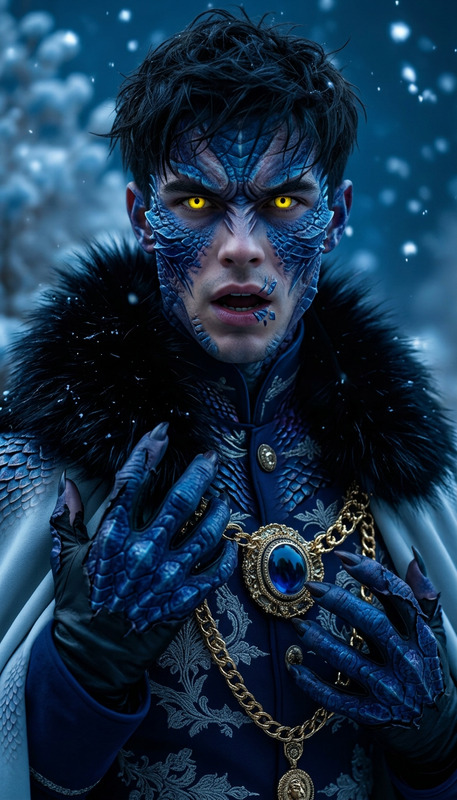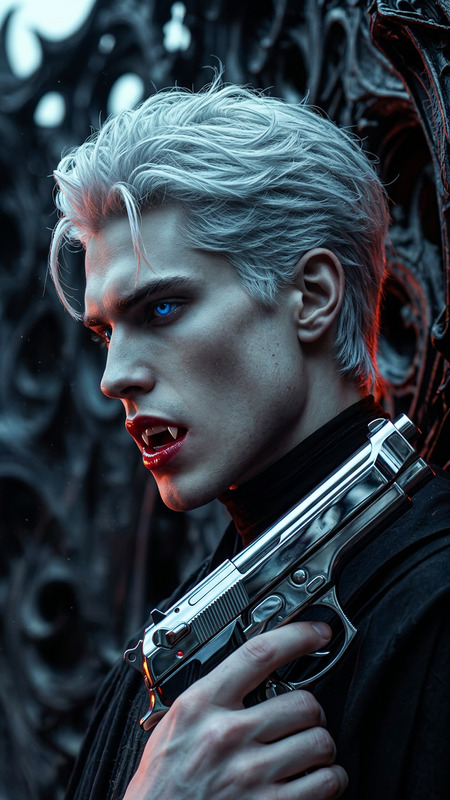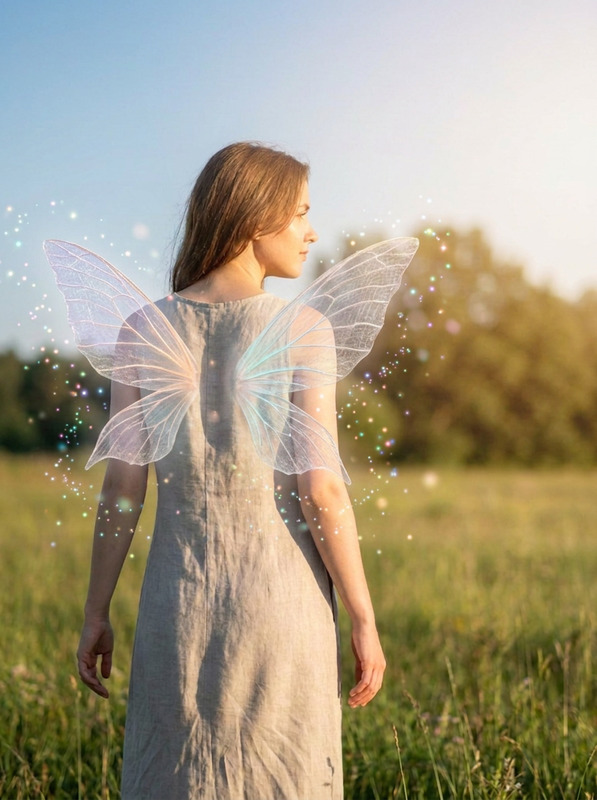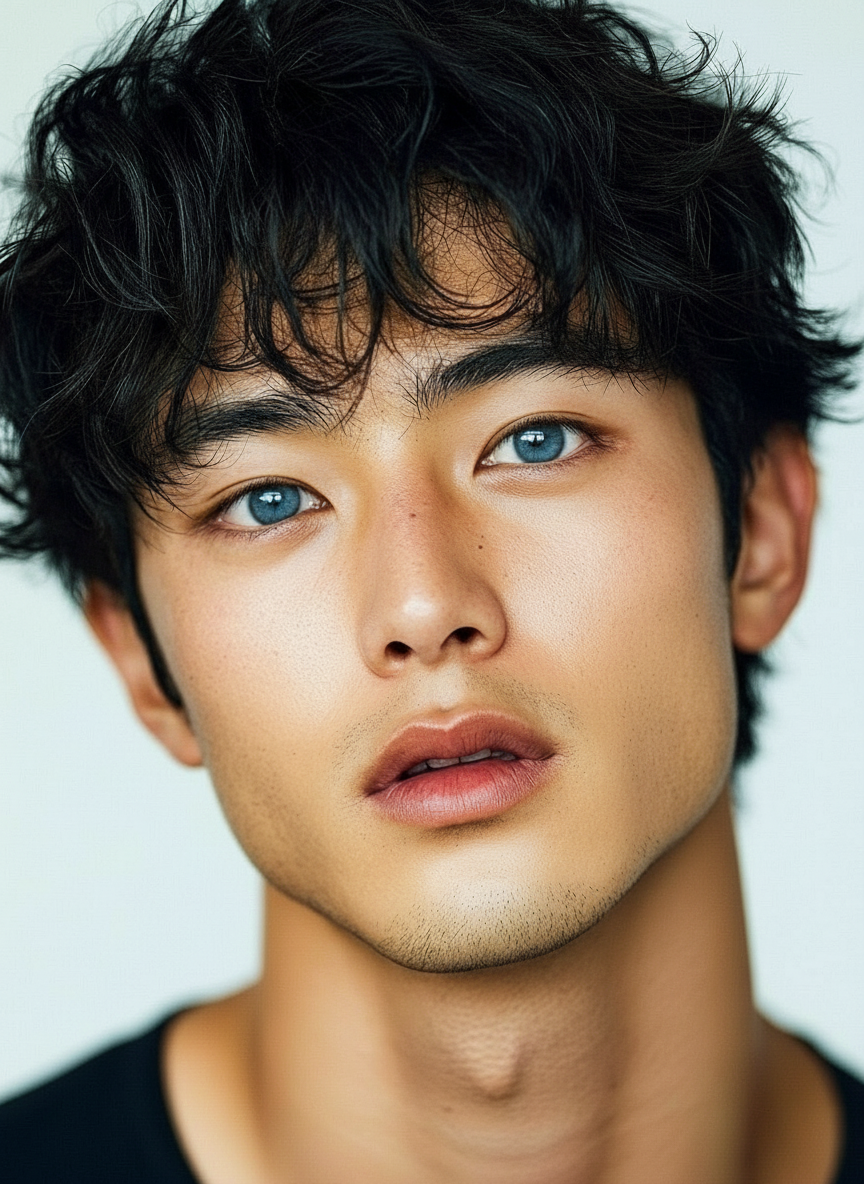
Light blue eyes
- Model
- Nano Banana
- Image
- 864 × 1184 px
Prompt
give this person light blue eyes
Any aspect ratio
Overview
Enhance your images by giving subjects captivating light blue eyes with our AI Image Editor. This template uses the nano-banana model to create visually stunning transformations with ease. A quick choice for creatives looking to add a mesmerizing touch to portraits.
What It Does
This template allows you to change the eye color in images to a striking light blue. It's part of the AI Image Editor suite, focusing on making image transformations quick and intuitive. The modifications enhance the natural look of your subjects.
Who It's For
Ideal for photographers, digital artists, and social media influencers, this tool supports anyone aiming to elevate their visual content. Whether creating virtual models or enhancing portraits, the AI Image Editor gives you the power to make subtle yet impactful edits.
Summary
Capitalize on the AI Image Editor to give faces striking light blue eyes, adding depth and allure to any project. Let the nano-banana model do the heavy lifting for natural-looking results.
How To
Choose Your Template

Customize Input

Generate and Download

Use Cases
Social Media Content
- Instagram posts
- Facebook shares
- Snapchat stories
Digital Art Projects
- Character design
- Concept art
Marketing Materials
- E-commerce promos
- Fashion ads
Best Practices
Choose High-Quality Images
Using high-resolution images will result in more detailed and realistic transformations.Refine Your Prompts
Adjust the settings within the editor to match the desired eye brightness and color tone to achieve the most natural look.Experiment with Lighting
Consider the overall lighting of the photo to ensure the eye color matches naturally with the environment.