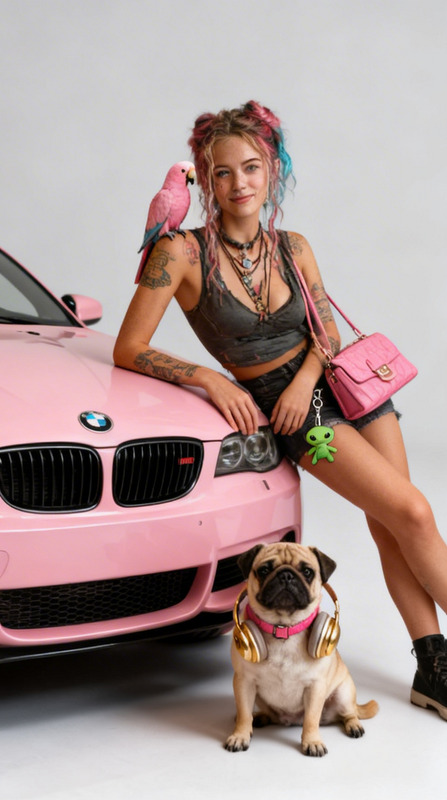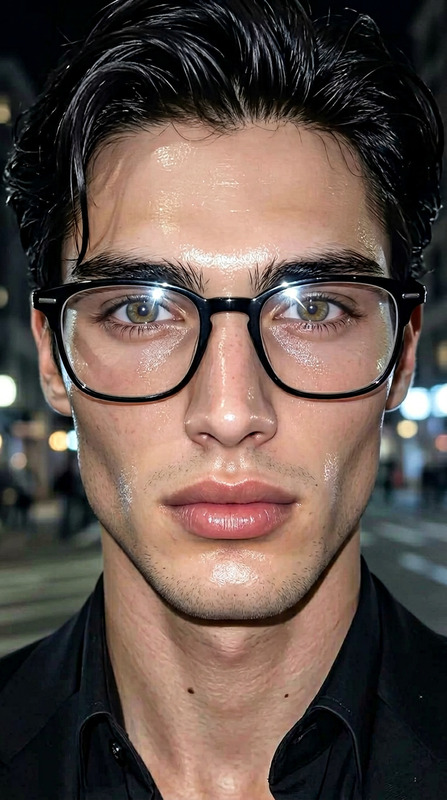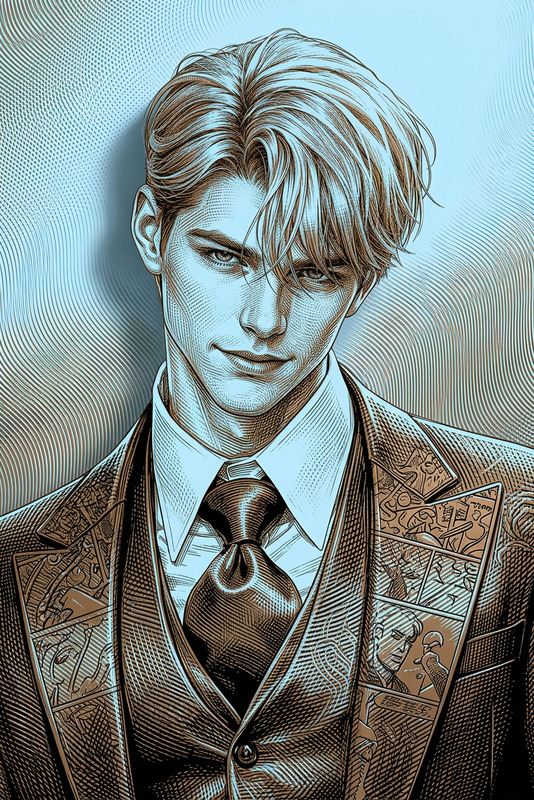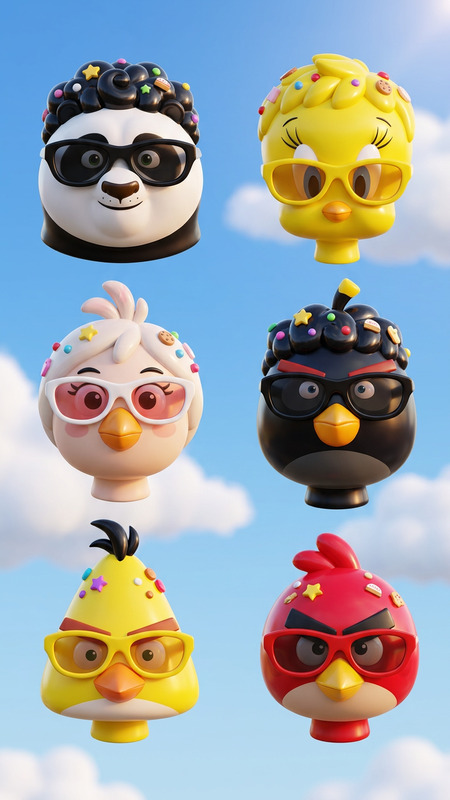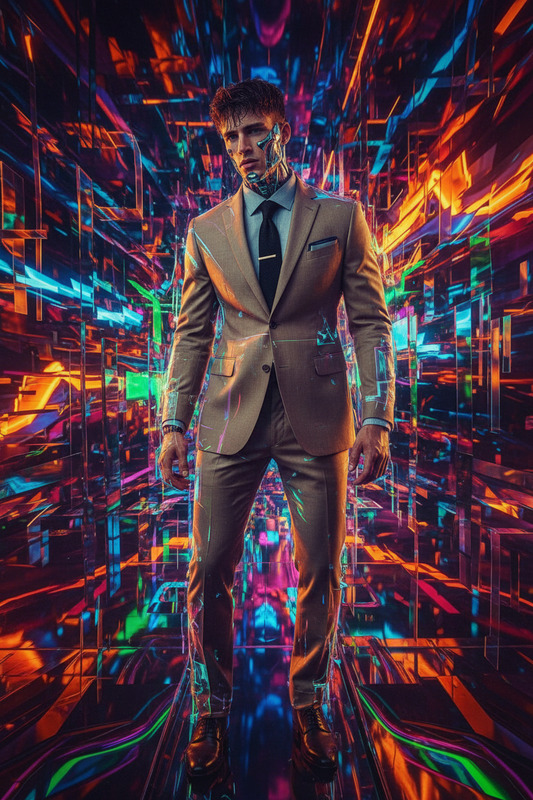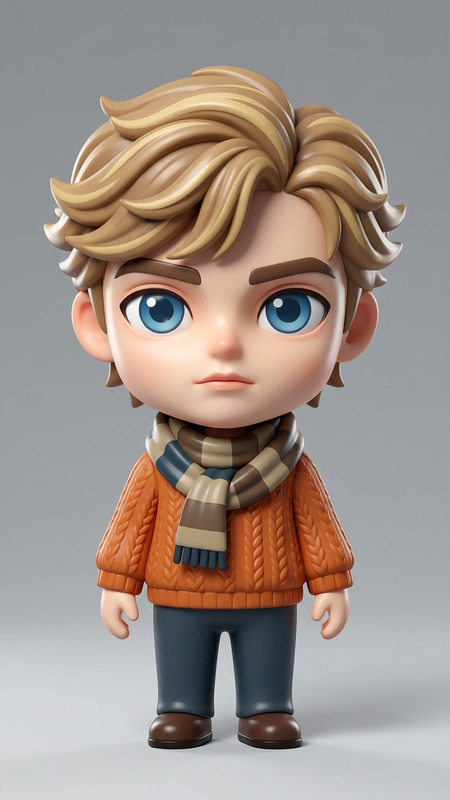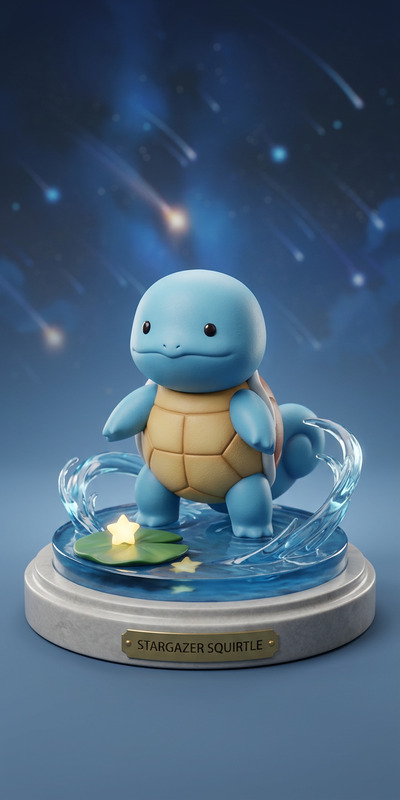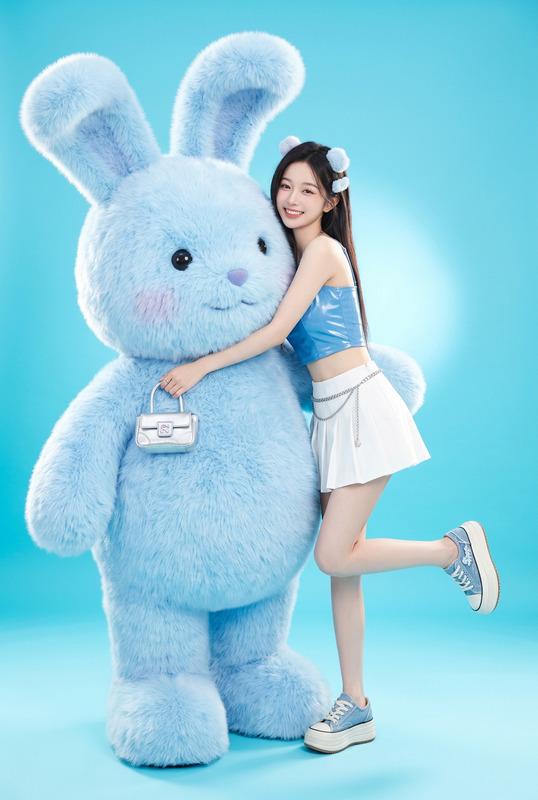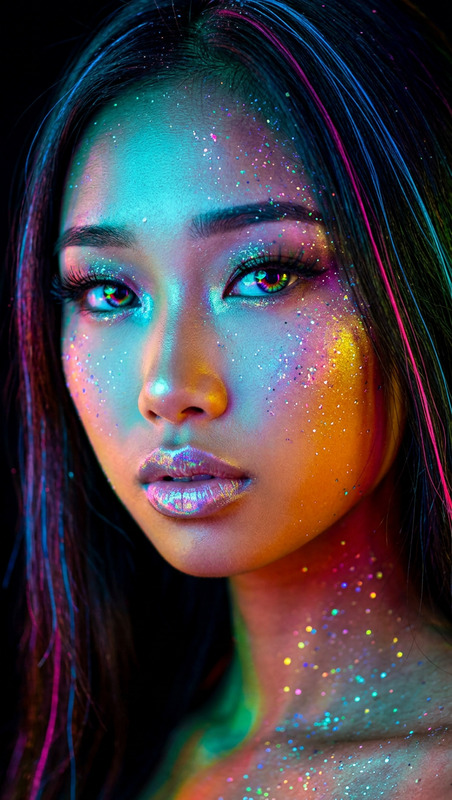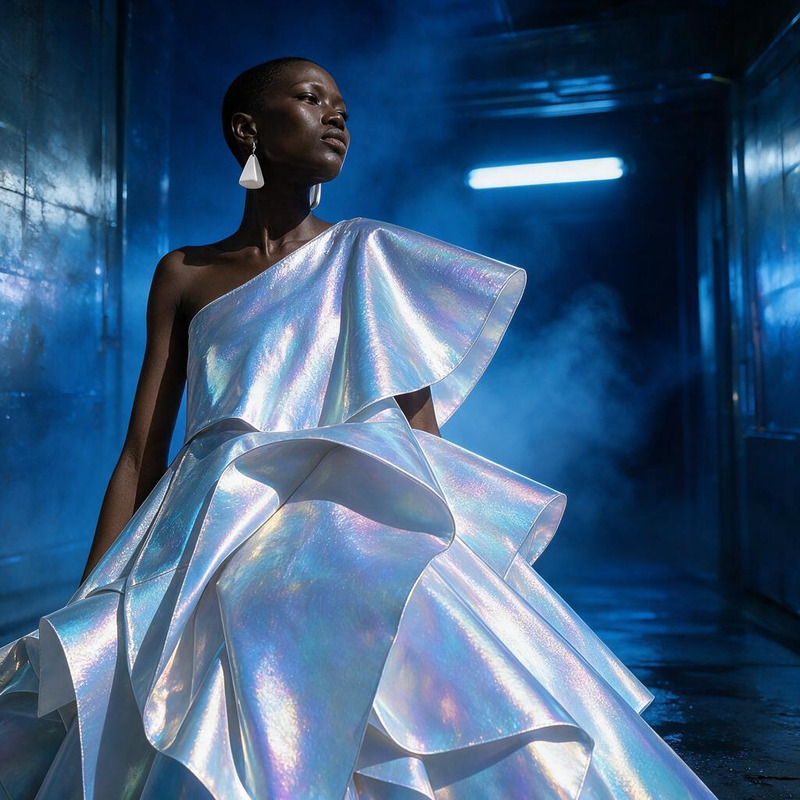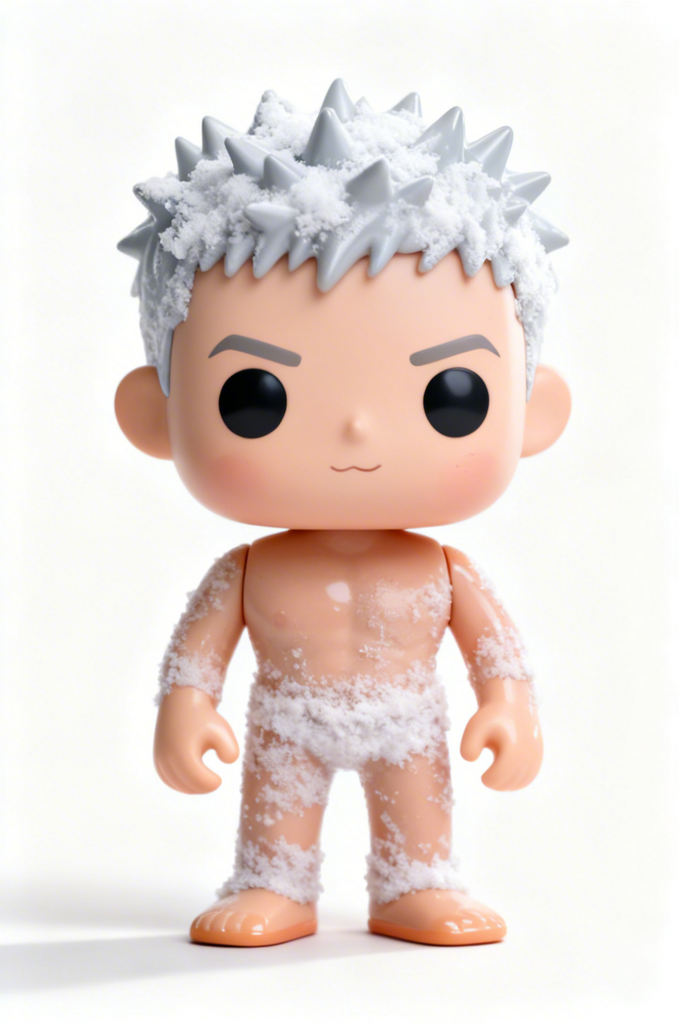
Funko pop
- Model
- Seedream 4
- Image
- 679 × 1024 px
Prompt
Generate a 3D render of a Funko Pop-style figure based on a real person. Keep the hairstyle, outfit, and facial expression recognizable. Use a clean white studio background with soft front lighting, subtle shadows, and a glossy vinyl toy texture. Highly detailed, centered composition, product-style render.
Any aspect ratio
Overview
The Funko Pop AI Image Editor template lets you create delightful 3D renders in the iconic style of Funko Pop collectibles. With seedream-v4, transform a real person's likeness into an endearing vinyl figure, maintaining distinct features like hairstyle, outfit, and expression. This template is ideal for collectible showcases, product promotions, or creative projects seeking a unique touch.
What It Does
Using the Funko Pop template, you can generate detailed 3D images that capture the charm of real-life subjects in a stylized, animated form. Whether you're an enthusiast looking to animate a personal collection or a marketer aiming to highlight products, this template's clean white background and subtle lighting ensure a professional finish.
Explore more features of our AI Image Editor to expand your creative toolkit.
Who It's For
This template is designed for collectors, marketers, and creative enthusiasts. Collectors can bring their beloved figures to life with a personalized touch. Marketers can create engaging content for product demo videos or social media ads. Meanwhile, artists and content creators can use this template to add a distinctive style to their visual projects.
Summary
The Funko Pop AI Image Editor is a powerful tool for transforming photos into playful, stylized 3D renders. Whether for personal enjoyment or marketing campaigns, it offers a unique way to visualize people as collectible figures. Discover more about our AI Image Editor and start creating today.
How To
Choose Your Template

Customize Your Input

Generate Your Render

Use Cases
Collectible Showcases
- Highlight personal collections
- Create promo materials for new releases
Social Media Content
- Stand out in social media feeds
- Engage followers with unique content
Marketing & Advertising
- Capture audience's attention
- Add a fun element to brand messages
Gift Creations
- Personalize gifts for friends
- Create souvenirs for events
Best Practices
Select High-Quality Images
Ensure the image you upload is high-resolution with clear facial features for optimal transformations.Adjust Features Thoughtfully
Keep signature traits like distinct hairstyles or accessories recognizable to maintain the personalized feel.Experiment with Lighting
Utilize the soft front lighting for a polished final look; tweak as needed to enhance the vinyl toy texture.