Candy chic
- Model
- Seedream 4
- Image
- 572 × 1024 px
Prompt
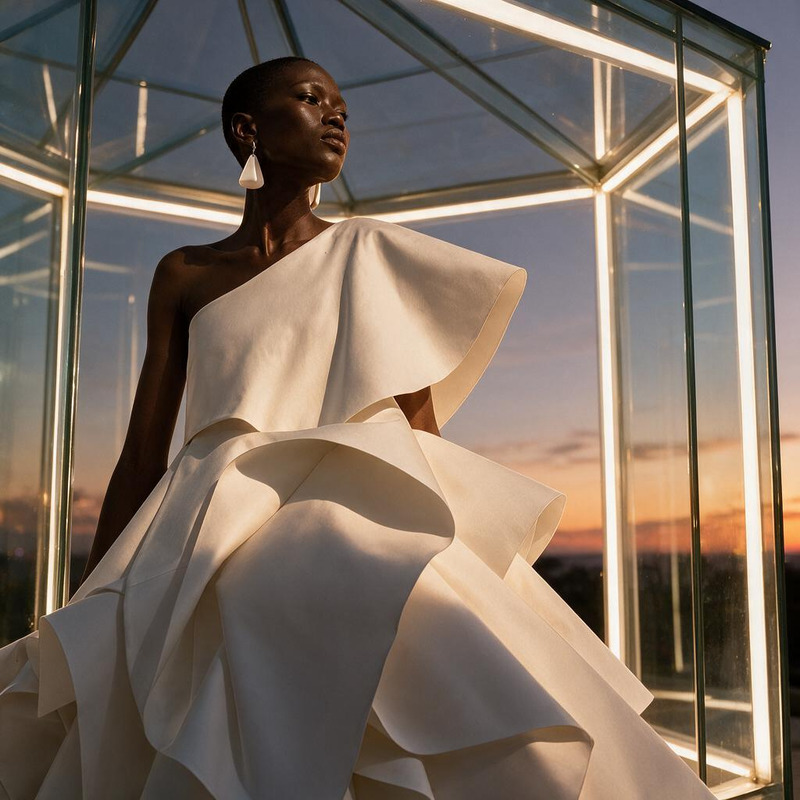
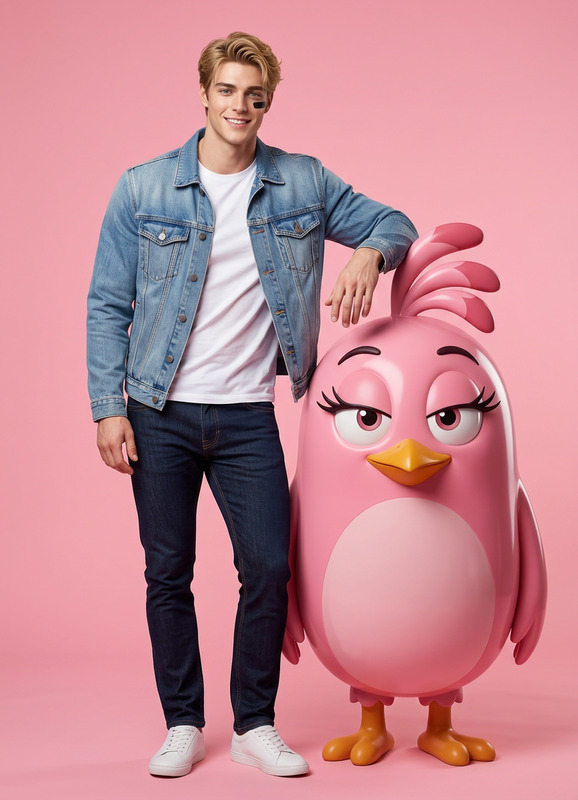
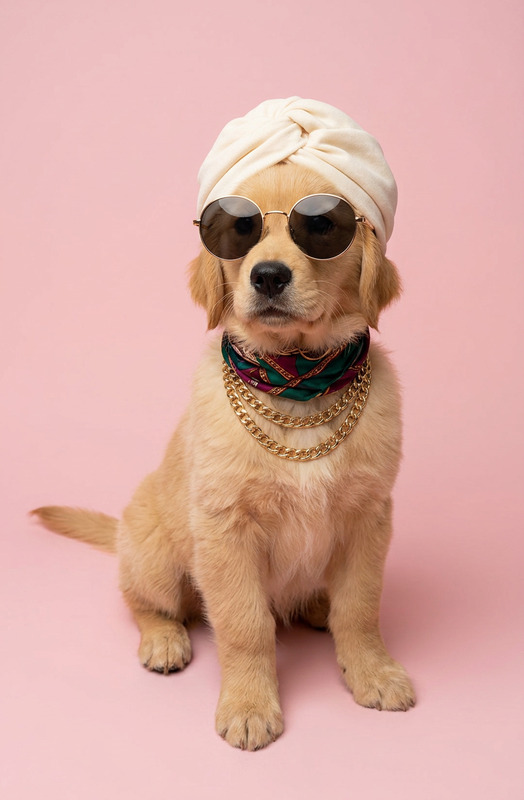
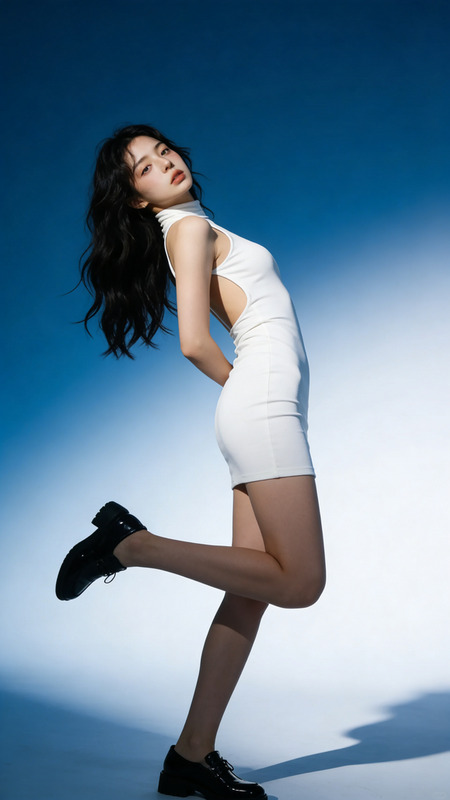
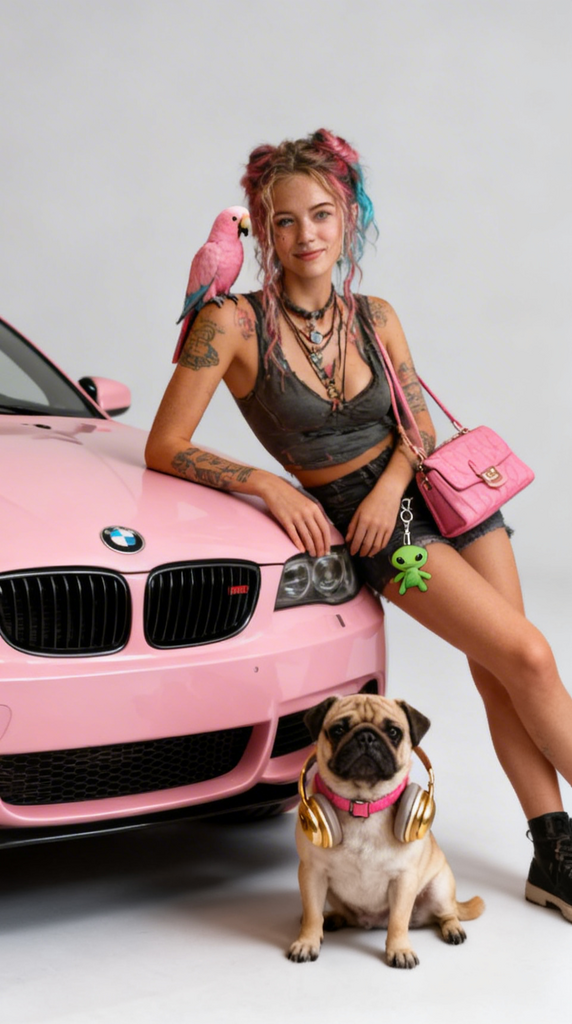
A fashion model poses while leaning against a pink BMW in a clean studio setting with a light grey background. She carries a pink handbag with a small green alien keychain attached. A pink parrot sits on her shoulder. Beside her, a pug wearing a pink collar and gold headphones sits calmly. Stylish, playful composition, soft studio lighting, high detail, vibrant yet balanced colors, editorial fashion vibe.
Any aspect ratio
Overview
The Candy Chic template is part of our AI Image Editor suite, designed to bring a vibrant and stylish flair to your visuals. Utilizing the seedream-v4 model, this tool reimagines your videos with a playful and modern aesthetic, perfect for editorial fashion projects or high-end marketing campaigns.
What It Does
This template enables you to transform ordinary videos into captivating fashion statements. By employing vibrant colors and a playful composition that includes elements like a pink BMW, a parrot, and a pug with gold headphones, the Candy Chic template provides an editorial fashion vibe that's both stylish and detailed. The use of soft studio lighting highlights the vibrant yet balanced colors.
Who It's For
Ideal for fashion brands, marketing agencies, and content creators looking to inject a stylish and contemporary twist into their projects, the Candy Chic template offers the tools necessary to appeal to both high fashion audiences and social media enthusiasts. It's particularly useful for those working in product videos or social media ads who wish to stand out with bold and creative visuals.
Summary
With its high-detail and editorial-style design, the Candy Chic template is a transformative tool within the AI Image Editor family. It empowers users to create visually striking content that captures attention and engages viewers using a unique blend of color and composition.
How to Use
Choose the Candy Chic Template

Customize Your Inputs

Generate Your Video

Use Cases
Fashion Campaigns
- Retail fashion ads
- Social media fashion posts
Social Media Content
- Instagram story campaigns
- Creative TikTok videos
Brand Storytelling
- Compelling brand stories
- Product launch visuals
Best Practices
Focus on Color Balance
Ensure that your primary colors work well with the vibrant pink to enhance the stylistic vibe.Use Detailed Imagery
Incorporate detailed fashion elements, such as accessories or backgrounds, to fully utilize the template’s high detail capabilities.Maintain a Playful Tone
Leverage playful compositions and unique character placement to engage your audience effectively.