Clay Titan Awakening
- Model
- Nano Banana 2
- Image
- 848 × 1263 px
Prompt
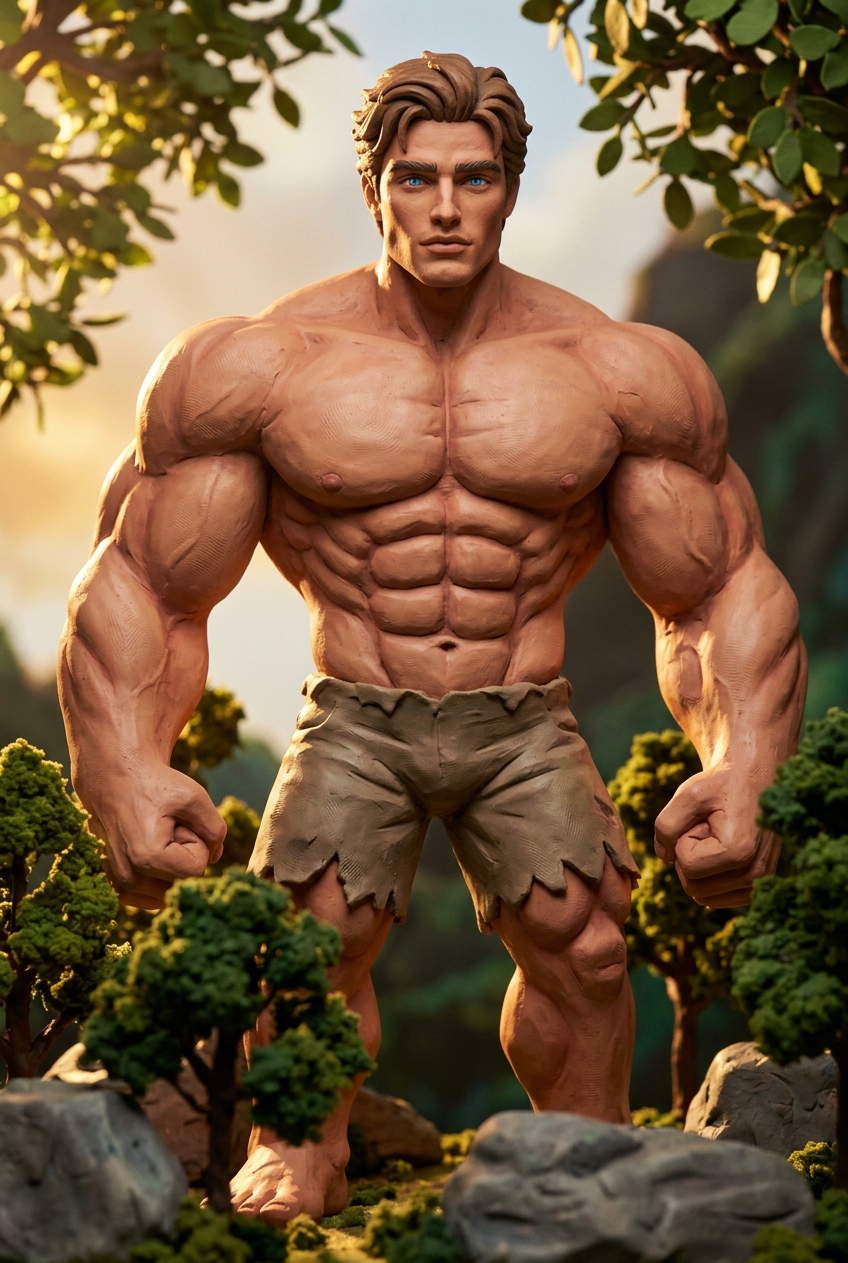
A subject in a normal environment begins transforming into a massive muscular giant with defined six-pack and oversized arms, full-body morph, stylized claymation aesthetic with visible clay texture, soft edges, handcrafted details, subtle stop-motion jitter, playful yet powerful tone, cinematic lighting, ultra detailed, 4K
Any aspect ratio
Overview
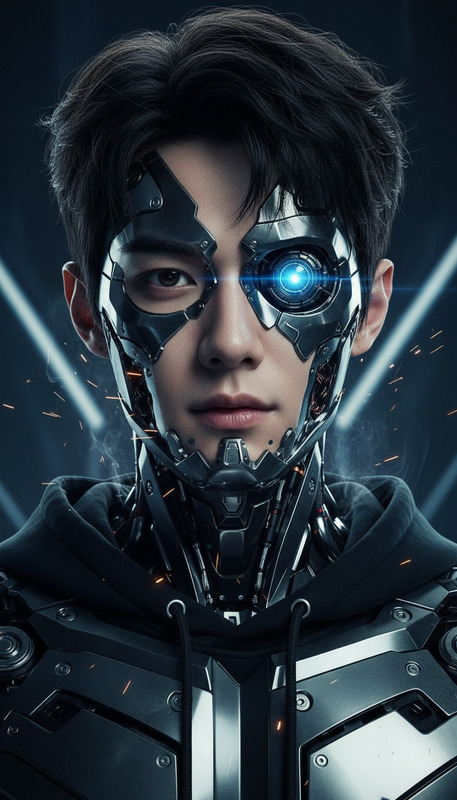
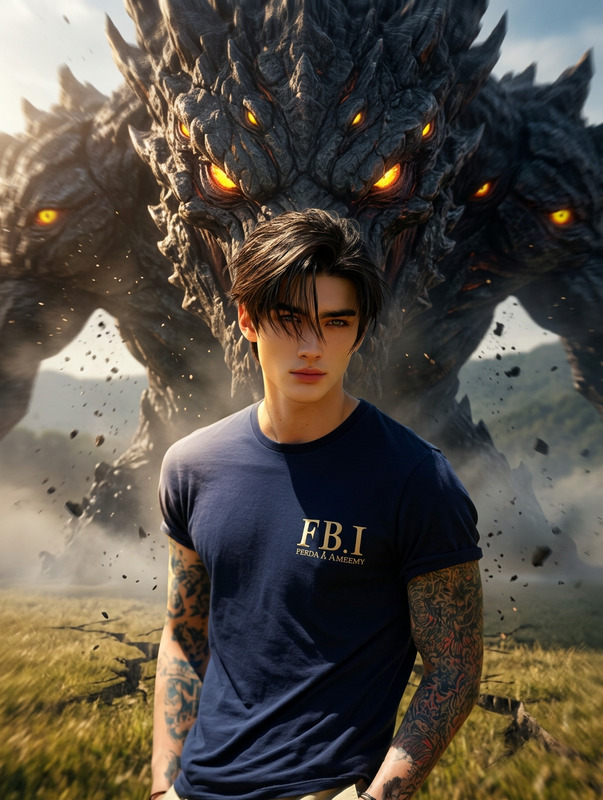
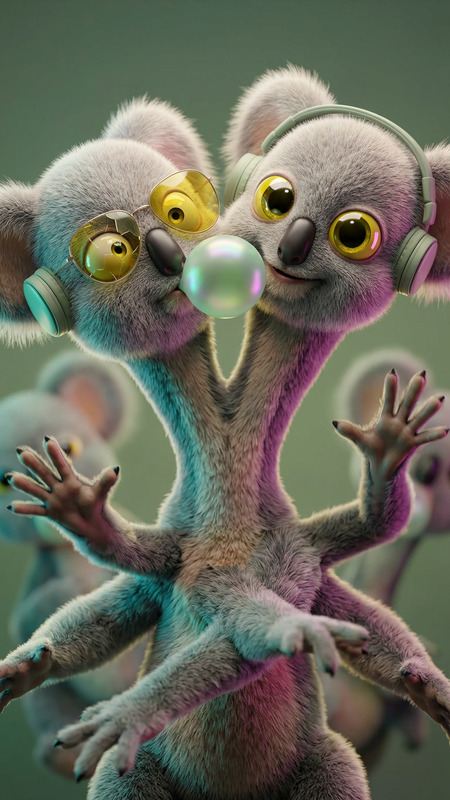
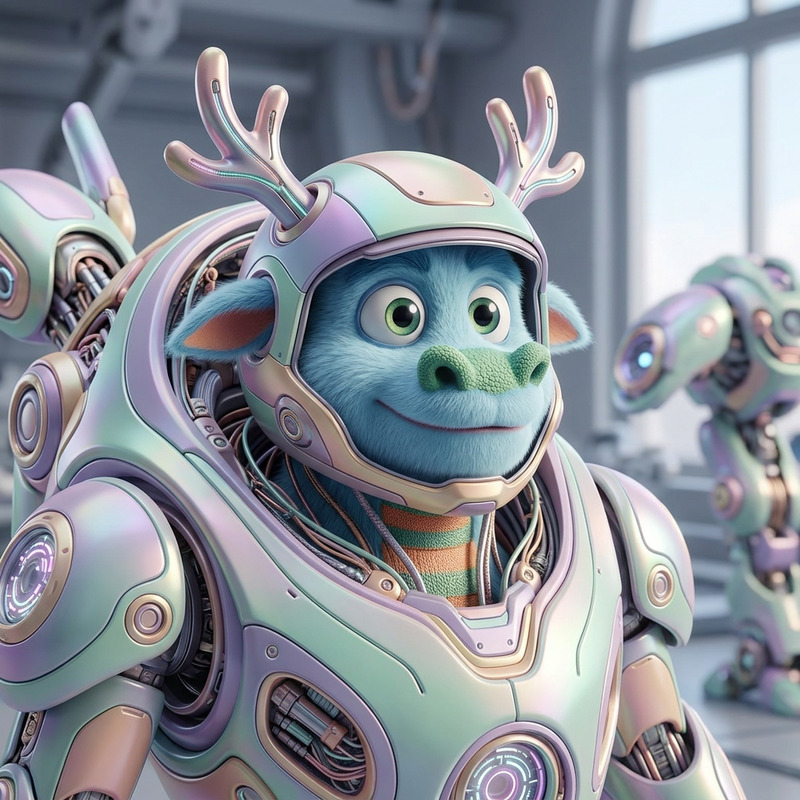
The Clay Titan Awakening template offers a powerful way to transform your subjects within a normal environment into imposing, claymation-style giants. This AI Image Editor tool captures the essence of a massive muscular transformation with a playful, cinematic aesthetic. Perfect for adding drama and intrigue to your projects.
What It Does
The template employs the nano-banana-2 model to morph characters into giant, clay-textured figures. The style includes handcrafted details and a soft stop-motion jitter, enhancing the animation's depth and realism. This level of detail, combined with cinematic lighting, makes it ideal for creating unique visual content.
For additional enhancement, explore our AI Video Generator to animate your edited images and build captivating stories.
Who It's For
This template is tailored for content creators, filmmakers, and storytellers who want to incorporate high-impact transformations into their work. Whether you are designing a scene in a short film or crafting an eye-catching social media post, the Clay Titan Awakening template helps to magnify creativity and imagination.
It’s also a great tool for those interested in visual effects and animation, looking to experiment with innovative visual styles.
Summary
Elevate your visual storytelling with the Clay Titan Awakening template. Dive into the world of clay-style transformation featuring a playful yet powerful tone. By utilizing the best of AI in image editing, this tool helps you create memorable moments that captivate audiences.
Combine it with products like the AI Image Upscaler for enhanced resolution and detail in your final output.
How to Use
Choose the Template

Customize Your Inputs

Generate and Download

Use Cases
Cinematic Storytelling
Social Media Impact
Gaming Illustrations
Best Practices
Plan Your Scene
Before applying the template, clearly define the scene you want to transform. This will help in tailoring the prompt inputs for the desired effect.Adjust Lighting Elements
Experiment with different lighting variations in the prompt to achieve the best cinematic results.Merge with Other Tools
Consider using the template in conjunction with the Video Face Swap tool to integrate transformed characters into existing video footage seamlessly.