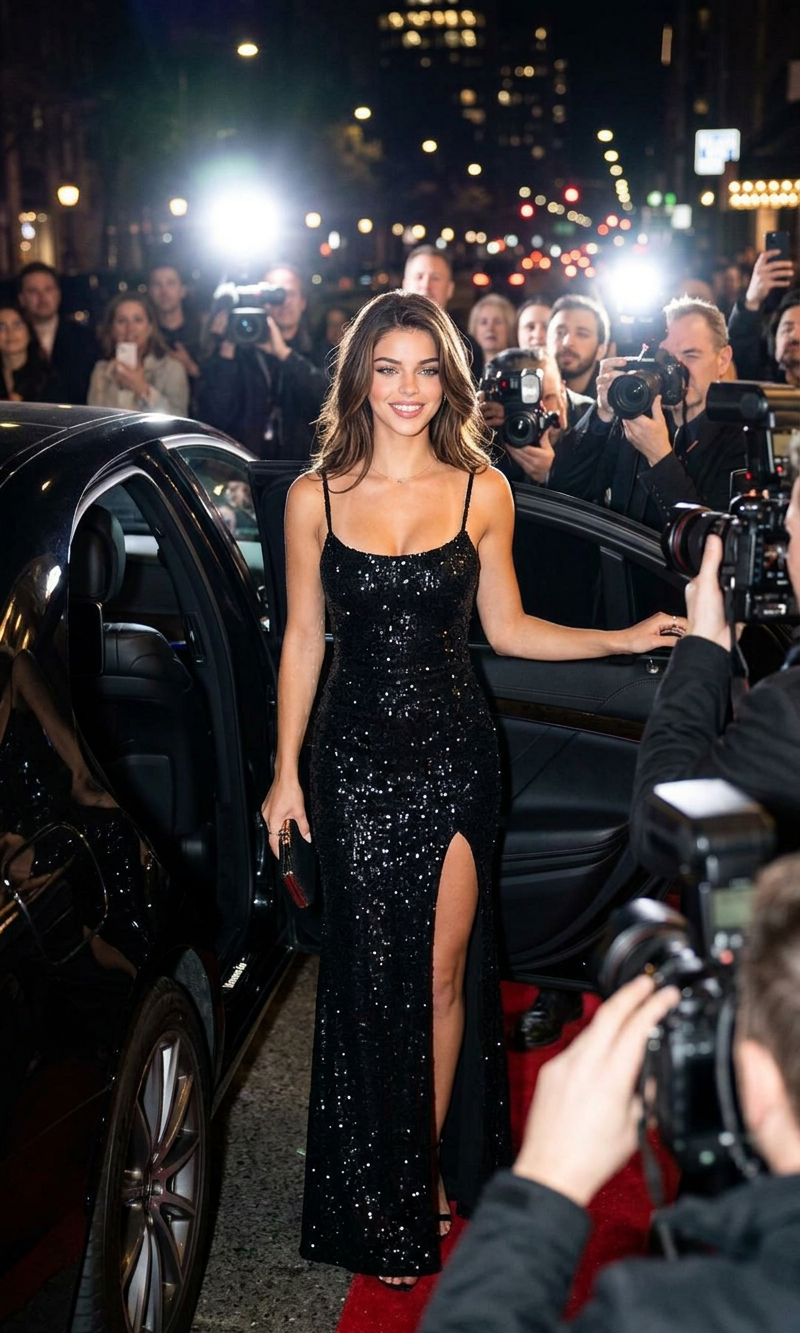
Grand Entrance
- Model
- Nano Banana 2
- Image
- 800 × 1333 px
Prompt
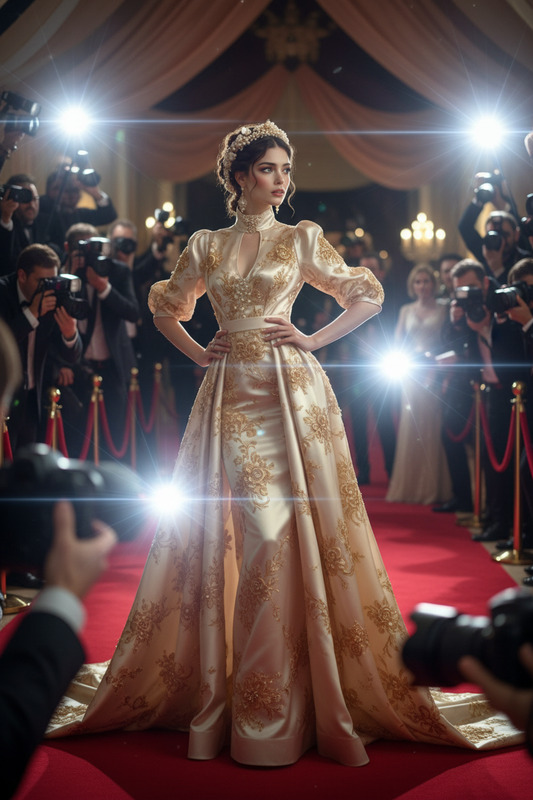
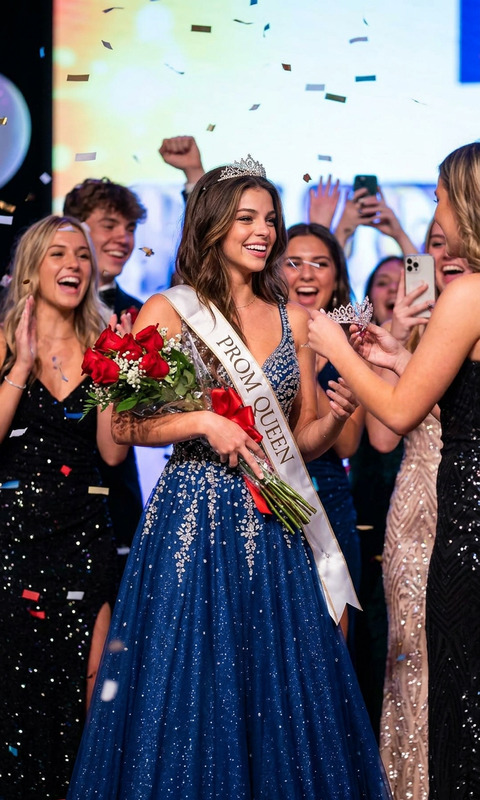
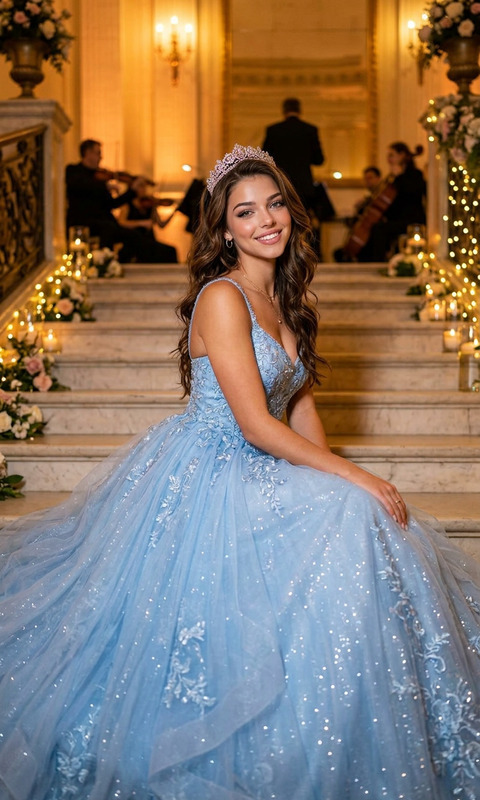
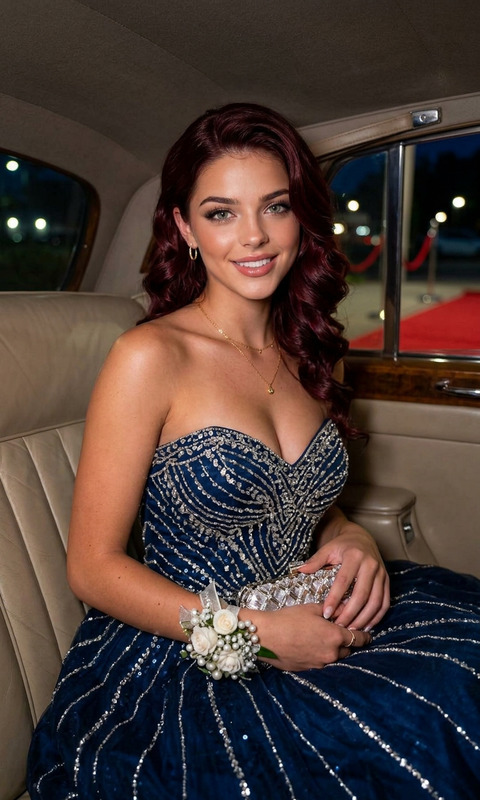
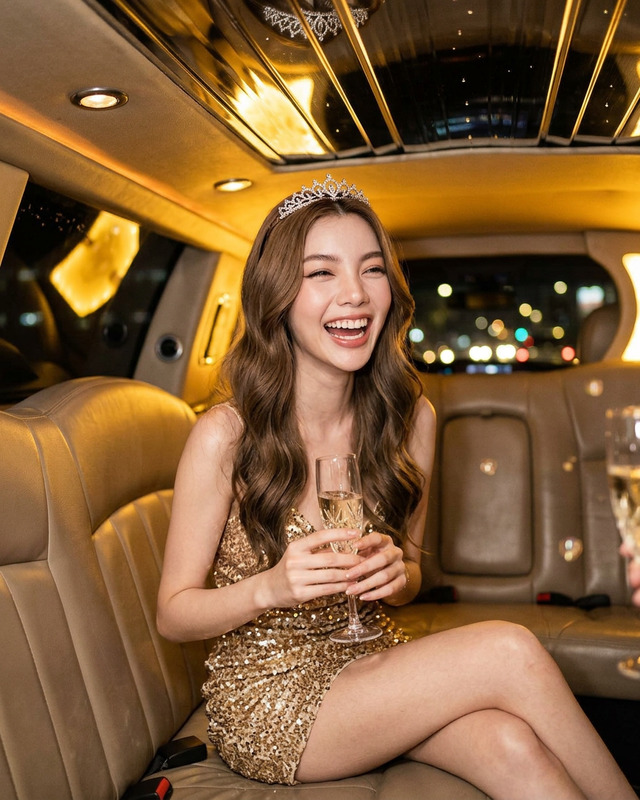
Glamorous celebrity-style prom arrival at night, elegant young woman stepping out of a luxury black car on a city street, wearing a sparkling black sequined evening gown with a dramatic high slit and thin straps, holding a silver clutch, soft wavy brunette hair, paparazzi cameras flashing in the background, red carpet atmosphere, cinematic flash photography, upscale Hollywood event aesthetic, confident pose, luxury fashion editorial style, moody urban nightlife, realistic skin texture, dramatic lighting, Vogue-inspired, ultra-detailed, vertical composition, high-fashion paparazzi moment.
Any aspect ratio
Overview
The Grand Entrance template brings the allure and elegance of a red carpet event to your projects, utilizing AI Image Editor capabilities powered by the nano-banana-2 model. Designed to create impactful introductions, this template transforms scenes into awe-inspiring visuals suited for upscale events and media projects, from weddings to corporate galas.
What It Does
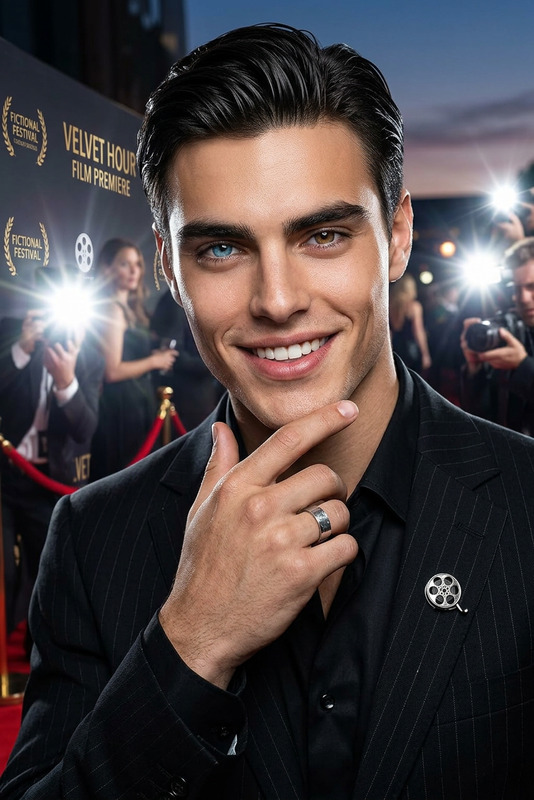
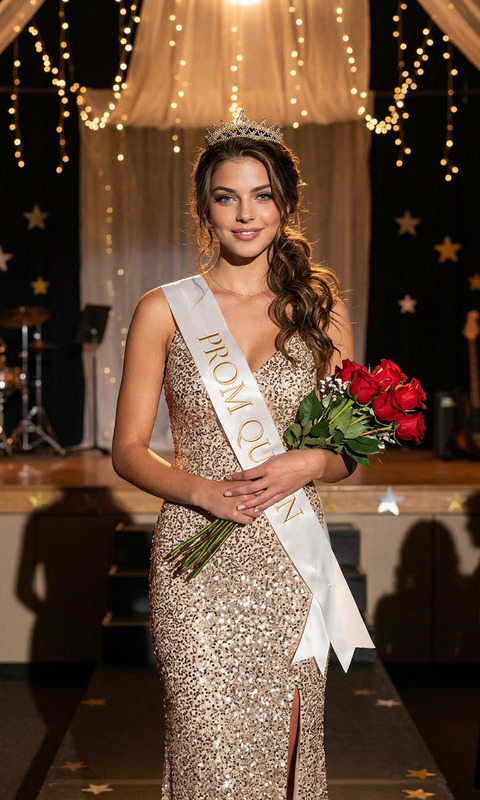
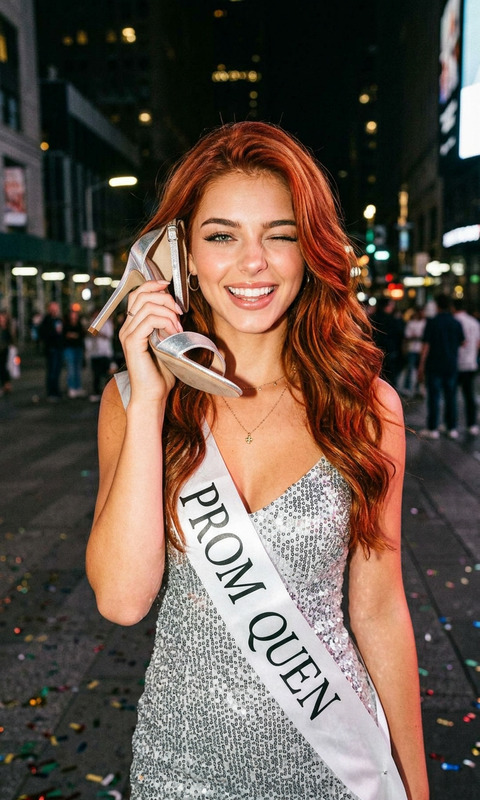
This template captures the grandeur of a celebrity-style prom arrival, leveraging the AI Image Editor to craft images with dramatic lighting and ultra-detailed high-fashion aesthetics. It flawlessly integrates elements such as elegant fashion, moody urban nightlife, and cinematic flash photography to form a consistent AI Image Editor masterpiece. The resulting image encapsulates a couture vibe with realistic skin textures and editorial-style visuals.
Who It's For
Perfect for event planners, photographers, and videographers aiming to inject a sense of luxury and drama into their presentations. The Grand Entrance template is also ideal for digital marketers and branding experts who need to convey sophistication and exclusivity. Projects involving fashion editorials, media coverage simulations, or glamorous event recaps will benefit significantly.
Summary
Enhance your project's initial impact with a luxurious and detailed visual introduction. Tap into the features of the AI Talking Photo for more dynamic stills, or use the Profile Picture Generator to further refine personal or promotional images. The Grand Entrance template is your key to high-fashion narrative visualizations, making it effortless to set the scene for any high-profile event.
How To
Choose the Template

Customize Your Image

Generate Your Visual

Use Cases
Event Invitations
- Weddings
- Corporate galas
- Fashion shows
Promotional Material
- High-end product launches
- Exclusive event promotions
Social Media Highlights
- Instagram and Facebook promotions
- LinkedIn company updates
Best Practices
Focus on Detail
When customizing, pay attention to details such as lighting and angles to enhance the high-fashion editorial style.Consistent Aesthetic
Maintain a cohesive look by ensuring all elements reflect the high-end fashion feel, paired with AI Video Extender for extended narratives.Optimize for Platforms
Adjust the composition based on platform requirements to ensure visuals remain impactful across different formats.