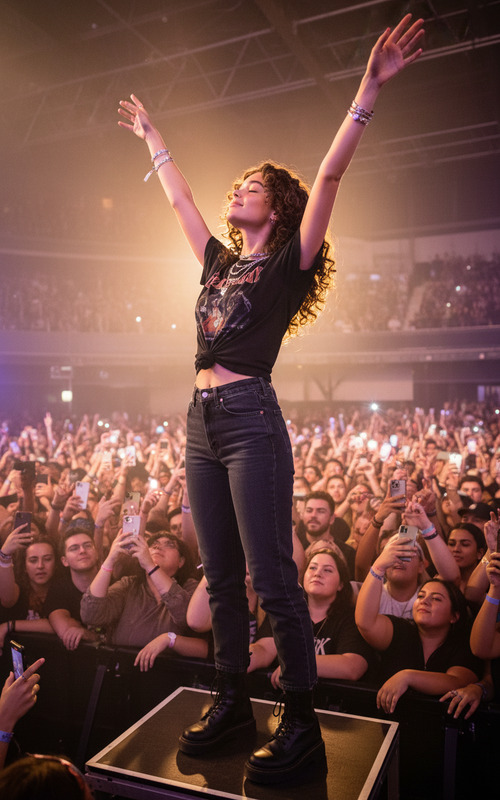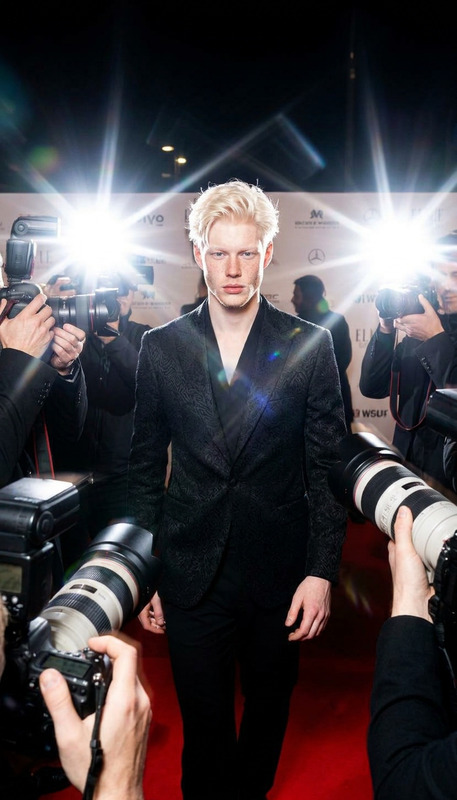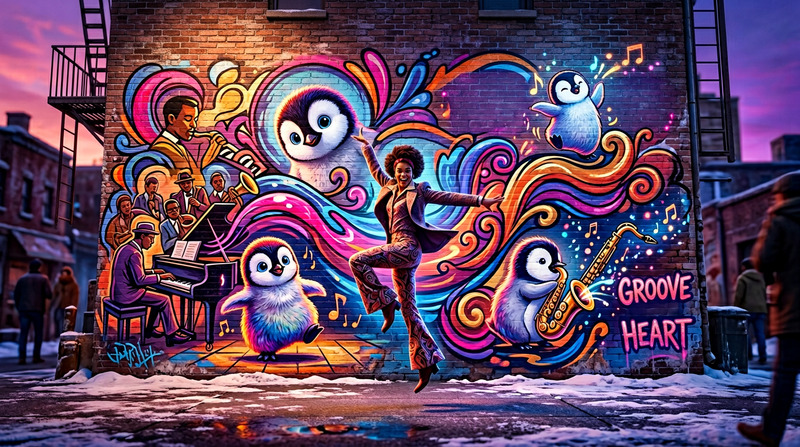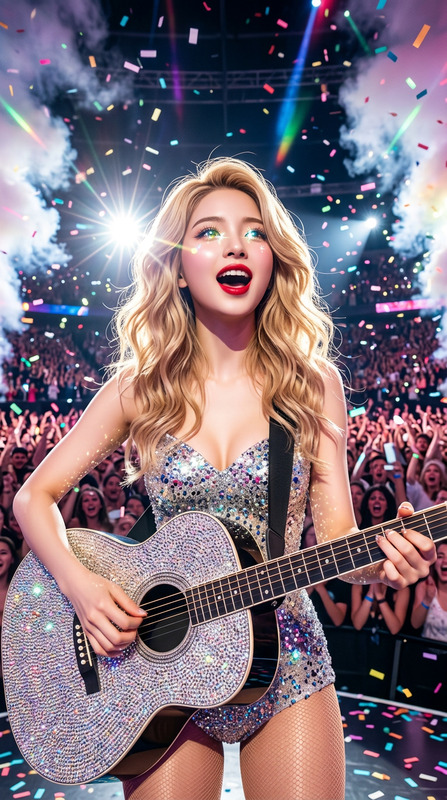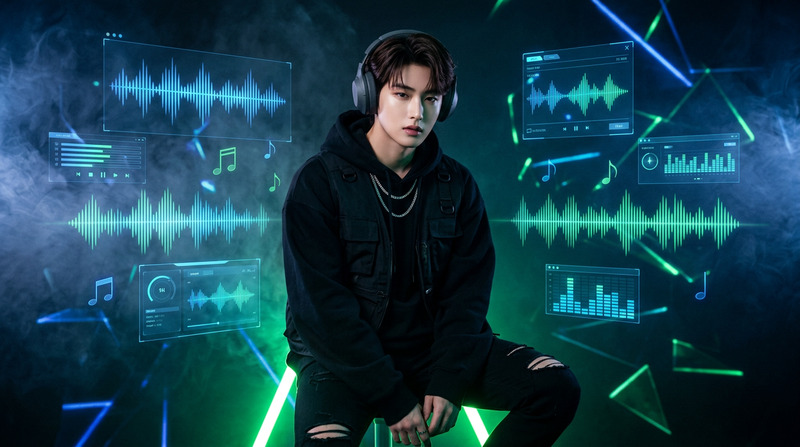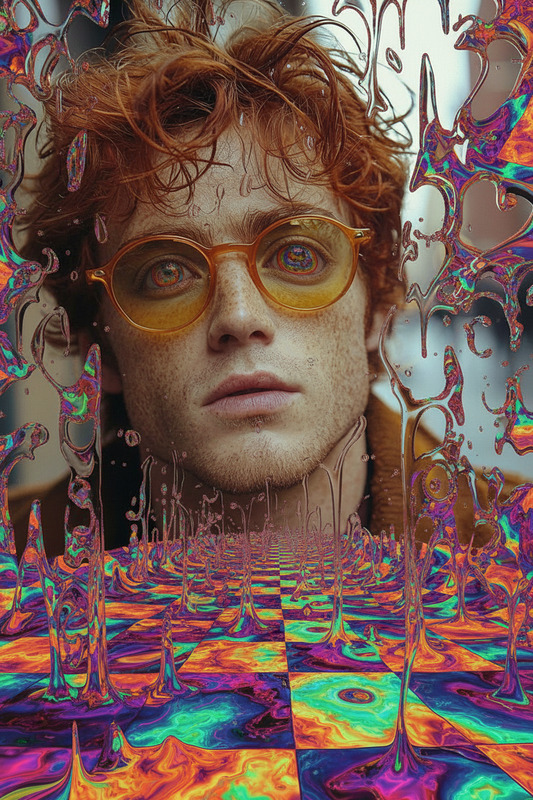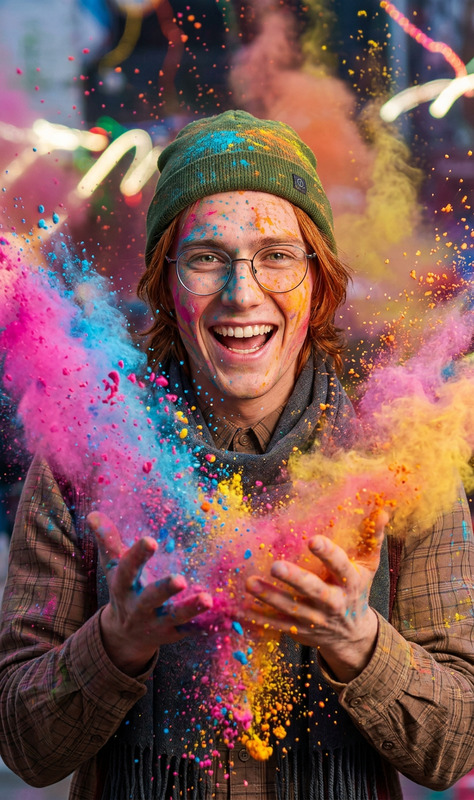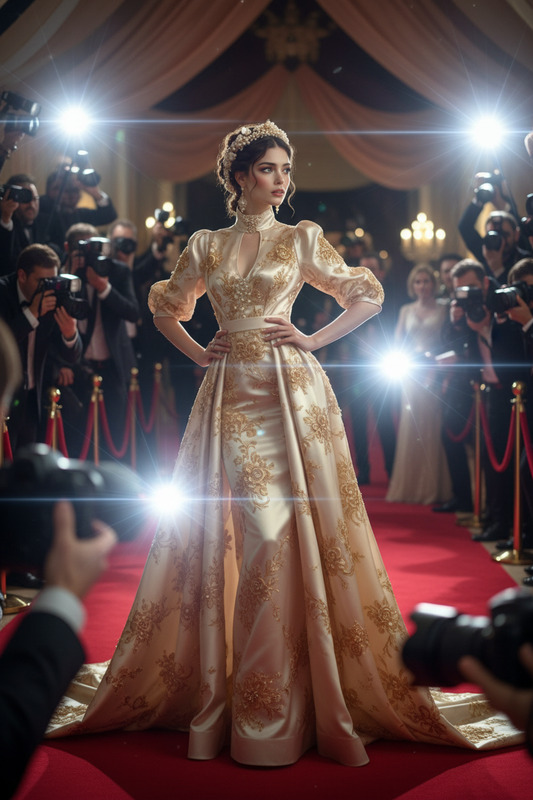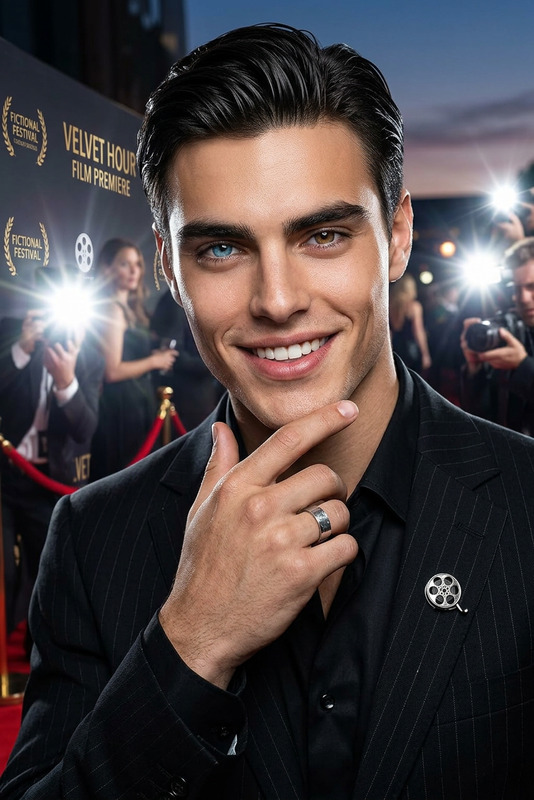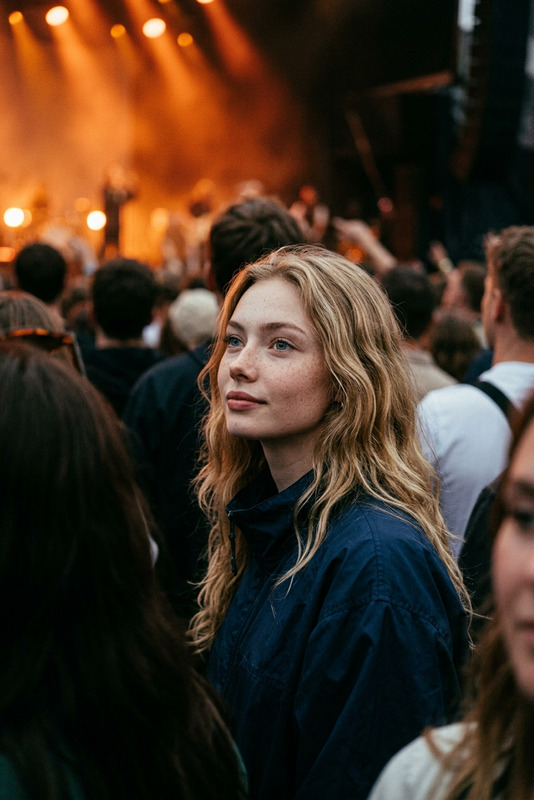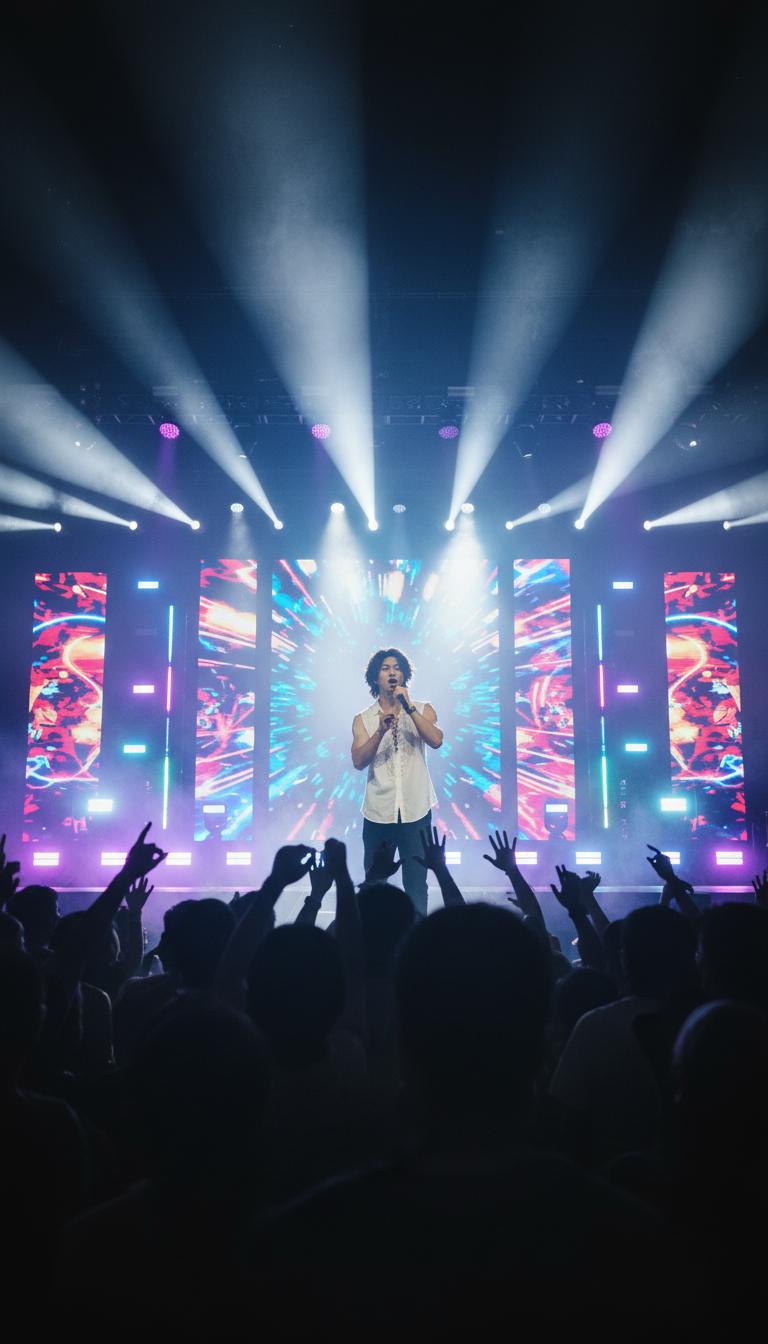
Live Concert
- Model
- Nano Banana
- Image
- 768 × 1344 px
Prompt
Subject performing on a live concert stage, surrounded by flashing neon lights, dynamic spotlights, and vibrant LED screens, energetic crowd silhouettes with raised hands, motion blur and light streaks capturing high-volume intensity, smoky atmosphere, cinematic composition, high contrast, electrifying vibe, ultra-detailed, 4K.
Any aspect ratio
Overview
Experience the thrill of live events with the Live Concert AI Image Editor template. Designed to bring the electrifying atmosphere of a concert to your static images, this template utilizes the nano-banana model to turn ordinary photos into dynamic compositions. With elements like neon lights, spotlights, and LED screens, your images will exude high-volume intensity and cinematic flair.
What It Does
The Live Concert template is part of our AI Image Editor suite. It transforms basic images into vibrant concert scenes. This template adds motion blur, light streaks, and high contrast to create an ultra-detailed, high-energy visual. Designed for a 4K resolution, it enhances images with a smoky atmosphere, making them apt for promotional content or digital art.
Who It's For
This template is ideal for creators looking to amplify their visual content in the music and entertainment sectors. Whether you're a musician, event promoter, or content creator, the Live Concert template aids in crafting captivating visuals for marketing, social media, or album covers. It’s also perfect for anyone aiming to create GIFs or animated videos with a concert vibe.
Summary
Incorporate the energy of live concerts into your static images with the Live Concert template. It spans a variety of uses, from enhancing music promotion pieces to boosting your social media posts. This AI Image Editor template merges advanced technology with artistic vision, creating an impactful experience filled with vibrant energy and cinematic detail.
How to Use
Choose the Live Concert Template

Customize Your Input

Generate and Download

Practical Uses
Music and Event Promotion
- Concert posters
- Social media ads
- Event flyers
Content Creation for Artists
- Album artwork
- Press kit images
- Social media content
Best Practices
Select High-Resolution Images
For best results, use high-resolution images to preserve detail when applying the template effects.Experiment with Light and Motion
Adjust the light and motion settings to get the desired level of vibrancy and dynamic feel.Combine with Other AI Tools
Consider integrating with the AI Image Upscaler for even sharper results.